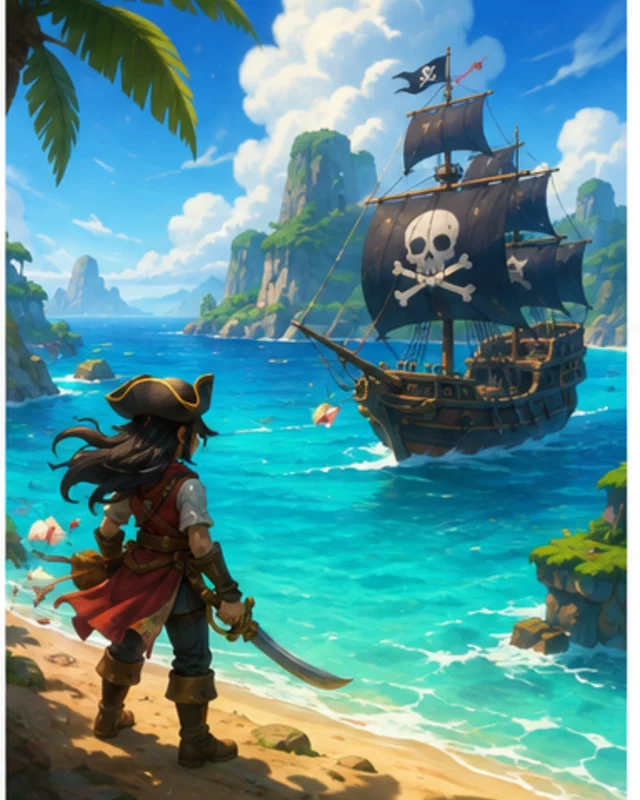

Give the generator story facts
Name the place, characters, and event that start the scene.

Generate a story-game example from its opening event, choice, and desired ending. Describe an interactive story through specific story beats. Tell the player what is happening, what they can decide, and what result the scene should reveal.
Partners and teams

















How it works
Create a Roblox-inspired 3D game without coding. Build floating islands, add cute creatures, test gameplay, and expand your world with AI prompts.
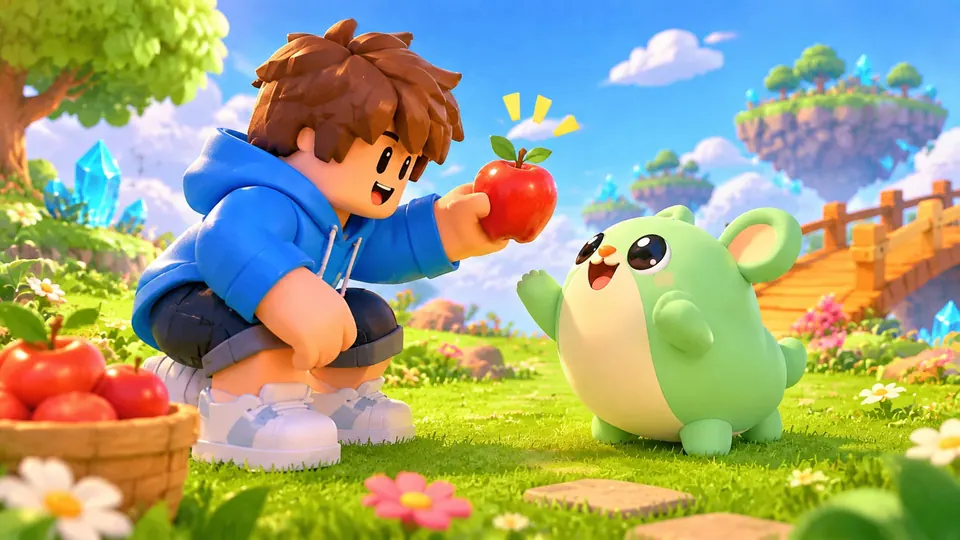
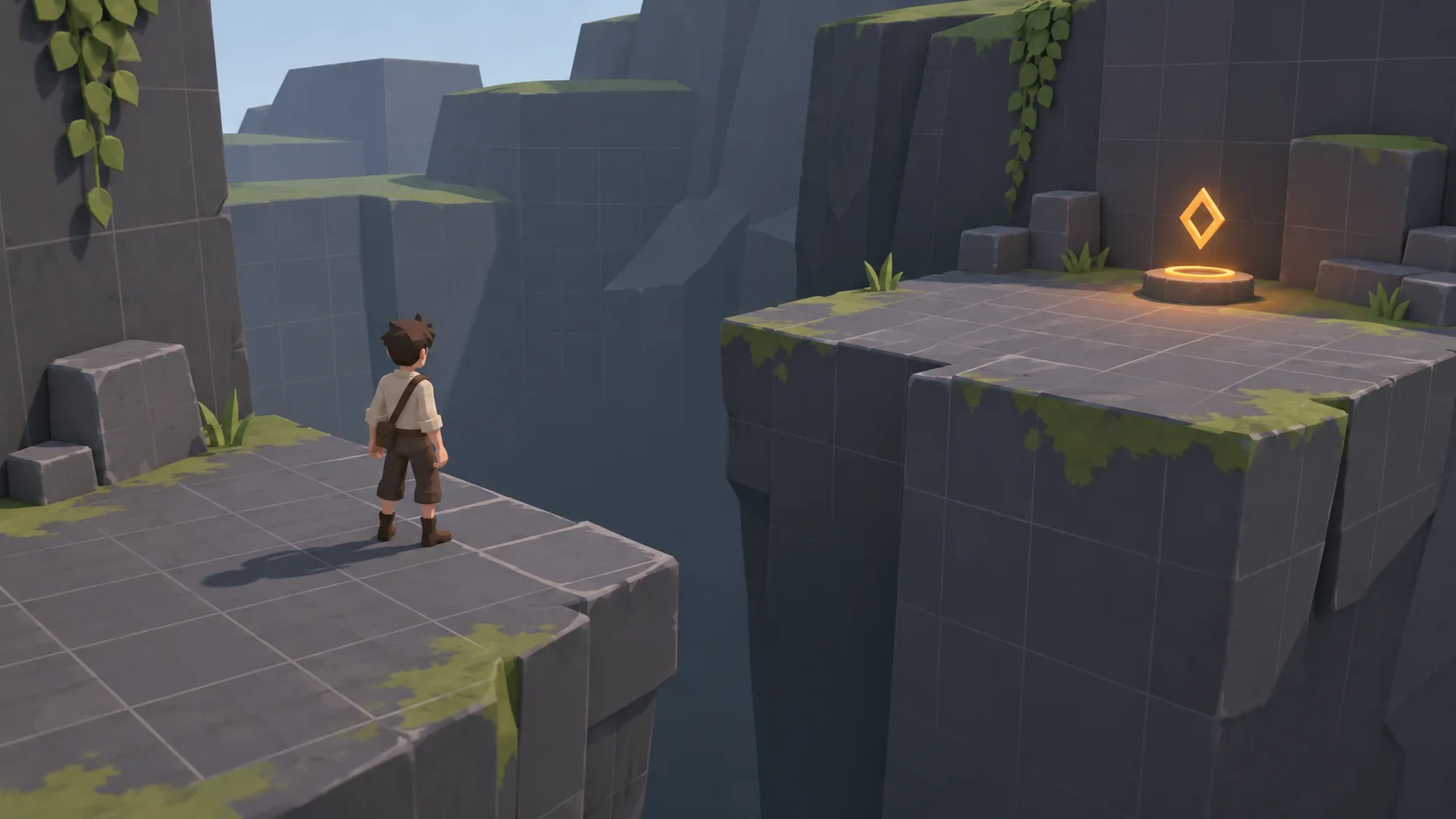
Create a colorful floating-island world where players attract cute creatures with fruit.
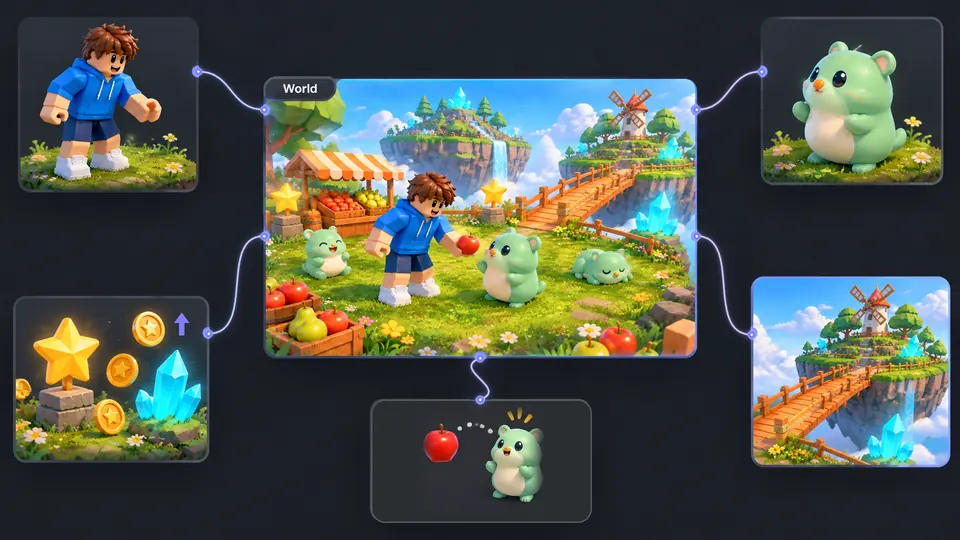
Connect your character, creatures, islands, fruit items, and reward system.
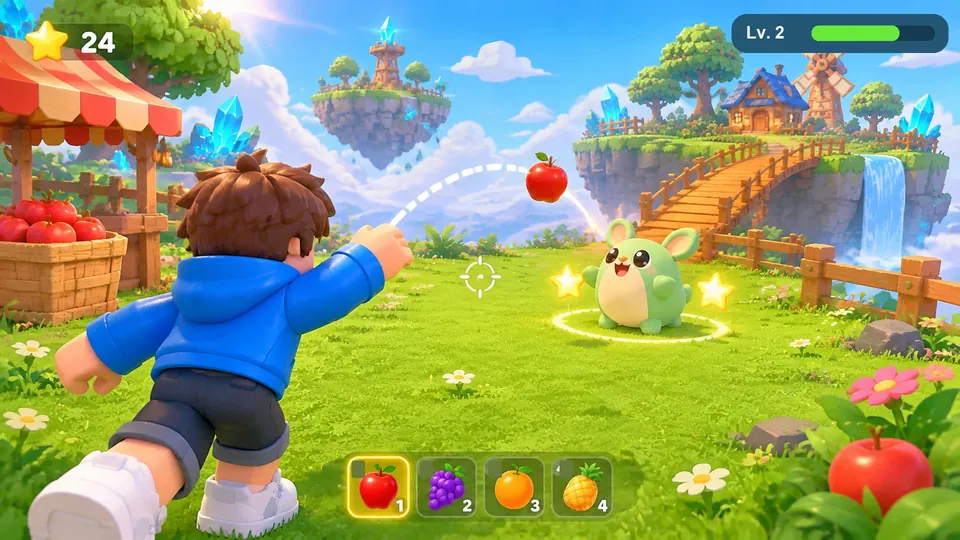
Toss apples to attract creatures, earn stars, and explore your floating island.
Make a game for freePick a starting point
At a mountain inn, a guest leaves a sealed letter beside the fireplace and vanishes during a power cut. Review whether the choice and its result are easy to follow.
At a mountain inn, a guest leaves a sealed letter beside the fireplace and vanishes during a power cut. Let the player choose whether to open the letter or ask the innkeeper who delivered it.
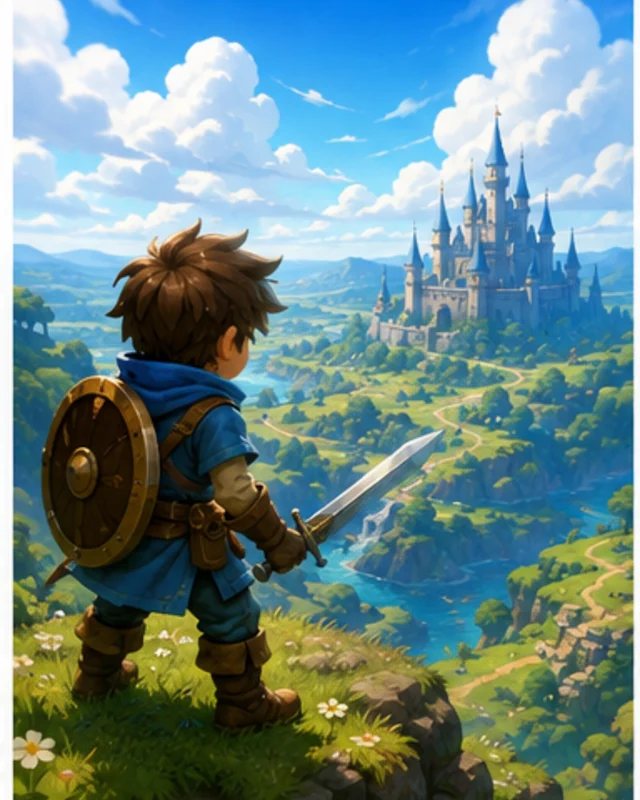 Opening scene ↗
Why SEELE
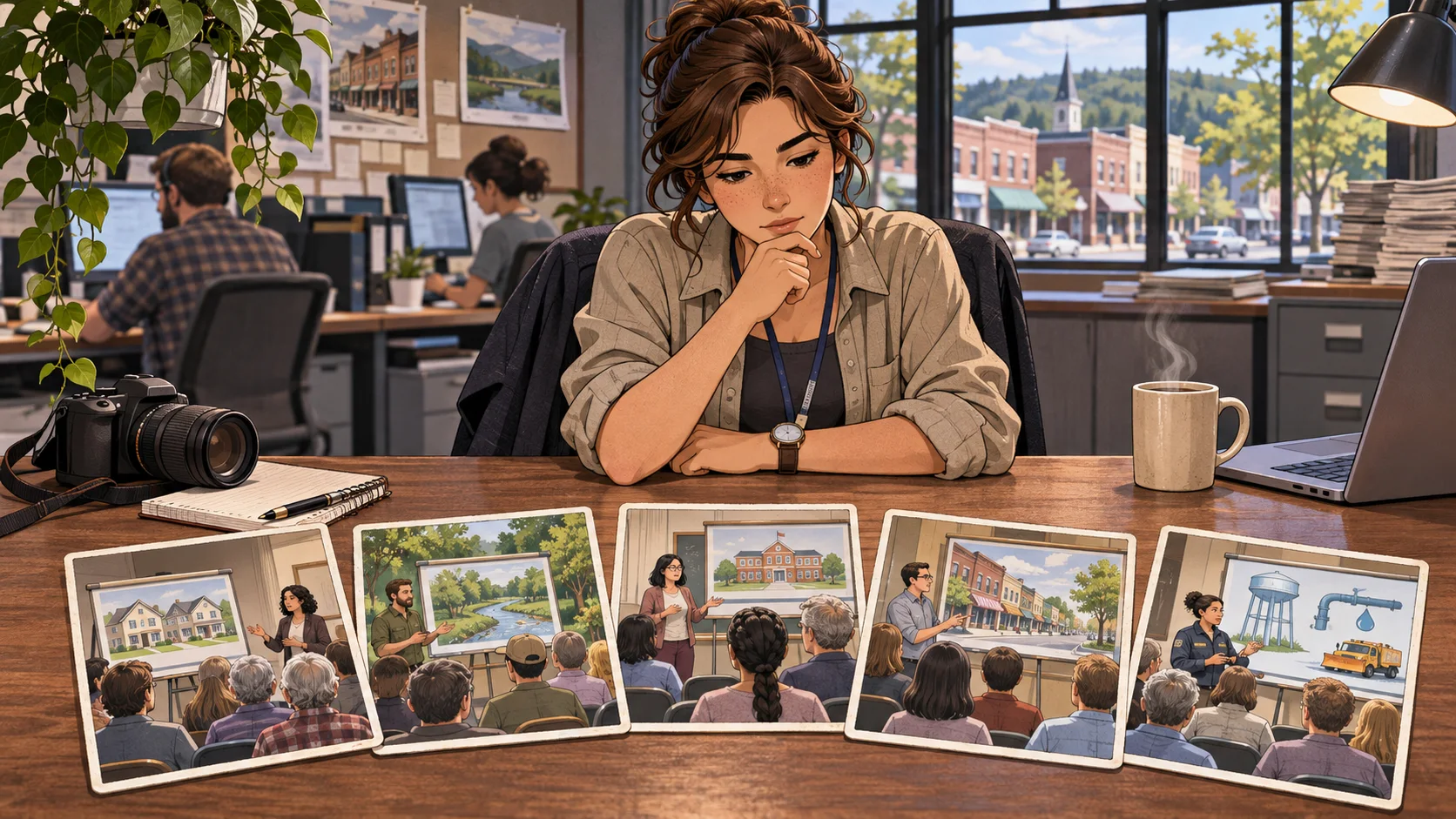
Name the place, characters, and event that start the scene.

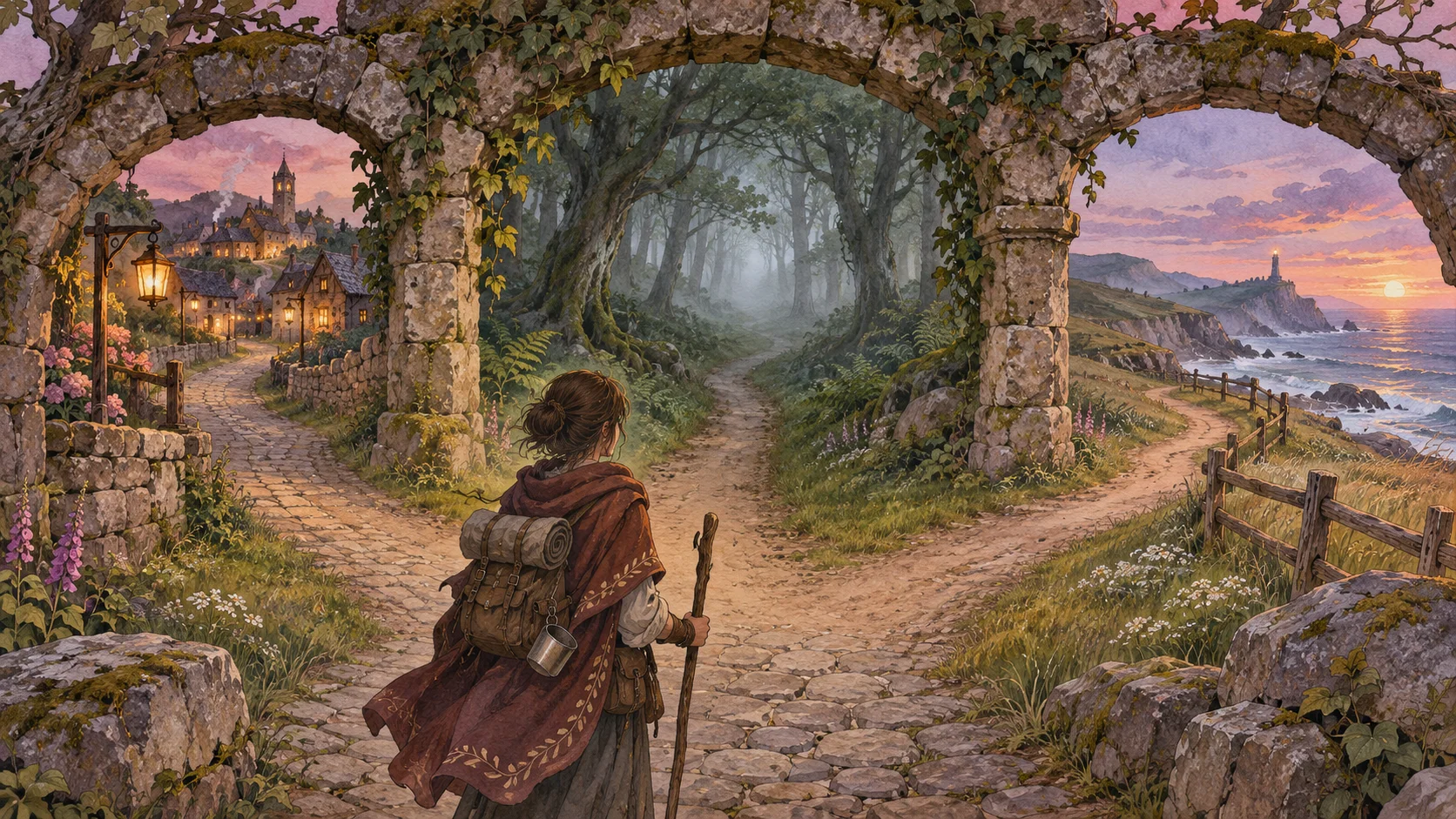
Tell the player what decision they face at that moment.

Use a clue or promise that can return with new meaning.

Resolve the conflict based on what the player chose or discovered.

Use a deadline only when the scene gives the player time to respond.

Make sure each person knows only what they could have learned.
Made with SEELE
These games are playable. Pick one and give it a try.
 AdventureAdventure GamePlay the example ↗
 ShooterWarcom: Neon BreachPlay the example ↗
 ActionOld Gods RunPlay the example ↗
 CasualCaution! Egg on the Car RoofPlay the example ↗
 RunnerNeon Night Rush: Barrier DashPlay the example ↗
 PuzzleMuseum ExhibitionPlay the example ↗
 SimulationMilky Way Idle 3DPlay the example ↗
 CasualSnowfall & Starry GiftsPlay the example ↗
 RPGCrownfall-The-Three-Realms-CoverPlay the example ↗
 SimulationFLYING CARPlay the example ↗
Who it’s for
Set the character, relationship, and intended story tone for the AI Interactive Story Game Generator scenario. Treat the first result as a draft to review.
Interactive Election Story ↗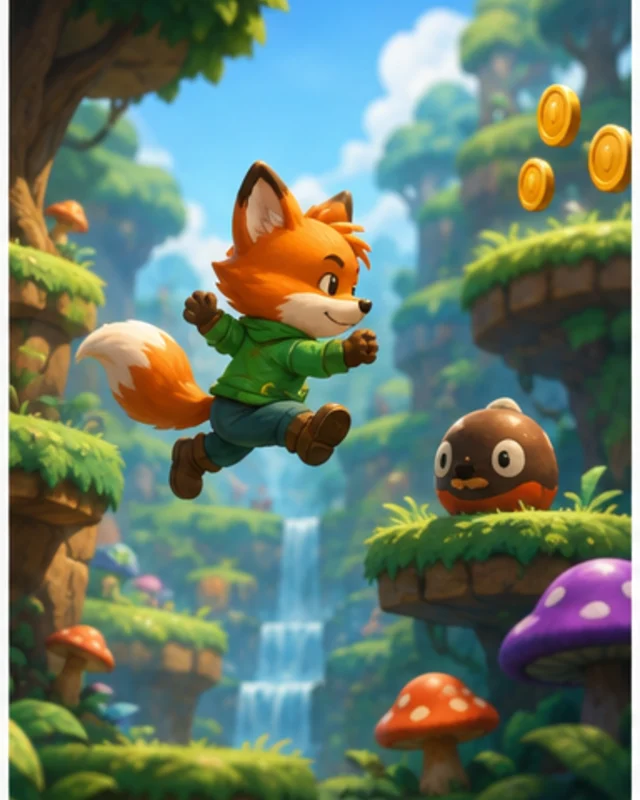
Choose the next story decision and character motivation; check the result for continuity and audience suitability.
Interactive Story Maker for Opening Scenes ↗
Keep the scenario focused on original characters and a clear scene goal, then review the generated material before sharing.
3D AI Game Maker ↗Reviews
FAQ
It helps you start from one story idea and choose the right interactive format: a branching story game, a choose-your-own-adventure prototype, an interactive movie concept, or a story-to-game flow.
No. This hub is designed for users whose intent is still broad. You can begin with one prompt, then choose whether the idea fits a story game, interactive movie, or story-to-game workflow best.
Before release, review the AI Interactive Story Game Generator result for quality, rights, accessibility, performance, and the requirements of its intended destination.
Before a first AI Interactive Story Game Generator project, define the task, intended audience, one visible outcome, and a constraint. Use Opening scene as a direction that fits the brief.
To get started with AI Interactive Story Game Generator, use Writers exploring interactive fiction as the first step. Set one goal, audience, and constraint; test a small version, then change one thing at a time.
For AI Interactive Story Game Generator, name the intended user, one action, and a visible outcome. Use Opening scene as a starting direction and add one requirement from its example prompt.
Ask someone who matches the intended player or viewer for AI Interactive Story Game Generator to test its main action. Note where the brief is unclear, then revise once before adding features.
For AI Interactive Story Game Generator, try Opening scene first. Define the action, outcome, and one constraint, then compare another direction only if the first misses the brief.
Check the AI Interactive Story Game Generator result against the brief, intended behavior, and first workflow step. Record one mismatch and test that change before expanding scope.
Scope a first AI Interactive Story Game Generator prototype to Opening scene, one user action, and one visible outcome. Defer secondary features until that path works.
Compare Opening scene and Meaningful choice for AI Interactive Story Game Generator using the same user action and visible outcome. Choose the direction that fits the brief with fewer assumptions.
After reviewing AI Interactive Story Game Generator, record one gap between the brief and result. Make one focused change, then test the same action against the original outcome.
Match a linked tool's input and output to one need in the AI Interactive Story Game Generator brief. If it does not support that step, skip it and keep the test in the main project.