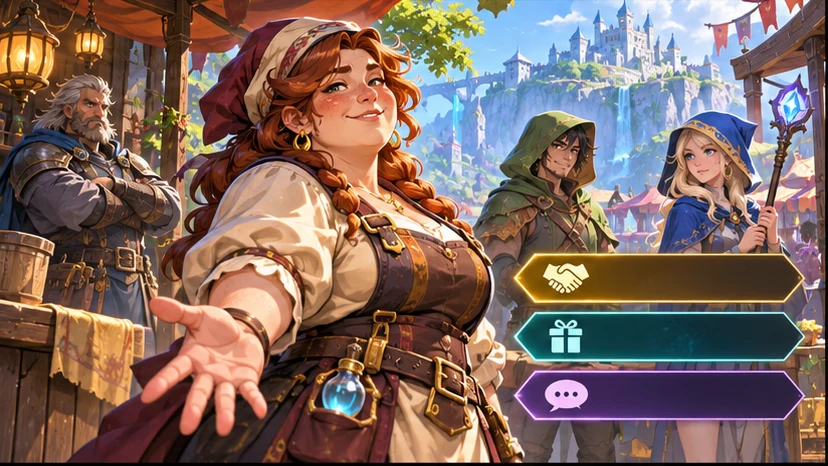

Build a focused first pass
Use your game context to prepare a game character concept with a distinct role, silhouette, and expression cues.

Make the role obvious the moment the player sees it. Ask seeleAgent for a game character concept with a distinct role, silhouette, and expression cues. Describe what you are making and how the player will use it.
Partners and teams

















How it works
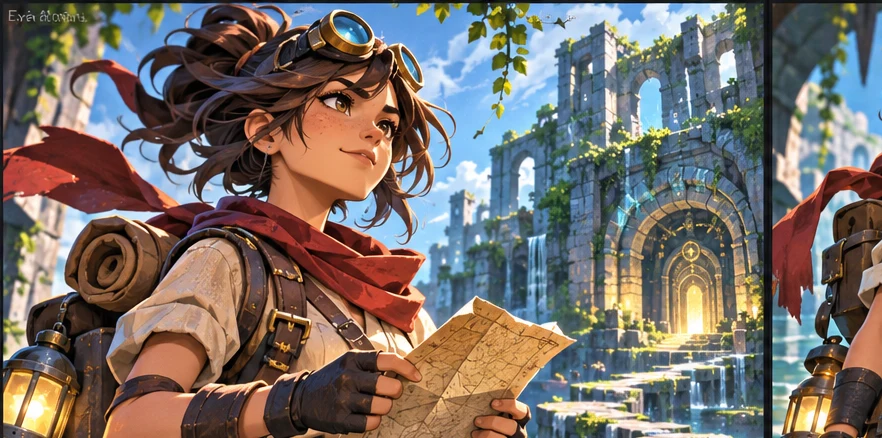
Describe the genre, camera or screen size, and what the player should notice or do. Start with a game character concept with a distinct role, silhouette, and expression cues.
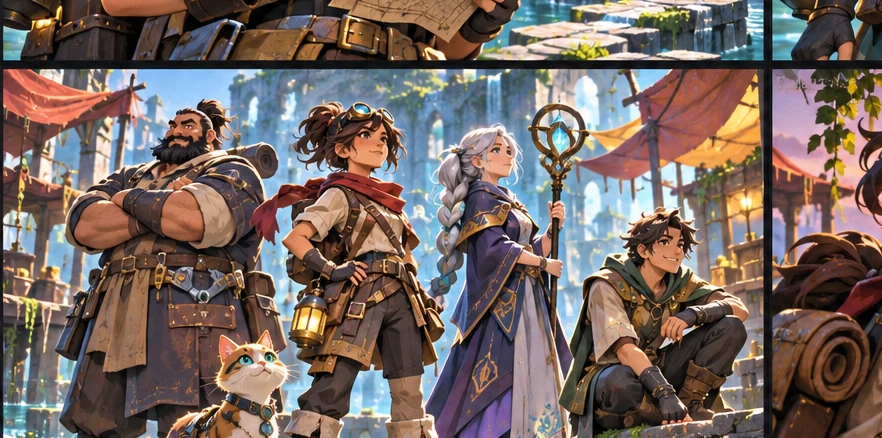
Ask for two versions around the same scene or player action. Vary one choice at a time so you can compare the result.

Use a small scene or sample to check your choice. The role reads through the silhouette or a signature detail. Keep the decisions you want to carry into your next pass.
Pick a starting point
Use a starting prompt from this tool and adapt it to your own game.
Create a playable ai character creator brief for an original fantasy RPG scene with NPC roles, player choices, and dialogue outcomes.
Why SEELE
Use your game context to prepare a game character concept with a distinct role, silhouette, and expression cues.

Keep the same game scene and compare two approaches before deciding what to make.

Set one acceptance check for the next pass. The role reads through the silhouette or a signature detail.
FAQ
AI Character Creator for Games and Interactive Worlds helps you turn a rough game-role idea into an original production brief inside Seele AI. Instead of promising a finished companion persona, the page focuses on interactive use: role, scene, player purpose, dialogue goals, constraints, review risks, and the next artifact a writer or designer should approve.
Yes, but the goal is a reviewable game-development brief rather than a final shippable character. Use it to define role, motivation, dialogue function, relationship stakes, quest utility, and branching choices, then let a human writer, designer, or narrative lead decide which direction belongs in the actual production pipeline.
Start with the genre, point of view, character function, tone, world rules, constraints, and the artifact you need next. A strong first prompt also names the scene or system, explains what the player should learn or feel, and asks for concrete outputs such as beats, options, risks, and revision directions.
No. Seele AI helps you accelerate exploration, organize options, and surface missing decisions, but human review still matters for canon, safety, cultural context, gameplay balance, implementation cost, visual coherence, and final creative judgment. Treat the result as structured pre-production support, not as a substitute for accountable creative ownership.
Describe the game, the moment the player sees or uses the result, and the constraint that matters most. Ask for a game character concept with a distinct role, silhouette, and expression cues.
Try it in a small scene or review it from the player camera. For the first example, check that the role reads through the silhouette or a signature detail.
Yes. Pick one small scene or interaction and describe what the player should see or do. You can revise the prompt as the idea becomes clearer.
Bring a game idea to Workspace and work through a game character concept with a distinct role, silhouette, and expression cues.
Write a game prompt