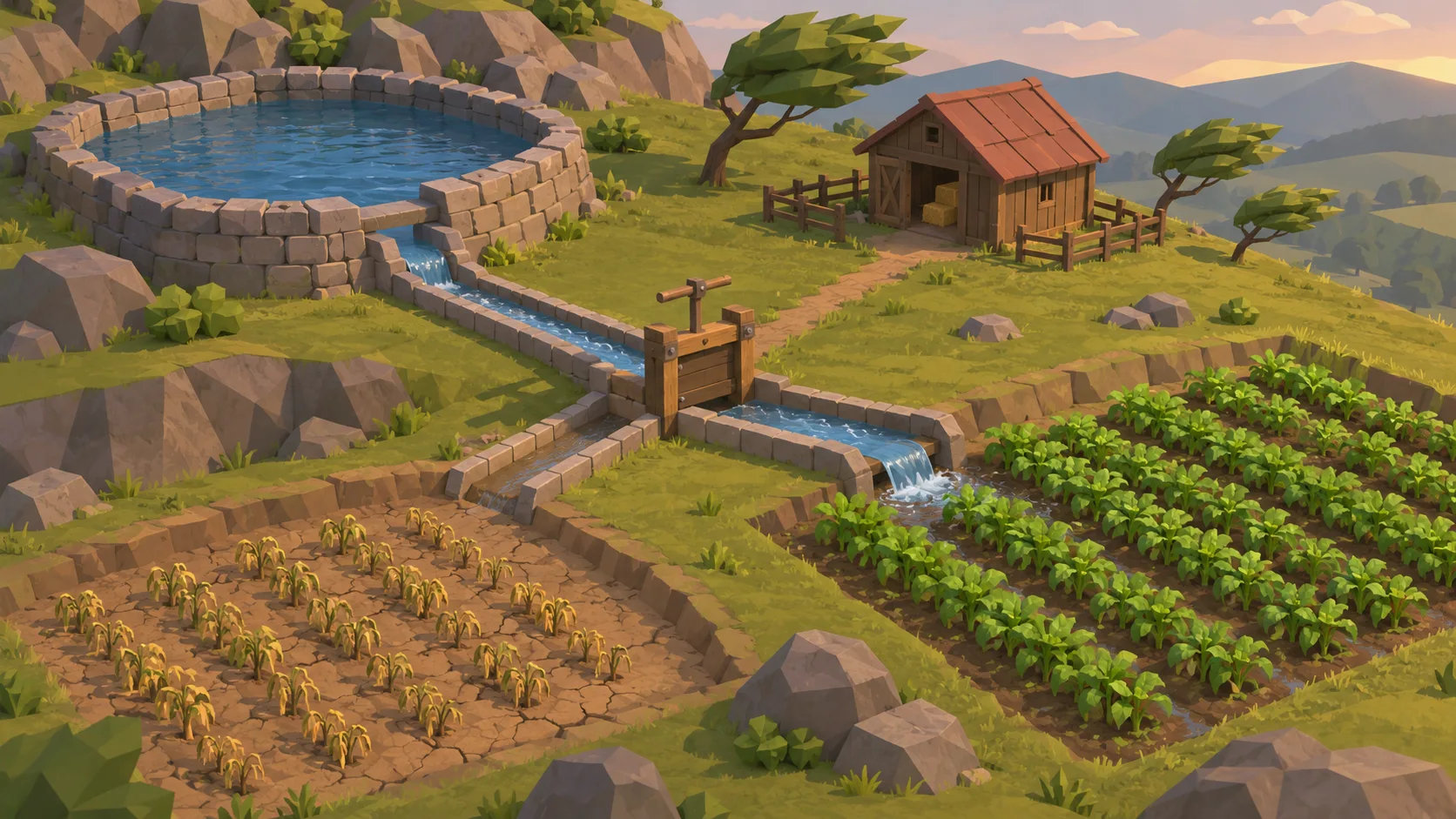


Make the starting state explicit
List the resources, conditions, and constraints players can see before they make their first choice.

Set the starting conditions, then show how each choice changes the system. Start with a small management scenario: define its resources, the decision a player faces, and the result they can observe. Keep the first loop clear enough to compare two outcomes.
Partners and teams

















How it works
Create a Roblox-inspired 3D game without coding. Build floating islands, add cute creatures, test gameplay, and expand your world with AI prompts.

Create a colorful floating-island world where players attract cute creatures with fruit.
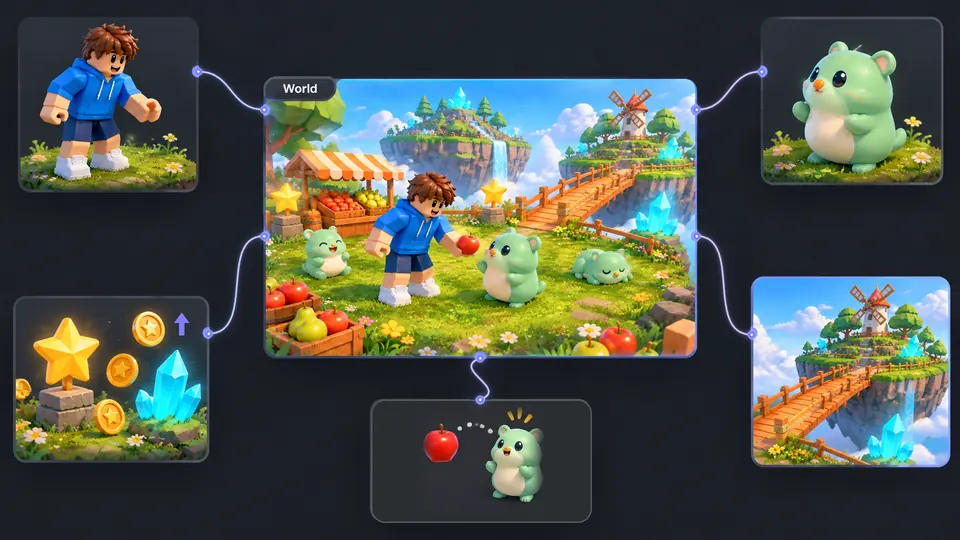
Connect your character, creatures, islands, fruit items, and reward system.
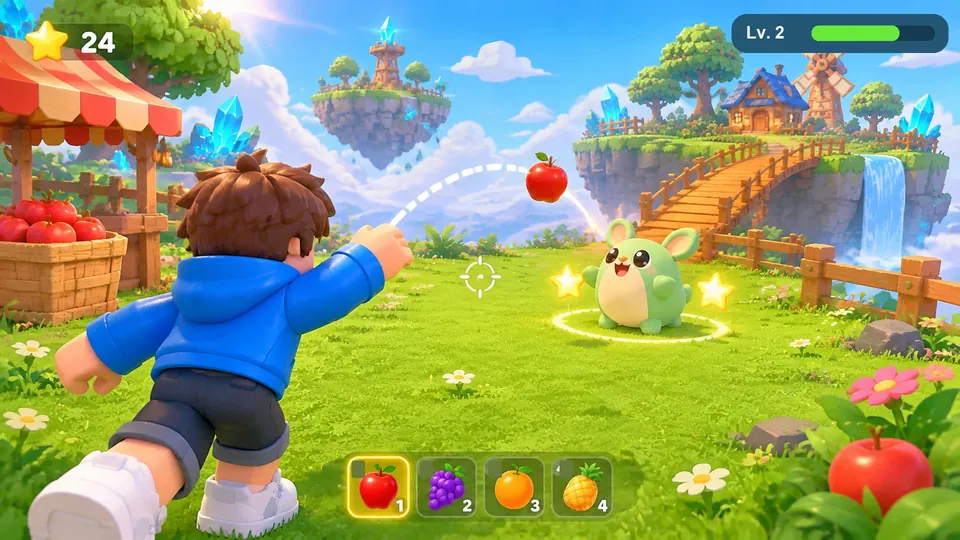
Toss apples to attract creatures, earn stars, and explore your floating island.
Make a game for freePick a starting point
Try a management setup, a trade-off, a cause-and-effect rule, or a comparison between two outcomes.
Compare pricing and upgrades with the same starting cash and foot traffic.
Create a one-evening night-market tycoon game. Start with one grill, four seats, and a fixed budget. Let the player set a meal price, then show orders, revenue, ingredient cost, and profit separately. After the first rush, let the player buy a second grill or more seats. Show how each upgrade affects the next queue and end with a comparison to the starting setup.
 Run a night-market food stall ↗
Why SEELE
List the resources, conditions, and constraints players can see before they make their first choice.

Let options solve one problem while affecting another. This gives players a reason to compare outcomes.

Show which choice changed a resource or system and when that change becomes visible.

Hold the starting conditions steady and change one decision at a time when comparing two scenarios.

Use clear labels, units, and feedback so players can understand what the system is measuring.

Adjust one value or relationship, then replay the same scenario to see how the outcome changes.
Made with SEELE
These games are playable. Pick one and give it a try.
 AdventureAdventure GamePlay the example ↗
 ShooterWarcom: Neon BreachPlay the example ↗
 ActionOld Gods RunPlay the example ↗
 CasualCaution! Egg on the Car RoofPlay the example ↗
 RunnerNeon Night Rush: Barrier DashPlay the example ↗
 PuzzleMuseum ExhibitionPlay the example ↗
 SimulationMilky Way Idle 3DPlay the example ↗
 CasualSnowfall & Starry GiftsPlay the example ↗
 RPGCrownfall-The-Three-Realms-CoverPlay the example ↗
 SimulationFLYING CARPlay the example ↗
Who it’s for
A small simulation can help test game rules, explore management choices, or discuss a fictional decision scenario.
Use a compact scenario to explore how resources, timing, and player choices interact before adding more systems.
AI Tycoon Game Generator ↗
Keep the initial conditions steady while testing whether a rule creates a useful decision and a visible consequence.
AI Game Generator for Unreal Engine (UE5) ↗
Frame a fictional situation with competing priorities, then ask learners to explain which outcome changed and why.
Civic Education Simulation ↗Compare
A brief clarifies the rules and question; the project is where teams run and refine the simulation.
| Feature | Simulation brief | Simulation project |
|---|---|---|
| Set the conditions | Describe the starting state, available resources, and one constraint. | Enter the same initial values in the project before running the scenario. |
| Define a decision | Give the player two plausible options with a meaningful trade-off. | Implement the choice and identify which system variables it can affect. |
| Show consequences | State what changes and when the player should see the result. | Track the relevant variables and present the result to the player. |
| Compare outcomes | Hold the initial conditions steady while changing one choice. | Run both cases with the same setup and compare the selected measures. |
| Review the rules | Check whether the outcome follows from the stated rules. | Inspect the system behavior and adjust rules that produce confusing results. |
Reviews
Explore related simulation, tycoon, city-building, and game design resources.
FAQ
A simulation builder helps shape a scenario around starting conditions, rules, player decisions, and outcomes. This page focuses on small management and tycoon-style game ideas.
Describe the starting state, resources, the decision available to the player, and the result the simulation should show. Add one constraint that makes the choice meaningful.
A useful first demo lets someone try one decision and see a related outcome. It can be a small test of the rules rather than a complete commercial game.
Choose an engine based on the intended platform and project needs. Check the current editor handoff for available formats, and validate the output in the target engine before relying on it.
Use the revision options available in the current workflow to explore a rule change. Check whether the change affects related resources and compare the same scenario again.
Give the player options that affect different priorities, such as cost and coverage. Show the consequences clearly enough that the trade-off can be understood.
Keep the starting conditions and measurement period the same, change one decision, and compare a small number of relevant measures.
Use resources that matter to the player’s decisions, such as time, budget, capacity, or materials. Explain how each one changes and what limits it.
Connect an investment or management action to a visible result, then give the player a new choice based on that result. Keep the first loop short enough to test.
Start with one stall and record sales revenue separately from ingredient costs. Let players change one price and spend their earnings on capacity. Replay with the same foot traffic and compare whether a second grill or more seats reduces the wait.
Label resources and units clearly, explain when values update, and show which decision caused a change. Test the scenario with someone unfamiliar with its rules.
A game scenario should not be treated as a validated forecast. State whether the rules are fictional or simplified, and avoid presenting simulated results as real-world predictions.
Check that the rules are consistent, the player can understand each choice, and the displayed outcomes follow from the starting conditions. Review the content and project requirements too.
Current plan access and generation costs can vary by workflow. Review the balance and displayed cost in the editor before starting a run.
Set the starting resources, define a player choice, and decide which outcome you want to compare.
Start a simulation brief →