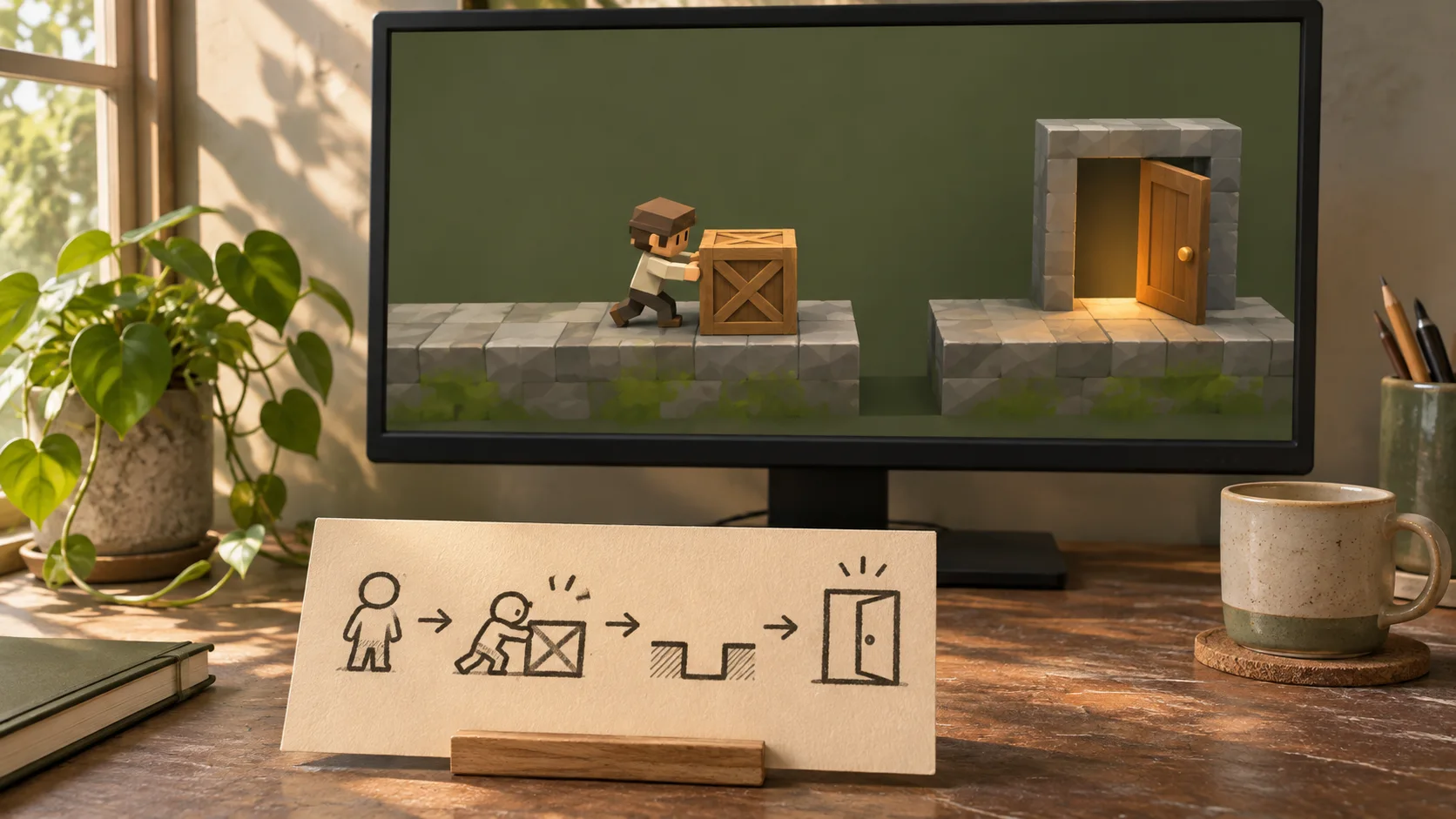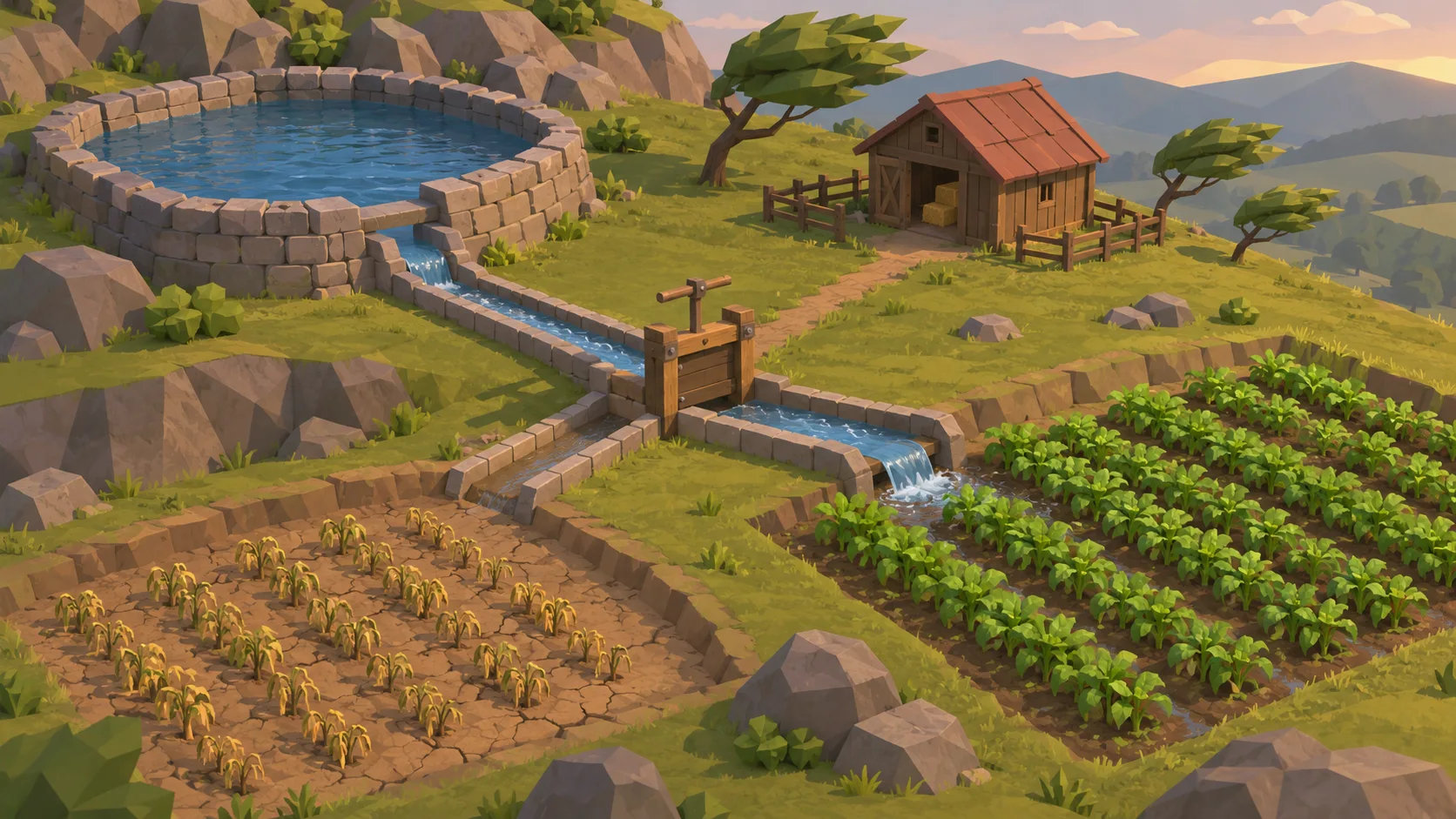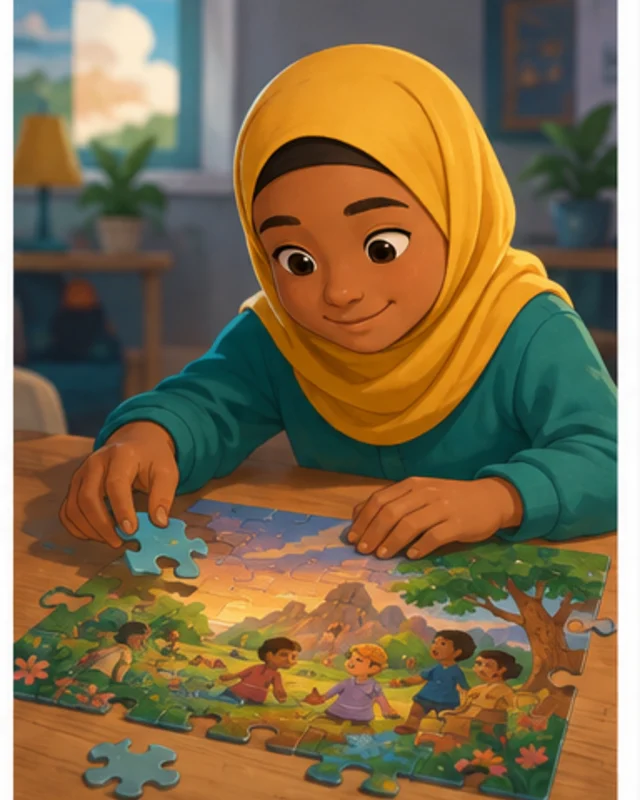
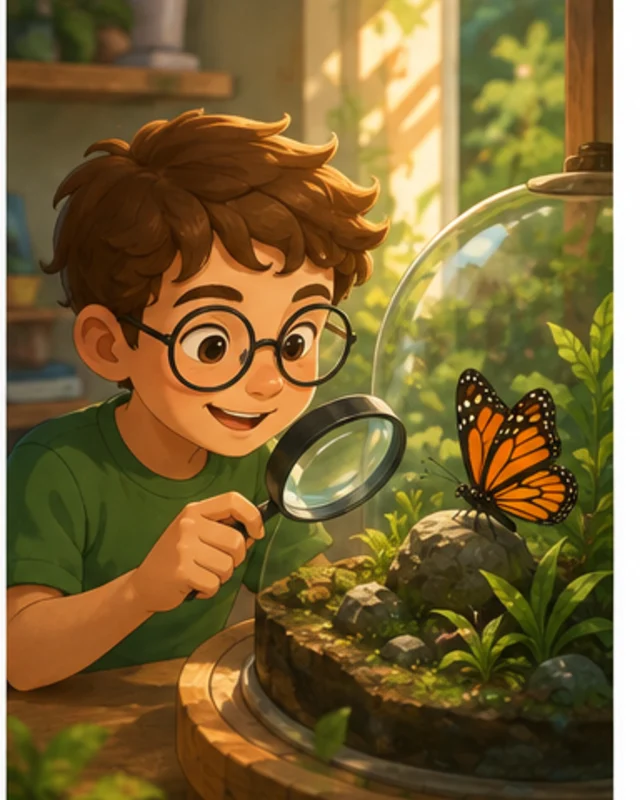

Start from a learning outcome
Write what the learner should know or do after the activity.

Choose a learning goal, then make the player practice it through one game action. Turn a lesson into a short playable activity. Decide what the learner should be able to do, how the game gives feedback, and what evidence shows understanding.
Partners and teams

















How it works
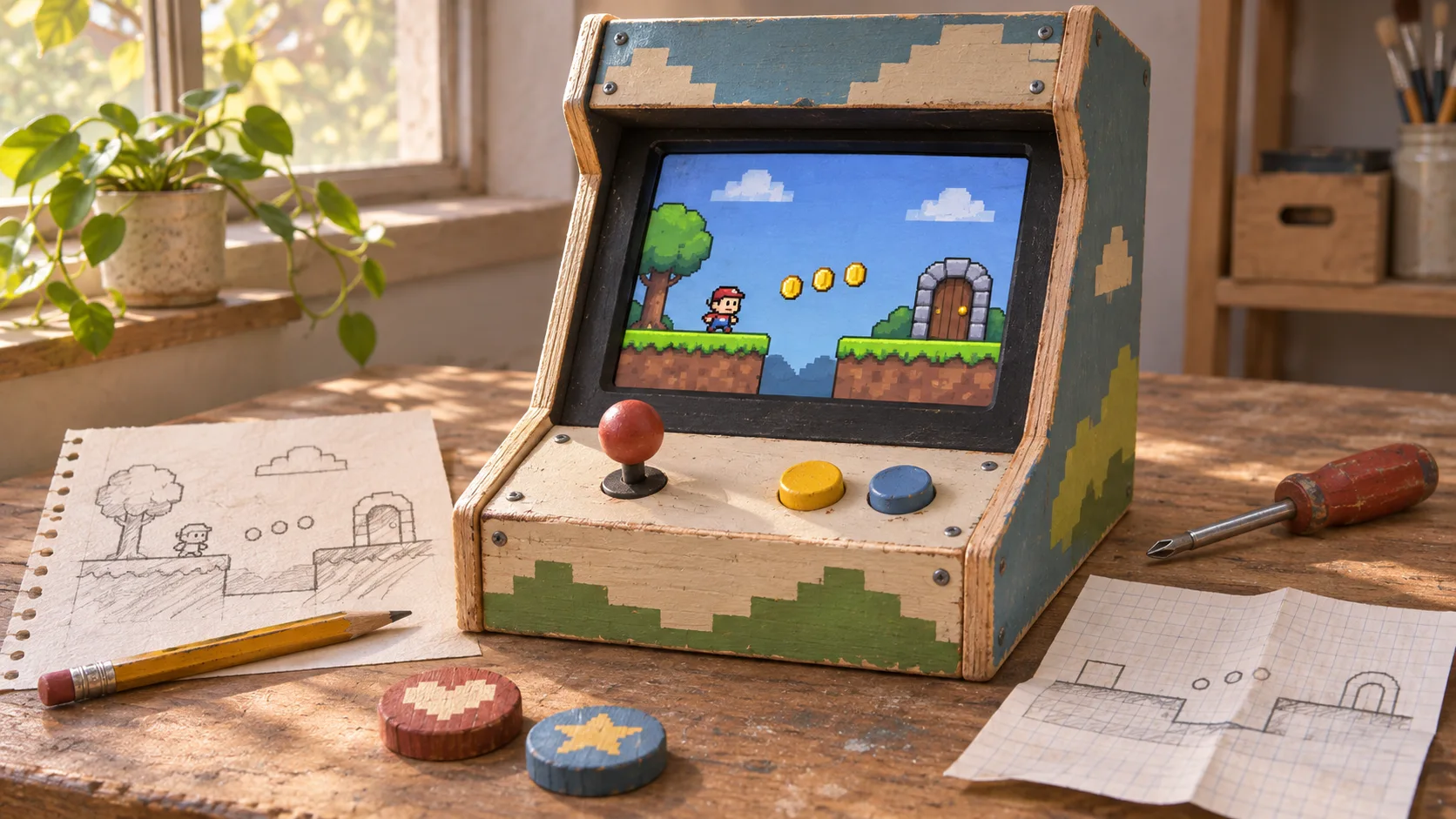
Sketch a candy-colored coaster, build the track in SEELE, and take it for a spin.
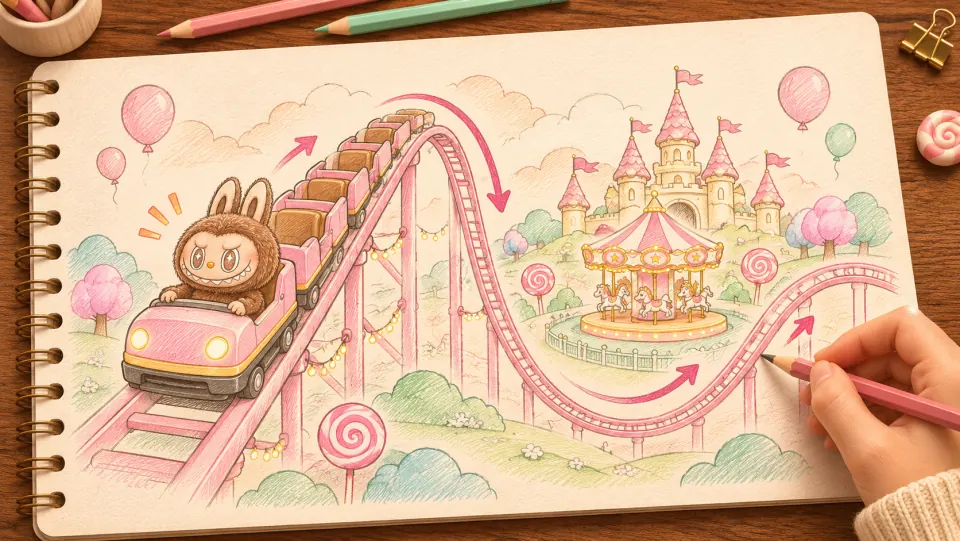
Picture Labubu riding a pink coaster through a candy-colored park. Sketch where the train climbs, drops, and sweeps past the carousel.
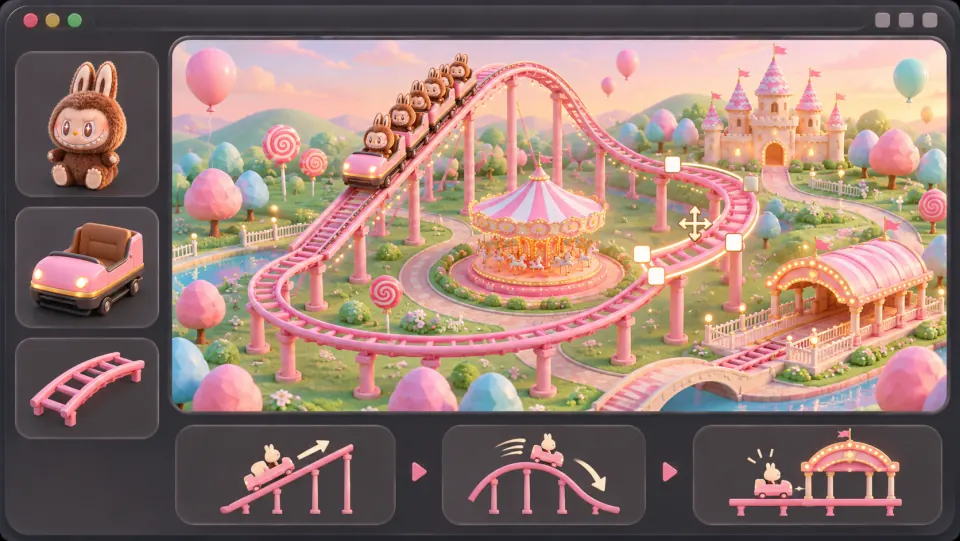
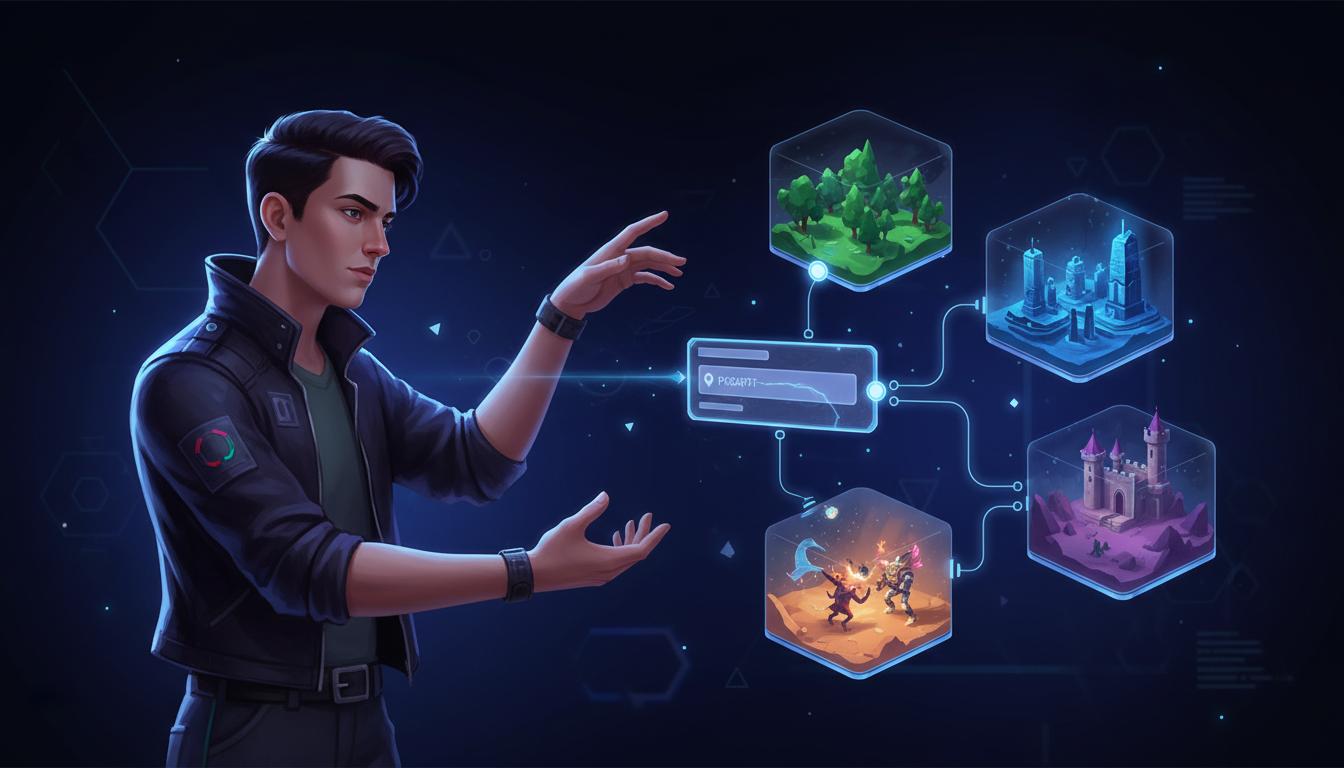
Ask seeleAgent to lay out the track, add the train and riders, and connect the lift hill and banked turns into a loop that returns to the station.
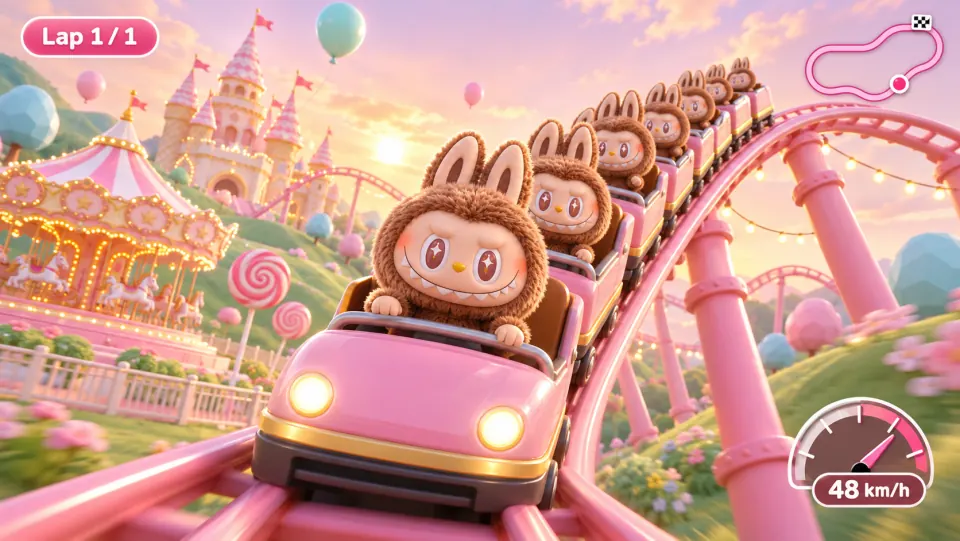
Open the game preview and follow the train through a full lap. Watch how it climbs, picks up speed on the drop, and leans through the turn.
Make a game for freePick a starting point
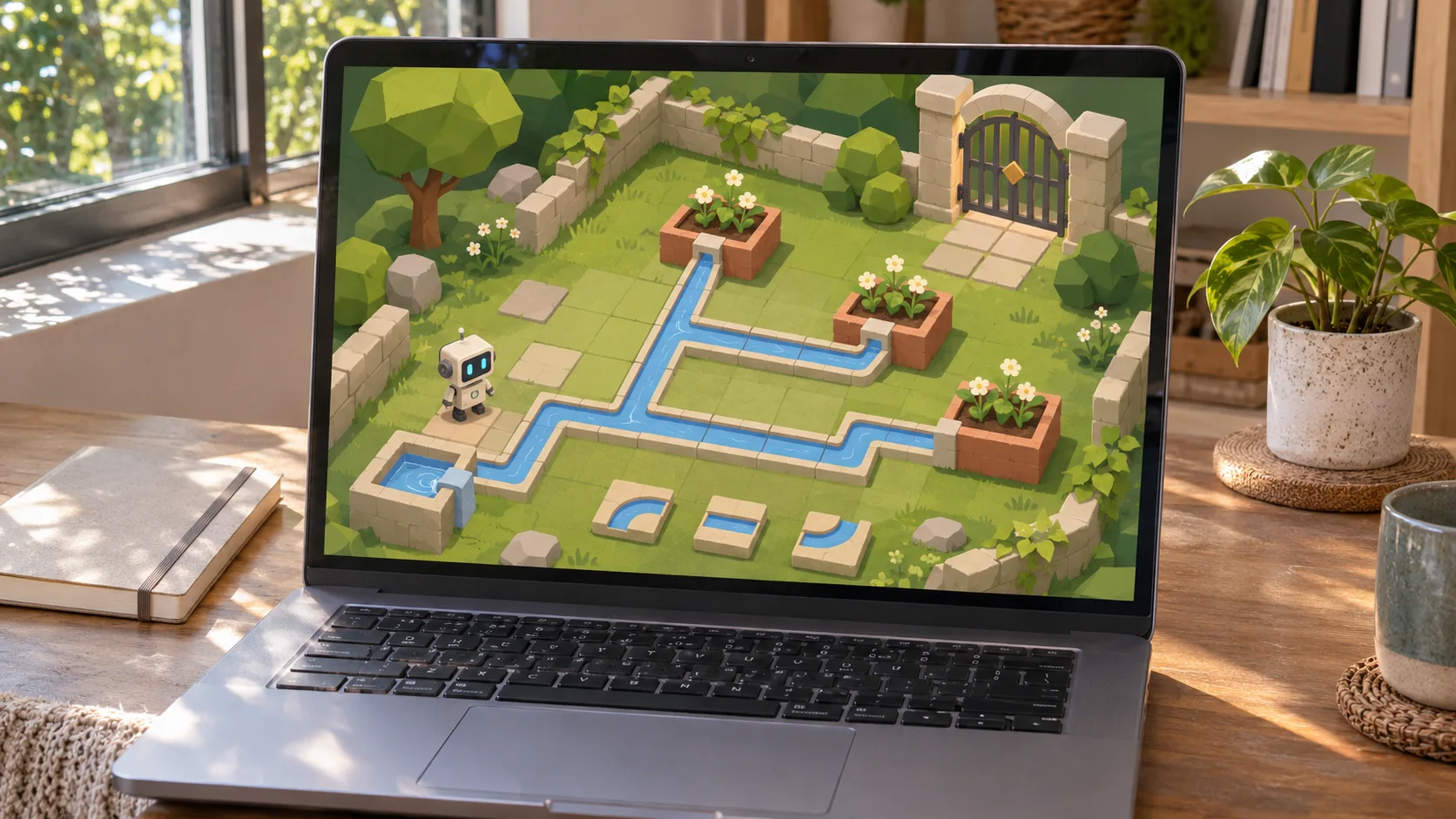
Create a fraction game for learners practicing equivalent values. Review whether the challenge and its outcome are clear.
Create a fraction game for learners practicing equivalent values. Ask the player to match 1/2 with a different fraction and explain the match with a visual bar.
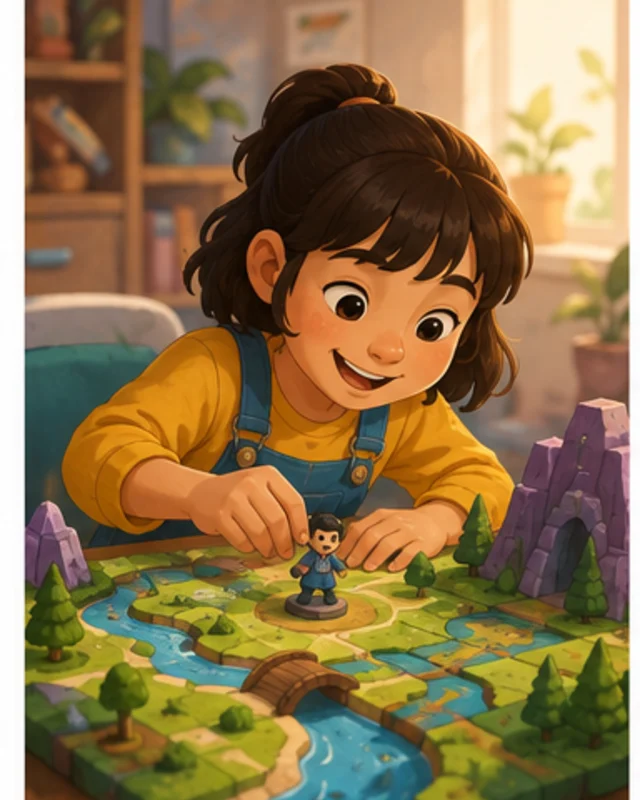 Learning objective ↗
Why SEELE
Write what the learner should know or do after the activity.

Make the player use the target skill rather than only read about it.

Show why an answer works and how to improve after a mistake.

Add one new reasoning step after the learner demonstrates the earlier one.

Use a result that reflects the learning goal.

Review reading level, instructions, contrast, and input needs for the audience.
Made with SEELE
These games are playable. Pick one and give it a try.
 AdventureAdventure GamePlay the example ↗
 ShooterWarcom: Neon BreachPlay the example ↗
 ActionOld Gods RunPlay the example ↗
 CasualCaution! Egg on the Car RoofPlay the example ↗
 RunnerNeon Night Rush: Barrier DashPlay the example ↗
 PuzzleMuseum ExhibitionPlay the example ↗
 SimulationMilky Way Idle 3DPlay the example ↗
 CasualSnowfall & Starry GiftsPlay the example ↗
 RPGCrownfall-The-Three-Realms-CoverPlay the example ↗
 SimulationFLYING CARPlay the example ↗
Who it’s for
Define the player, one core mechanic, and one testable outcome for a first AI Educational Game Maker brief. Keep the scope small enough to playtest.
AI Game Generator from Prompt ↗
Compare AI Educational Game Maker directions against the target player and engine workflow before the team commits to a larger build.
UEFN IAP Delivery for Game Designers ↗Reviews
FAQ
For AI Educational Game Maker, describe the intended interaction, visual direction, and one constraint. Review the result against that brief, then refine any mismatch before expanding the scope.
For Create AI Educational Game Maker with AI, define the audience, one outcome, and a constraint. Use core game loop as the first focus, then review the result against the brief.
Set the expected Create AI Educational Game Maker with AI output format and one acceptance check in the brief. The first pass should be reviewed against core game loop; confirm any required files or assets in the current workflow.
Choose one learning objective. The fraction example asks learners to match 1/2 with an equivalent fraction and explain it using a visual bar; keep the explanation part of the task.
For AI Educational Game Maker, name the intended user, one action, and a visible outcome. Use Core game loop as a starting direction and add one requirement from its example prompt.
Ask a learner from the intended age or level to solve the fraction round without a hint. An educator should check whether the visual bar supports the concept and whether the feedback explains a wrong answer accurately.
Choose Learning objective to test equivalent fractions and the visual bar. Choose Practice activity to test vocabulary in dialogue, with a hint after the first wrong choice and an explanation after the second.
Check that the fraction pair is equivalent and the bar represents both values correctly. In the vocabulary scene, verify the hint and explanation appear at the stated attempts and do not reveal the answer too early.
Scope a first AI Educational Game Maker prototype to Core game loop, one user action, and one visible outcome. Defer secondary features until that path works.
Choose Learning objective to test equivalent fractions and the visual bar. Choose Practice activity to test vocabulary in dialogue, with a hint after the first wrong choice and an explanation after the second.
If a learner guesses correctly without understanding, add a prompt to explain the match. If the vocabulary feedback gives away the word, move the hint or explanation to the specified attempt.
Match a linked tool's input and output to one need in the AI Educational Game Maker brief. If it does not support that step, skip it and keep the test in the main project.
Review the linked guides most relevant to AI Educational Game Maker. Choose one based on your question and check its scope before applying the steps.