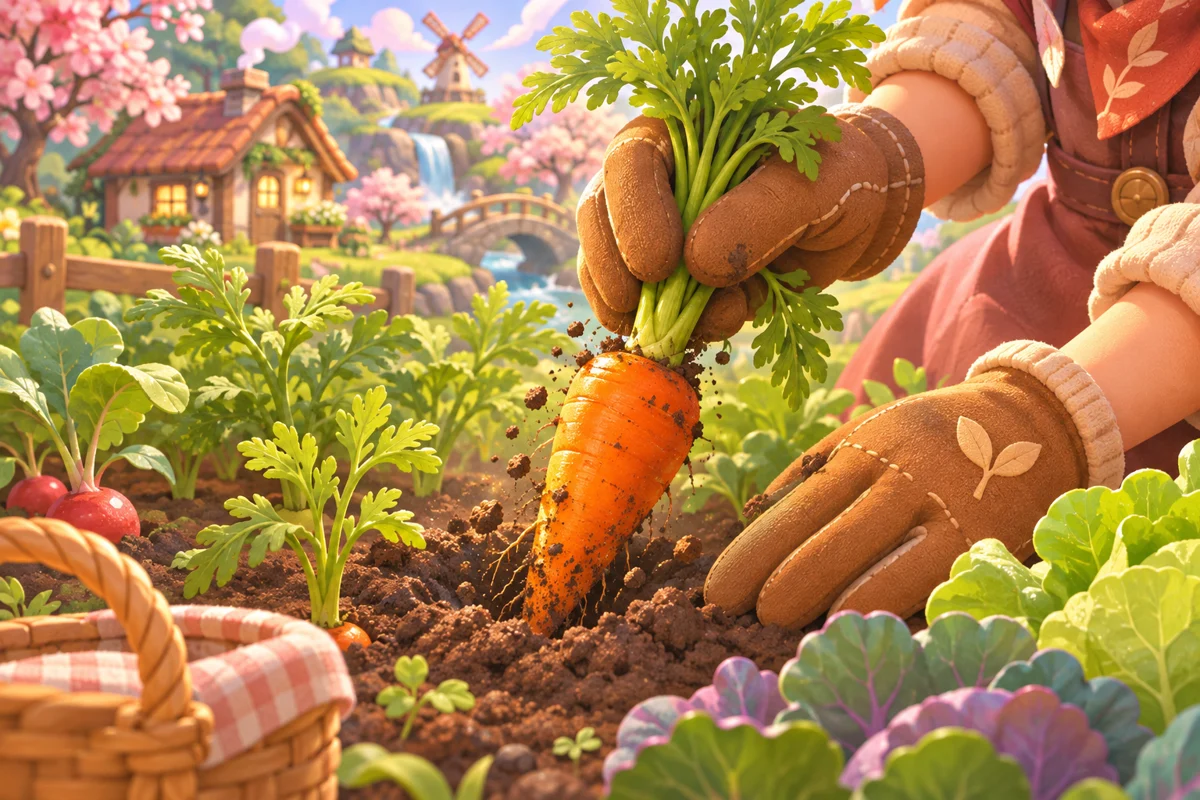

Action-led SFX requests
Name the event, attack, body, tail and exclusions so the next iteration has a clear target.

Give every action a sound of its own. Describe a jump, pickup, hit or menu cue, then start creating in the general SEELE workspace. Available outputs depend on your project. Images illustrate sound-design scenarios; they are not audio outputs, playable previews or measured waveforms.
Partners and teams

















How it works
Sketch a candy-colored coaster, build the track in SEELE, and take it for a spin.
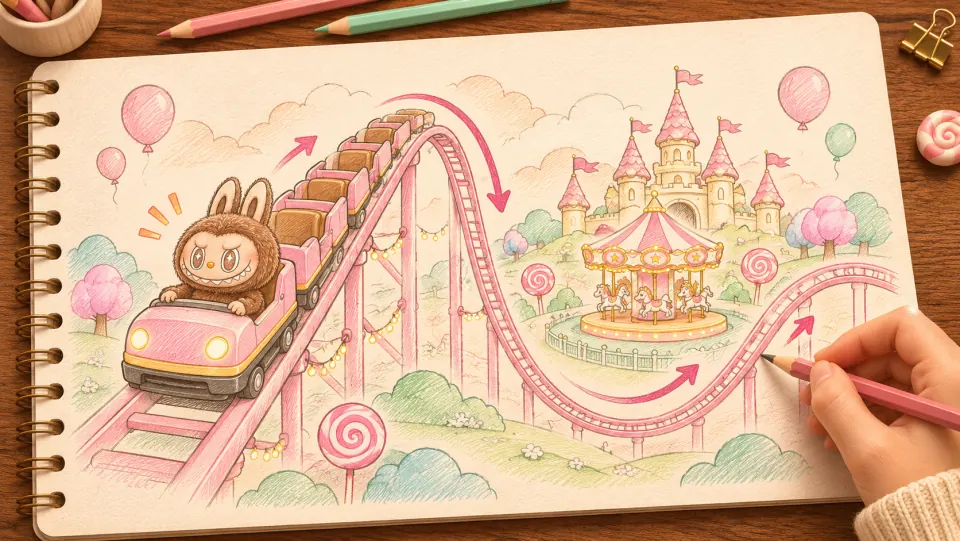
Picture Labubu riding a pink coaster through a candy-colored park. Sketch where the train climbs, drops, and sweeps past the carousel.
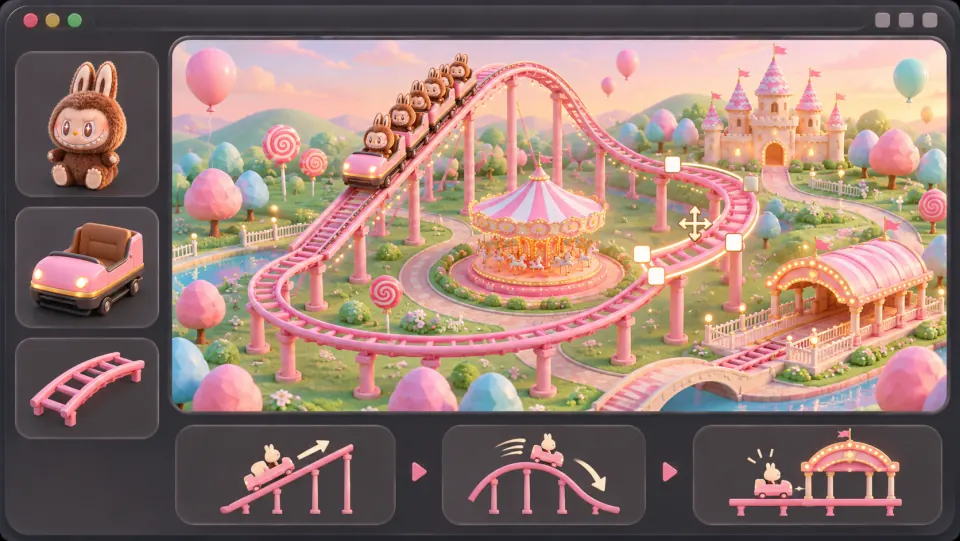
Ask seeleAgent to lay out the track, add the train and riders, and connect the lift hill and banked turns into a loop that returns to the station.
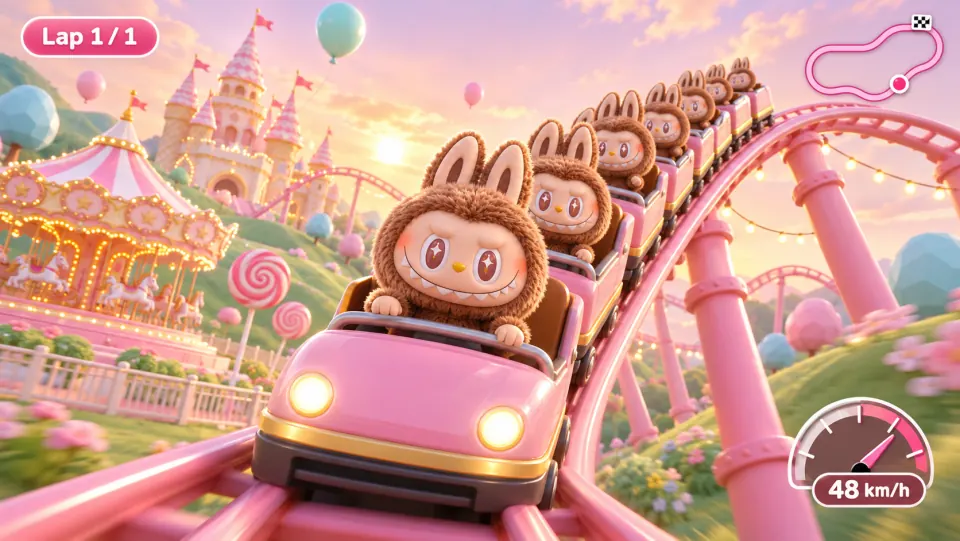
Open the game preview and follow the train through a full lap. Watch how it climbs, picks up speed on the drop, and leans through the turn.
Make a game for freePick a starting point
A shared retro palette with three clearly different gameplay roles.
Create a matching game sound effect family for an original pixel art platformer, with separate jump, pickup and hit cues rather than background music. The jump should be a quick upward square-wave pitch gesture around 180 milliseconds; the pickup a bright two-note sparkle around 250 milliseconds; the hit a dry noise-and-low-tone crunch around 160 milliseconds. Keep the same restrained 8-bit palette across all three, but make their functions immediately distinguishable. Avoid vocals, percussion loops, copied game melodies, long reverb and leading silence. Prioritize fast onsets and tails that will not smear during repeated play. If only one cue can be generated per request, start with the jump and clearly identify that limitation rather than mixing all three into a song.
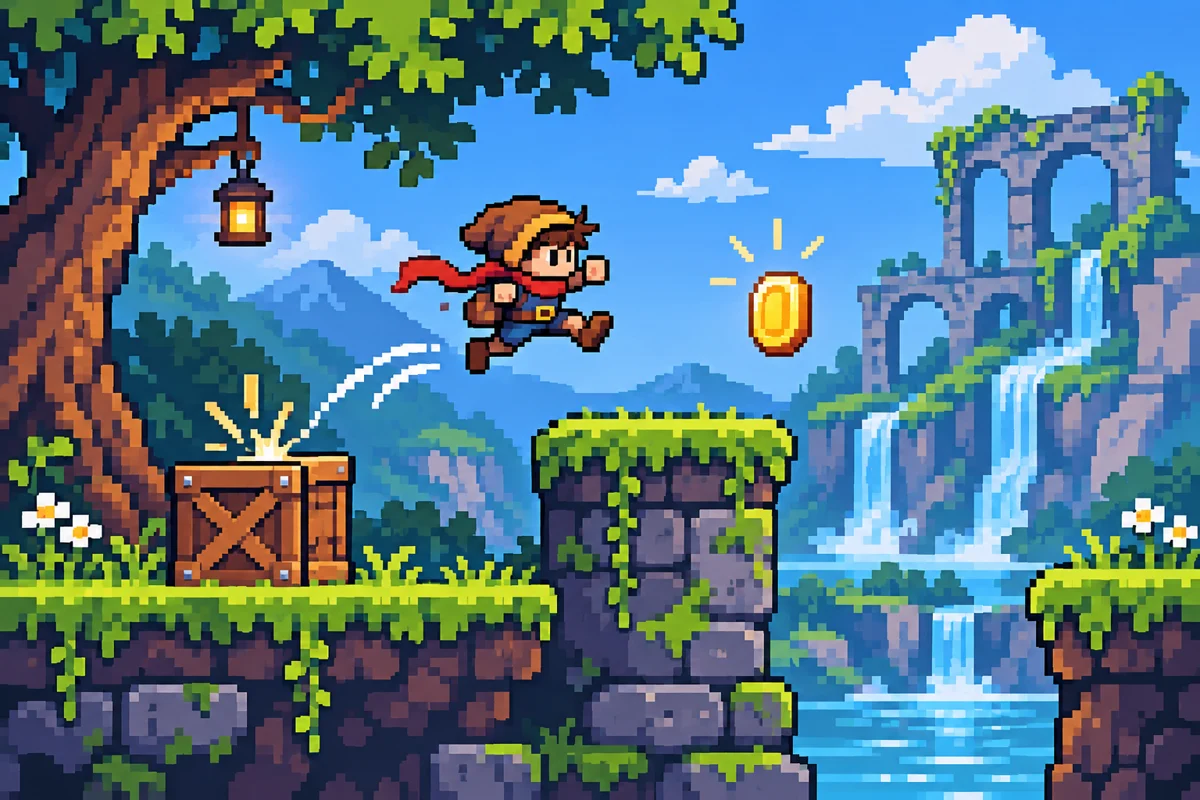 Pixel jump, pickup & hit ↗
Why SEELE
Name the event, attack, body, tail and exclusions so the next iteration has a clear target.
Give hover, confirm and denied states different contours, not just different loudness.
Specify contact material, force and perspective to communicate the intended hit weight.
Made with SEELE
These games are playable. Pick one and give it a try.
 AdventureAdventure GamePlay the example ↗
 ShooterWarcom: Neon BreachPlay the example ↗
 ActionOld Gods RunPlay the example ↗
 CasualCaution! Egg on the Car RoofPlay the example ↗
 RunnerNeon Night Rush: Barrier DashPlay the example ↗
 PuzzleMuseum ExhibitionPlay the example ↗
 SimulationMilky Way Idle 3DPlay the example ↗
 CasualSnowfall & Starry GiftsPlay the example ↗
 RPGCrownfall-The-Three-Realms-CoverPlay the example ↗
 SimulationFLYING CARPlay the example ↗
Who it’s for
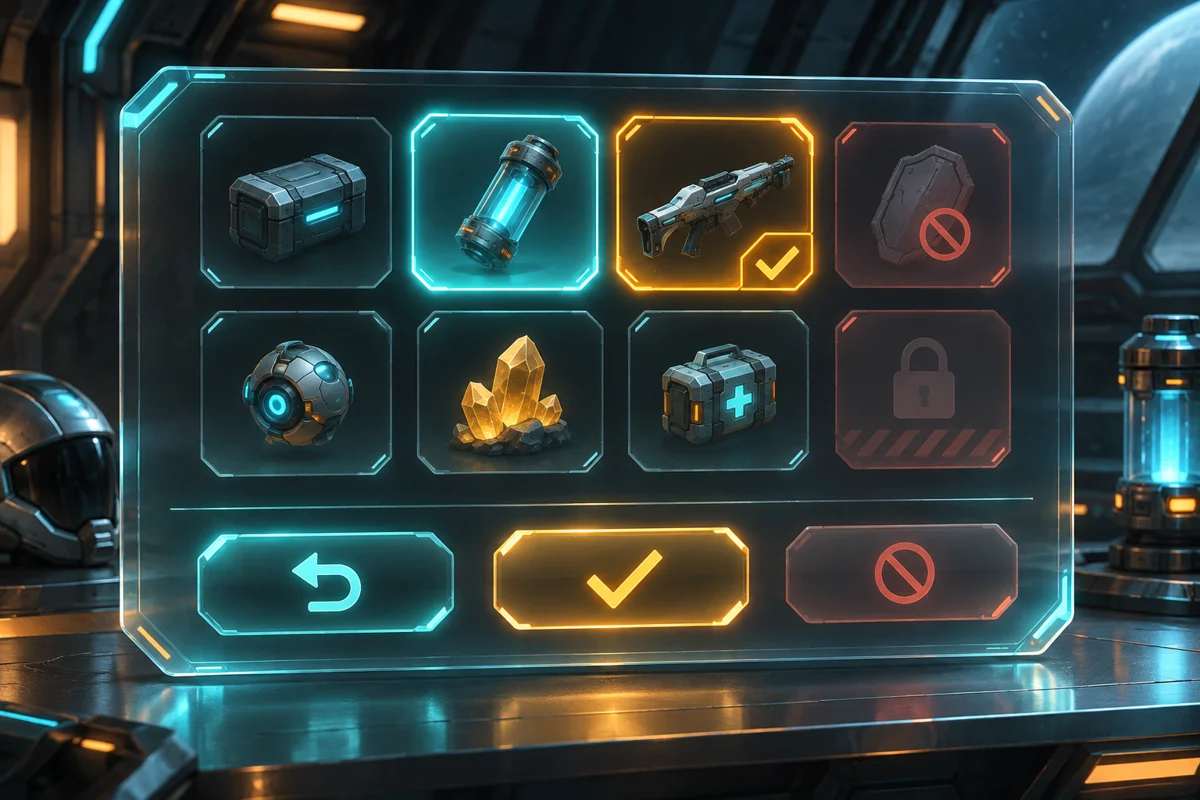
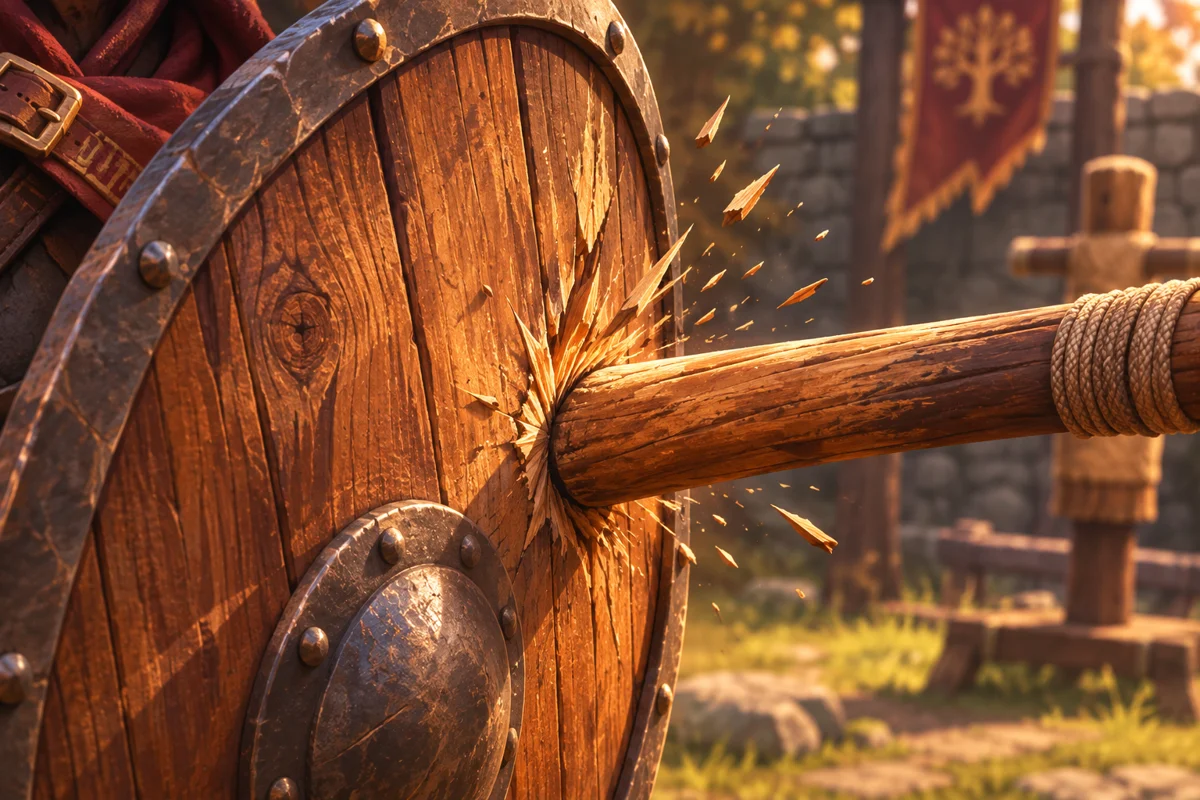
Match synthesis texture, pitch range and restrained tails to your visual world.
Try this idea ↗Compare
Compare design approaches, not product plans or generation benchmarks.
| Feature | Isolated cue | Matching cue family |
|---|---|---|
| Starting request | One event and one envelope. | A shared palette and a separate role for each event. |
| Review priority | Onset, body and tail. | Contrast, repetition and relative prominence. |
| Common pitfall | Leading silence or an unrelated musical phrase. | Different textures that sound like unrelated games. |
Reviews
FAQ
No. Game SFX mark events such as jumps, clicks and collisions; background music is a sustained musical layer. Ask for isolated event cues rather than a soundtrack, and review what the workspace actually returns.
Start with the pixel action prompt and name each cue separately: a rising jump, a bright pickup and a short noisy hit. Keep a shared palette but different envelopes. Create and review one cue at a time if separate outputs are needed.
Specify a small synthesis palette, similar tonal range and restrained tails. A square-wave jump, arpeggiated pickup and noise-based hit can share a retro character while remaining distinct. The images here are concepts, not audio examples; timing and output requests are design targets, not guaranteed format or parameter controls.
Choose an SFX prompt, tailor the event and start creating your project.
Start creating game SFX →



