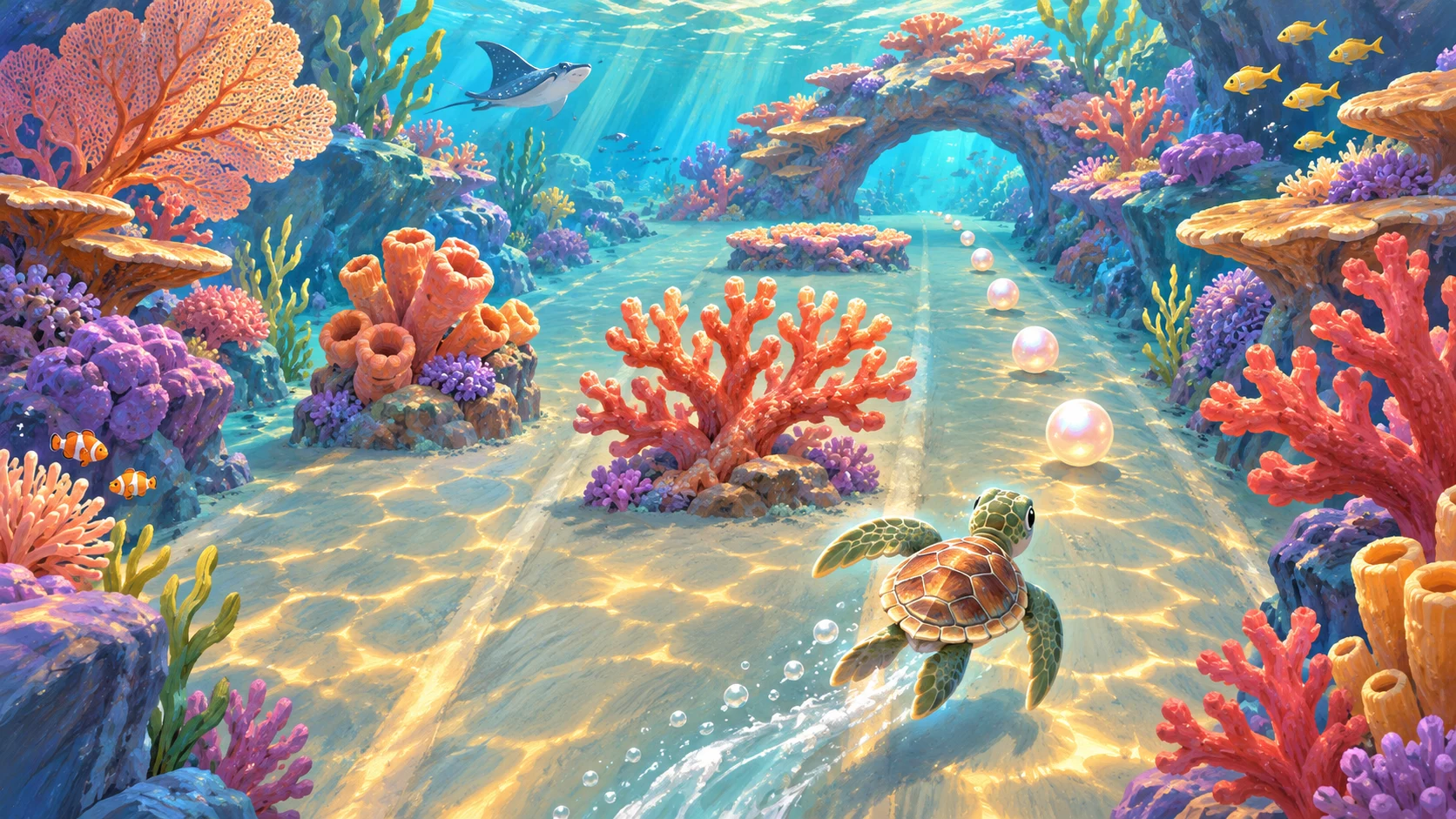

Touch-first interactions
Specify tap, swipe, and drag behavior instead of relying on hover or tiny keyboard controls.

Turn a touch-first idea into a game prototype. Start with simple controls, short sessions, and a readable small-screen layout, then test on real phones.
Partners and teams

















How it works
Create a fantasy card game with AI. Design your deck, build turn-based combat, and test your strategy in a playable 3D battle.
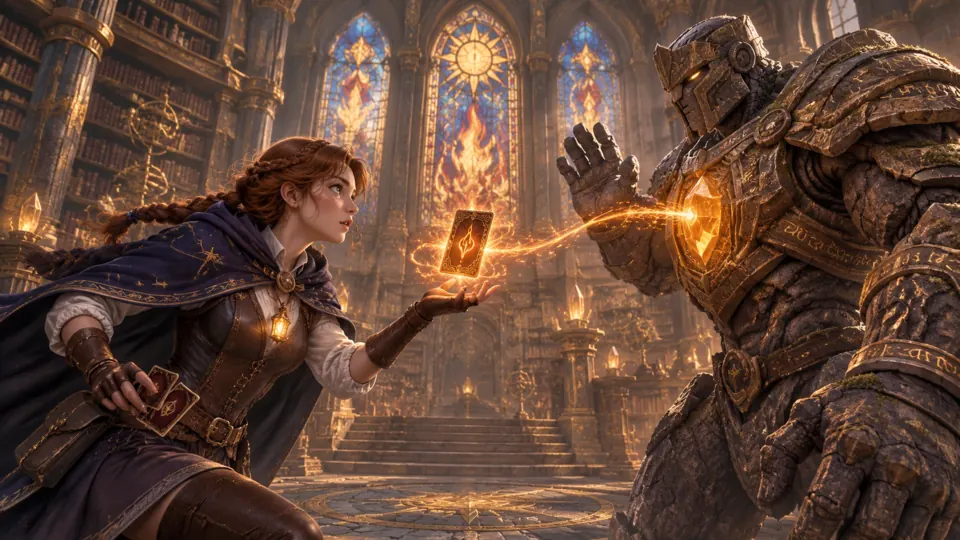
Create a battle between a young mage and a stone guardian, with magic cards that decide the fight.
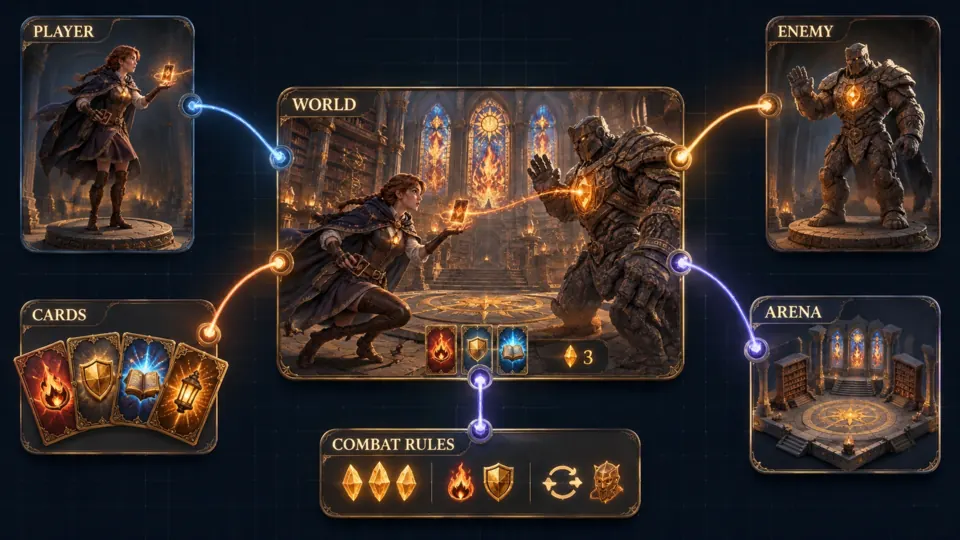
Bring your characters, card deck, battle arena, and turn-based rules together.
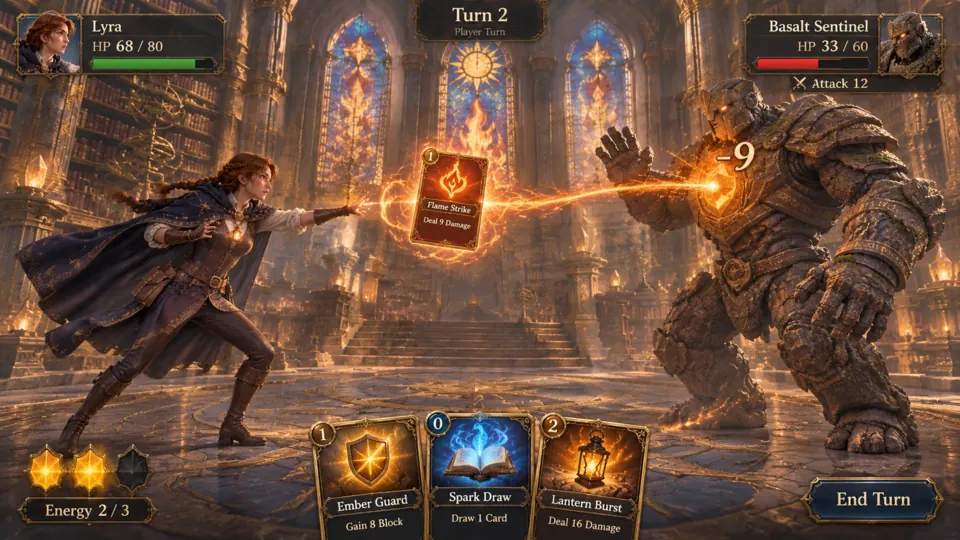
Play Flame Strike, deal damage, and choose your next card before the turn ends.
Make a game for freePick a starting point
One-thumb platformer on floating lantern islands.
Build Lantern Hop, a mobile game featuring one-thumb platformer on floating lantern islands. Focus on one-thumb controls, portrait-friendly layout, readable targets, and short sessions. Define movement and interaction controls, readable feedback, a clear success condition, an understandable failure state, and a restart button. Begin with one complete playable scene and avoid unnecessary menus or paid purchases. Include a short controls explanation and a pause option. Use original characters, environments, and audio placeholders; do not copy protected brands. Test the core loop, collisions, scoring where relevant, and the ending before expanding the scope. Tap to jump between moving lanterns, hold momentarily for a higher arc, and reach the shrine after collecting five sparks; falling restarts the current island. Use large touch targets, no hover-only actions, and a portrait-friendly layout. Verify safe areas and touch behavior on actual phones; do not claim native app packaging or store publishing.
 Lantern Hop ↗
Why SEELE
Specify tap, swipe, and drag behavior instead of relying on hover or tiny keyboard controls.
Request clear contrast, large interactive targets, and a layout that adapts without hiding essential information.
Define quick restarts, a pause state, and a small level that can be tested in minutes.
Made with SEELE
These games are playable. Pick one and give it a try.
 AdventureAdventure GamePlay the example ↗
 ShooterWarcom: Neon BreachPlay the example ↗
 ActionOld Gods RunPlay the example ↗
 CasualCaution! Egg on the Car RoofPlay the example ↗
 RunnerNeon Night Rush: Barrier DashPlay the example ↗
 PuzzleMuseum ExhibitionPlay the example ↗
 SimulationMilky Way Idle 3DPlay the example ↗
 CasualSnowfall & Starry GiftsPlay the example ↗
 RPGCrownfall-The-Three-Realms-CoverPlay the example ↗
 SimulationFLYING CARPlay the example ↗
Who it’s for
Explore a small mobile game idea with explicit controls, constraints, and a reviewable finish state.
Try this idea ↗
Explore a small mobile game idea with explicit controls, constraints, and a reviewable finish state.
Try this idea ↗
Explore a small mobile game idea with explicit controls, constraints, and a reviewable finish state.
Try this idea ↗Compare
A mobile-friendly prototype is not a native app package. Device testing, packaging, store requirements, and publishing are separate steps.
| Feature | Prototype with AI | Release preparation |
|---|---|---|
| Goal | Explore one complete core loop. | Verify a compatible, tested distribution build. |
| Evidence | Inspect and playtest actual generated behavior. | Check performance, rights, platform policies, and submission details. |
| Scope | One-thumb controls, portrait-friendly layout, readable targets, and short sessions. | A mobile-friendly prototype is not a native app package. Device testing, packaging, store requirements, and publishing are separate steps. |
Reviews
FAQ
Use a detailed prompt to start a touch-first game prototype, then inspect the result and refine its controls and layout. Test actual devices rather than assuming every phone behaves identically.
This page does not promise native app packaging or direct app-store publishing. Treat signing, packaging, store policies, privacy disclosures, and device QA as separate release work.
Name the main touch gesture, camera, screen orientation, player goal, failure state, and restart behavior. Keep the first version to one mechanic and one short level.
Turn a touch-first idea into a game prototype. Start with simple controls, short sessions, and a readable small-screen layout, then test on real phones.
Start creating →



