


Scope the first Unity scene
Define one objective and a small set of actors.

Outline a Unity prototype with a defined scene, interaction, and version check. Turn a game concept into a Unity scene brief and implementation checklist. Record the Unity version, packages, target platform, and which AI-related tools need separate verification.
Partners and teams

















How it works
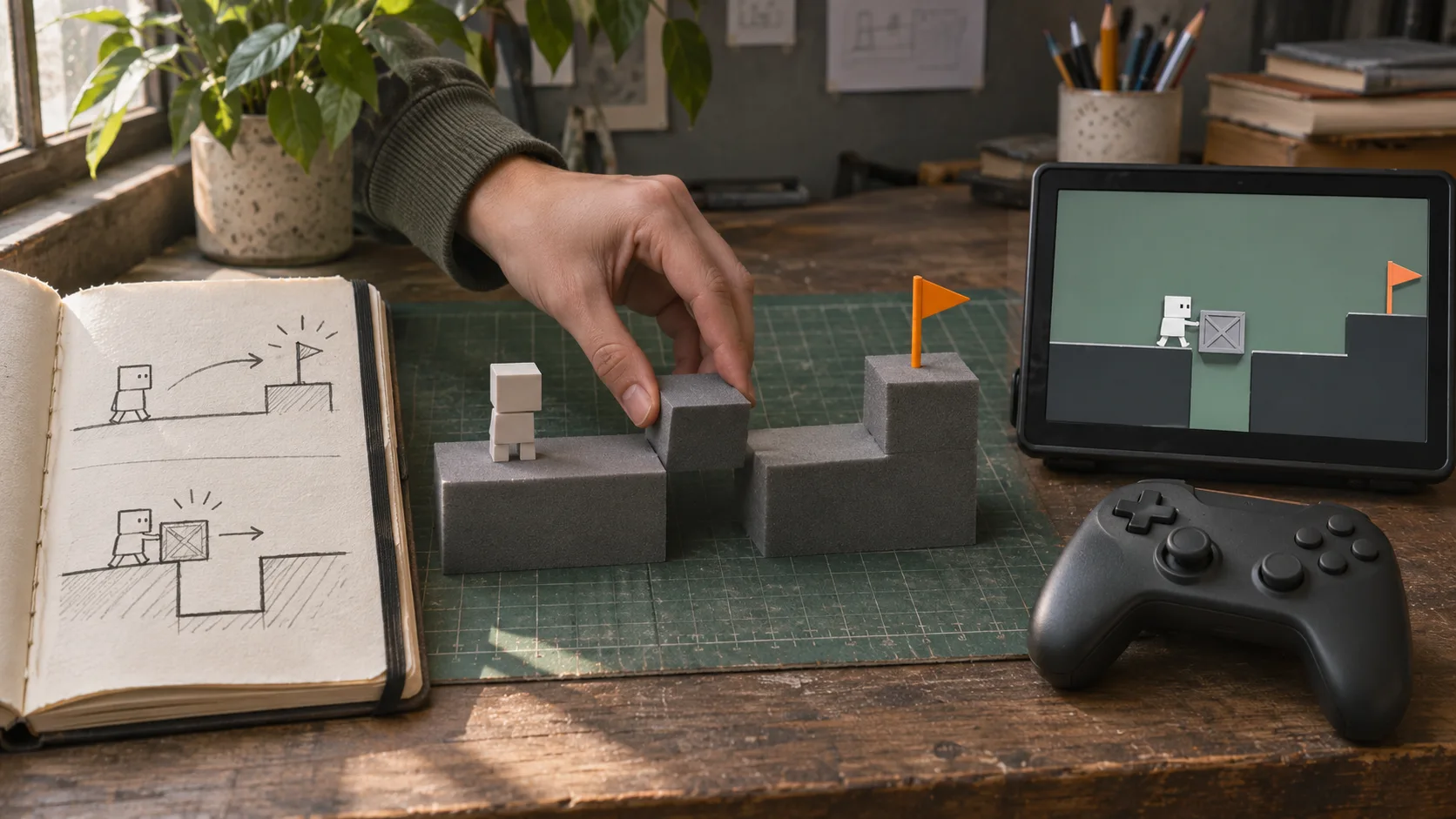
Start with a river to cross and give players the blocks and tools to build their own bridge.
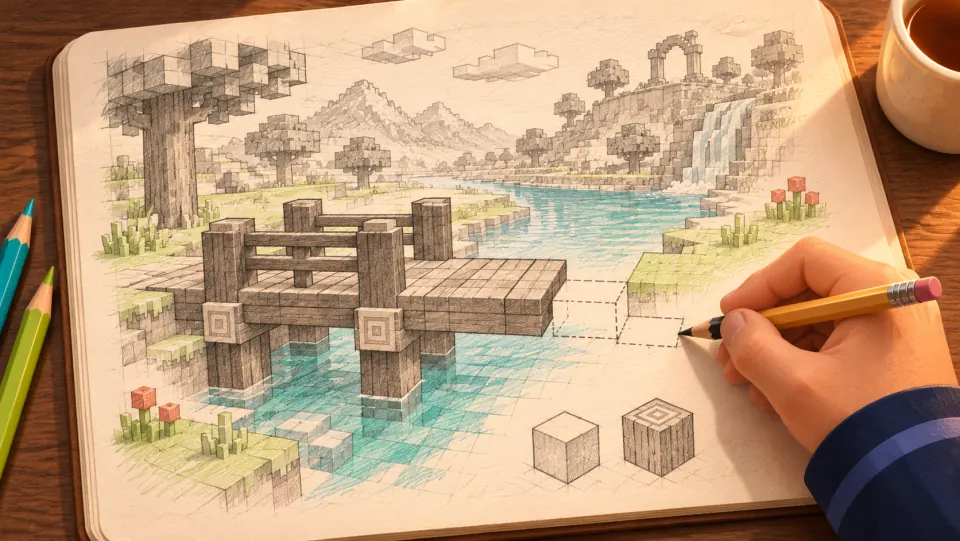
Picture a blocky world where the player reaches a river and builds a wooden bridge to get to the other side.
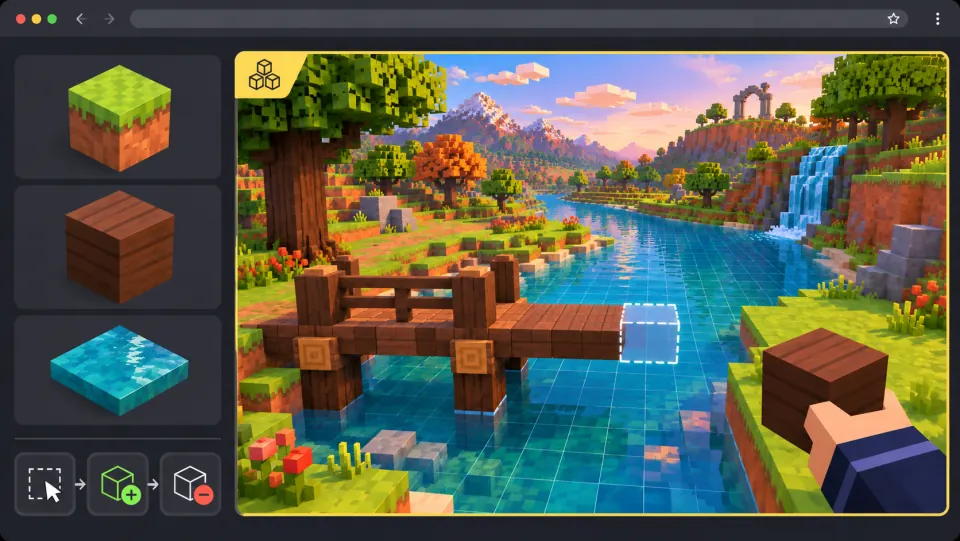
Ask seeleAgent to shape the riverbanks and add wood blocks. Let players preview where each block will go, place it, or remove it.
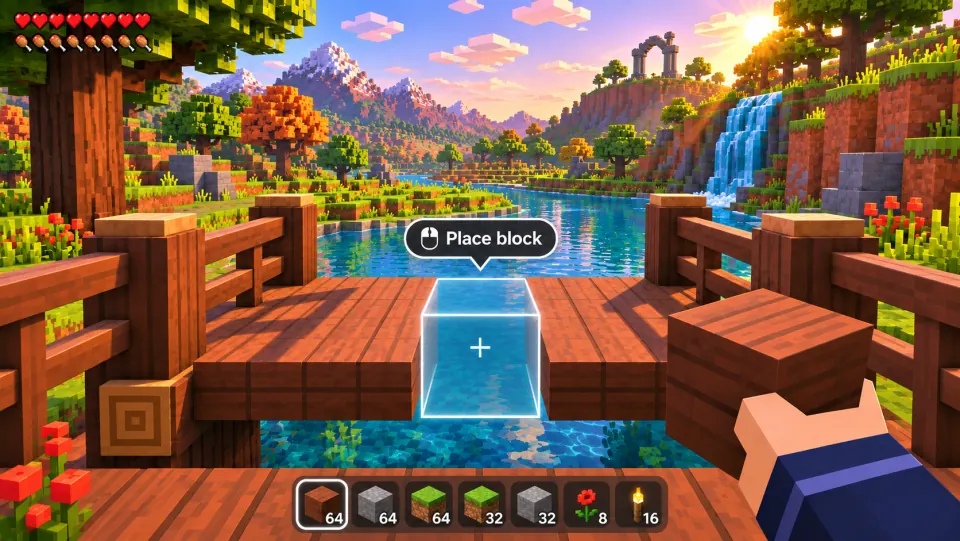
Select a wood block, line up the preview, and click to place it. Finish the bridge and walk across.
Make a game for freePick a starting point
The scene has a defined inspection objective.
Build a small greenhouse where a maintenance bot follows a waypoint path to inspect three leaking pipes. Show which pipe is currently under inspection.
 Define the task ↗
Why SEELE
Define one objective and a small set of actors.

Make movement and state changes testable.

Choose a predictable failure response.

Include Unity, packages, and pipeline.

Check specific capabilities with current vendor docs.

Attach steps, screenshots, and open questions.
Made with SEELE
These games are playable. Pick one and give it a try.
 AdventureAdventure GamePlay the example ↗
 ShooterWarcom: Neon BreachPlay the example ↗
 ActionOld Gods RunPlay the example ↗
 CasualCaution! Egg on the Car RoofPlay the example ↗
 RunnerNeon Night Rush: Barrier DashPlay the example ↗
 PuzzleMuseum ExhibitionPlay the example ↗
 SimulationMilky Way Idle 3DPlay the example ↗
 CasualSnowfall & Starry GiftsPlay the example ↗
 RPGCrownfall-The-Three-Realms-CoverPlay the example ↗
 SimulationFLYING CARPlay the example ↗
Who it’s for
Define the player, one core mechanic, and one testable outcome for a first Unity AI Game Generator brief. Keep the scope small enough to playtest.
3D asset to HTML5 game ↗
Compare Unity AI Game Generator directions against the target player and engine workflow before the team commits to a larger build.
AI game generator workflow ↗Compare
| Feature | Unity AI Game Generator | Starting from scratch |
|---|---|---|
| Starting point | Describe the audience, core loop, and first playable outcome for Unity AI Game Generator. | Define the project, engine, and first milestone before implementation. |
| First review | Set review criteria for the controls, content, and visual direction of Unity AI Game Generator. | Review the project setup, scene structure, and implementation plan before playtesting. |
| Scope | Begin with one audience, one core mechanic, and one playable outcome for Unity AI Game Generator. | Set the engine, asset needs, and implementation scope before building. |
| Prompt detail | State the audience, desired result, format, and main constraint for Unity AI Game Generator. | Decide those inputs separately before testing a focused direction. |
| Review boundary | Check the first Unity AI Game Generator result against quality, rights, continuity, and intended audience. | Write the review checks separately before expanding the project. |
Reviews
FAQ
SEELE describes SeeleAgent as a prompt-based game-creation workspace that can generate games, 3D assets, and code. That does not guarantee every prompt will produce a complete or production-ready 3D build. Test a focused Unity AI Game Generator brief in Workspace and playtest the core loop before expanding scope.
A coding background is not needed to write the first Unity AI Game Generator brief. Describe define the task in plain language, then inspect and test any generated code or assets before sharing.
For Unity AI Game Generator, start with the first scoped outcome. Define the intended audience and one measurable outcome, then review the first version against the brief.
Before a first Unity AI Game Generator project, define the task, intended audience, one visible outcome, and a constraint. Use Define the task as a direction that fits the brief.
Start with the maintenance bot inspecting three leaking pipes in a small greenhouse. Show the current waypoint and which pipe the bot is checking, then define what counts as completion.
For Unity AI Game Generator, name the intended user, one action, and a visible outcome. Use Define the task as a starting direction and add one requirement from its example prompt.
Ask a Unity developer to open and run the returned project in the target editor. They should confirm the bot reaches each waypoint, the inspection animation plays, and the leak indicator and completion message match the brief.
Choose Define the task to test the bot’s inspection route. Choose Set expected output to spell out movement, waypoint arrival, animation, leak indicator, and completion message; keep the bot and pipes as placeholders until approved.
Check each of the three pipes in sequence: the bot arrives, the correct leak is highlighted, the inspection animation runs, and the completion message appears only after the last check.
Scope a first Unity AI Game Generator prototype to Define the task, one user action, and one visible outcome. Defer secondary features until that path works.
Choose Define the task to test the bot’s inspection route. Choose Set expected output to spell out movement, waypoint arrival, animation, leak indicator, and completion message; keep the bot and pipes as placeholders until approved.
When something fails, identify whether the issue is pathing, inspection feedback, or completion state. Change that part, then run the same route in the target Unity setup before adding detail.
Match a linked tool's input and output to one need in the Unity AI Game Generator brief. If it does not support that step, skip it and keep the test in the main project.