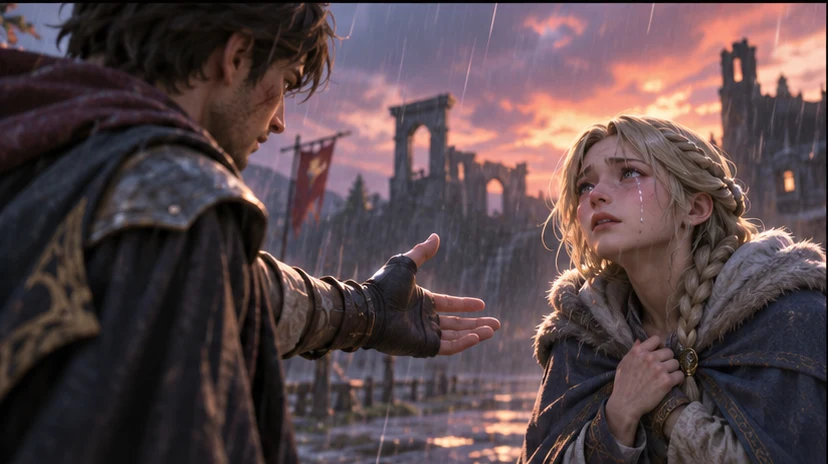

Build a focused first pass
Use your game context to prepare a story scene with a character goal, player agency, and a visible consequence.

Turn one player choice into a consequence worth seeing. Ask seeleAgent for a story scene with a character goal, player agency, and a visible consequence. Describe what you are making and how the player will use it.
Partners and teams

















How it works
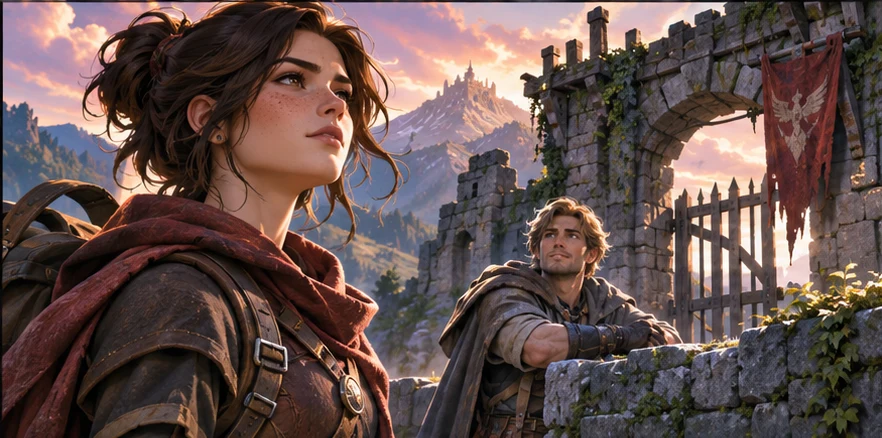
Describe the genre, camera or screen size, and what the player should notice or do. Start with a story scene with a character goal, player agency, and a visible consequence.

Ask for two versions around the same scene or player action. Vary one choice at a time so you can compare the result.
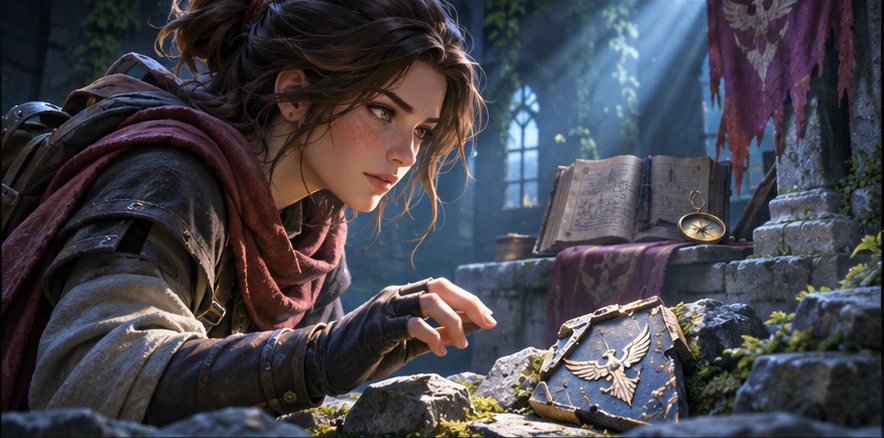
Use a small scene or sample to check your choice. The consequence follows from the player choice. Keep the decisions you want to carry into your next pass.
Pick a starting point
Use a starting prompt from this tool and adapt it to your own game.
Create an interactive character or story game brief for Character Interactive Scene Maker. Include protagonist setup, scene goals, player choices, branching moments, visual style, first playable scope, and iteration steps.
Why SEELE
Use your game context to prepare a story scene with a character goal, player agency, and a visible consequence.

Keep the same game scene and compare two approaches before deciding what to make.

Set one acceptance check for the next pass. The consequence follows from the player choice.
FAQ
Creators who want to validate an interactive game, character, or story idea before committing to full production.
Seele can help shape prompts, scenes, gameplay loops, character interactions, UI states, and playable prototype workflows.
You can start without code by using a prompt or template. Complex production behavior still needs human review and technical validation.
Use your own character art, story notes, or references as planning inputs when you have the rights to use them.
Describe the game, the moment the player sees or uses the result, and the constraint that matters most. Ask for a story scene with a character goal, player agency, and a visible consequence.
Try it in a small scene or review it from the player camera. For the first example, check that the consequence follows from the player choice.
Yes. Pick one small scene or interaction and describe what the player should see or do. You can revise the prompt as the idea becomes clearer.
Bring a game idea to Workspace and work through a story scene with a character goal, player agency, and a visible consequence.
Write a game prompt