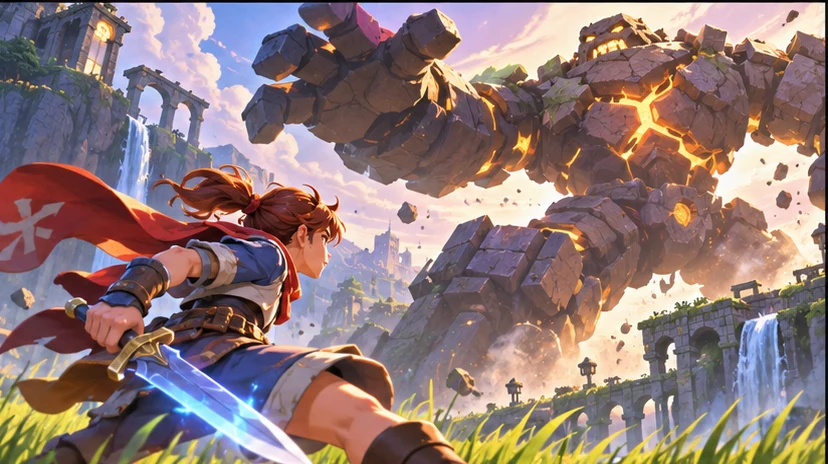

Build a focused first pass
Use your game context to prepare a game clip concept with clear motion, camera direction, and consistent scene details.

Find the moment that makes someone want to play. Ask seeleAgent for a game clip concept with clear motion, camera direction, and consistent scene details. Describe what you are making and how the player will use it.
Partners and teams

















How it works
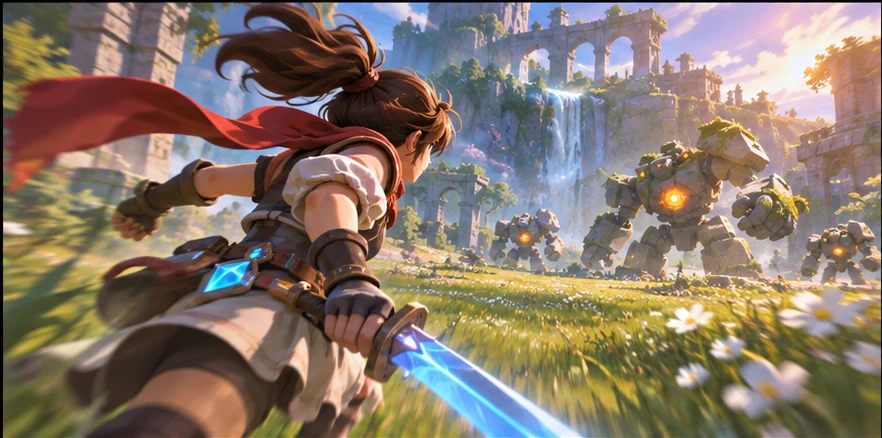
Describe the genre, camera or screen size, and what the player should notice or do. Start with a game clip concept with clear motion, camera direction, and consistent scene details.
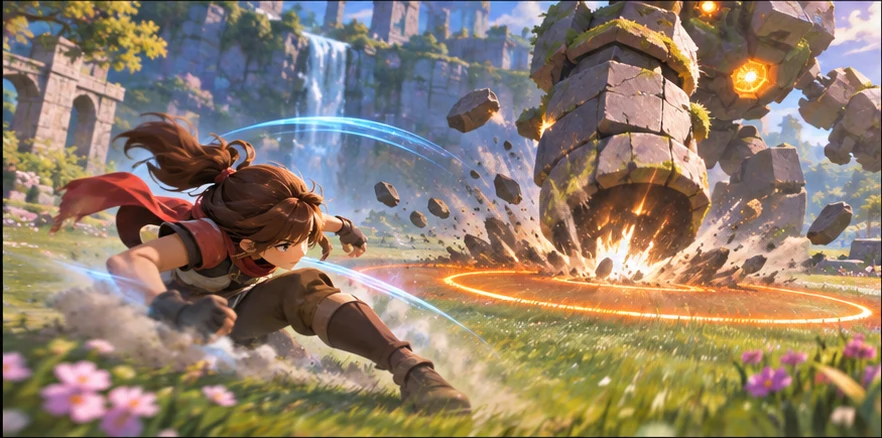
Ask for two versions around the same scene or player action. Vary one choice at a time so you can compare the result.
Use a small scene or sample to check your choice. The core mechanic is visible in the opening shot. Keep the decisions you want to carry into your next pass.
Pick a starting point
Use a starting prompt from this tool and adapt it to your own game.
Create a first-pass video brief for gameplay video generator in a game project, including user goal, production constraints, and the most useful next step.
Why SEELE
Use your game context to prepare a game clip concept with clear motion, camera direction, and consistent scene details.

Keep the same game scene and compare two approaches before deciding what to make.

Set one acceptance check for the next pass. The core mechanic is visible in the opening shot.
FAQ
Describe the game, the moment the player sees or uses the result, and the constraint that matters most. Ask for a game clip concept with clear motion, camera direction, and consistent scene details.
Try it in a small scene or review it from the player camera. For the first example, check that the core mechanic is visible in the opening shot.
Yes. Pick one small scene or interaction and describe what the player should see or do. You can revise the prompt as the idea becomes clearer.
Bring a game idea to Workspace and work through a game clip concept with clear motion, camera direction, and consistent scene details.
Write a game prompt