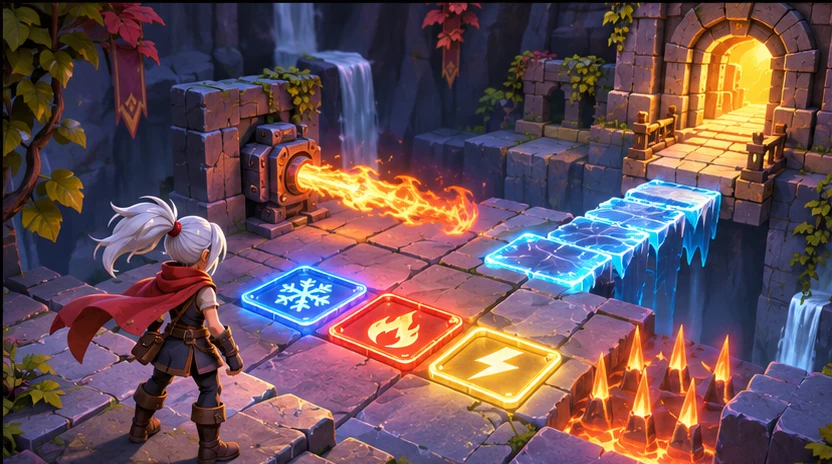

Build a focused first pass
Use your game context to prepare a rule sheet with inputs, game states, and expected edge cases.

Give players a decision you can test in a small build. Ask seeleAgent for a rule sheet with inputs, game states, and expected edge cases. Describe what you are making and how the player will use it.
Partners and teams

















How it works
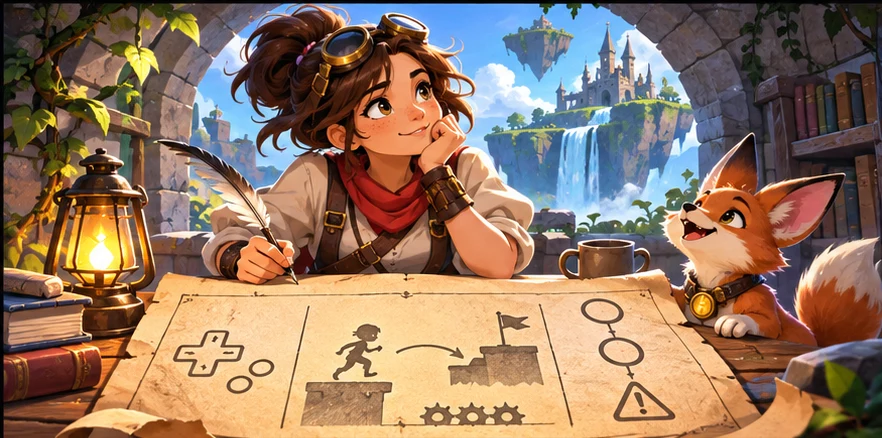
Describe the genre, camera or screen size, and what the player should notice or do. Start with a rule sheet with inputs, game states, and expected edge cases.
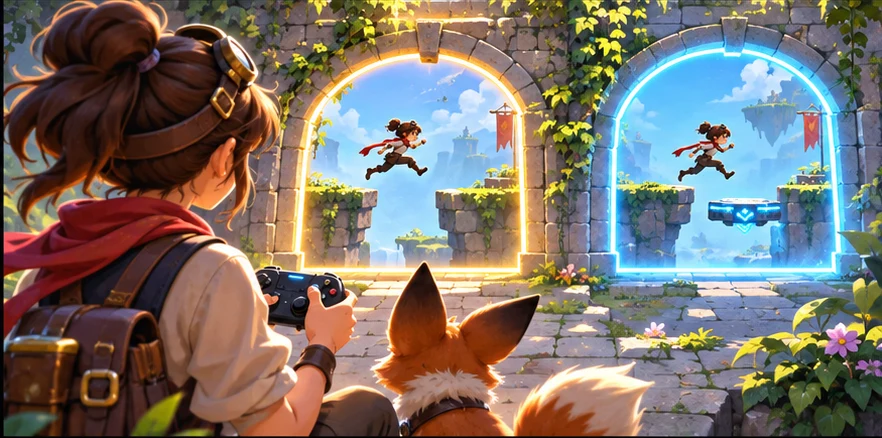
Ask for two versions around the same scene or player action. Vary one choice at a time so you can compare the result.
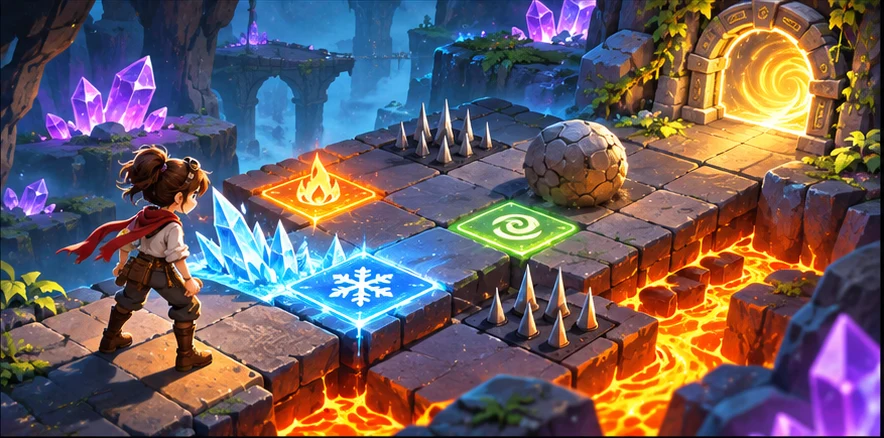
Use a small scene or sample to check your choice. A first time player can see both options. Keep the decisions you want to carry into your next pass.
Pick a starting point
Use a starting prompt from this tool and adapt it to your own game.
Design a no-code game logic flow for a puzzle roguelite where players combine elemental tiles to open routes and trigger hazards.
Why SEELE
Use your game context to prepare a rule sheet with inputs, game states, and expected edge cases.

Keep the same game scene and compare two approaches before deciding what to make.

Set one acceptance check for the next pass. A first time player can see both options.
FAQ
Yes. It works for simple loops and more layered systems as long as the prompt explains the player verbs and design goal clearly.
No. Final implementation, testing, and integration still need engineering or tool setup work. The workflow is strongest for planning and handoff.
Include the player actions, game rules, success and failure states, and what the first prototype needs to prove. Edge cases and progression details also help.
Use it when the team understands the game fantasy but still needs to clarify how the system should actually behave in a playable form.
Describe the game, the moment the player sees or uses the result, and the constraint that matters most. Ask for a rule sheet with inputs, game states, and expected edge cases.
Try it in a small scene or review it from the player camera. For the first example, check that a first time player can see both options.
Yes. Pick one small scene or interaction and describe what the player should see or do. You can revise the prompt as the idea becomes clearer.
Bring a game idea to Workspace and work through a rule sheet with inputs, game states, and expected edge cases.
Write a game prompt