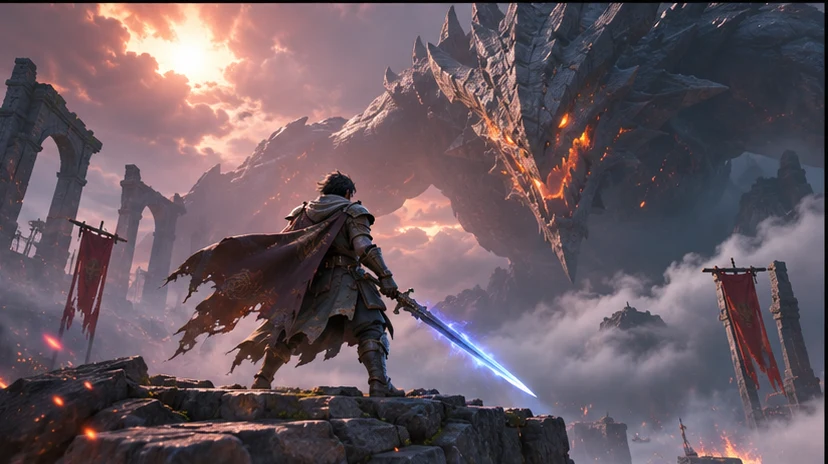

Build a focused first pass
Use your game context to prepare a shot list that tracks what the player does, how the camera frames it, and the intended cut.

Find the moment that makes someone want to play. Ask seeleAgent for a shot list that tracks what the player does, how the camera frames it, and the intended cut. Describe what you are making and how the player will use it.
Partners and teams

















How it works
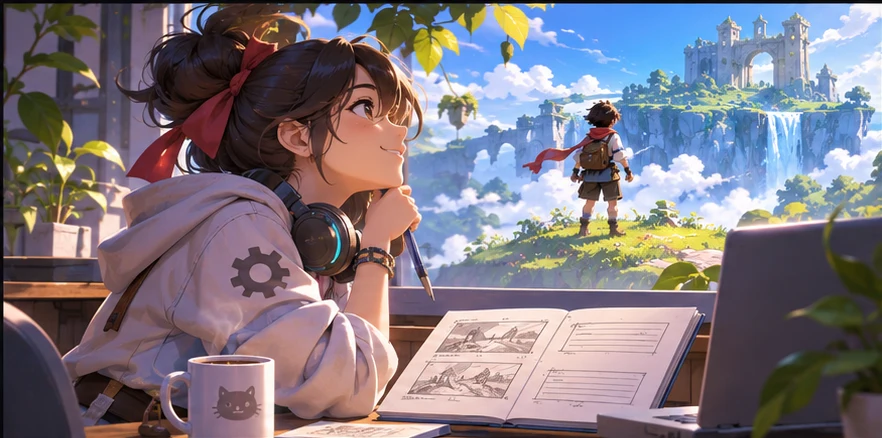
Describe the genre, camera or screen size, and what the player should notice or do. Start with a shot list that tracks what the player does, how the camera frames it, and the intended cut.

Ask for two versions around the same scene or player action. Vary one choice at a time so you can compare the result.
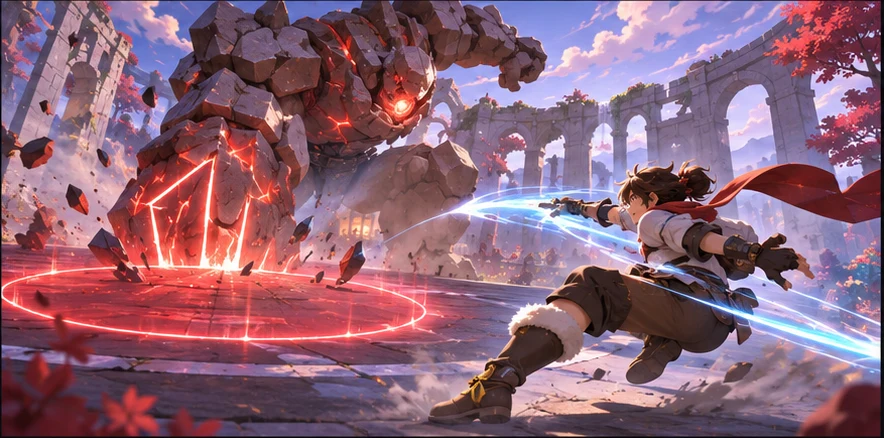
Use a small scene or sample to check your choice. The core mechanic is visible in the opening shot. Keep the decisions you want to carry into your next pass.
Pick a starting point
Use a starting prompt from this tool and adapt it to your own game.
Prepare a Film and CG brief to convert one video idea into an ordered shot list. Include audience, objective, subject, action, camera, environment, lighting, aspect ratio, duration, approved references, and human review criteria.
Why SEELE
Use your game context to prepare a shot list that tracks what the player does, how the camera frames it, and the intended cut.

Keep the same game scene and compare two approaches before deciding what to make.

Set one acceptance check for the next pass. The core mechanic is visible in the opening shot.
FAQ
Seele AI Shot List Generator helps teams convert one video idea into an ordered shot list. It turns an open-ended request into a scoped objective, structured input, expected artifact, and explicit review boundary. The page is a planning and handoff surface; it does not promise that an unreviewed first generation is ready for public release.
Provide the audience, communication goal, subject, action, camera direction, environment, lighting, mood, aspect ratio, duration, and any approved references. Explain what each reference controls and what must not be copied. Those constraints make the first draft easier to judge and later revisions more focused.
The primary call to action opens Seele Workspace in the Film and CG category. The handoff carries the production intent into the correct workspace context so you can continue from the brief instead of restarting from a generic landing page or an unrelated generation route.
No. It is a structured AI-assisted workflow for planning, generation, and iteration. Every draft still needs human review for continuity, motion, visual accuracy, rights, likeness, brand claims, accessibility, platform requirements, and whether the result actually communicates the intended idea.
Describe the game, the moment the player sees or uses the result, and the constraint that matters most. Ask for a shot list that tracks what the player does, how the camera frames it, and the intended cut.
Try it in a small scene or review it from the player camera. For the first example, check that the core mechanic is visible in the opening shot.
Yes. Pick one small scene or interaction and describe what the player should see or do. You can revise the prompt as the idea becomes clearer.
Bring a game idea to Workspace and work through a shot list that tracks what the player does, how the camera frames it, and the intended cut.
Write a game prompt