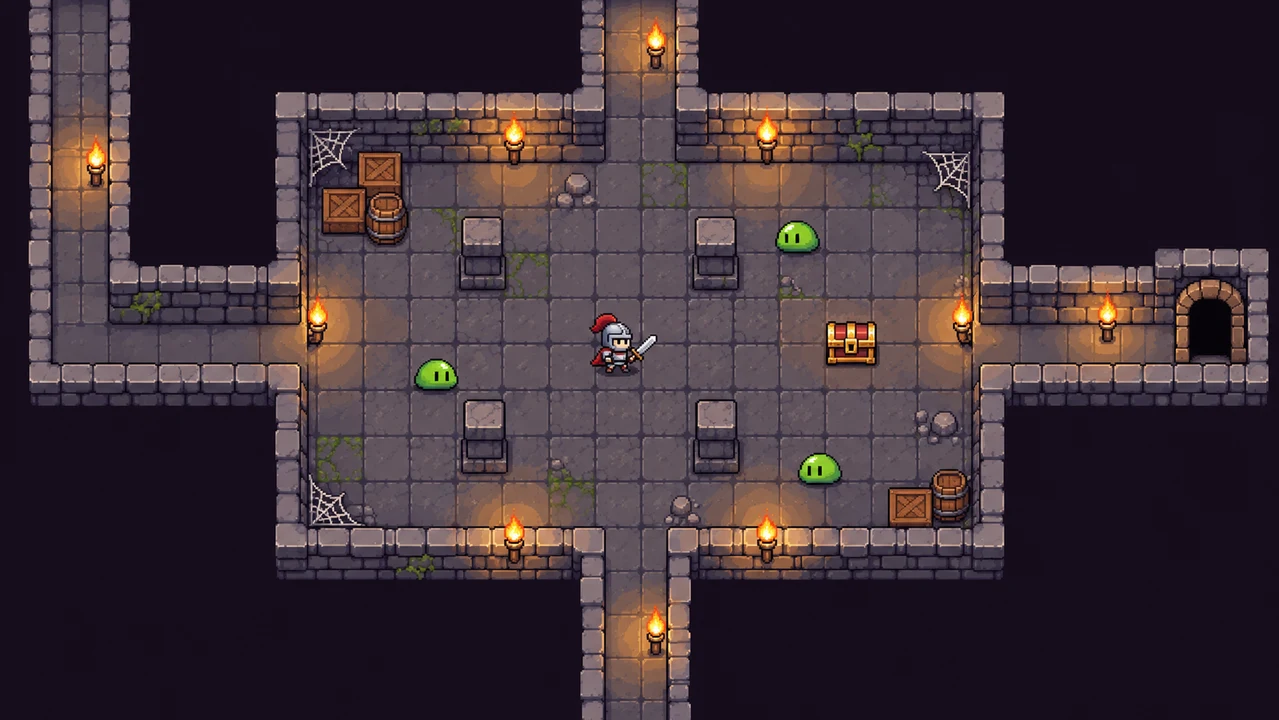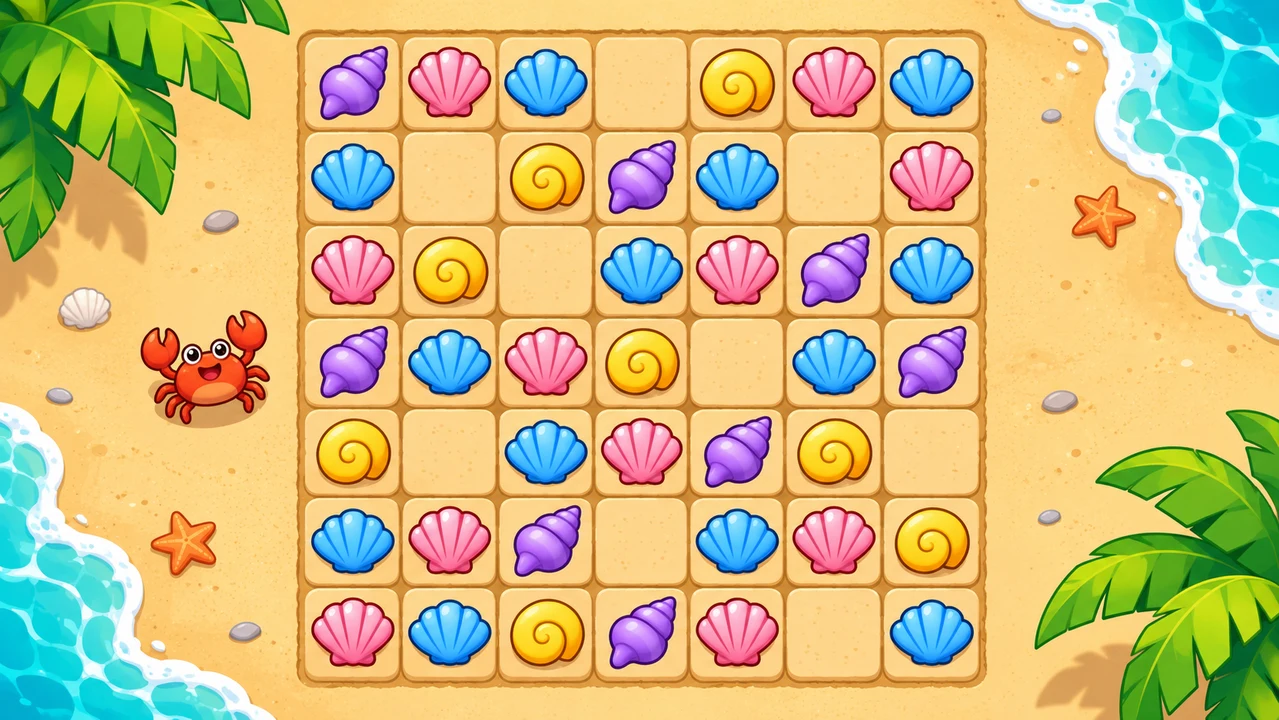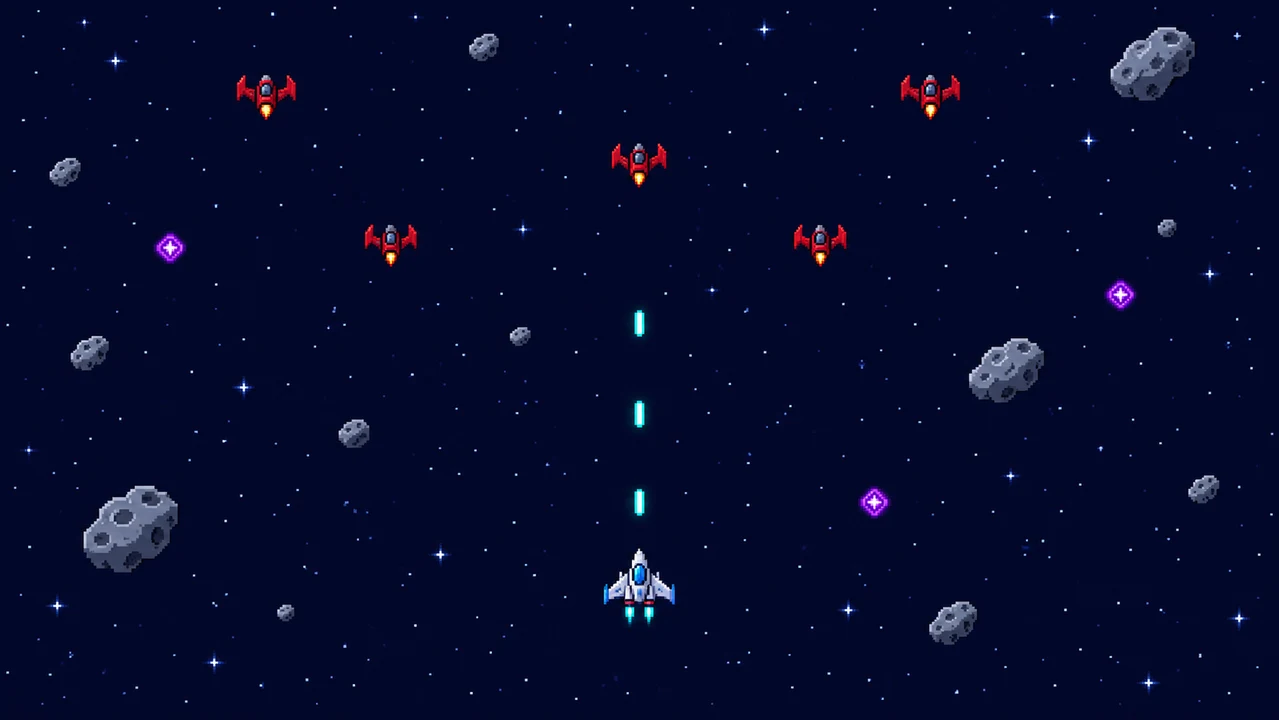

A concrete starting prompt
Turn a genre idea into explicit controls, goals, and constraints.

From a clear prompt to your first 2D game idea. Describe a 2D game worth playing. Start with a top-down adventure, a precise platformer, or a pixel-art experiment, then refine the controls and rules through playtesting.
Partners and teams

















How it works
Build your own single-player racing game. Design a coastal track, add nitro boosts and checkpoints, then race against the clock.
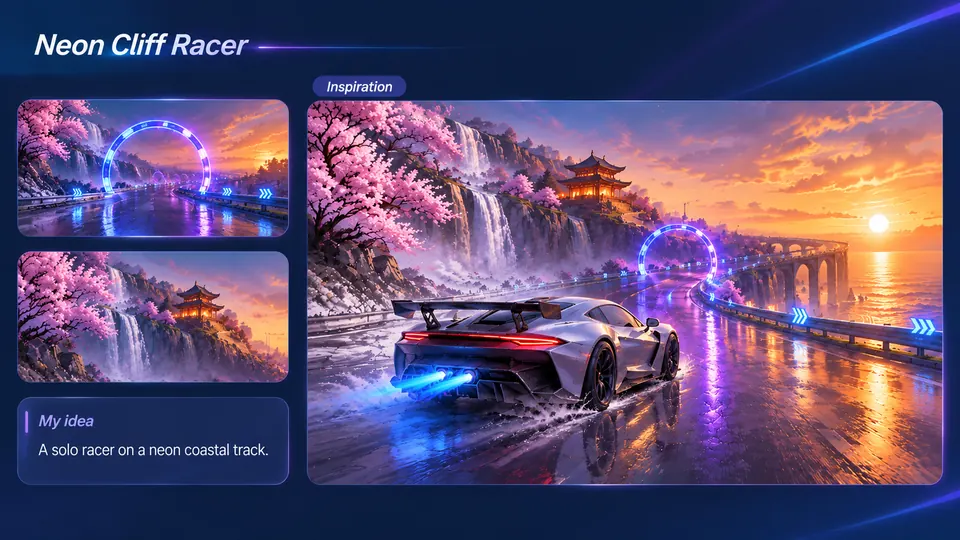
Imagine a silver sports car racing past waterfalls, cherry blossoms, and neon gates.
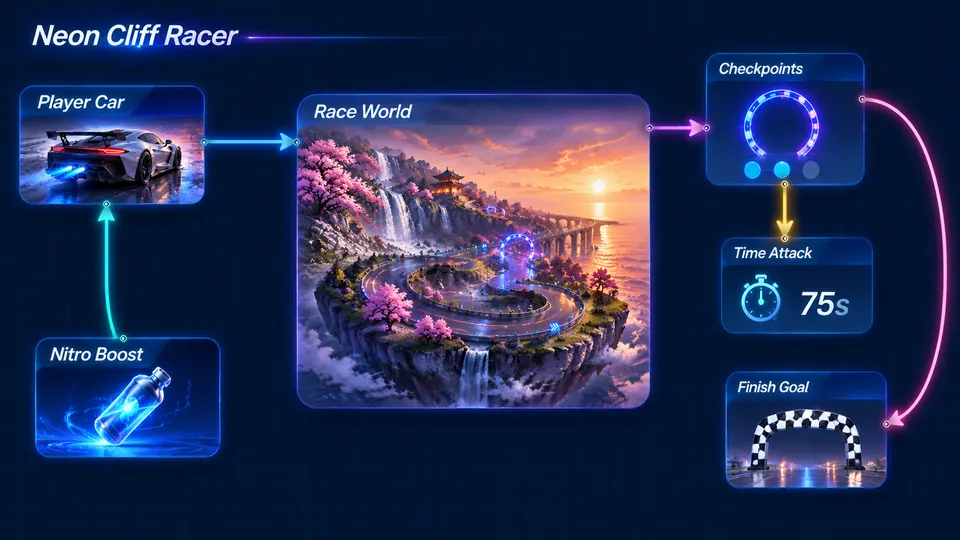
Connect your sports car, coastal track, checkpoints, nitro boost, and finish line.
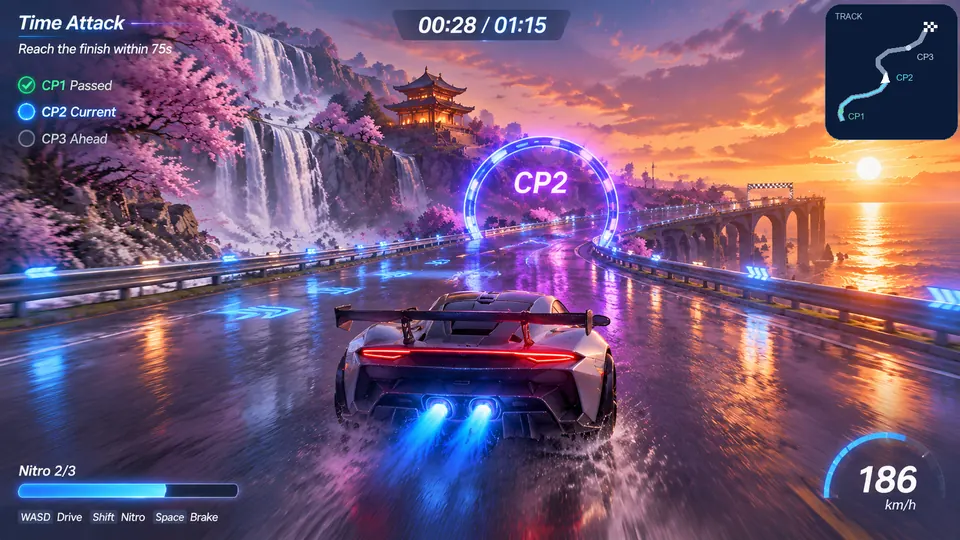
Drive through three neon gates, activate nitro, and finish within 75 seconds.
Make a game for freePick a starting point
Images illustrate visual directions, not verified playable output.
Explore a forest, recover three crystals, and unlock the village gate. AI-generated concept image; test the generated game separately.
Create a top-down 2D game from a prompt: a pixel-art forest adventure with a small explorer, mossy paths, a stream, and a locked village gate. Use WASD or arrow keys to move, collect three crystals, and show a clear win screen when the gate opens. Keep the camera overhead, collisions readable, and the first map compact.
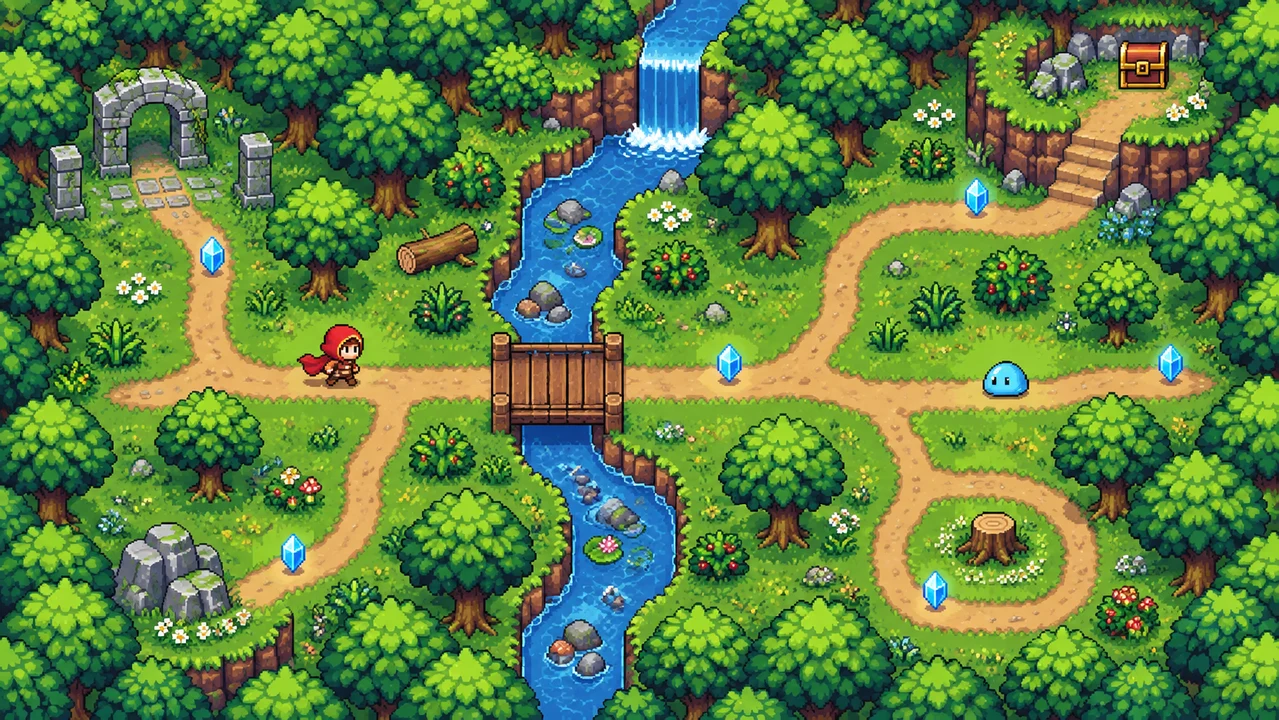 Crystalwood Adventure ↗
Why SEELE
Turn a genre idea into explicit controls, goals, and constraints.

Specify top-down or side-view play instead of leaving perspective ambiguous.

A short level makes broken rules and unclear feedback easier to notice.

Describe palette, sprite scale, silhouette, and animation needs together.

Define frame sizes and usage rights before attempting an import workflow.

Change one mechanic at a time so you can tell what improved.
Made with SEELE
These games are playable. Pick one and give it a try.
 AdventureAdventure GamePlay the example ↗
 ShooterWarcom: Neon BreachPlay the example ↗
 ActionOld Gods RunPlay the example ↗
 CasualCaution! Egg on the Car RoofPlay the example ↗
 RunnerNeon Night Rush: Barrier DashPlay the example ↗
 PuzzleMuseum ExhibitionPlay the example ↗
 SimulationMilky Way Idle 3DPlay the example ↗
 CasualSnowfall & Starry GiftsPlay the example ↗
 RPGCrownfall-The-Three-Realms-CoverPlay the example ↗
 SimulationFLYING CARPlay the example ↗
Who it’s for
Choose a short, testable idea before expanding the scope.
Describe a playable goal without starting from a blank code file; inspect and test the result before sharing.
Start with a prompt ↗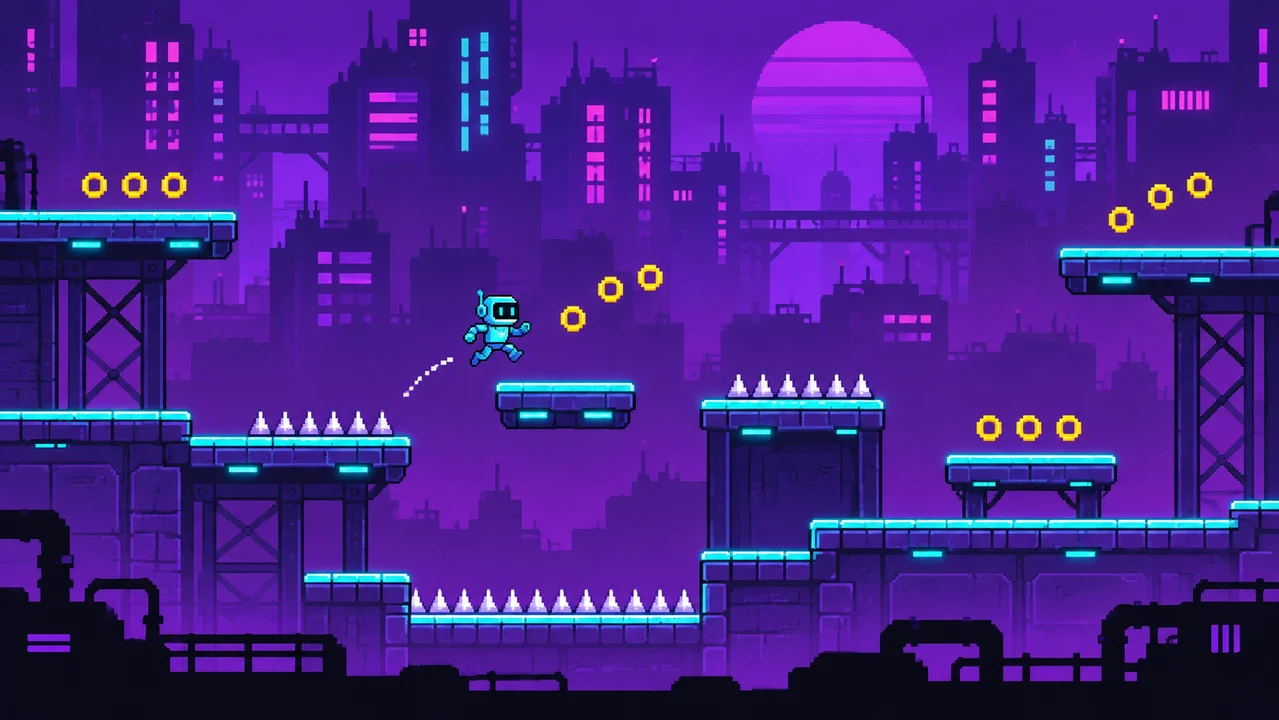
Explore one mechanic, camera, or art direction before committing to a larger production.
Start with a prompt ↗
Use short 2D prototypes to discuss rules, feedback, level design, and iteration.
Start with a prompt ↗Compare
These are workflow tradeoffs, not a promise that every generated game is production-ready.
| Feature | Prompt-first 2D prototype | Manual project setup |
|---|---|---|
| Starting point | Describe the loop and inspect a first result. | Build the initial scene, rules, and assets yourself. |
| Iteration | Request a focused change, then playtest again. | Adjust implementation directly and test the affected systems. |
| Release readiness | Review assets, gameplay, performance, and platform requirements. | Review assets, gameplay, performance, and platform requirements. |
| Visual direction | Describe pixel-art style, palette, and camera in the prompt. | Choose and configure art assets and camera settings directly. |
| Custom assets | Describe sprite requirements and check the available import tools. | Set up the asset pipeline and verify format compatibility. |
Reviews
These links point to guidance and prompts on this page.
FAQ
Start with a small playable loop: name the camera, player controls, objective, obstacles, and ending. Submit that prompt, test the first result, then request one focused change at a time. A single room or short level is easier to evaluate than a full campaign.
Describe an overhead camera, four-direction movement, collision rules, and a specific goal. For example, ask for a forest map where the player collects three lanterns to open a gate. Test movement and win conditions before expanding the map.
Include the sprite requirements in your prompt: character dimensions, facing directions, animation frames, transparency, and consistent scale. If your workspace supports asset attachments, provide sprites you own or have permission to use. Check the available import workflow rather than assuming every file format is supported.
You can begin with a natural-language description instead of writing the initial game code yourself. That does not remove the need to inspect the result, debug problems, or make adjustments as the project grows.
Ask for a specific pixel-art palette, sprite scale, and top-down or side-view camera. Art consistency, animation, and readability should be reviewed in the generated result; a style prompt alone is not a quality guarantee.
Choose one mechanic and one short level: collect objects to unlock a gate, jump to a finish flag, or push crates onto targets. Avoid starting with online multiplayer, a large inventory, or an open-world campaign.
Include the camera, movement and action controls, objective, obstacles, art direction, and win or lose conditions. State the initial scope and ask for a restart option so you can test repeated runs.
The goal is to start a game project, but the result depends on the request and the current tools. Expect to test the first version and ask for changes; do not assume every mechanic or asset will work correctly on the first attempt.
No. The images are illustrative visual directions for the accompanying prompts. They are not evidence that a playable version of each example has been built, tested, or published.
Describe a fixed side-on camera, horizontal movement, jump behavior, platform collisions, checkpoints, and a finish goal. Start with one level and check that jumps and landings feel reliable before adding moving hazards.
Report an observable problem such as walking through a wall or missing a platform edge. Ask for one specific correction, then replay the same situation to check whether the change fixed it without introducing another issue.
Check the export and publishing options available in your current workspace and plan. This page does not promise a particular engine project format, store integration, hosting arrangement, or one-click release workflow.
Only use assets you own or have permission to use under the relevant license. Check attribution, modification, redistribution, and commercial-use terms before importing or publishing them.
Sign-in, credits, and plan requirements are shown in the product. Check the current workspace before generating; this page does not promise unlimited or free generation.
Describe the player, controls, and one satisfying challenge. Test the result before adding more.
Start my 2D game →