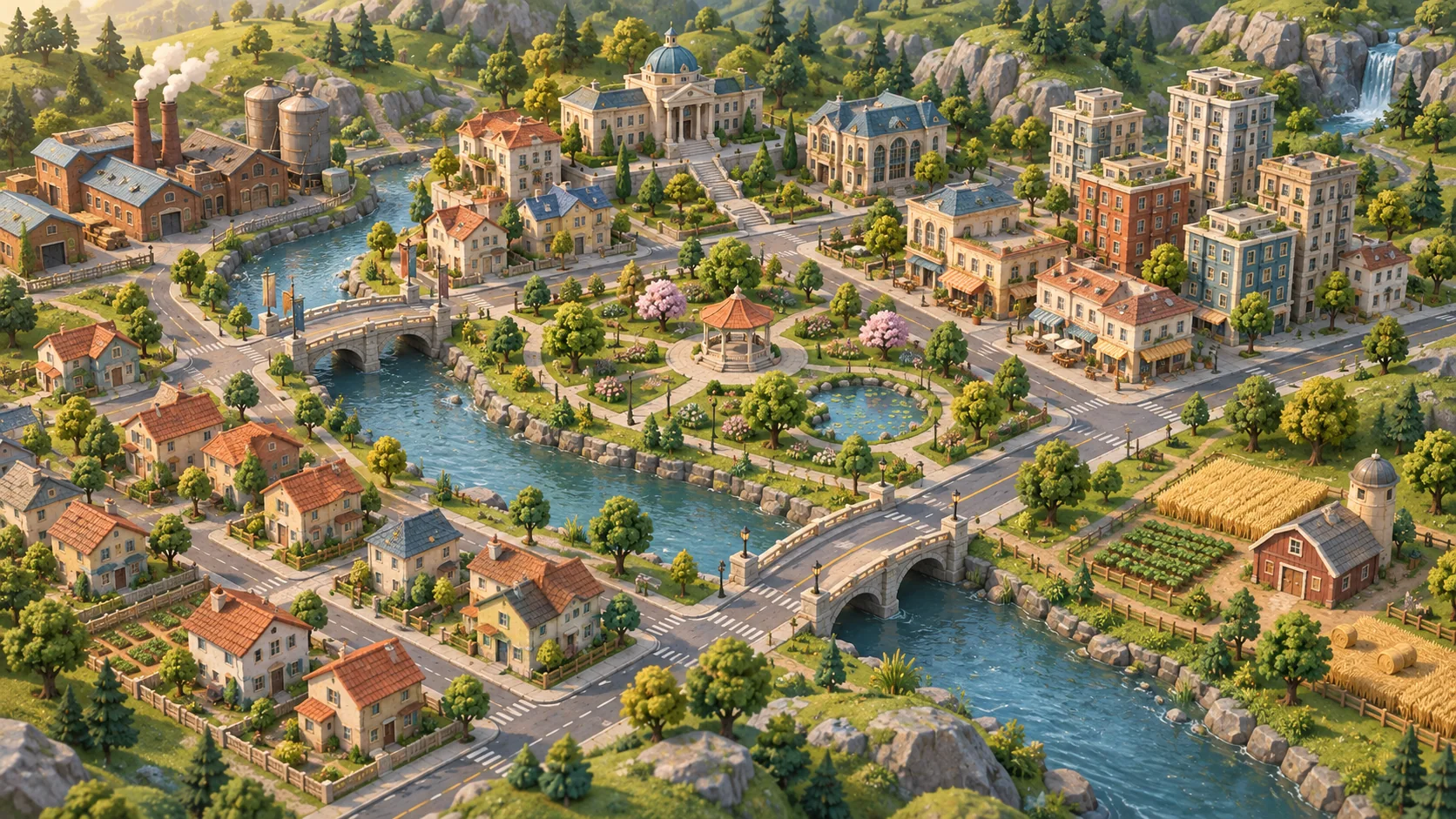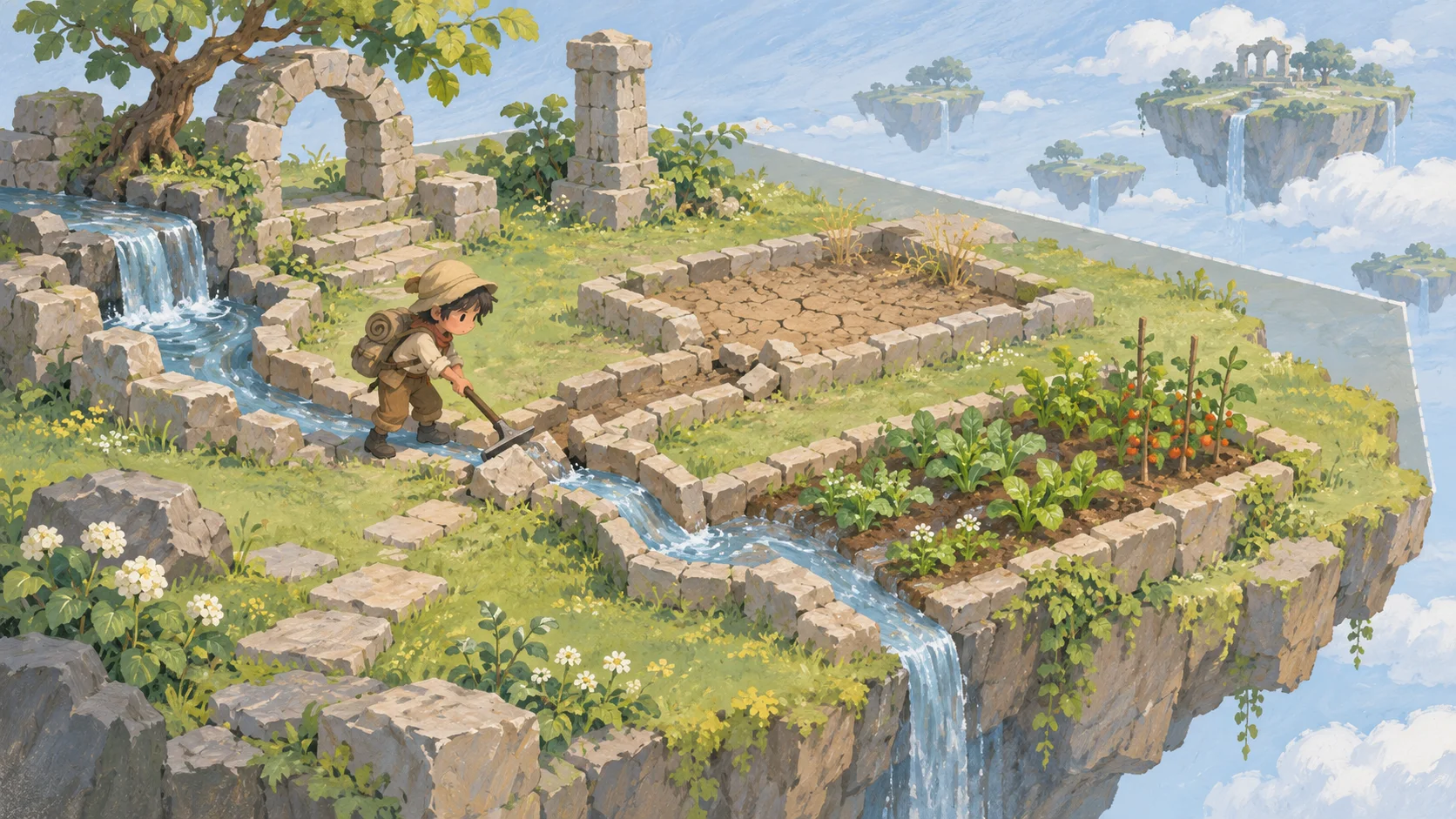



Make tools understandable
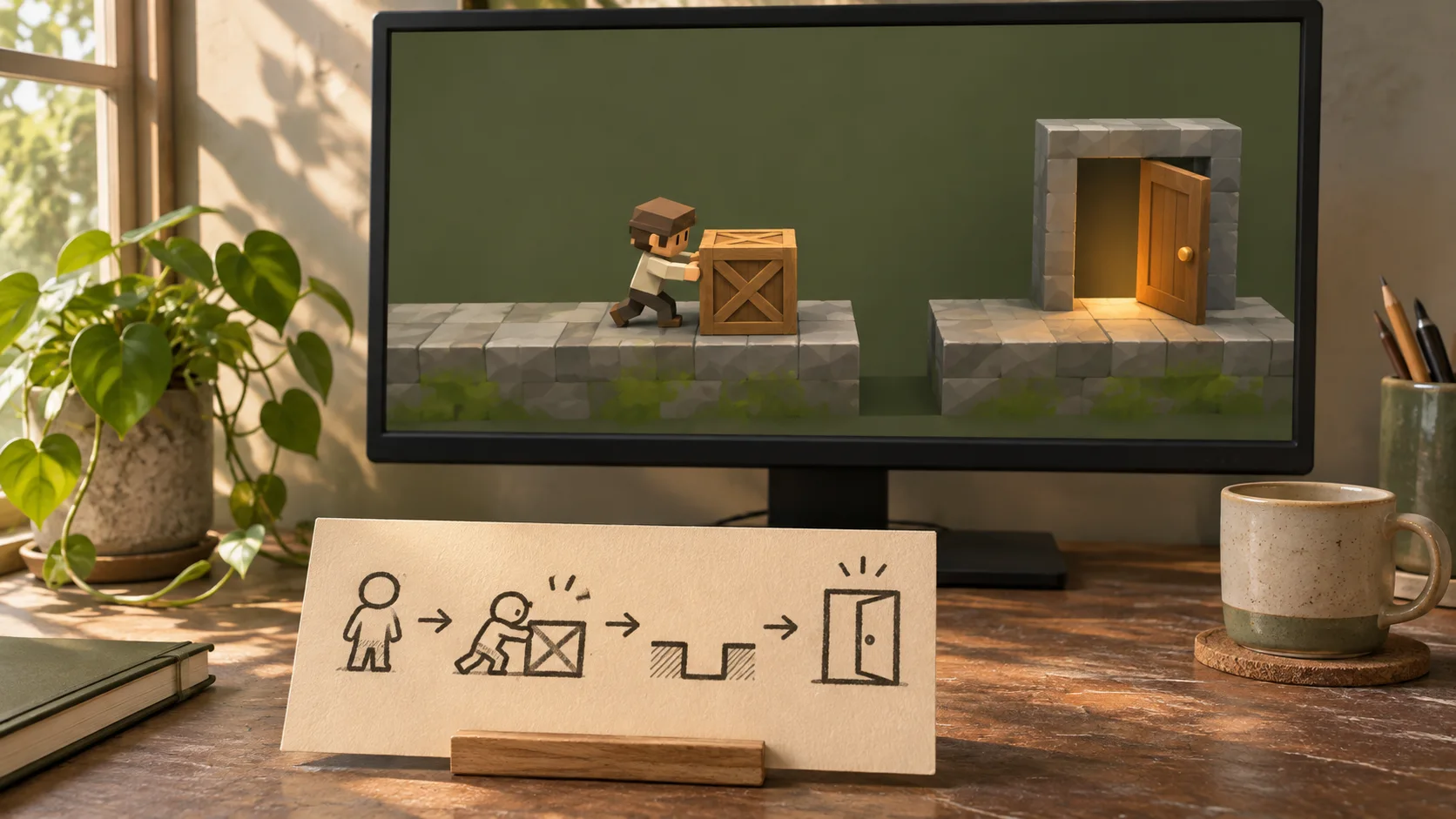
Show what each tool can move, build, or connect.

Choose a world rule, a tool players can use, and a goal they can set for themselves. Plan a sandbox prototype around player experimentation. Define the available tools, world boundaries, and feedback that helps players understand what they can change.
Partners and teams

















How it works
Create a 3D first-person shooter with AI. Build a battlefield, add enemy waves, test your weapons, and refine the action with prompts.
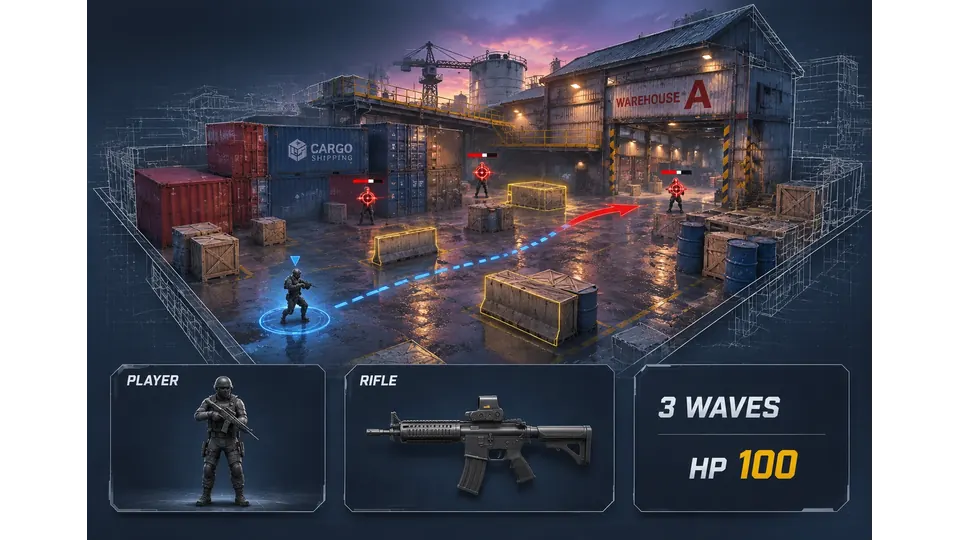
Plan a warehouse battlefield with a rifle, cover, and three waves of enemies.
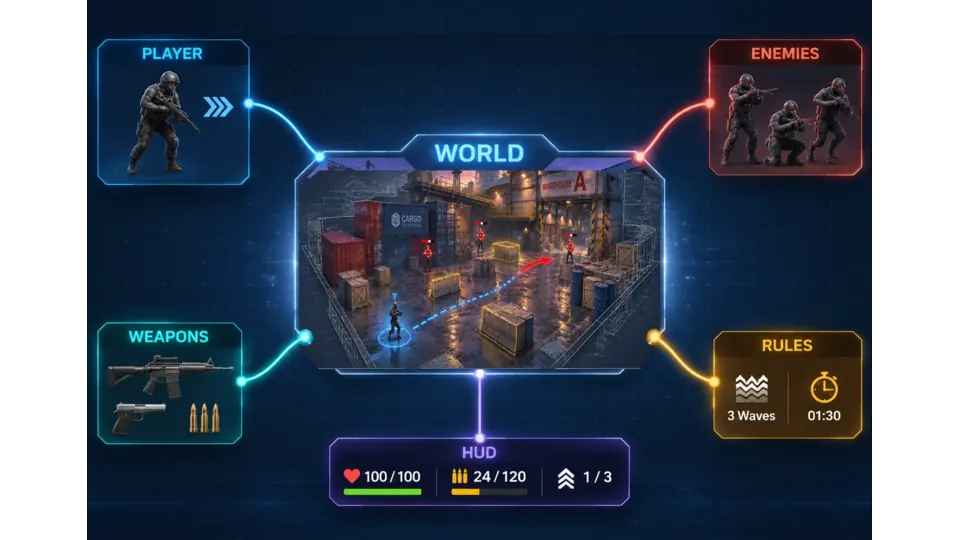
Combine the warehouse map, weapons, enemies, combat rules, and game HUD.
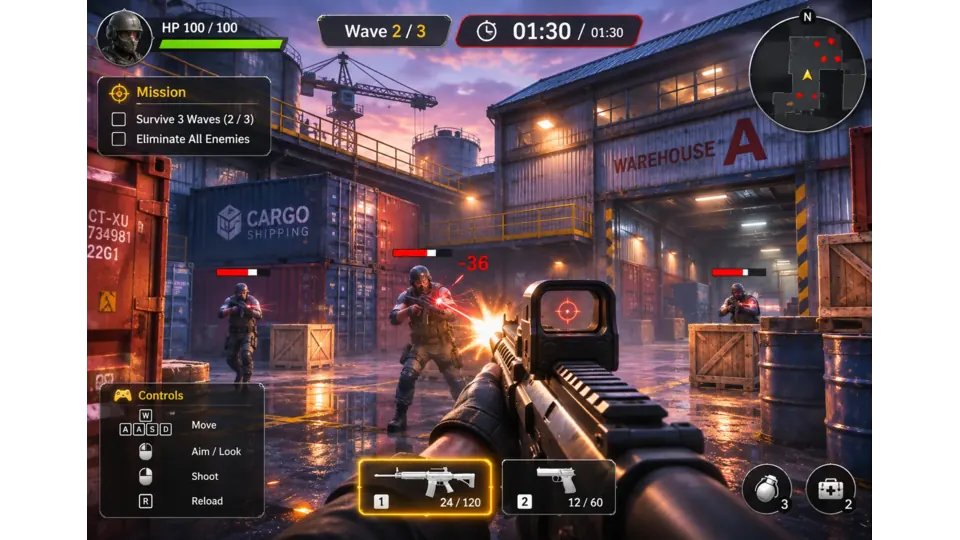
Fight through enemy waves, reload your rifle, and manage your health and ammo.
Make a game for freePick a starting point
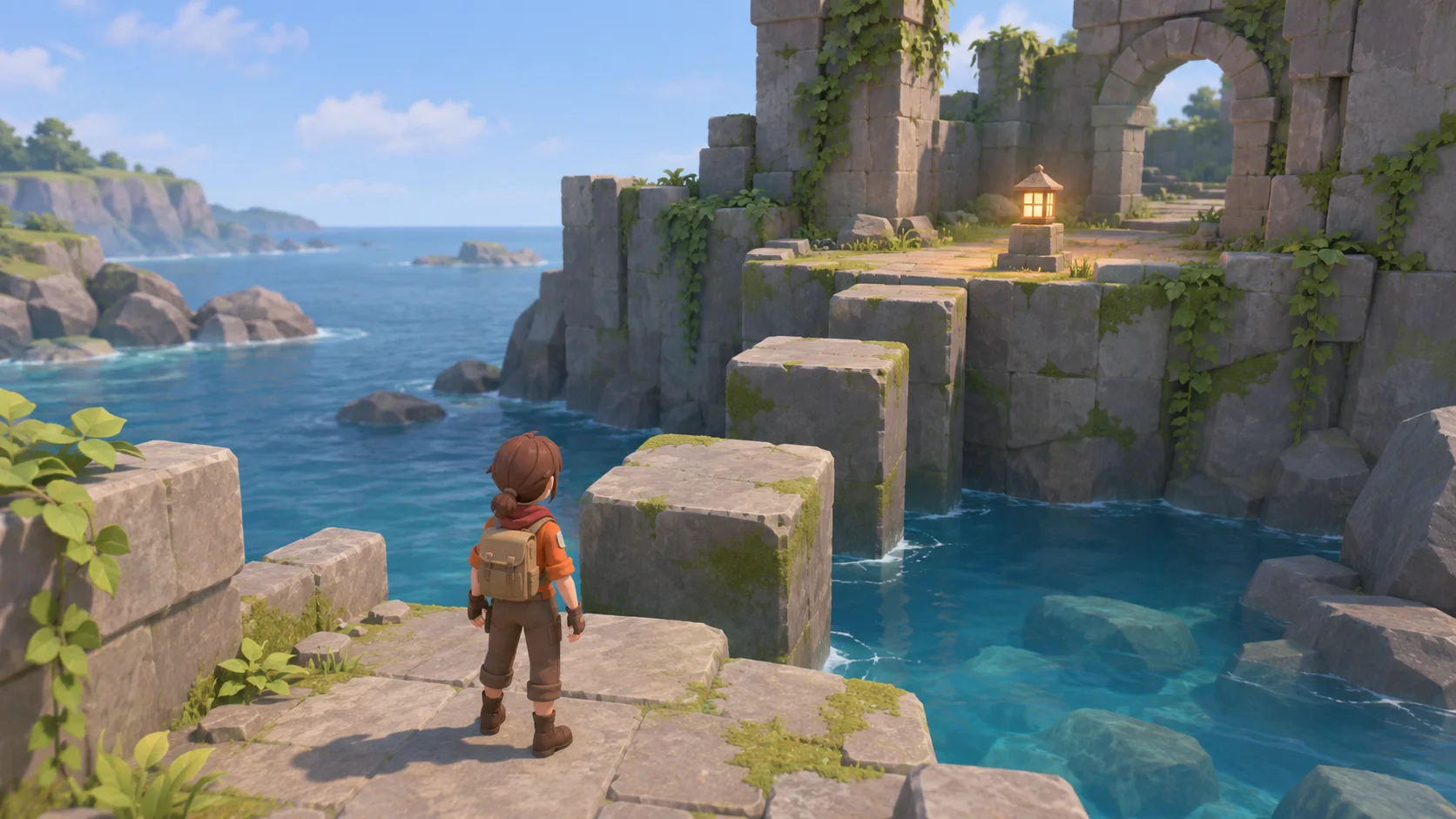
Start with a small island, ten wooden blocks, and a shallow stream. Review whether the player action and resulting change are clear.
Start with a small island, ten wooden blocks, and a shallow stream. Let players build a bridge to reach a hilltop marker and keep the structure after they cross.
 Core activity ↗
Why SEELE
Show what each tool can move, build, or connect.

Give players a world rule they can test in more than one way.

Mark buildable areas and objects that cannot be changed.

Decide which changes remain after leaving or restarting the scene.

Show when a structure holds, a mechanism activates, or a material runs out.

Check edge cases without removing the freedom the sandbox promises.
Made with SEELE
These games are playable. Pick one and give it a try.
 AdventureAdventure GamePlay the example ↗
 ShooterWarcom: Neon BreachPlay the example ↗
 ActionOld Gods RunPlay the example ↗
 CasualCaution! Egg on the Car RoofPlay the example ↗
 RunnerNeon Night Rush: Barrier DashPlay the example ↗
 PuzzleMuseum ExhibitionPlay the example ↗
 SimulationMilky Way Idle 3DPlay the example ↗
 CasualSnowfall & Starry GiftsPlay the example ↗
 RPGCrownfall-The-Three-Realms-CoverPlay the example ↗
 SimulationFLYING CARPlay the example ↗
Who it’s for
Define the player, one core mechanic, and one testable outcome for a first AI Sandbox Game Maker brief. Keep the scope small enough to playtest.
AI 3D Game Generator ↗
Compare AI Sandbox Game Maker directions against the target player and engine workflow before the team commits to a larger build.
AI Game Generator from Prompt ↗Reviews
FAQ
AI Sandbox Game Maker is a SEELE AI workflow for creators who need to outline open-ended systems, world rules, and player tools. It turns a short intent into a structured prompt and production checklist.
Yes. For AI Sandbox Game Maker, name the audience, one action, and a visible outcome. Use core game loop as a starting point, then add one constraint before expanding the brief.
Before release, check that the AI Sandbox Game Maker result meets the brief, works as intended, and satisfies rights, performance, accessibility, and destination requirements.
Begin with the island, ten wooden blocks, and shallow stream. Let the player build a bridge to the hilltop marker, then confirm the structure remains after crossing.
For AI Sandbox Game Maker, name the intended user, one action, and a visible outcome. Use Core game loop as a starting direction and add one requirement from its example prompt.
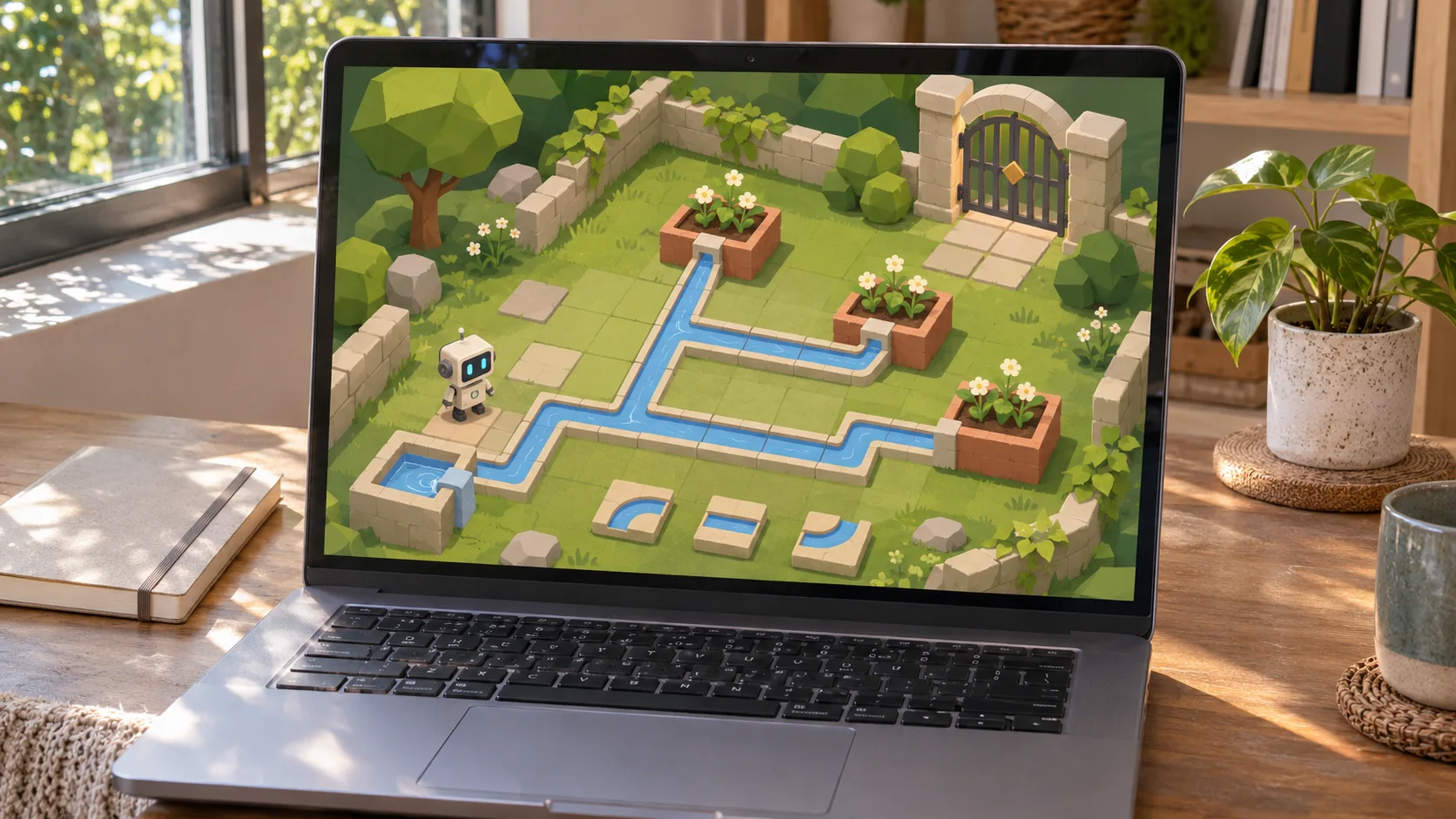
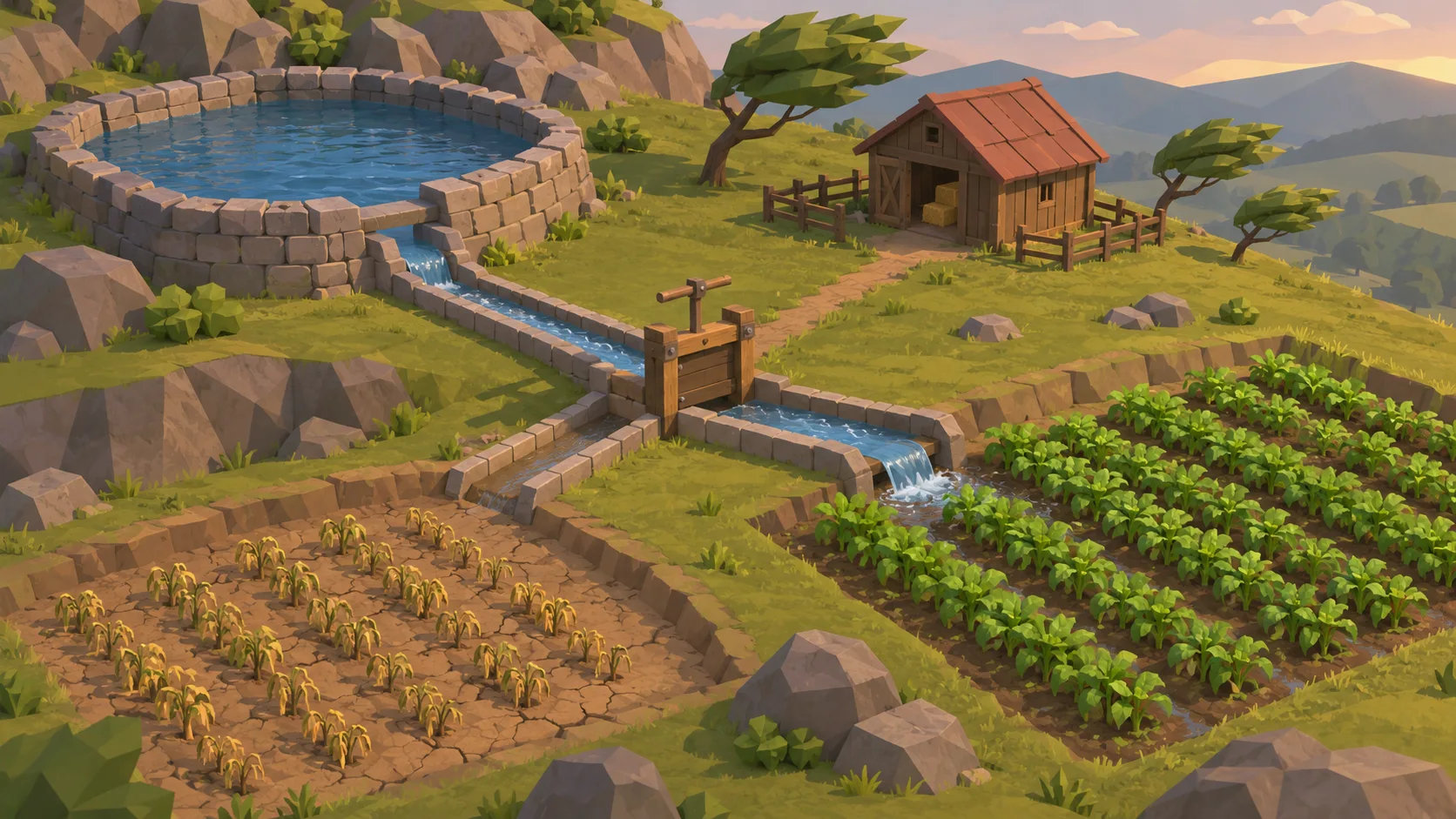
Ask a player to build and cross the bridge, then check whether the pieces stay in place. For the water puzzle, see if they can redirect the stream through the panels and discover what the mill reveals.
Choose Core activity for free building with a visible hilltop goal. Choose Player challenge to test whether movable panels can redirect water and lead to the hidden storage room.
Check that the bridge supports the crossing and remains afterward. In the mill puzzle, verify that each panel changes the water path and that the storage room is revealed by the intended flow.
Scope a first AI Sandbox Game Maker prototype to Core game loop, one user action, and one visible outcome. Defer secondary features until that path works.
Choose Core activity for free building with a visible hilltop goal. Choose Player challenge to test whether movable panels can redirect water and lead to the hidden storage room.
If the bridge disappears after crossing, review the structure’s persistence before adding more pieces. If the water route is hard to understand, expose the channel connections and test one panel at a time.
Match a linked tool's input and output to one need in the AI Sandbox Game Maker brief. If it does not support that step, skip it and keep the test in the main project.
Review the linked guides most relevant to AI Sandbox Game Maker. Choose one based on your question and check its scope before applying the steps.