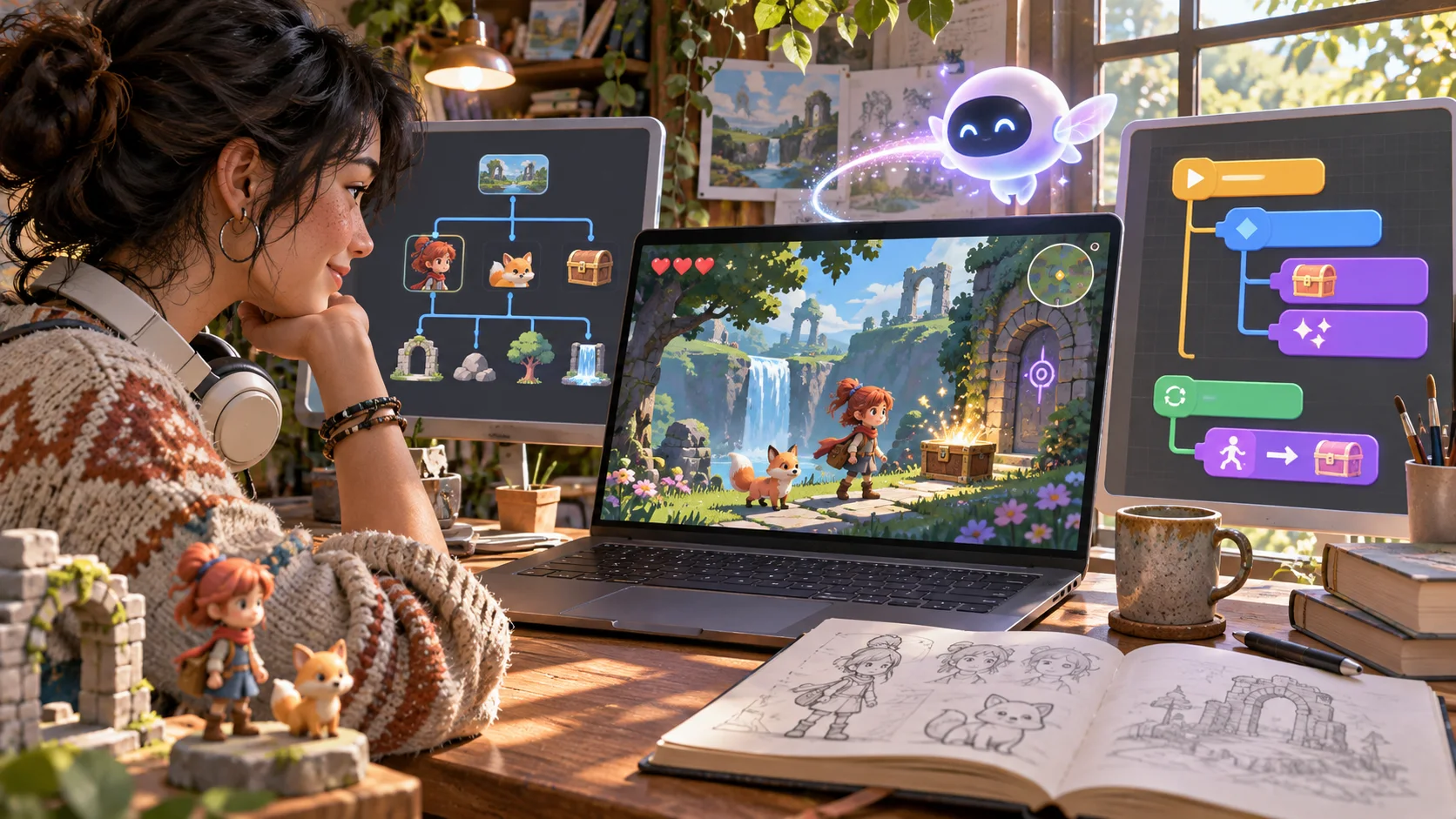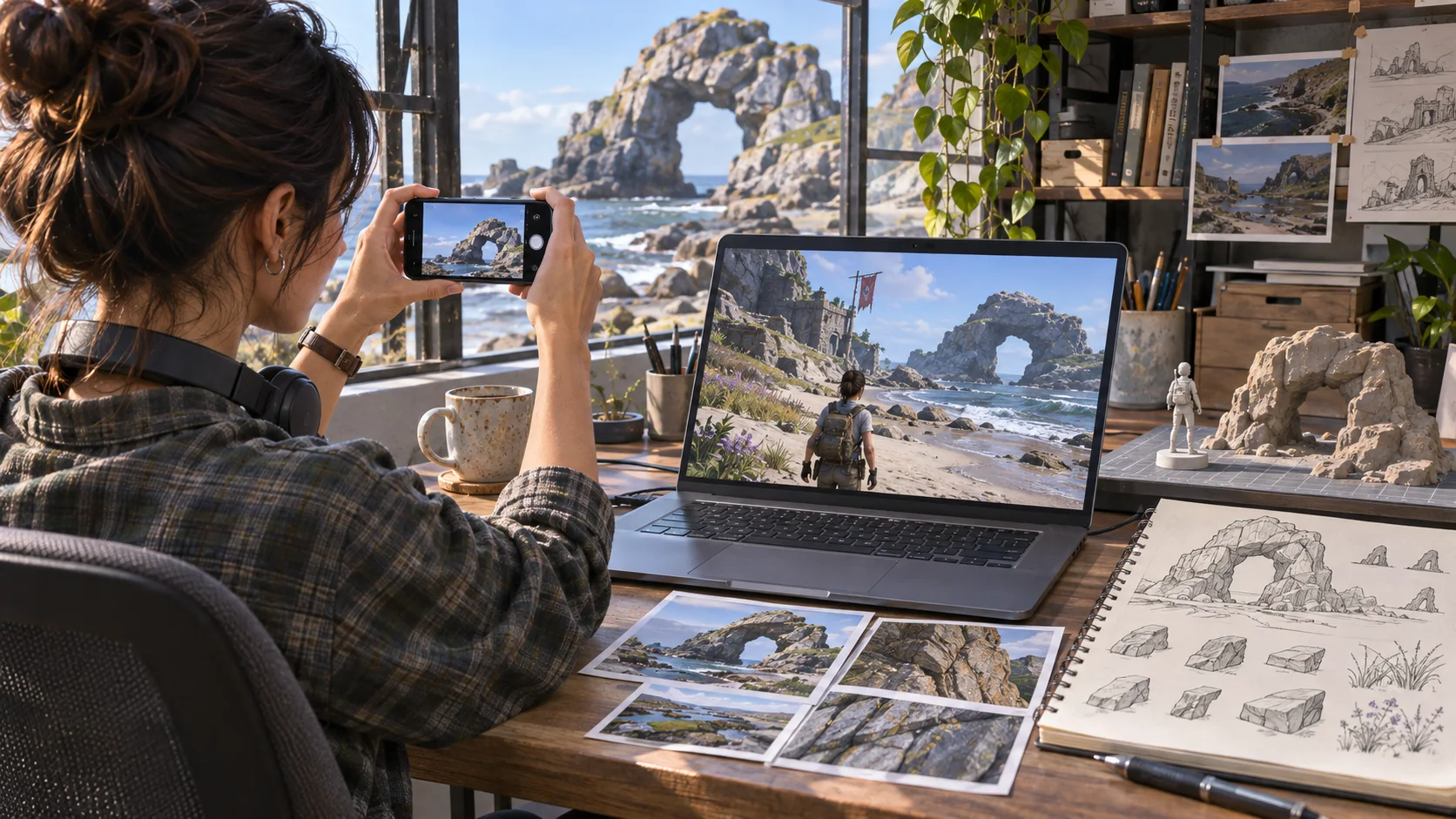



Write requirements before generation
Specify scale, use, format, and camera distance.

Plan a Luma-assisted game workflow around assets you can verify. Map a game prototyping workflow that uses Luma where appropriate. Record the tool and version, source assets, output format, and checks needed before importing results into the project.
Partners and teams

















How it works
Build your own single-player racing game. Design a coastal track, add nitro boosts and checkpoints, then race against the clock.
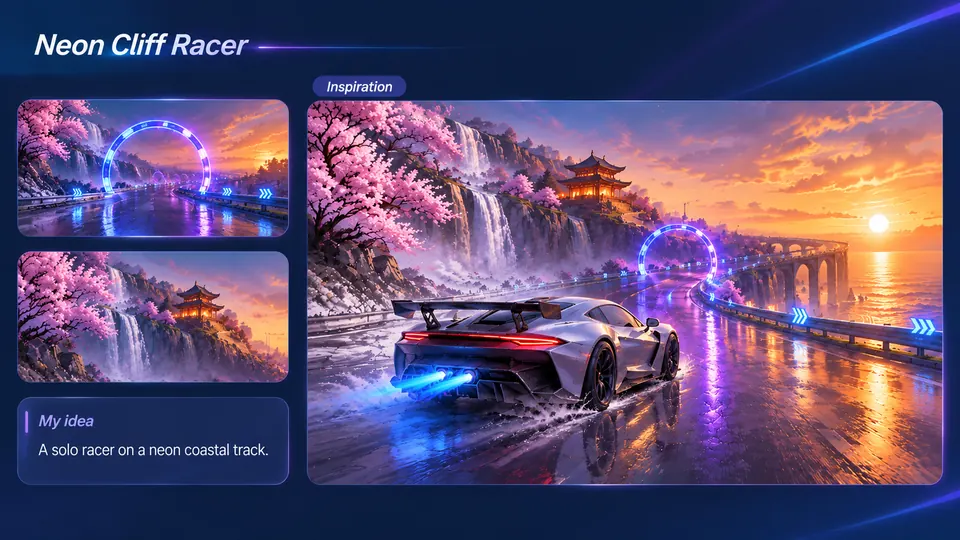
Imagine a silver sports car racing past waterfalls, cherry blossoms, and neon gates.
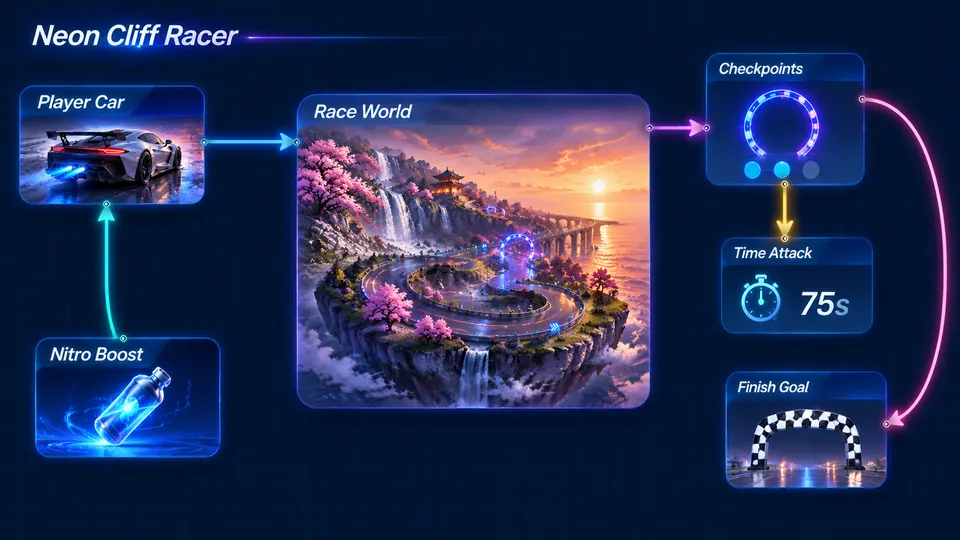
Connect your sports car, coastal track, checkpoints, nitro boost, and finish line.
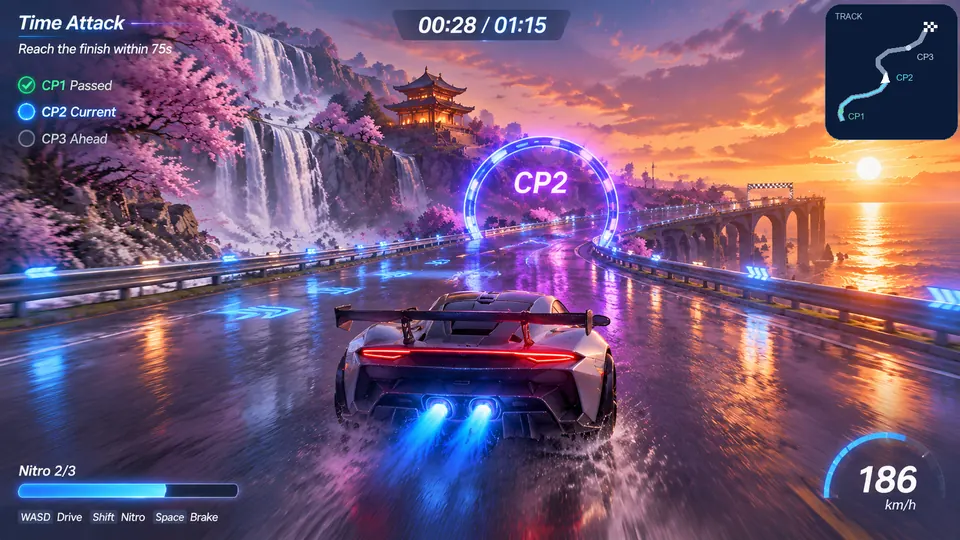
Drive through three neon gates, activate nitro, and finish within 75 seconds.
Make a game for freePick a starting point
Requirements can be checked in the scene.
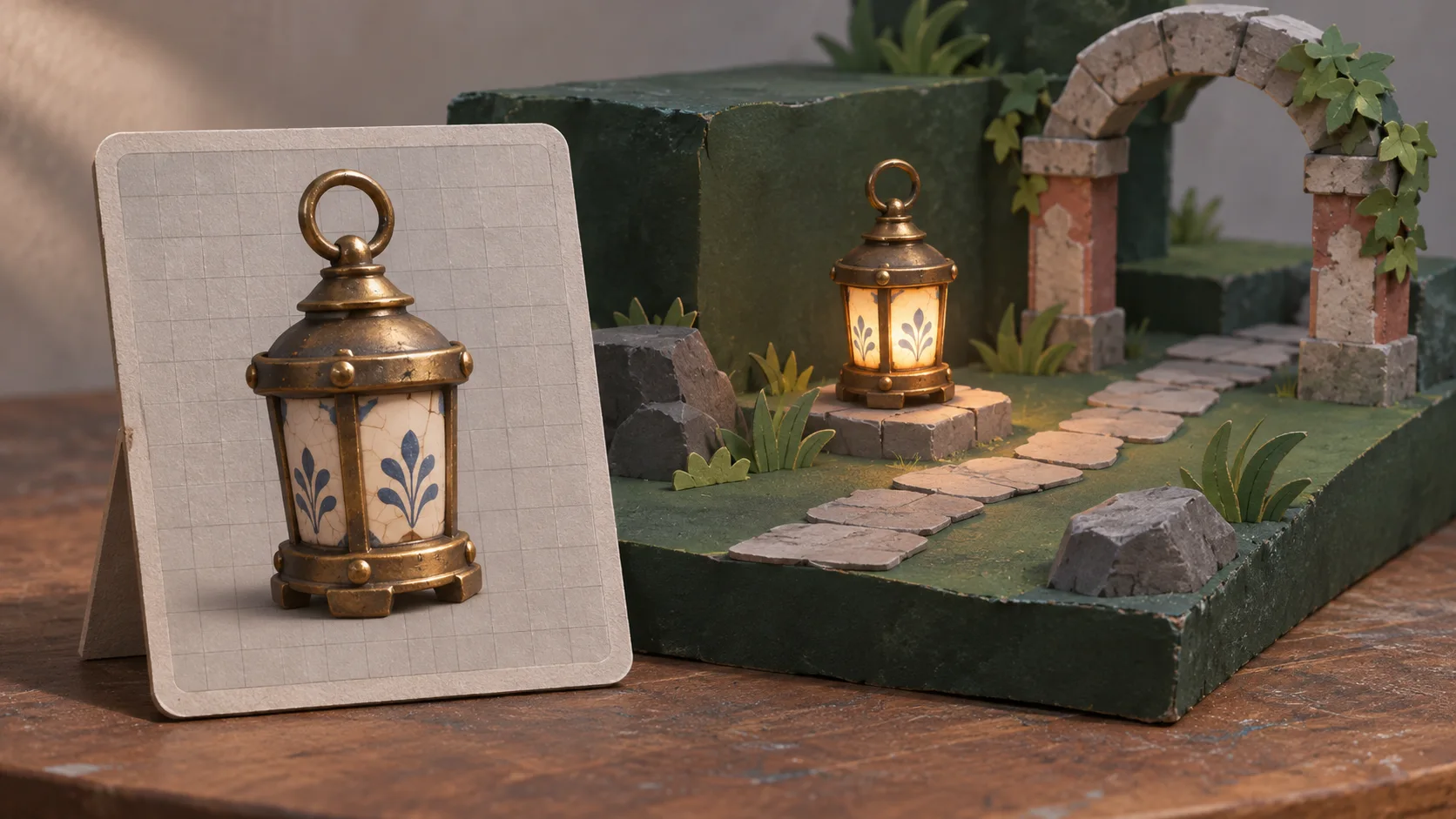
Plan a low-poly market stall prop for a browser adventure. Set its world scale, front-facing silhouette, texture limit, export format, and intended camera distance before generation.
 Asset brief ↗
Why SEELE
Specify scale, use, format, and camera distance.

Change one input at a time.

Save product version, prompts, and exports.

Check materials and scale in project context.

Measure the asset in the target pipeline.

Confirm a supported alternative with the pipeline owner.
Made with SEELE
These games are playable. Pick one and give it a try.
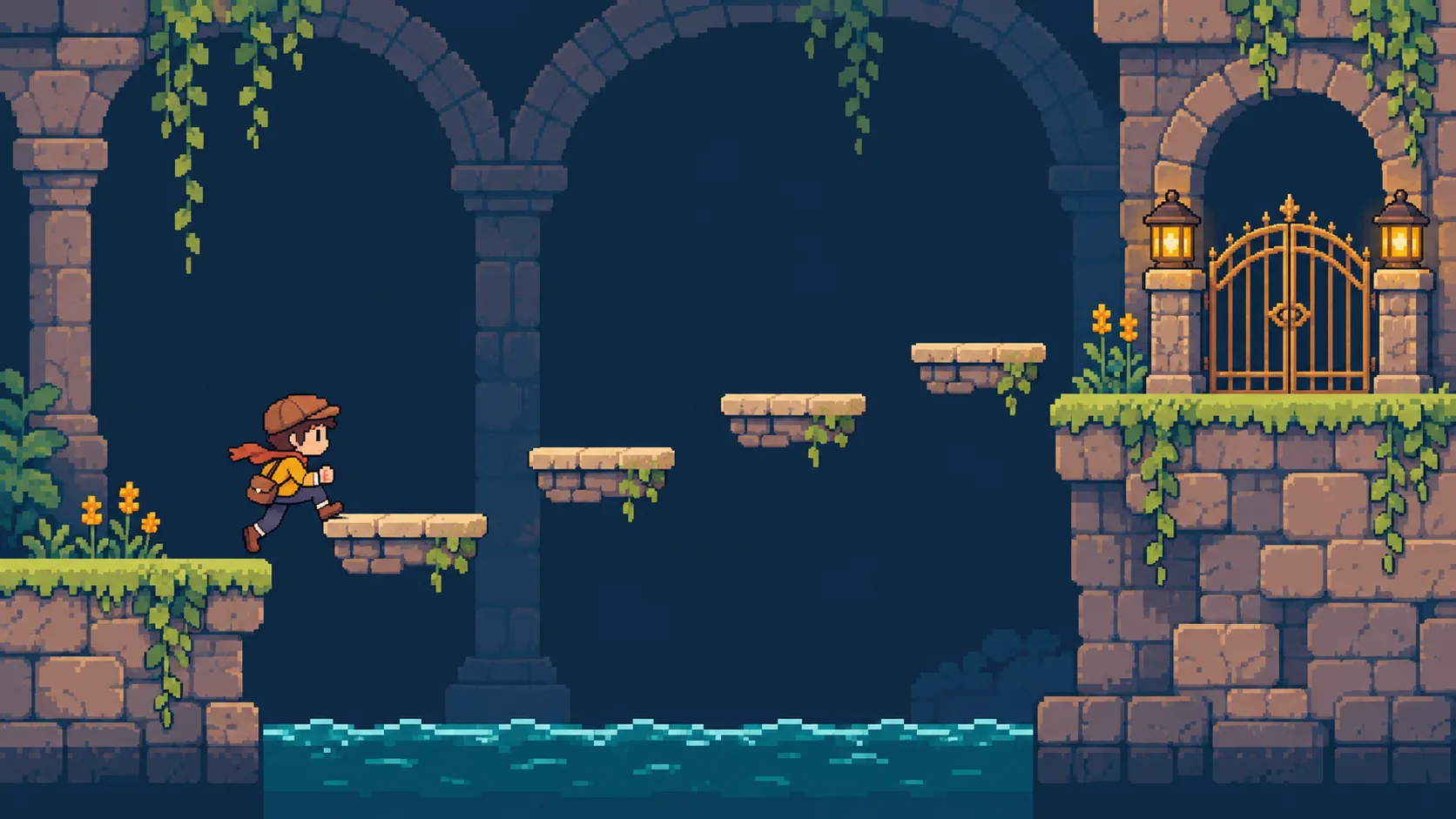
 AdventureAdventure GamePlay the example ↗
 ShooterWarcom: Neon BreachPlay the example ↗
 ActionOld Gods RunPlay the example ↗
 CasualCaution! Egg on the Car RoofPlay the example ↗
 RunnerNeon Night Rush: Barrier DashPlay the example ↗
 PuzzleMuseum ExhibitionPlay the example ↗
 SimulationMilky Way Idle 3DPlay the example ↗
 CasualSnowfall & Starry GiftsPlay the example ↗
 RPGCrownfall-The-Three-Realms-CoverPlay the example ↗
 SimulationFLYING CARPlay the example ↗
Who it’s for
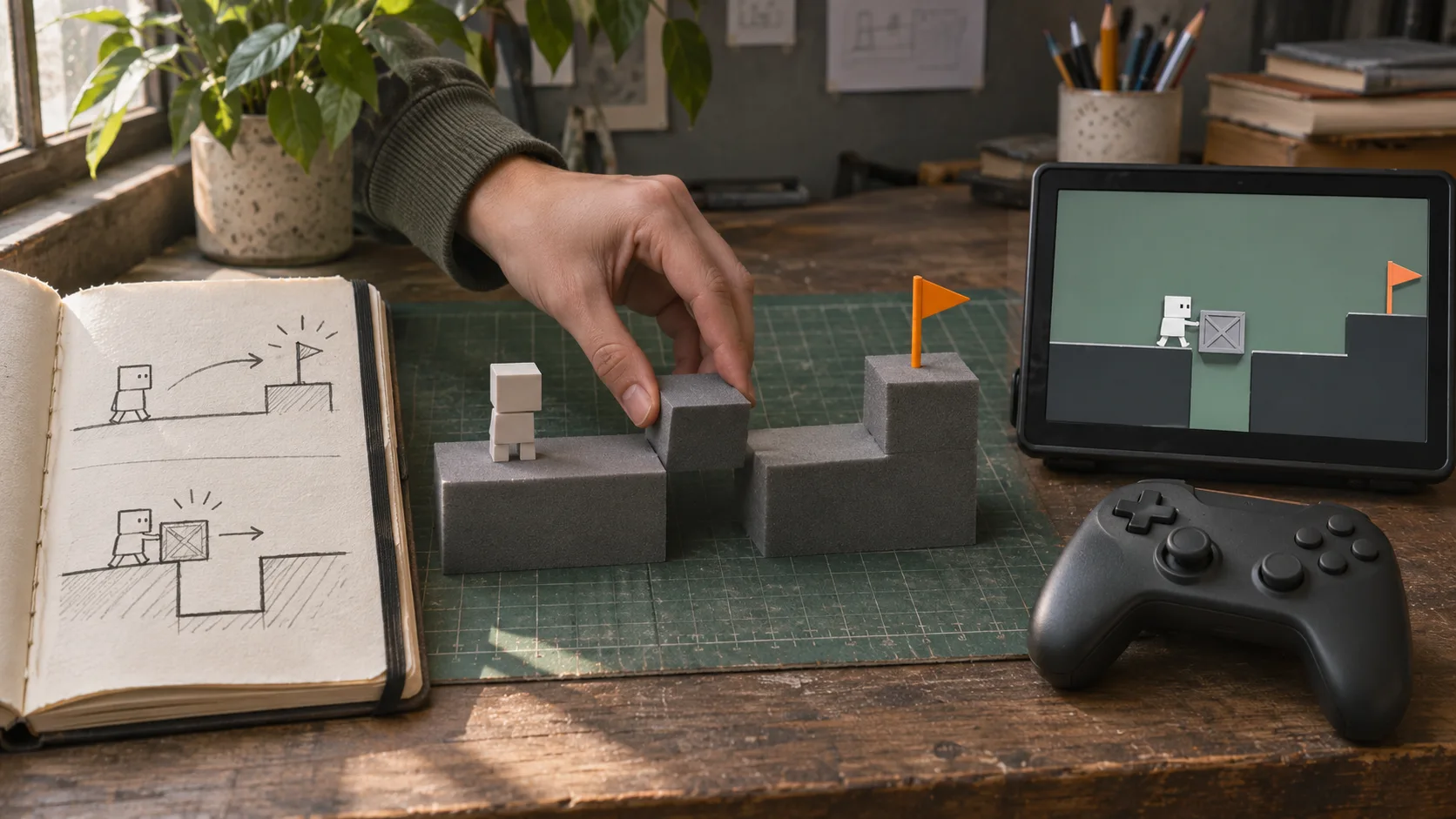
Define the player, one core mechanic, and one testable outcome for a first Luma AI game workflow brief. Keep the scope small enough to playtest.
HTML5 Game Generator ↗
Compare Luma AI game workflow directions against the target player and engine workflow before the team commits to a larger build.
3D asset to HTML5 game ↗Reviews
FAQ
Use it as a focused entry point: start from the stated intent, then follow the linked SEELE AI creation and 3D asset tools.
SEELE AI is positioned around AI game creation workflows, including prompt-to-game direction, HTML5 prototypes, generated assets, and browser-first iteration.
Keep the first prototype to one scene, one mechanic, and one optimized asset set before expanding characters, levels, or systems.
Before a first Luma AI game workflow project, define the task, intended audience, one visible outcome, and a constraint. Use Define the task as a direction that fits the brief.
To get started with Luma AI game workflow, use Describe the job as the first step. Set one goal, audience, and constraint; test a small version, then change one thing at a time.
For Luma AI game workflow, name the intended user, one action, and a visible outcome. Use Define the task as a starting direction and add one requirement from its example prompt.
Ask someone who matches the intended player or viewer for Luma AI game workflow to test its main action. Note where the brief is unclear, then revise once before adding features.
For Luma AI game workflow, try Define the task first. Define the action, outcome, and one constraint, then compare another direction only if the first misses the brief.
Check the Luma AI game workflow result against the brief, intended behavior, and first workflow step. Record one mismatch and test that change before expanding scope.
Scope a first Luma AI game workflow prototype to Define the task, one user action, and one visible outcome. Defer secondary features until that path works.
Compare Define the task and Set expected output for Luma AI game workflow using the same user action and visible outcome. Choose the direction that fits the brief with fewer assumptions.
After reviewing Luma AI game workflow, record one gap between the brief and result. Make one focused change, then test the same action against the original outcome.
Match a linked tool's input and output to one need in the Luma AI game workflow brief. If it does not support that step, skip it and keep the test in the main project.