
Seele AI · Create
Three.js Game Generator
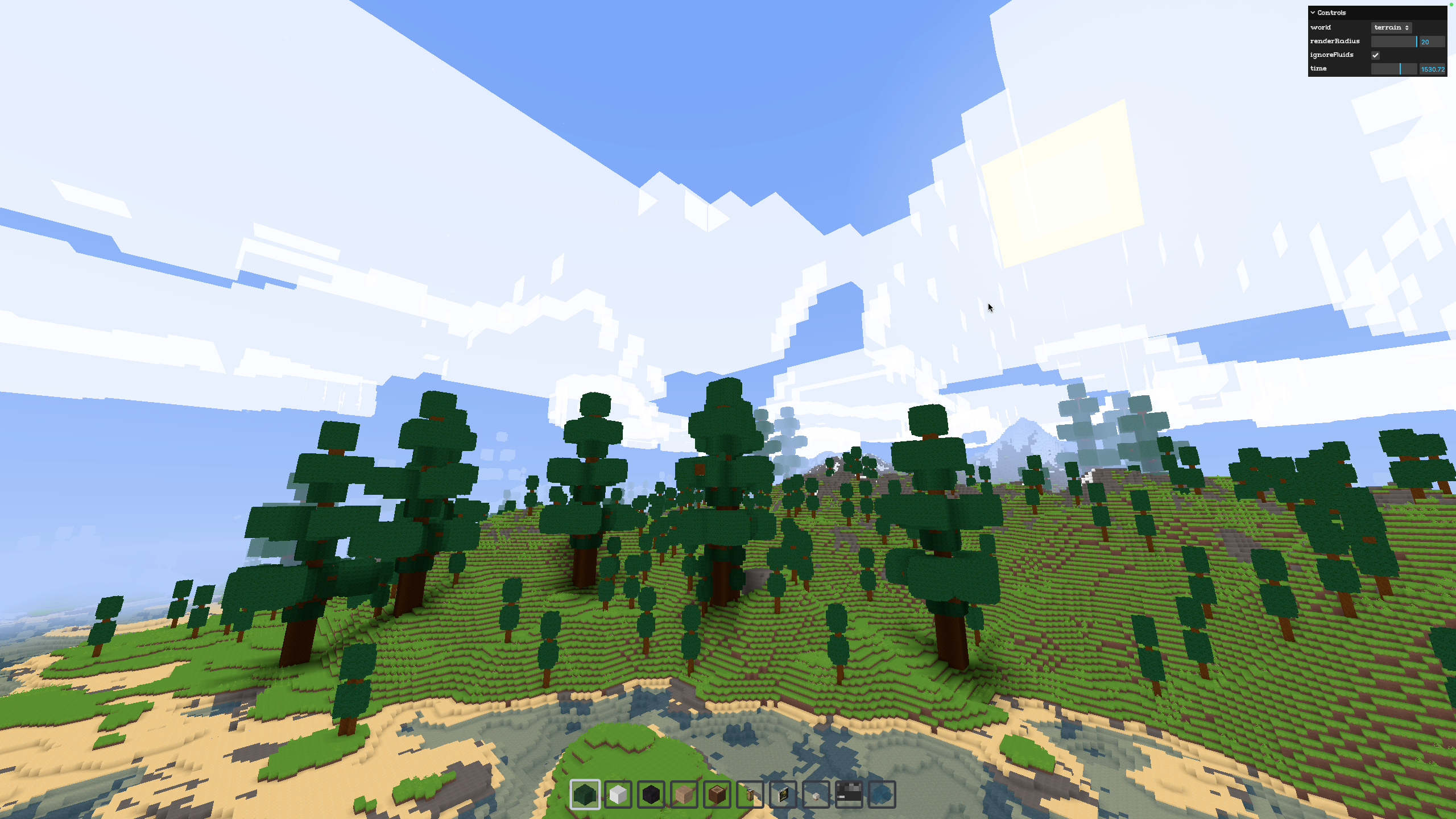
Create a playable Three.js voxel adventure with movement, jumping, camera controls, procedural terrain, mining, and building.
Create a playable Three.js voxel adventure from a prompt.
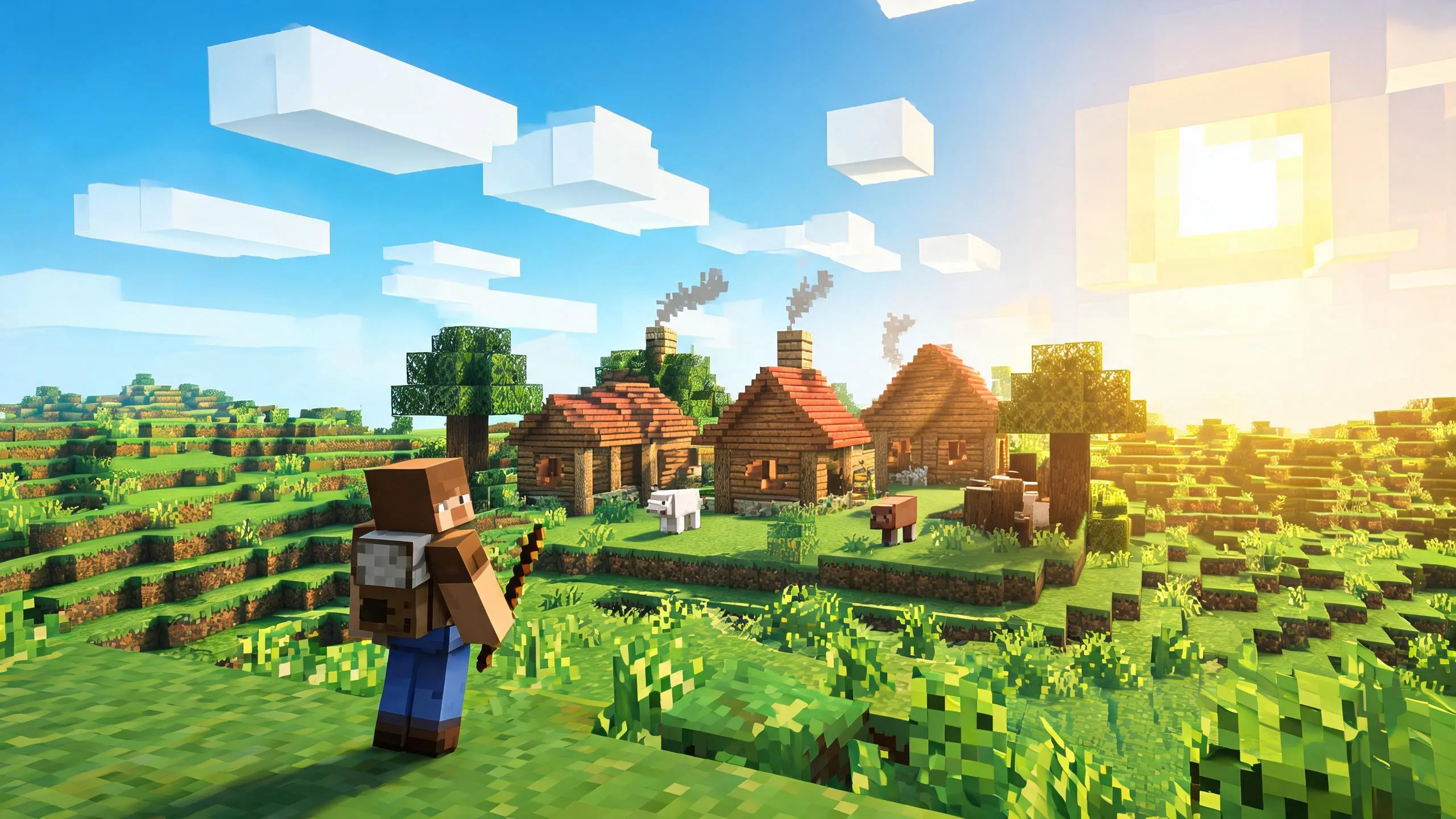
The working loop
From Voxel Brief To Browser-Playable Adventure
Define The Playable Core
Choose first- or third-person view, movement, jumping, camera behavior, collision rules, and one exploration goal. Seele turns the brief into a focused Three.js prototype structure with testable controls and scene behavior.
Add Voxel Interaction
Specify village landmarks, procedural terrain, raycast mining, block placement, inventory limits, and feedback. The workspace extends the loop while keeping interactions and world rules available for iteration.
Test And Harden
Run browser tests, record control and terrain failures, tune budgets, and define the production handoff. Seele keeps the prompt, prototype, and revisions together for focused follow-up work.
What leaves the page
Three.Js Voxel Prototype Outputs
Playable Browser Scene
A testable Three.js scene with character movement, jumping, camera controls, collision, and an exploration route.
Voxel Interaction Loop
Mining and block placement rules with raycast selection, reach, inventory, and overlap constraints.
World And QA Specification
Terrain seed, chunk budgets, spawn rules, test cases, known limitations, and production follow-up work.
Fit and limits
Best For And What Still Needs Review
Best for
- Prototyping a Three.js voxel village exploration loop
- Testing third-person mining and building interactions
- Clarifying procedural terrain, control, and camera requirements before production
Still needs human review
- Gameplay feel, collision edges, camera clipping, accessibility, and device input
- Chunk performance, memory disposal, persistence, networking, security, and deployment
- Asset rights, browser compatibility, production architecture, and final QA
Before you start
FAQ
What can a Three.js game generator create?
A Three.js game generator can turn a written game brief into a browser-playable 3D prototype with scene setup, controls, camera behavior, collision logic, and iteration-ready code. For a voxel adventure, specify movement, jumping, camera style, mining, building, world generation, and clear success criteria; then test the generated result in target browsers.
How should I prompt a voxel village exploration game?
Name the player view, movement keys, jump behavior, camera controls, village landmarks, collision rules, and exploration goal. Ask for a compact playable loop first, then add terrain variation, NPCs, collectibles, or quests only after movement and camera behavior are stable.
Can it create mining and building in a procedural world?
Yes, those mechanics can be requested as prototype features: raycast block selection, remove and place actions, an inventory rule, chunk or seeded terrain generation, and a third-person controller. Procedural generation, persistence, performance, and multiplayer authority still need engineering review.
What should I test in a generated Three.js voxel game?
Test keyboard and pointer input, jump limits, camera clipping, collision edges, spawn safety, mining reach, block placement overlap, terrain seams, frame rate, mobile fallbacks, and restart behavior. Confirm the prototype works in every browser and device you intend to support.
Does the proof image show a Seele-generated game?
No. The proof image is an independent screenshot from the open-source Voxelize project, whose browser client uses Three.js and whose repository is MIT licensed. Source: https://github.com/voxelize/voxelize. MIT License: https://github.com/voxelize/voxelize/blob/main/LICENSE. It demonstrates real browser voxel gameplay; it is not Seele output, not a Seele product screenshot, and not evidence that every prompt will produce the same result.
How do I start a Three.js voxel adventure prototype?
Start with one prompt that defines a playable core: a voxel world, character movement, jumping, camera controls, collisions, and one interaction such as mining or building. Run the result, record concrete failures, and iterate one mechanic at a time before production hardening or deployment.
Next move
Build Three.js Game Generator faster in Seele AI
Turn a rough creation goal into a clearer prompt, direction, and next step inside Seele AI.