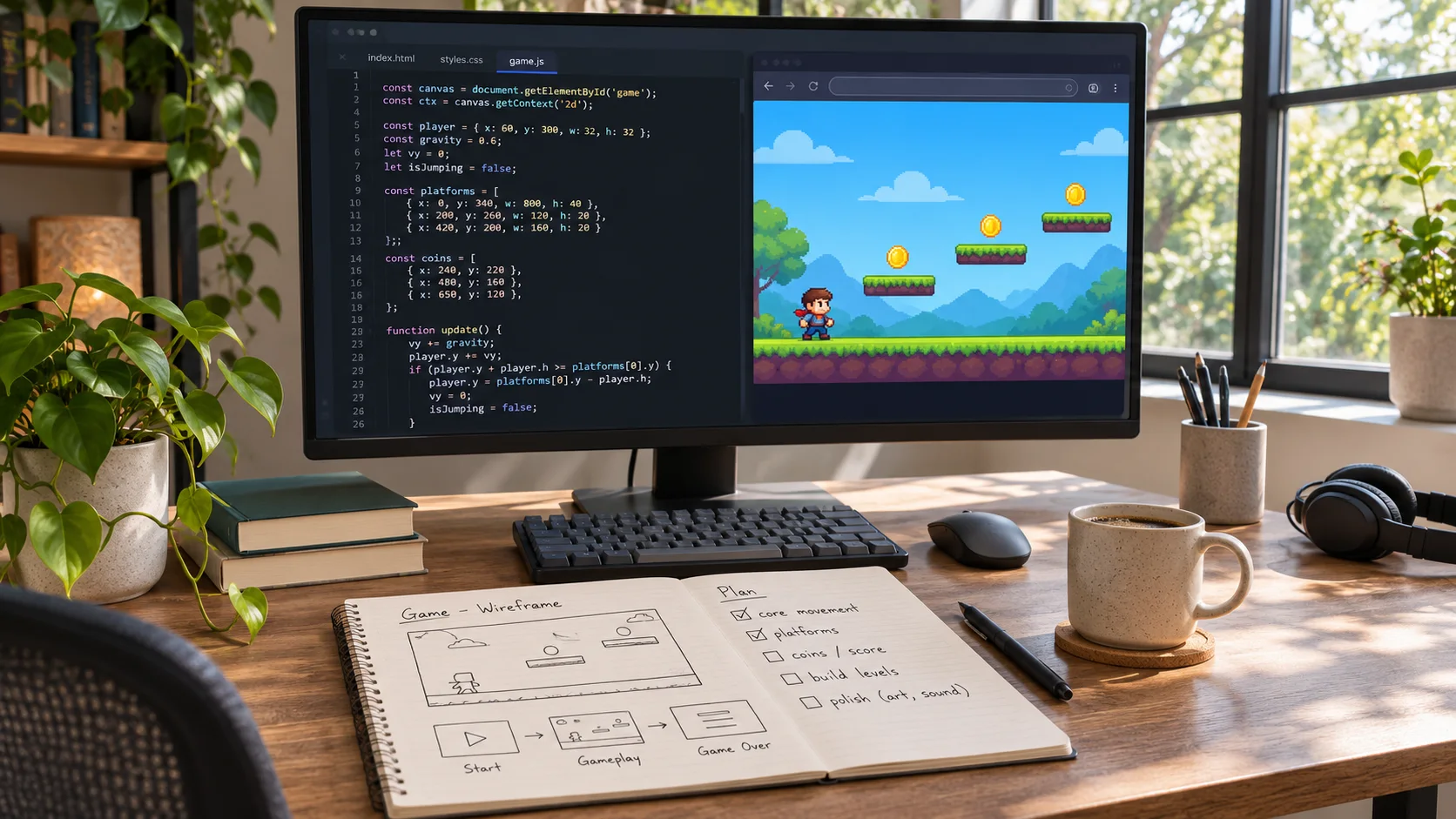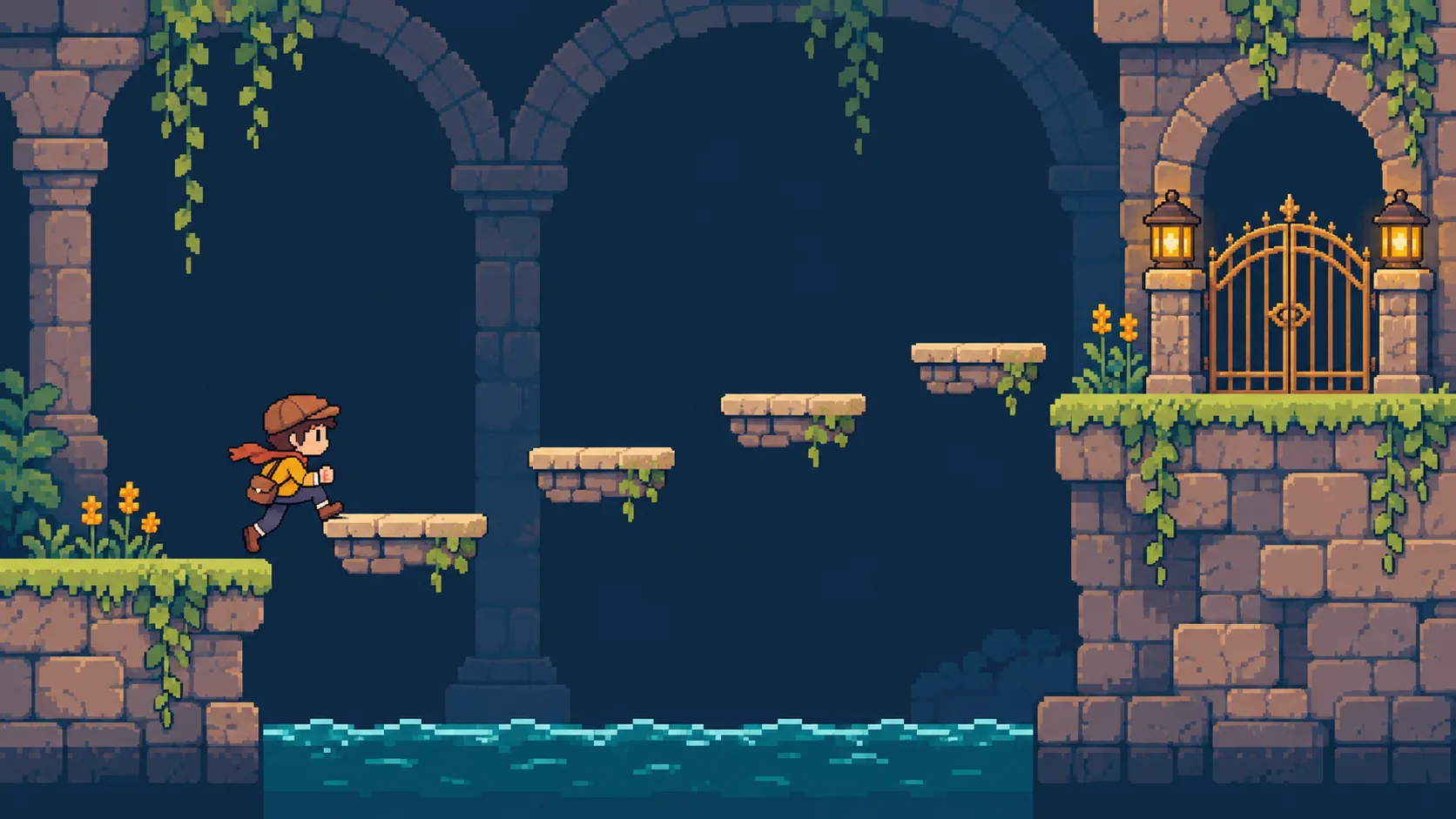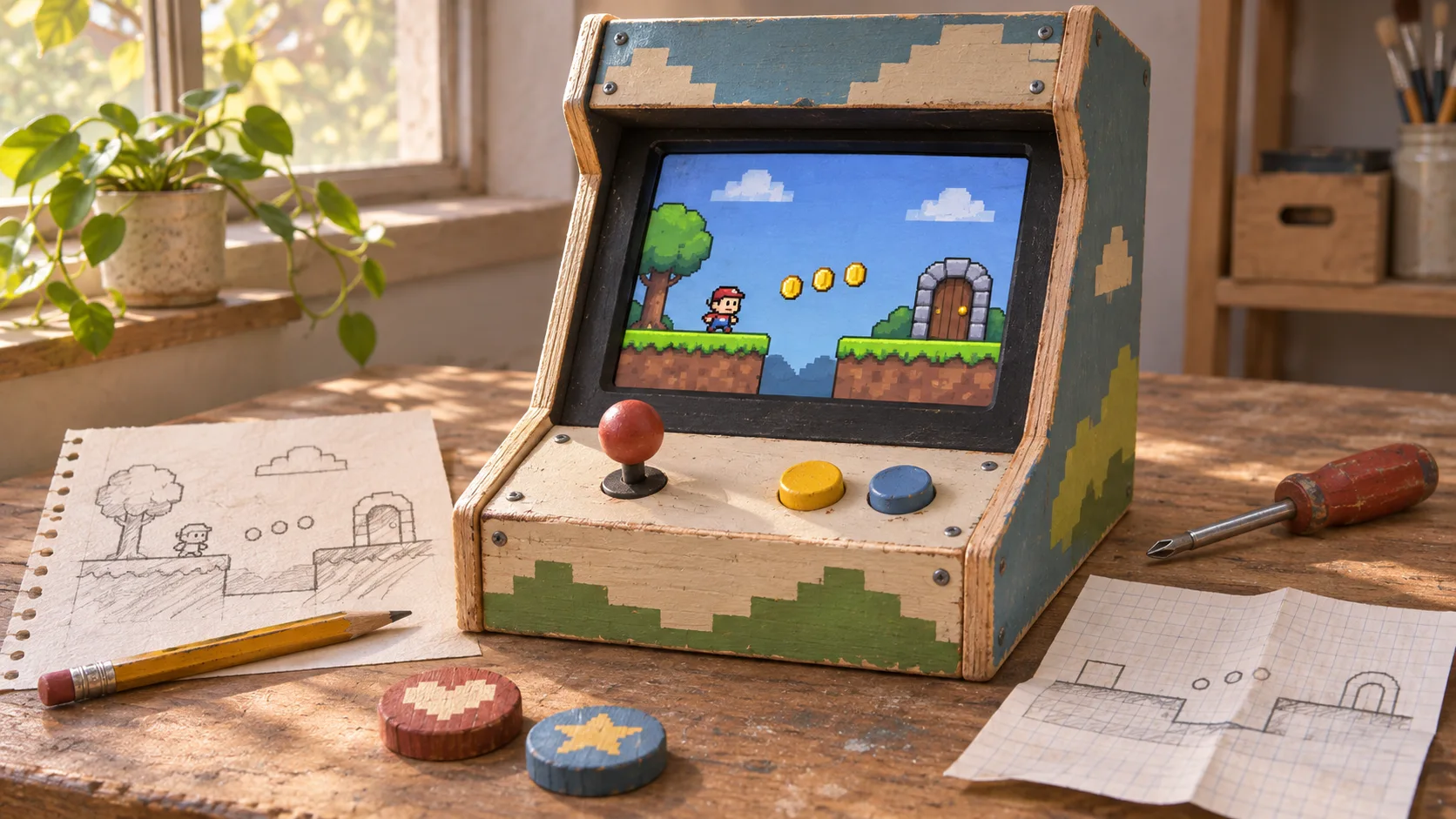

Test the loop before adding content
Describe the player action, its payoff, and what invites another attempt. A short loop is easier to evaluate than a list of features.

Turn a game idea into a testable loop, one mechanic at a time. Explore a game loop, a player challenge, progression, or control feedback through one focused prototype brief. Start with a question you can answer in a playtest, then decide what to change.
Partners and teams

















How it works
Turn a coastal circuit into a playable race against the clock.
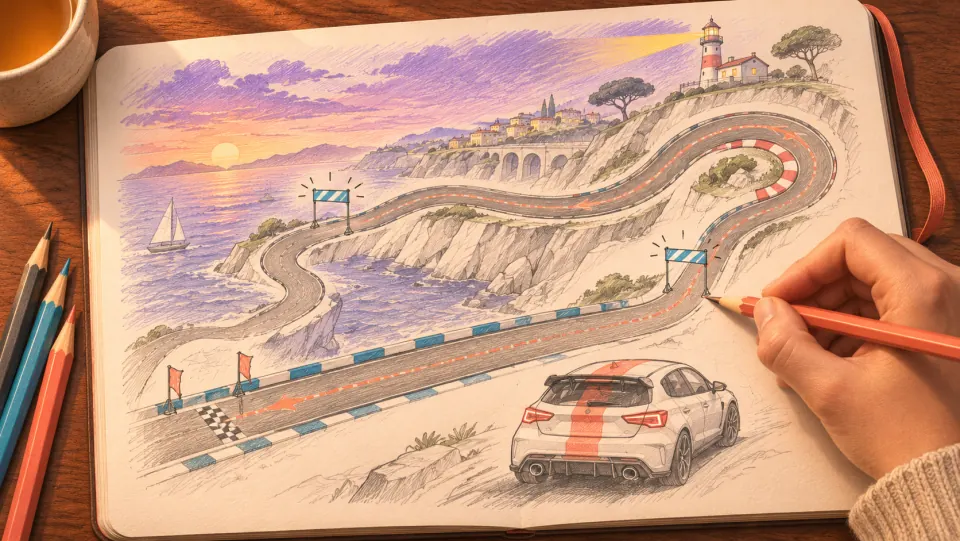
Picture a coastal track with a long straight, a tight hairpin, and a finish line where players can see their lap time.
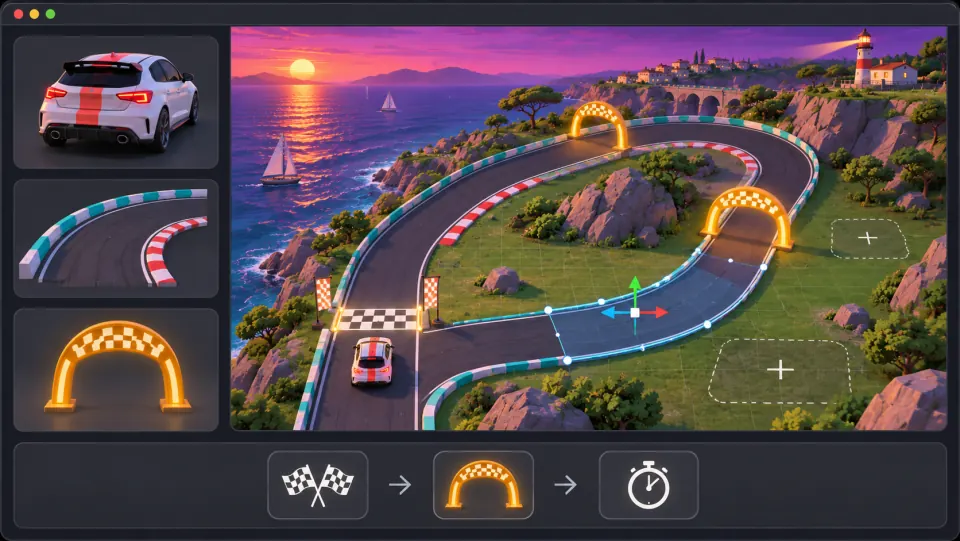
Ask seeleAgent to lay out the track and set up the car controls. Add checkpoints that players must pass in order for a lap to count.

Drive through the checkpoints and cross the finish line. Check your time, then go for a faster lap.
Make a game for freePick a starting point
Try a repeatable loop, a player challenge, a progression beat, or a control-feedback question.
Connect an action to a clear reward, then show what makes the player want another turn.
Design a cozy harbor game in which the player catches unusual fish, trades them for boat upgrades, and unlocks farther coves. Make the catch-and-trade loop understandable in the first minute. Keep the opening trip to one cove and three fish types.
 Give the player a reason to try again ↗
Why SEELE
Describe the player action, its payoff, and what invites another attempt. A short loop is easier to evaluate than a list of features.

Give playtesters a clear objective and show the information they need before making a choice.

Let a stage teach one action before combining it with another. This makes progression easier to follow and tune.

Check that movement, interaction, and failure each produce a response the player can recognize.

Ask whether a player understood the goal, noticed the cue, or saw why an action failed. Record the answer before revising.

Adjust a single mechanic or feedback cue, then replay the same section to see whether the change helped.
Made with SEELE
These games are playable. Pick one and give it a try.
 AdventureAdventure GamePlay the example ↗
 ShooterWarcom: Neon BreachPlay the example ↗
 ActionOld Gods RunPlay the example ↗
 CasualCaution! Egg on the Car RoofPlay the example ↗
 RunnerNeon Night Rush: Barrier DashPlay the example ↗
 PuzzleMuseum ExhibitionPlay the example ↗
 SimulationMilky Way Idle 3DPlay the example ↗
 CasualSnowfall & Starry GiftsPlay the example ↗
 RPGCrownfall-The-Three-Realms-CoverPlay the example ↗
 SimulationFLYING CARPlay the example ↗
Who it’s for
Use a prototype to explore a design question, teach a concept, or help a small team agree on the next step.
Use a compact loop to decide whether the central action is interesting before adding more levels or systems.
AI Powered Code Editor ↗
Frame one short session around a player goal, a constraint, and a result the team can test together.
AI Game Generator ↗
Use a small scenario to discuss loops, feedback, and progression, then ask learners to suggest one focused revision.
Game Generator AI Free ↗Compare
Both approaches can support a focused test. Choose the one that fits your current project and workflow.
| Feature | Prompted prototype brief | Existing game project |
|---|---|---|
| Frame the idea | Describe the player, central action, and desired playtest question. | Write down the mechanic and test question before changing the project. |
| Choose a first slice | Keep the first scenario small enough to inspect in one play session. | Select a scene or feature that can be isolated for the same test. |
| Observe the result | Look for whether the goal, challenge, and feedback are clear to a player. | Run the same playtest and collect observations from the project. |
| Refine progression | Add a new beat only after the first mechanic makes sense. | Check that the next stage builds on what the player has learned. |
| Plan a revision | Change one mechanic or cue, then replay the same section. | Update the project and compare the next playtest with the previous one. |
Reviews
Open related creation pages and guides for mechanics, code, and playable prototypes.
FAQ
AI in game development can refer to tools used during design or development, as well as AI systems inside a game. This page focuses on shaping and reviewing a game prototype from a written brief.
Start with one design question, such as whether a core action feels clear. Describe the player, the action, the expected response, and one constraint, then inspect the resulting prototype.
Name the player, goal, core mechanic, success condition, and one constraint. Add the first scene or level needed to test the idea.
A core game loop is the repeated sequence of player actions and game responses that sustains play. A useful prototype lets you try that sequence before adding more content.
Keep the test short, state the player goal clearly, and decide what you want to learn. Ask a player to try it without hints and record where the design becomes unclear.
Watch whether players understand the action, recognize its result, and want to use it again. Their behavior can reveal where controls, feedback, or the reward need adjustment.
Teach one mechanic in a simple situation, let the player use it, then introduce a variation. Keep controls consistent while the challenge changes.
Feedback tells players how the game responded to an action. Clear visual, audio, or interface cues help players understand success, failure, and available choices.
Yes. Turn the rough idea into one testable question, such as whether a movement mechanic feels satisfying or whether a choice is understandable.
The examples here cover repeatable loops, traversal challenges, staged progression, and control feedback. Choose one that matches the part of your game you want to examine.
Use a shared brief to make the player, mechanic, and test goal explicit. Review the prototype together and agree on one change before expanding the scope.
A generated prototype does not replace design judgment, implementation decisions, or playtesting. Treat it as material to inspect and revise against the project requirements.
Check whether the player goal is clear, the main action behaves as intended, and feedback makes the result understandable. Also review content, accessibility, and project constraints.
The related guides on this page cover game loops and AI-assisted prototyping. Choose the guide that matches your current question and verify any product-specific steps in the current editor.
Describe a player action and the question you want a playtest to answer. Use the result to choose a focused next step.
Start a game prototype →