


Set group size
Choose how many people need a role in each round.

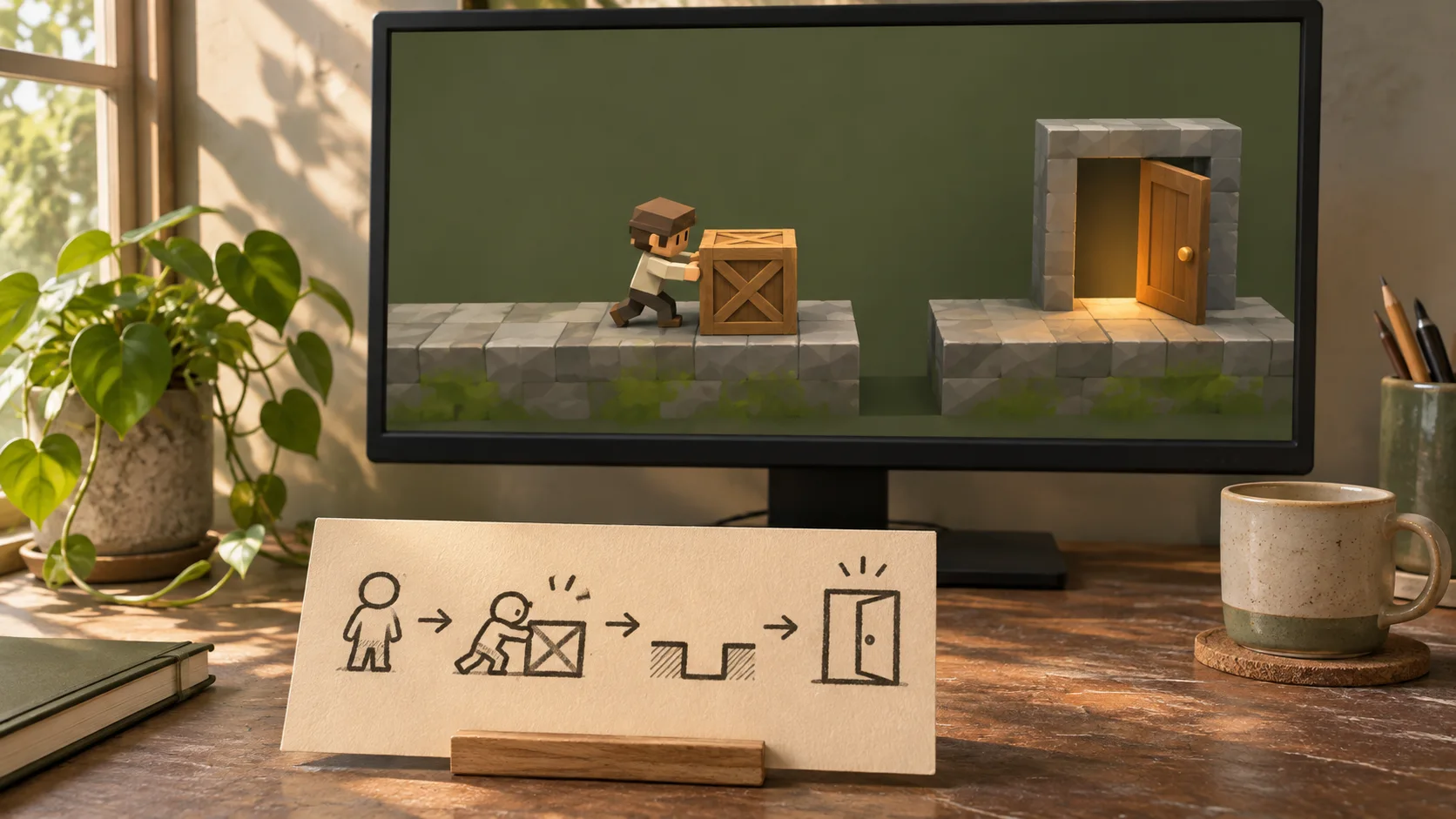
Set the player count, round length, and way everyone takes part before adding extra rules. Plan a social game around a clear group activity. Decide whether players cooperate, compete, or take turns, and make scoring and resets easy to explain.
Partners and teams

















How it works
Turn a space hangar into a playable challenge with three holographic targets.
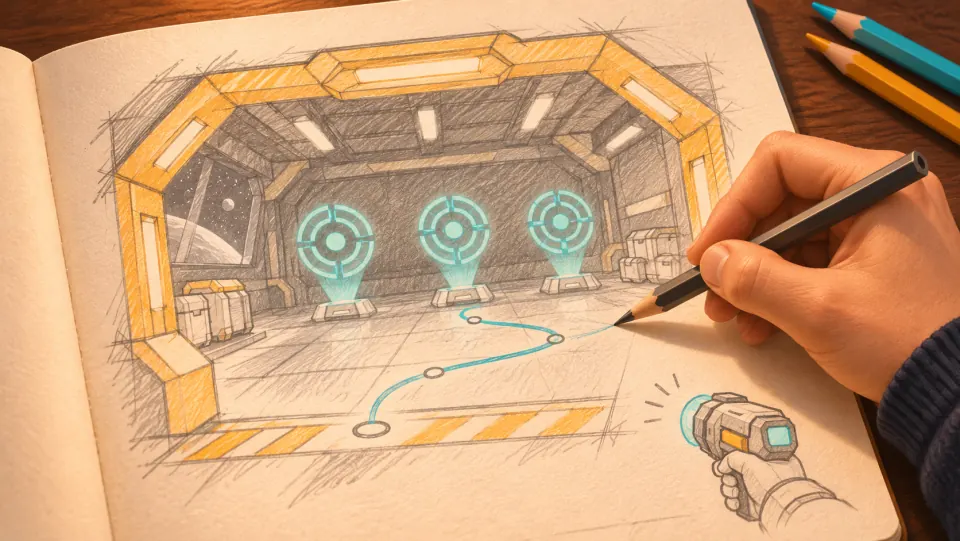
The player enters a space hangar and has to move into position to hit three holographic targets.
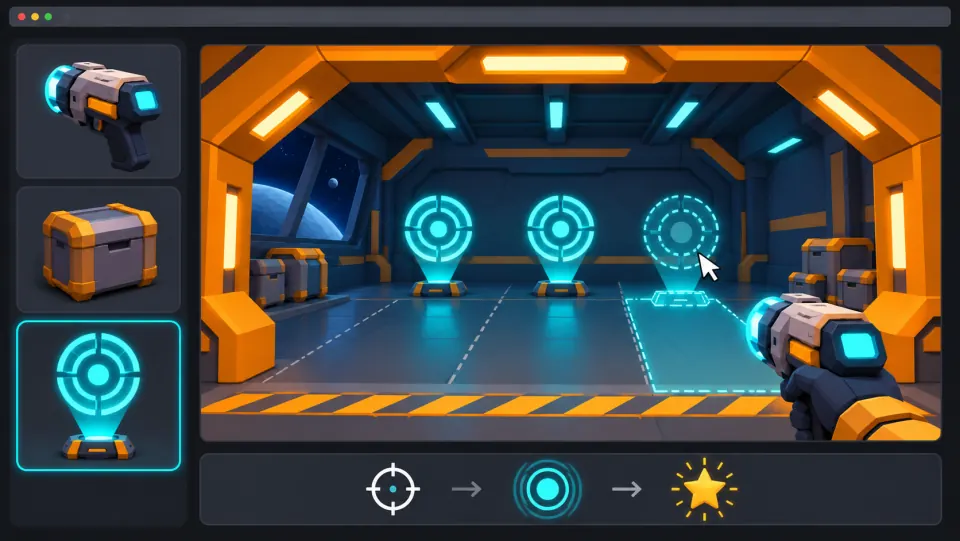
Ask seeleAgent to build the hangar, place the targets, and add first-person controls, hit effects, and scoring.
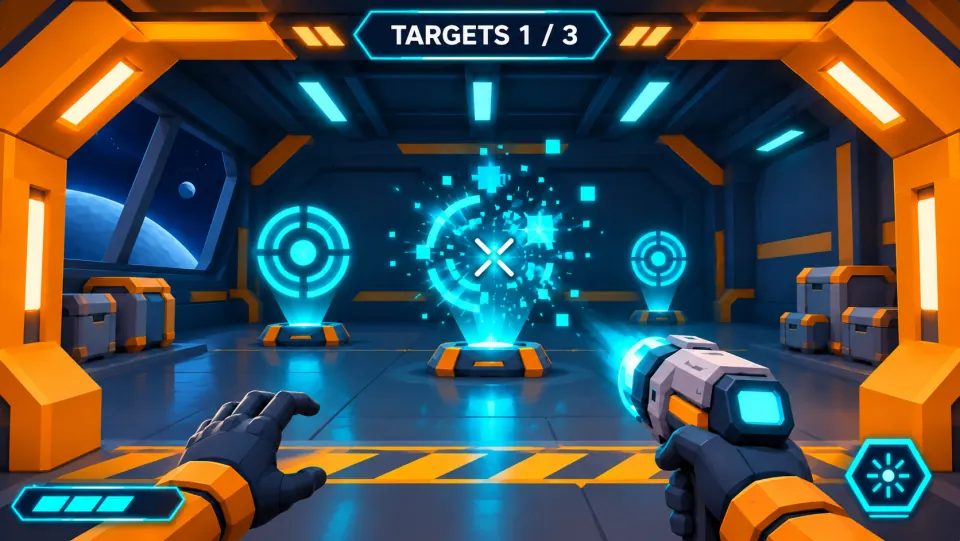
Aim and fire at a target. It should burst into pixels on impact, and the hit counter should go up.
Make a game for freePick a starting point
Create a living-room drawing game for four players. Review whether the clue, action, and outcome are clear.
Create a living-room drawing game for four players. One person describes a secret object without naming it, the other three sketch, then everyone votes before roles rotate.
 Core game loop ↗
Why SEELE
Choose how many people need a role in each round.

Show how a round starts and how players know it is their move.

Rotate roles so the same person is not always waiting.

Show points and round results without interrupting play.

Let the group begin another round with minimal setup.

Make sure instructions fit the time players have together.
Made with SEELE
These games are playable. Pick one and give it a try.
 AdventureAdventure GamePlay the example ↗
 ShooterWarcom: Neon BreachPlay the example ↗
 ActionOld Gods RunPlay the example ↗
 CasualCaution! Egg on the Car RoofPlay the example ↗
 RunnerNeon Night Rush: Barrier DashPlay the example ↗
 PuzzleMuseum ExhibitionPlay the example ↗
 SimulationMilky Way Idle 3DPlay the example ↗
 CasualSnowfall & Starry GiftsPlay the example ↗
 RPGCrownfall-The-Three-Realms-CoverPlay the example ↗
 SimulationFLYING CARPlay the example ↗
Who it’s for
Define the player, one core mechanic, and one testable outcome for a first AI Party Game Maker brief. Keep the scope small enough to playtest.
AI Game Generator from Prompt ↗
Compare AI Party Game Maker directions against the target player and engine workflow before the team commits to a larger build.
UEFN IAP Delivery for Game Designers ↗Reviews
FAQ
An AI Party Game Maker helps creators turn a social play idea into prompts, rules, rounds, player roles, and a playable prototype plan for fast group testing.
For AI Party Game Maker, name core game loop, the intended audience, one outcome, and one constraint. Review the first pass against those details before expanding the brief.
Specify the expected AI Party Game Maker output format and one acceptance check. Review the first result against core game loop; verify any required files or assets in the current workflow.
Before a first AI Party Game Maker project, define the task, intended audience, one visible outcome, and a constraint. Use Core game loop as a direction that fits the brief.
To get started with AI Party Game Maker, use Frame The Production Goal as the first step. Set one goal, audience, and constraint; test a small version, then change one thing at a time.
For AI Party Game Maker, name the intended user, one action, and a visible outcome. Use Core game loop as a starting direction and add one requirement from its example prompt.
Ask someone who matches the intended player or viewer for AI Party Game Maker to test its main action. Note where the brief is unclear, then revise once before adding features.
For AI Party Game Maker, try Core game loop first. Define the action, outcome, and one constraint, then compare another direction only if the first misses the brief.
Check the AI Party Game Maker result against the brief, intended behavior, and first workflow step. Record one mismatch and test that change before expanding scope.
Scope a first AI Party Game Maker prototype to Core game loop, one user action, and one visible outcome. Defer secondary features until that path works.
Compare Core game loop and Player challenge for AI Party Game Maker using the same user action and visible outcome. Choose the direction that fits the brief with fewer assumptions.
After reviewing AI Party Game Maker, record one gap between the brief and result. Make one focused change, then test the same action against the original outcome.
Match a linked tool's input and output to one need in the AI Party Game Maker brief. If it does not support that step, skip it and keep the test in the main project.