
Independent Three.js gameplay reference
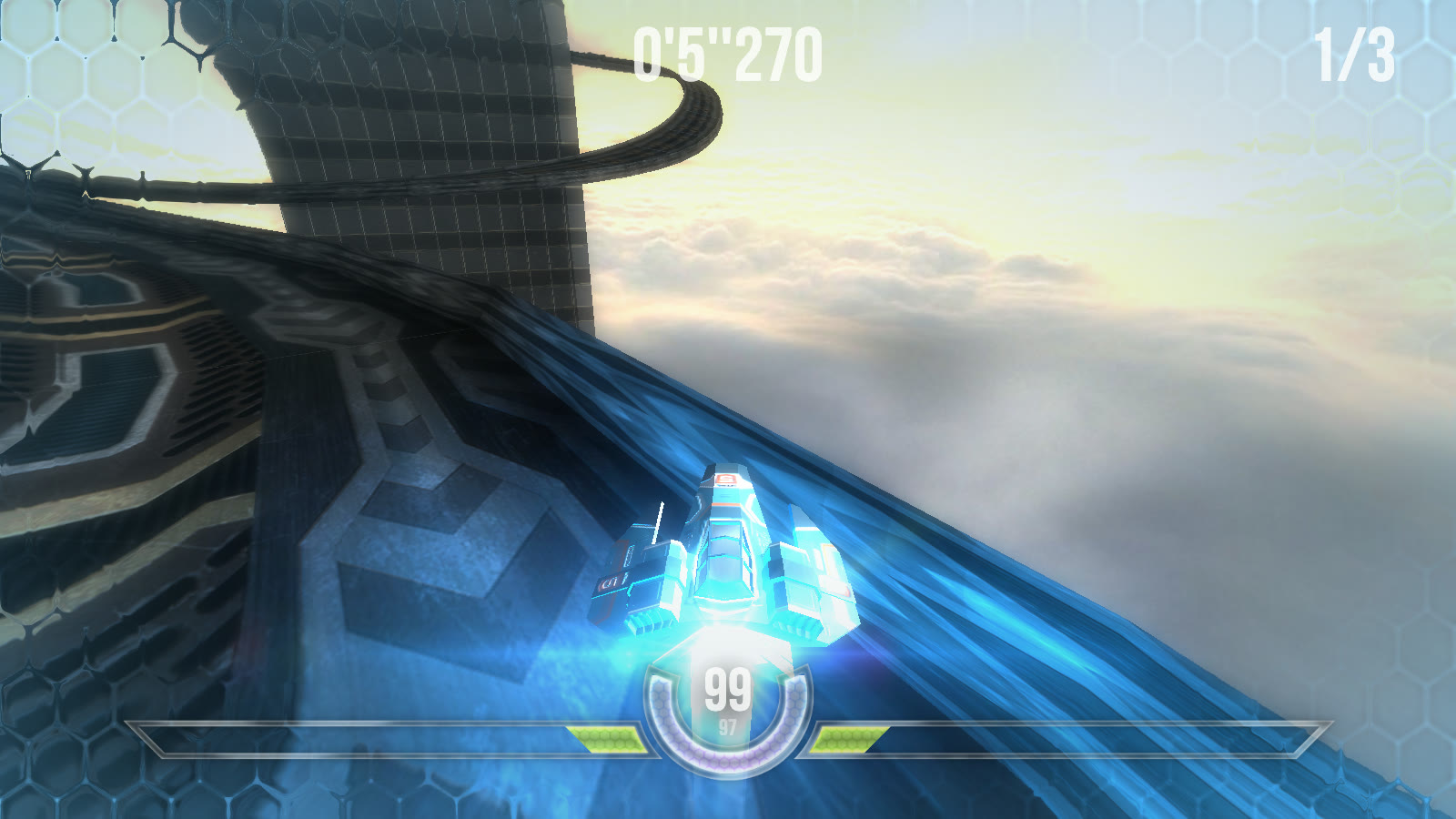
HexGL is shown below as a real, independently verifiable browser-racing reference. It is an MIT-licensed open-source Three.js game by BKcore, captured from gameplay; it is not a Seele output.
Seele AI · Create
Build a browser racer with tracks, timing, a minimap, and drift-focused circuit options.
Turn a plain-language brief into an editable Three.js browser racer with selectable tracks, drift corners, lap timing, a minimap, customizable car colors, and physics-based driving.

The working loop
Use the first build to make the racing loop concrete, then iterate on the parts players can feel.
Set the track style, selectable circuits, car colors, controls, drift feel, checkpoints, timer, minimap, and finish condition. Seele turns the brief into a focused browser-racing direction you can open and test.
Try keyboard or touch controls and note handling, track flow, collision behavior, visibility, and lap pacing. The workspace keeps the prompt and revision direction together for the next iteration.
Request targeted changes to drift response, checkpoints, UI, performance, accessibility, and the end-of-race state. Seele helps translate each playtest observation into a clearer next prompt.
What leaves the page
A useful first build makes the player goal, the course, and the feedback loop visible enough to test.
A closed-circuit direction with corners, checkpoints, a timer, restart rules, and handling requirements.
Selectable track and car-color direction, plus physics and drift behavior to test against the intended feel.
A minimap, lap status, finish state, and keyboard or touch-control requirements for the target device.
Fit and limits
Before you start
It helps turn a focused brief into an editable browser-racing starting point: a Three.js-style track, checkpoints, drift corners, lap timing, a minimap, car-color choices, and driving behavior to playtest. The final handling, performance, art, and release quality still need human review.
Yes. Include those constraints in the prompt, along with the track count or style, car palette, controls, timer, checkpoint rules, and finish condition. The first build is a direction to test and refine, not a guarantee that every requested system is balanced or production-ready.
Yes. Describe the circuit shape, corner types, drift feel, boost or penalty rules, checkpoint order, camera, and desired lap flow. Then playtest the generated build and adjust steering response, traction, collision behavior, and difficulty with concrete feedback.
No. The proof image is an independently captured run of HexGL, an MIT-licensed open-source Three.js web racing game by BKcore. It is shown only as a verifiable genre reference; your Seele output requires its own iteration and validation.
You can ask for responsive layouts and touch controls, but test on the devices and browsers you plan to support. Review frame rate, input feel, orientation, viewport safe areas, accessibility, and fallback behavior before release.
Next move
Start from a concrete circuit and driving brief, then test the first build and refine the controls, timing, feedback, and finish loop.
HexGL is shown below as a real, independently verifiable browser-racing reference. It is an MIT-licensed open-source Three.js game by BKcore, captured from gameplay; it is not a Seele output.