
Key takeaways
- Direct answer: Yes. An AI prompt-to-game platform can turn a plain-English description into a playable first version of a small game. A strong description names the player, main action, objective, obstacle, feedback, and end condition. The first result should be played and inspected rather than treated as automatically finished. Revise one observable behavior at a time, retest win, loss, and restart states, and add polish only after the core loop works. This workflow lowers the implementation barrier, but the creator still owns scope, verification, and the decision that the game is complete.
# Can an AI Platform Turn Plain English Into a Playable Game?
Yes. A prompt-to-game platform can turn a plain-English description into a playable first version of a small game. The useful interpretation of “turn into” is not that one sentence guarantees a polished commercial release. It means the platform translates your description into an interactive starting point that you can play, inspect, and revise through more specific instructions.
The strongest starting description names the player, the main action, the objective, the obstacle, and the end condition. For example: “Make a one-screen game where I move a basket to catch falling stars, earn one point per catch, lose after three misses, and restart from the result screen.” In a conversational workspace such as SEELE AI, that kind of natural-language brief can become the basis for an iterative game-building session.
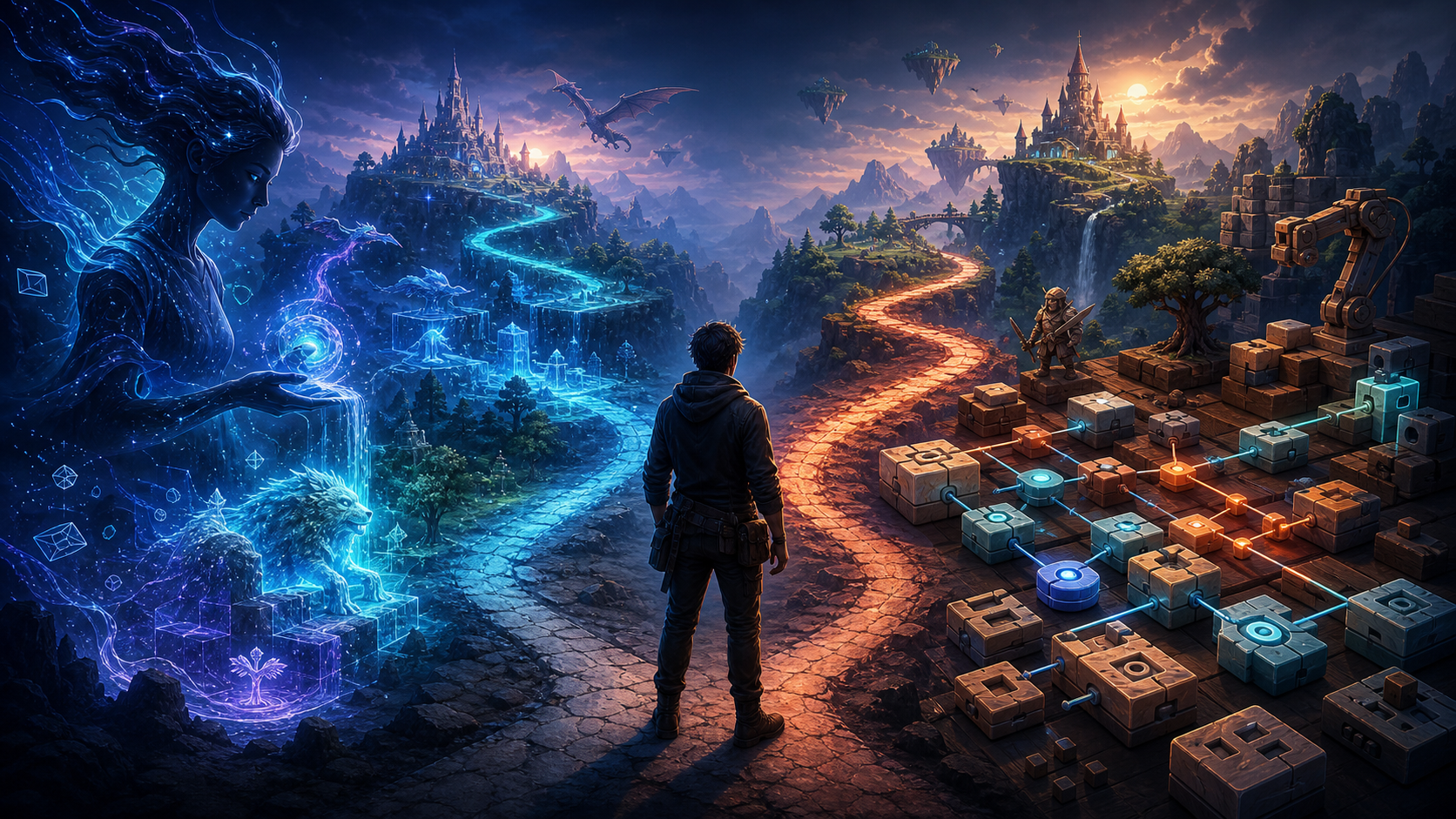
What prompt-to-game creation actually means
Prompt-to-game creation is a workflow in which natural language supplies the initial game specification. The platform interprets the description, creates an interactive implementation, and gives the creator a result to test. Follow-up prompts then change the rules, presentation, or behavior.
That is different from generating a picture of a game. A playable result must respond to input and maintain game state. At minimum, it needs a controllable action, a rule that changes what happens, feedback that communicates progress, and a way to reach or repeat an outcome. A screenshot can suggest a game concept; it cannot prove that controls, collisions, scoring, or restart behavior work.
It is also different from asking a chatbot for a block of code and assembling the project yourself. In a browser-based game-creation workspace, the intended loop is closer to describe, generate, play, and revise. The creator still makes design decisions, but natural language becomes the primary way to state requirements and request changes.
A useful decision test is simple: after the first generation, can you interact with the result, observe whether the stated rules are present, and request a focused correction? If so, you have a prompt-to-playable workflow rather than a purely conceptual generator.
What to include in the first plain-English description
A vague idea can produce a vague result. “Make a fun platformer” leaves important decisions unstated: what the player controls, what counts as success, what causes failure, and how a session ends. You do not need technical vocabulary, but you do need observable rules.
Use six ingredients:
- Player role: what the player controls or represents.
- Primary action: the main input and what it does.
- Objective: what the player is trying to achieve.
- Obstacle: what makes success uncertain.
- Feedback: how score, progress, damage, or completion is communicated.
- End and restart: what ends a run and how another run begins.
Here is a stronger first prompt:
Create a compact top-down game where the player moves with arrow keys, collects five crystals, and avoids two slow enemies. Show progress after each crystal. The player wins after collecting all five, loses on contact with an enemy, and can restart from either result state. Keep the first version to one room.
This prompt does not prescribe an engine, code structure, or asset pipeline. It defines a testable experience. You can verify movement, collection, progress, enemy contact, win, loss, and restart one by one.
Visual direction should come after the core rules or remain secondary in the first request. “Use a bright paper-cut style” is useful, but it does not replace the gameplay specification. A beautiful scene with no reliable objective is not yet a useful playable game.
A practical prompt-to-playable workflow
Step 1: Define the smallest complete loop
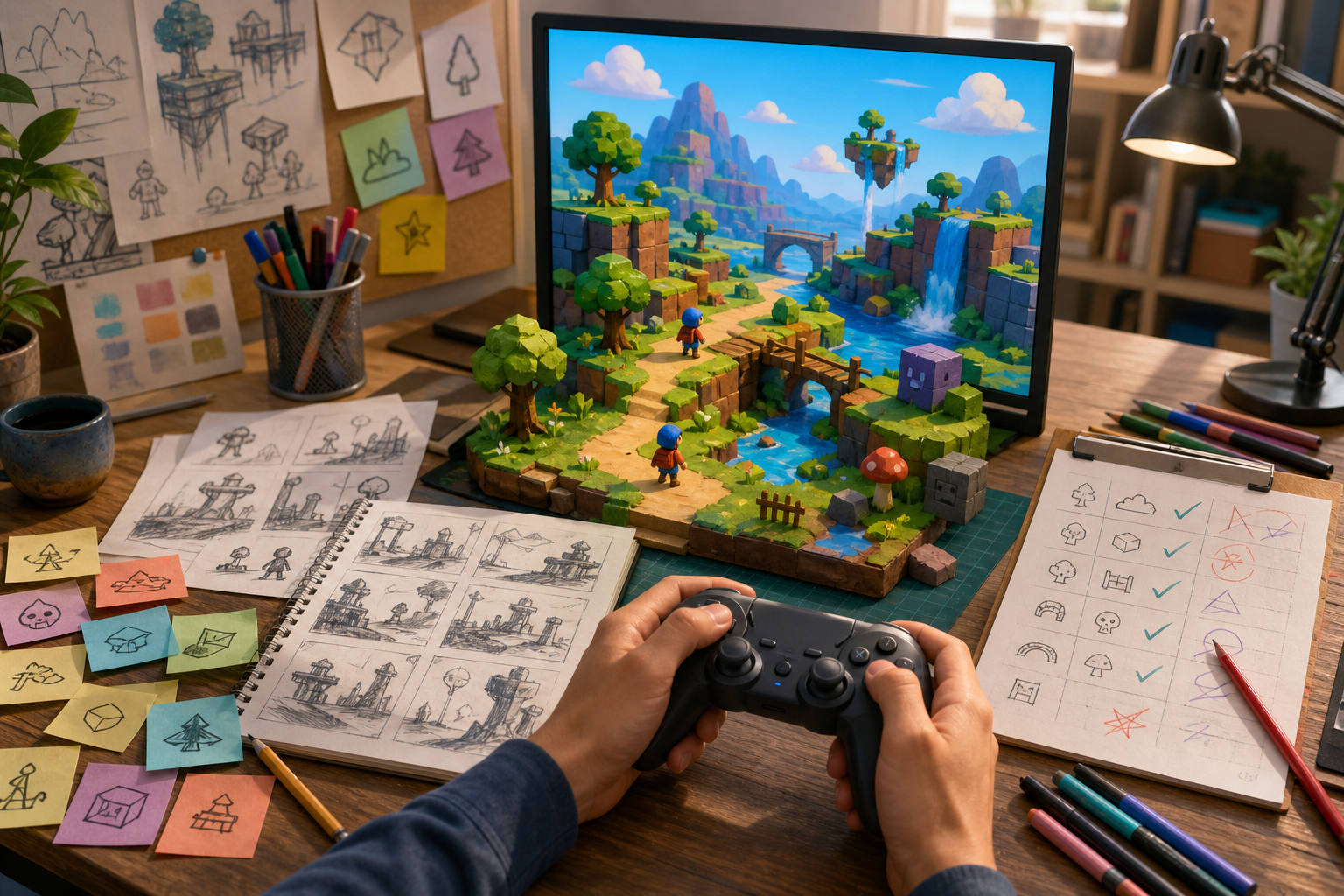
Choose one main mechanic and one clear outcome. A collecting game, clicker, one-screen dodger, simple puzzle, or short branching story is a safer first project than an open world or multiplayer game. The goal is to test the complete creation loop, not to compress a large studio production into one prompt.
Write the session in three sentences. For example: “Move to collect five keys. Avoid the patrolling guard. Unlock the exit to win.” If you cannot explain one play session that briefly, reduce the scope.
Step 2: Generate the functional version
Ask for the rules before optional content. Confirm that the player can start, act, receive feedback, reach the result state, and restart. Do not add shops, achievements, dialogue systems, multiple levels, or elaborate effects until the minimum loop works.
SEELE AI is designed for text-to-game creation through a conversational interface, including 2D and 3D game creation. For a beginner, the practical value is the ability to state behavior in ordinary language and continue the build through follow-up requests. You can explore that flow in the SEELE AI workspace with a deliberately bounded prompt.
Step 3: Play the result as a tester
Test what the game does, not what the platform says it created. Run through the normal path, the failure path, and the restart path. Try rapid input, repeated collisions, and the transition between active play and game over.
Record defects as observations:
- Expected: collecting the fifth crystal ends the game.
- Observed: the counter reaches five, but enemies keep moving and no result appears.
- Reproduction: start, collect all five crystals, then wait two seconds.
This is more useful than “the win condition is broken” because it avoids guessing at the cause.
Step 4: Revise one behavior at a time
A focused follow-up prompt should name the current state, desired behavior, trigger, constraints, and acceptance test. For example:
When the crystal counter reaches five, stop enemy movement, show the win state, and disable further collection. Do not change player movement or the room layout. Restart should restore all five crystals and resume enemy movement.
After the change, retest the win state and restart. Narrow requests reduce ambiguity and make regressions easier to locate.
Step 5: Add clarity and presentation
Once the loop works, improve controls, instructions, feedback, pacing, and visual consistency. Add polish only when it communicates the rules or strengthens the intended mood. An effect that obscures hazards or delays input is not an improvement merely because it looks impressive.
Step 6: Set a finish line
Define “done” before expanding. A reasonable first-game finish line is: a new player can understand the objective, complete or fail one session, restart cleanly, and encounter no known blocker. Put extra ideas in a later list instead of continually enlarging the current build.
For a deeper look at controlled iteration, see the AI game prototyping guide.
Three example descriptions that are ready to build
Example 1: One-screen catch game
Make a one-screen game where the player moves a basket left and right to catch falling fruit. Each catch adds one point. Each miss removes one of three lives. Increase the falling speed after every five points. End the run at zero lives and include a restart action.
Why it works: the input, scoring, difficulty change, failure rule, and restart state are explicit. You can test each rule without needing a large map or content library.
Example 2: Short maze challenge
Create a small maze where the player uses arrow keys to reach a glowing exit. Add three collectible tokens and one moving hazard. The exit opens only after all tokens are collected. Contact with the hazard returns the player to the start but keeps collected tokens. Show a completion state and a replay action.
Why it works: it defines state persistence, a dependency between tokens and the exit, a failure consequence, and replay behavior. The main risk is ambiguity about maze size, so “small” should be clarified if the first result is too complex.
Example 3: Choice-based mystery
Build a short mystery with three decision scenes. Each scene offers two choices. Track whether the player found the clue in scene one and use that state to unlock a different ending in scene three. Show the ending reached and allow the story to restart from the beginning.
Why it works: the interaction and state are simple, but the outcome changes. It demonstrates that playable does not have to mean action-heavy.
If you prefer a concrete arcade example, the guide to building a Flappy Bird-style game with AI shows how a familiar loop can be decomposed into rules and revisions.
What the platform can decide, and what you should decide
The platform can propose implementation details, scene structure, draft visuals, and game logic based on the description. Those outputs can save setup work, especially when the creator does not know which code files or components would normally be required.
You should still decide:
- whether the core mechanic is understandable and enjoyable;
- whether the scope is realistic;
- which generated details support the concept;
- whether feedback is clear to a first-time player;
- which defects block a complete session;
- when to stop revising.
Generated logic can be plausible but wrong in a specific state. Generated art can be attractive but inconsistent with gameplay. A platform can accelerate construction, but the creator remains responsible for product judgment and verification.
This boundary matters when evaluating claims. “Turns a description into a playable game” is a workflow claim about producing an interactive starting point. It should not be interpreted as a guarantee of bug-free output, commercial readiness, platform export, ownership terms, or a fixed completion time. Those questions require separate evidence and may vary by product or plan.
How prompt-to-game differs from no-code and traditional engines
Traditional game engines give creators direct control over scenes, scripts, assets, physics, and builds. That control is powerful, but it requires learning the engine’s concepts and managing more implementation detail.
No-code tools replace some programming with visual events, components, or templates. They can make logic visible and systematic, but the creator still learns the tool’s model and connects the pieces.
Prompt-to-game platforms shift more of the initial expression into natural language. That can reduce the distance between “I know the behavior I want” and “I have something interactive to test.” The tradeoff is that generated decisions may be less transparent, so disciplined testing and narrow revisions become especially important.
Choose based on the full revision loop, not the first impressive result. Ask whether you can describe a rule, inspect the implementation’s behavior, correct one defect, preserve working parts, and verify the final state. Fast generation has little value if the fifth revision becomes uncontrollable.
Common failure modes and recovery tactics
The prompt describes a theme but not a game
Symptom: the result looks like the requested genre but lacks a clear objective or end state. Recovery: add player action, objective, obstacle, feedback, and completion rules.
The first request includes too many systems
Symptom: several features appear partially implemented and no full session works. Recovery: remove everything except one mechanic and one outcome, then restore a dependable loop.
Follow-up prompts change unrelated behavior
Symptom: fixing scoring breaks movement or restart. Recovery: state what must remain unchanged, request one outcome, and retest an adjacent state after each revision.
Visual polish hides rule problems
Symptom: the game looks finished but the player cannot understand progress or recover from failure. Recovery: pause visual work and test start, play, win, lose, and restart as separate states.
The creator trusts the description instead of the build
Symptom: a generated summary says a feature exists, but playtesting shows otherwise. Recovery: treat the playable artifact as the source of truth and record observed behavior with reproduction steps.
The project never reaches a finish line
Symptom: every successful revision triggers several new feature ideas. Recovery: compare the build against the original promise, ship the coherent small loop, and move optional ideas into a later version.
How to evaluate an AI game platform before committing
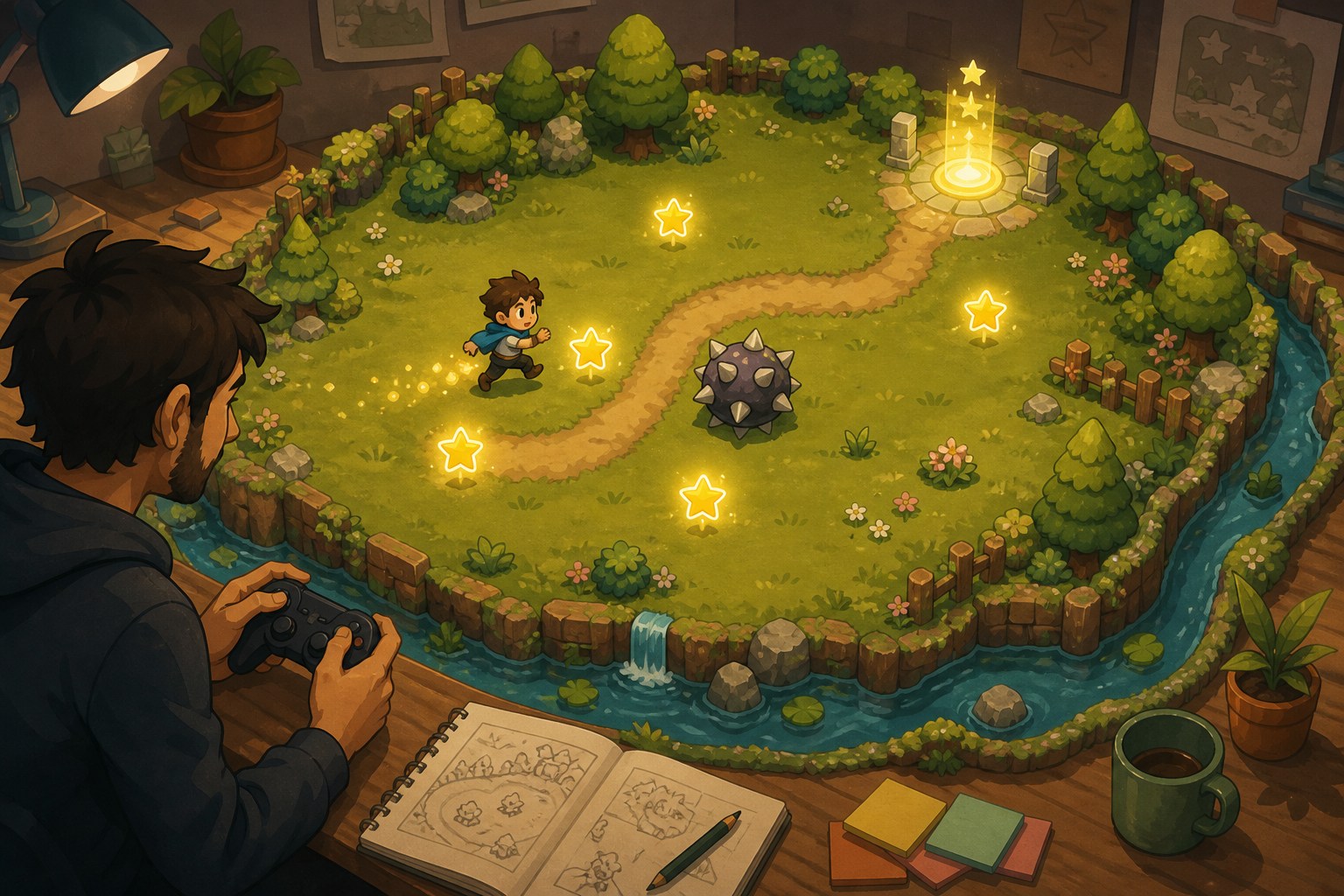
Run a small acceptance test. Use one bounded prompt, then judge the complete workflow rather than marketing copy.
- Prompt fidelity: Does the first result include the stated player action, objective, obstacle, and end condition?
- Playability: Can you interact with it rather than only previewing images or code?
- Revision control: Can you request one precise behavior change?
- State reliability: Do win, loss, and restart behave consistently?
- Feedback clarity: Can a new player understand what happened?
- Scope control: Can you preserve a small working loop instead of continually regenerating everything?
A useful test project should take only a few rules to describe. The purpose is not to prove the platform can build your largest idea. It is to learn whether the describe-generate-play-revise cycle remains understandable after several changes.
Final answer
An AI platform can turn a plain-English description into a playable game when the description defines a small, observable game loop and the platform supports interactive generation and revision. SEELE AI is one example of a conversational text-to-game platform built around that workflow.
The first output should be treated as a playable draft, not unquestioned proof of completion. Start with the player, action, objective, obstacle, feedback, and end state. Play every major state. Request focused corrections. Add presentation after the rules work. Stop when the original promise is complete.
If you want to try the workflow directly, open the AI game maker with one of the bounded prompts above and evaluate the result against the six acceptance criteria—not against the ambition of a full studio-scale project.
Frequently Asked Questions
Can AI really turn a text prompt into a playable game?
Yes. A prompt-to-game platform can translate a bounded natural-language description into an interactive first version. The result still needs playtesting and focused revision; a generated description or image alone is not evidence of playability.
What should I write in a prompt for an AI game platform?
Name the player, primary action, objective, obstacle, feedback, end condition, and restart behavior. Use observable rules rather than technical jargon, and keep the first version to one small loop.
Do I need coding experience to use a prompt-to-game platform?
Not necessarily for the first playable draft. Natural-language creation lowers the initial implementation barrier, but understanding states, rules, and testing remains useful when diagnosing problems and directing revisions.
What kind of game should a beginner generate first?
Start with a one-screen collecting, dodging, clicking, matching, or short choice-based game. Avoid multiplayer, open worlds, and many interconnected systems until you have completed and tested a smaller loop.
How do I know whether the generated game is actually playable?
Verify that input changes the game state, the objective and obstacle work, feedback is visible, win or loss can be reached, and restart restores the intended state. Test the artifact rather than trusting a generated summary.
Can one prompt produce a finished commercial game?
A single prompt may produce a useful interactive starting point, but it should not be assumed to create a polished, bug-free, commercially ready game. Scope decisions, repeated testing, revisions, and release judgment remain necessary.