
Seele AI · Create
AI Weapon Generator
Move from a broad creation goal to a clearer playable direction faster in Seele AI.
Generate a game-ready weapon model with clear production constraints. Specify gameplay role, silhouette, scale, clean topology and polygon budget, PBR materials, attachment sockets, grip and pivot points, LODs, colliders, and engine-ready FBX or GLB export requirements; then review the generated model in your target engine before shipping.
The working loop
From Combat Brief To Engine Handoff
Lock Gameplay And Silhouette
Define weapon type, combat role, camera distance, dimensions, handedness, and a silhouette that reads in play. Seele converts the request into a constrained 3D generation brief.
Generate And Inspect The Model
Set topology, polygon budget, UV, PBR material, attachment, grip, pivot, LOD, and collider requirements. Seele creates an editable 3D weapon candidate for review.
Validate The Export
Inspect wireframe, normals, UVs, sockets, pivots, LOD transitions, collisions, and engine import behavior. Seele keeps the prompt and revisions together for export handoff.
What leaves the page
Production Handoff Outputs
3D Weapon Model Candidate
An editable weapon asset shaped by explicit gameplay, silhouette, scale, and topology constraints.
PBR And Attachment Specification
Material channels, texture budgets, sockets, moving parts, grip points, and pivot expectations.
Engine Export Checklist
LOD, collider, orientation, unit scale, naming, FBX or GLB settings, and import tests.
Fit and limits
Best For And What Still Needs Review
Best for
- Prompting a 3D weapon candidate around a real gameplay role
- Making scale, topology, PBR, sockets, pivots, LODs, and colliders explicit
- Preparing a clear FBX or GLB handoff for engine testing
Still needs human review
- Topology flow, UVs, normals, bake quality, texture packing, and polygon count
- Grip alignment, attachment sockets, moving parts, pivots, collisions, LOD transitions, and animation compatibility
- Licensing, originality, platform requirements, engine import behavior, performance, and final production quality
Before you start
FAQ
Does this generate a 3D weapon model or 2D concept art?
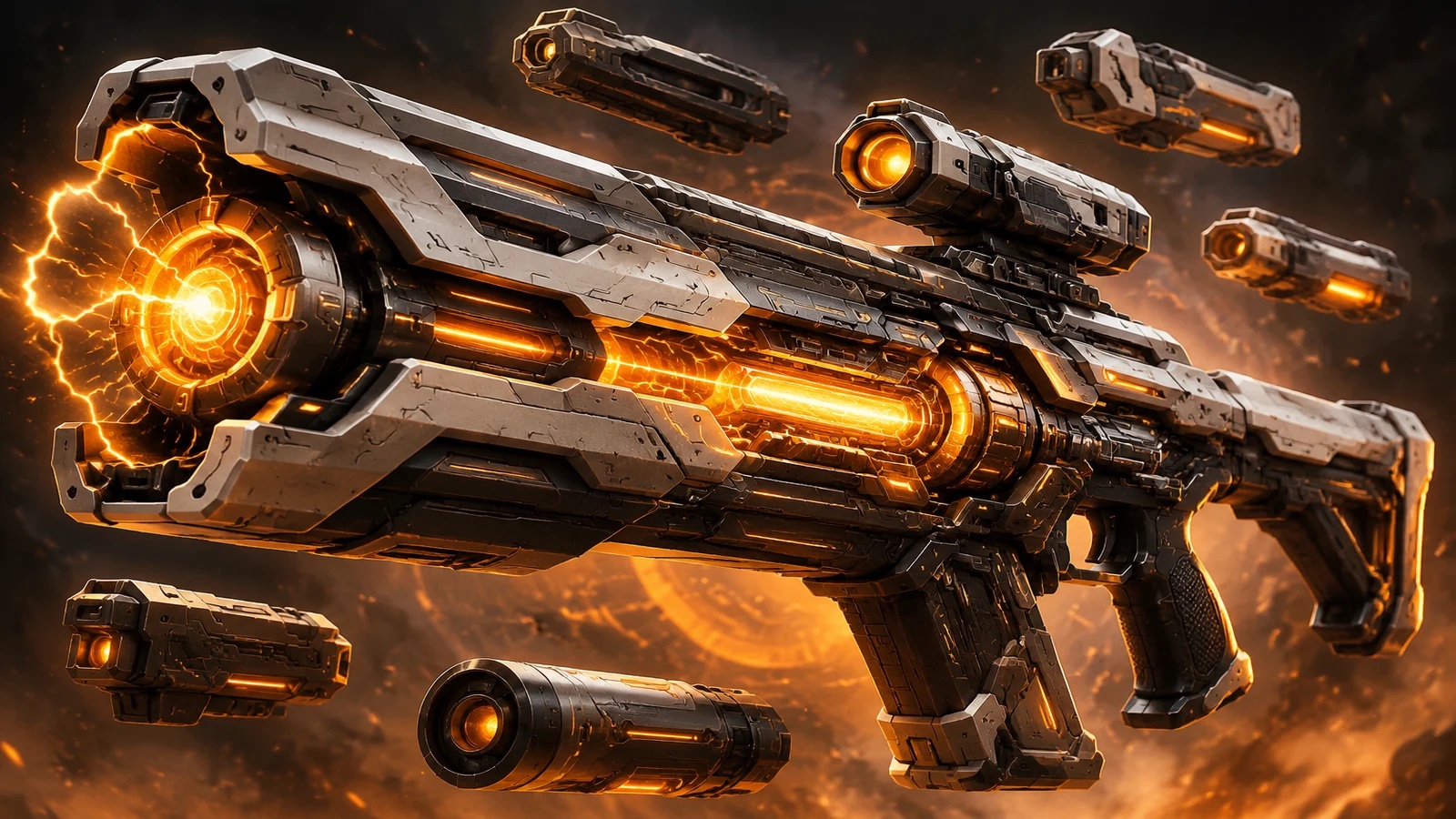
This workflow is scoped to an editable 3D weapon model candidate. A dramatic image can guide silhouette, but it does not prove topology, scale, sockets, PBR materials, LODs, colliders, or export readiness.
What should an AI 3D weapon prompt include?
Include weapon type, gameplay role, camera distance, dimensions, silhouette, topology style, polygon budget, texture and PBR requirements, moving parts, attachment sockets, grip and pivot points, LODs, collider approach, naming, orientation, unit scale, and target FBX or GLB export.
How do I know the generated weapon is game-ready?
Inspect the actual mesh and wireframe, verify UVs and normals, count triangles and material slots, test grip and attachment transforms, preview LODs and collisions, and import the FBX or GLB into the target engine. Generation alone is not proof of readiness.
Can I export to Unity, Unreal, Godot, or a web viewer?
Use FBX or GLB according to the target pipeline, but verify axis orientation, meter scale, materials, texture paths, sockets, colliders, and LOD behavior in the destination. The page does not promise one-click compatibility.
What does the result proof show?
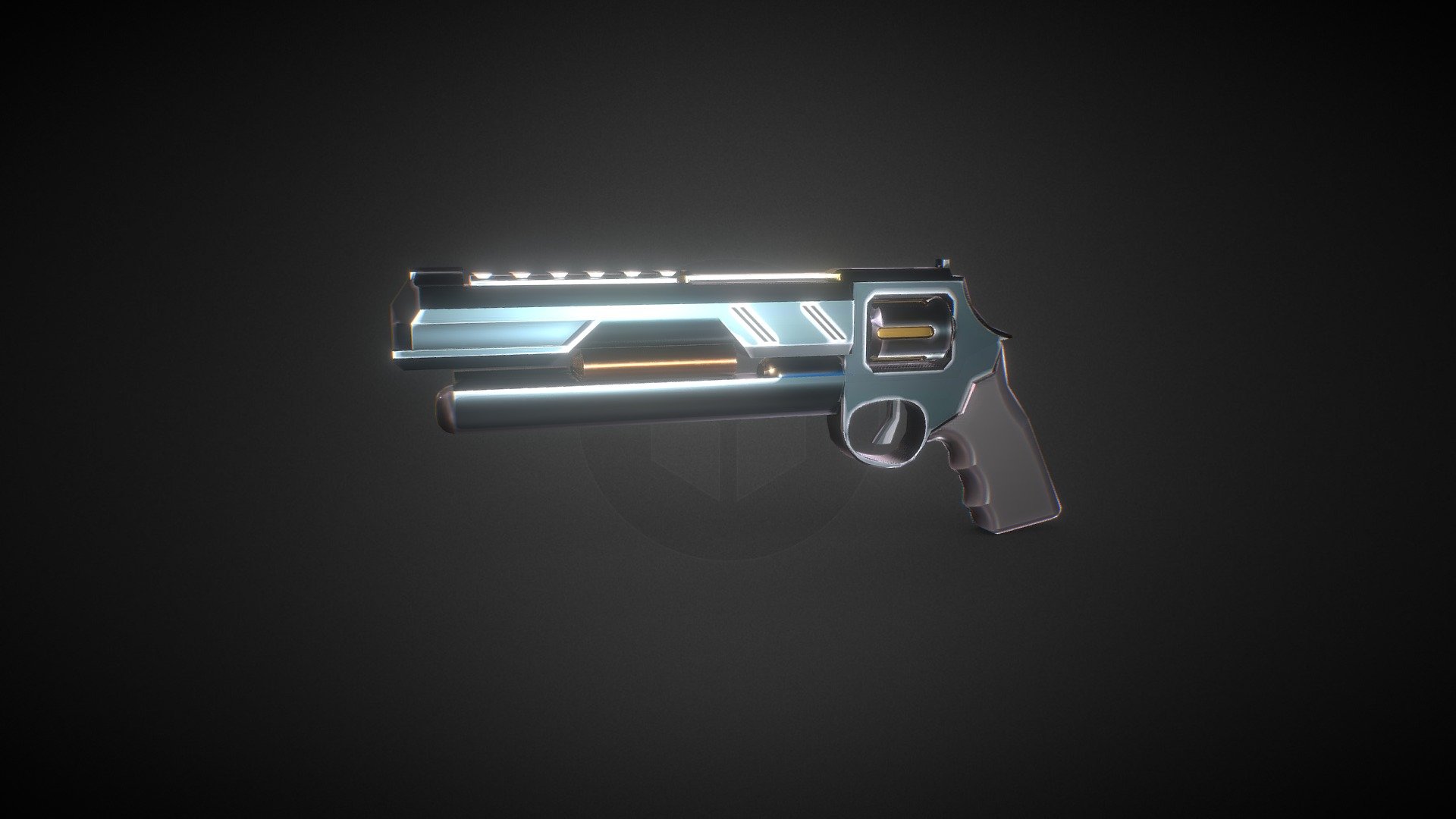
It shows a public Sketchfab 3D weapon model by Cyril Margalin as independently verifiable reference evidence. It is licensed CC BY 4.0, reports 3,530 faces and 1,789 vertices, and is not represented as SEELE-generated output. Verify the interactive model at https://sketchfab.com/3d-models/stylized-sci-fi-gun-game-ready-675c90504af641bb9068aeead2314fc1.
Next move
Build AI Weapon Generator faster in Seele AI
Turn a rough creation goal into a clearer prompt, direction, and next step inside Seele AI.