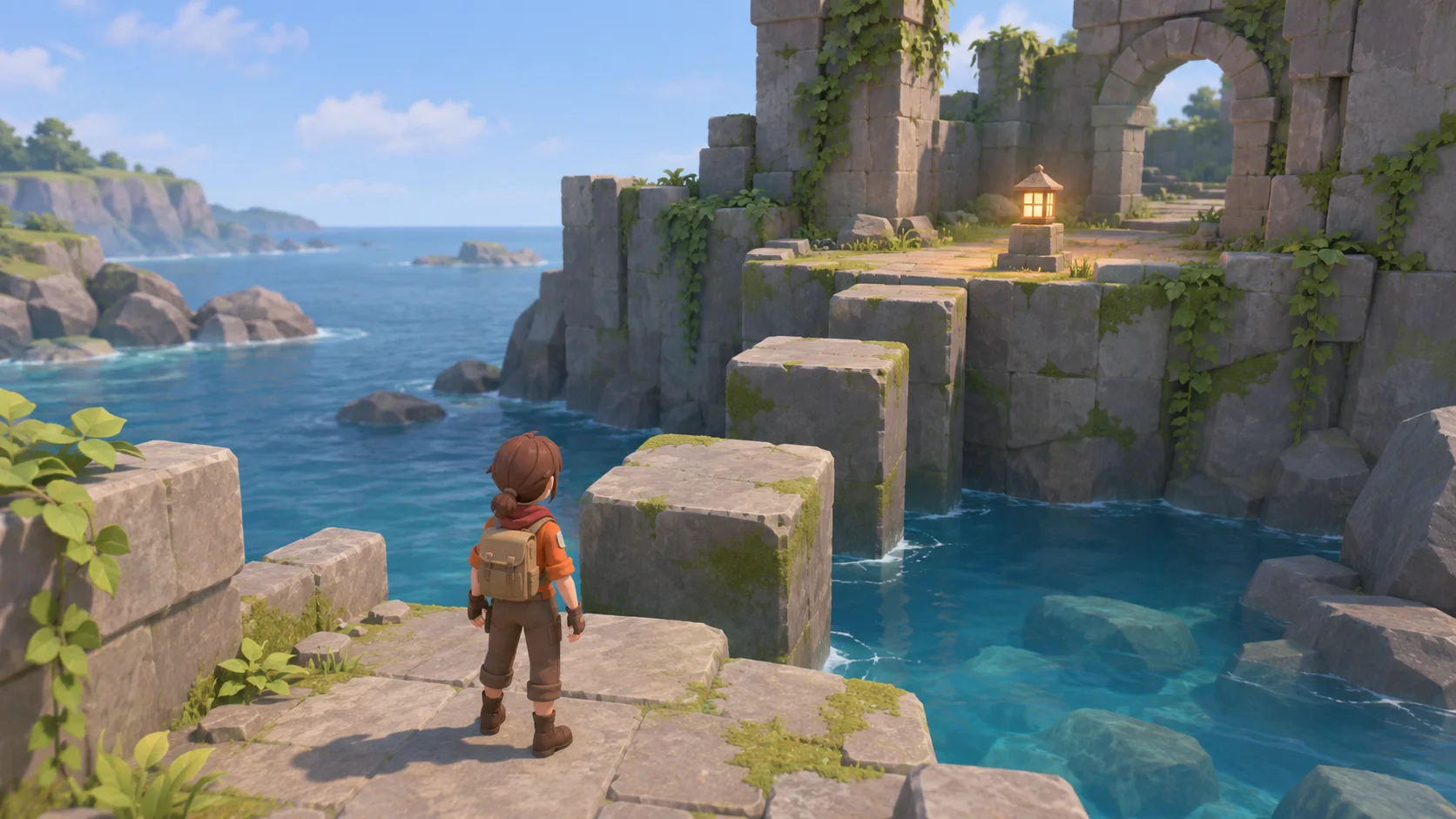

Choose a specific reference direction
Name a species or reference type so the body shape and proportions have a clear starting point.

Separate reference-based anatomy from artistic choices. Set the species or reference type, silhouette, pose, scale, and intended use for a dinosaur model concept. Mark visual details as evidence-based or interpretive so reviewers know what the design is built on.
Partners and teams

















How it works
Start with a quest idea, build it in SEELE, and play it through from start to finish.
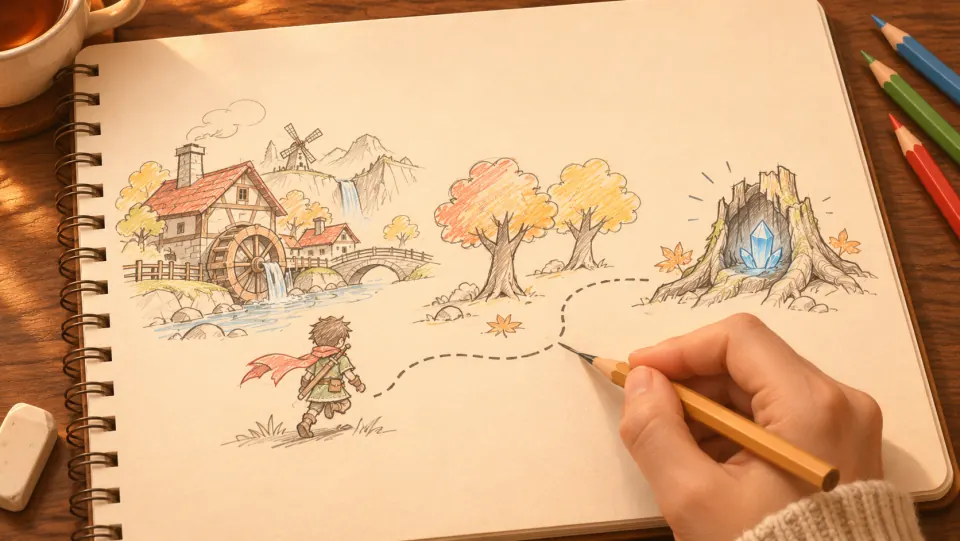
A miller asks for help. The player heads into the forest, finds a crystal, and brings it back for a reward.
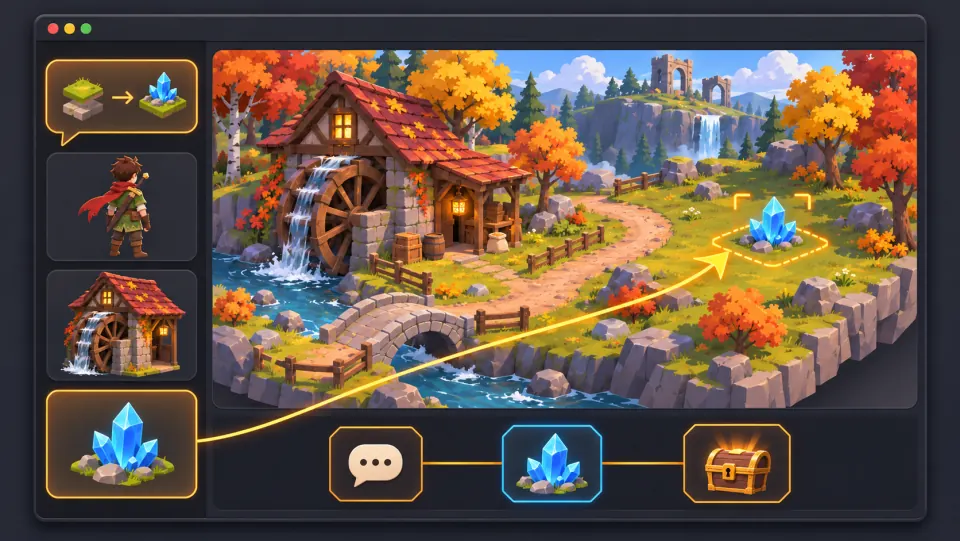
Ask seeleAgent to create the village and forest, add the miller and the crystal, and set up the dialogue, pickup, and reward.
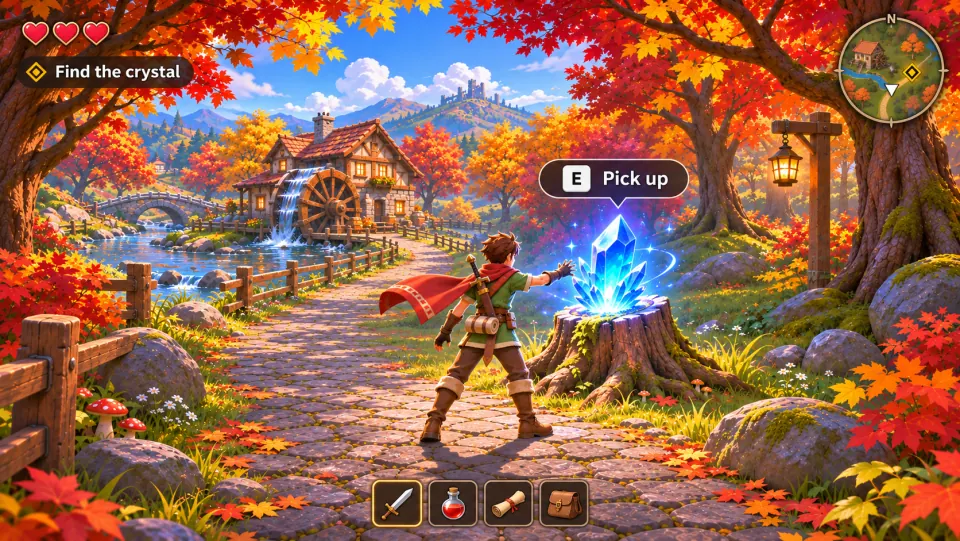
Take the quest, press E to pick up the crystal, and bring it back to the miller to claim your reward.
Make a game for freePick a starting point
Define a species silhouette, surface direction, pose, or scale context.
Choose the species or reference type, then describe the proportions that distinguish the concept.
Create a three-view concept sheet for a Triceratops-inspired 3D model: side, front, and three-quarter views. Emphasize the broad frill, three facial horns, and low, sturdy body. Keep the silhouette readable at a small thumbnail size. Treat surface color as an artistic choice and do not label it as fossil evidence.
 Make the body shape easy to read ↗
Why SEELE
Name a species or reference type so the body shape and proportions have a clear starting point.

Describe the features that should remain recognizable from the intended camera distance.

Label color, texture, and behavior as interpretive when they are not supported by a cited reference.

Choose a stance and view that suit the scene, reference sheet, or game asset brief.

Add a familiar object or scene reference when reviewers need to judge the model’s size.

Check the side and front views first, then refine surface detail after the overall shape reads clearly.
Made with SEELE
These games are playable. Pick one and give it a try.
 AdventureAdventure GamePlay the example ↗
 ShooterWarcom: Neon BreachPlay the example ↗
 ActionOld Gods RunPlay the example ↗
 CasualCaution! Egg on the Car RoofPlay the example ↗
 RunnerNeon Night Rush: Barrier DashPlay the example ↗
 PuzzleMuseum ExhibitionPlay the example ↗
 SimulationMilky Way Idle 3DPlay the example ↗
 CasualSnowfall & Starry GiftsPlay the example ↗
 RPGCrownfall-The-Three-Realms-CoverPlay the example ↗
 SimulationFLYING CARPlay the example ↗
Who it’s for
Use a concise model brief to align visual references, style choices, and intended use.
Define a species reference, silhouette, pose, and visual style before adding scene detail.
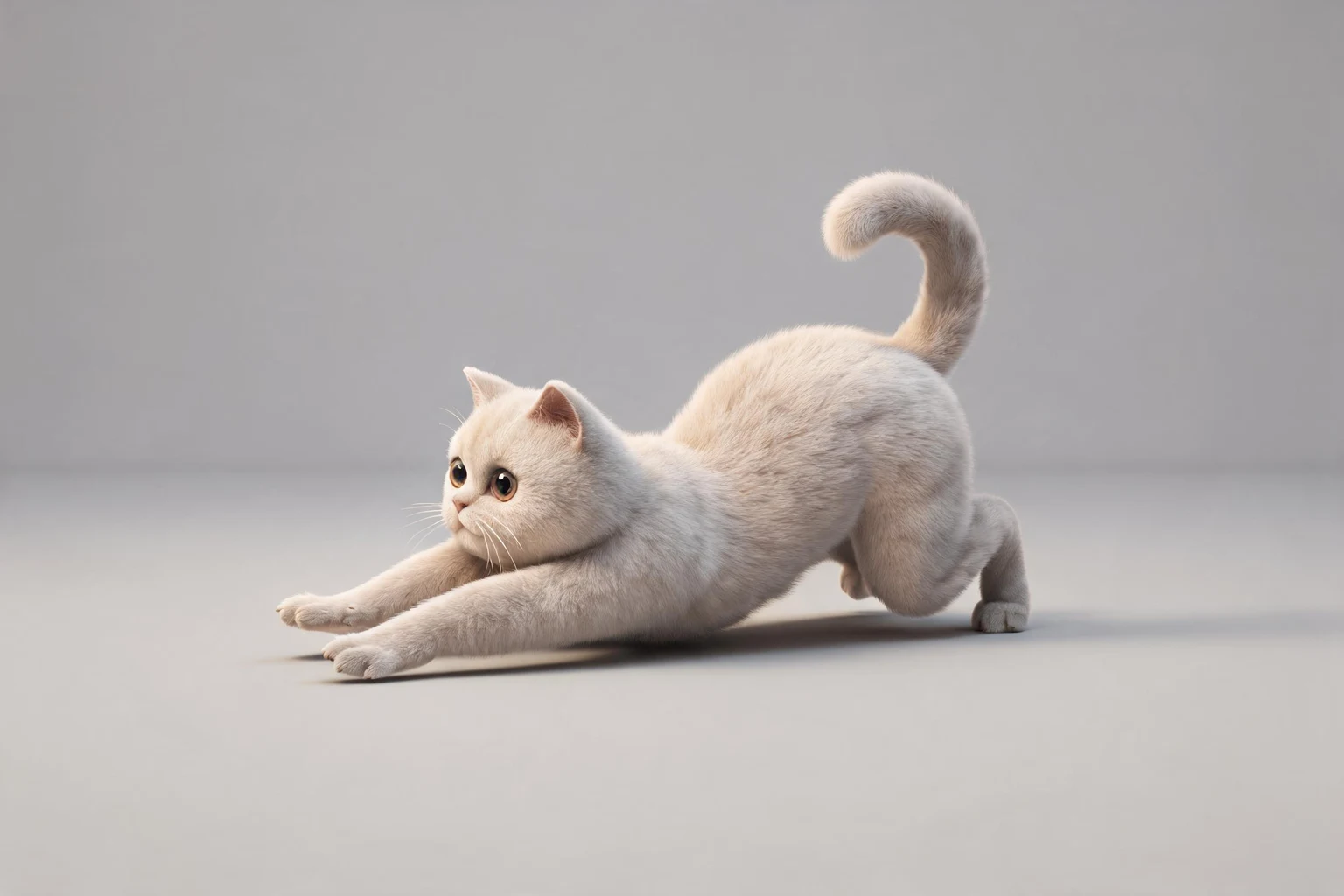
AI 3D Cat Model Generator ↗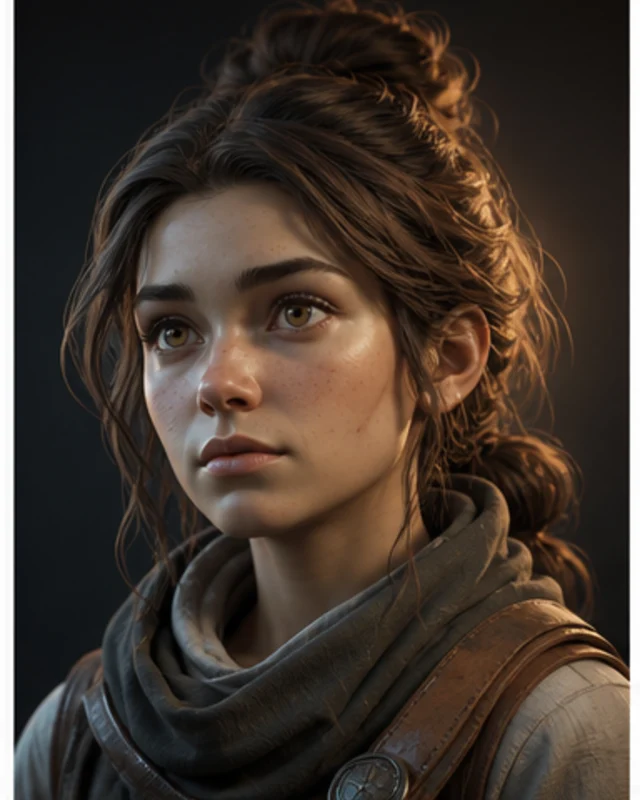
Separate source-backed anatomy from illustrative choices so viewers can tell what the model is meant to represent.
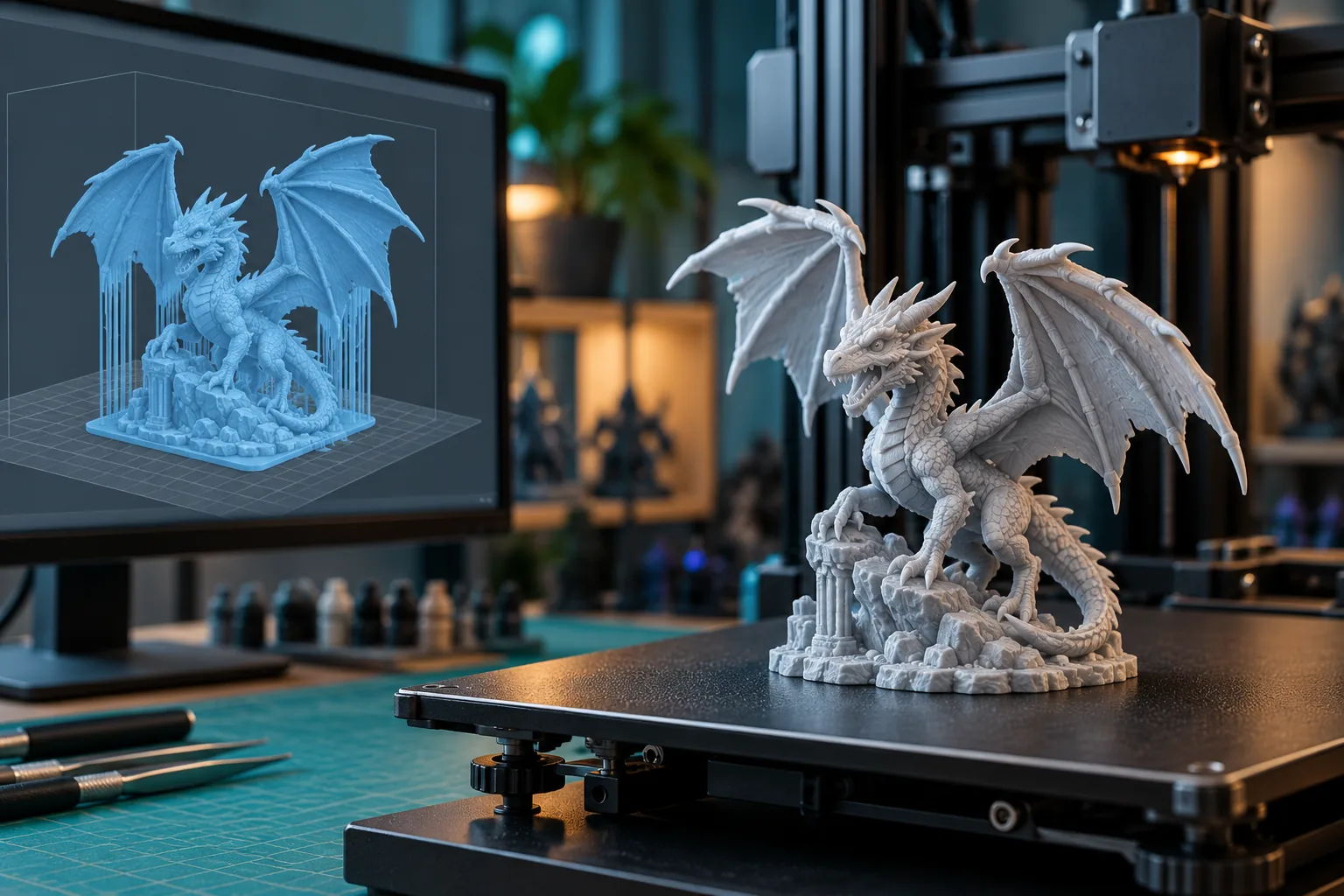
AI 3D Print Preparation ↗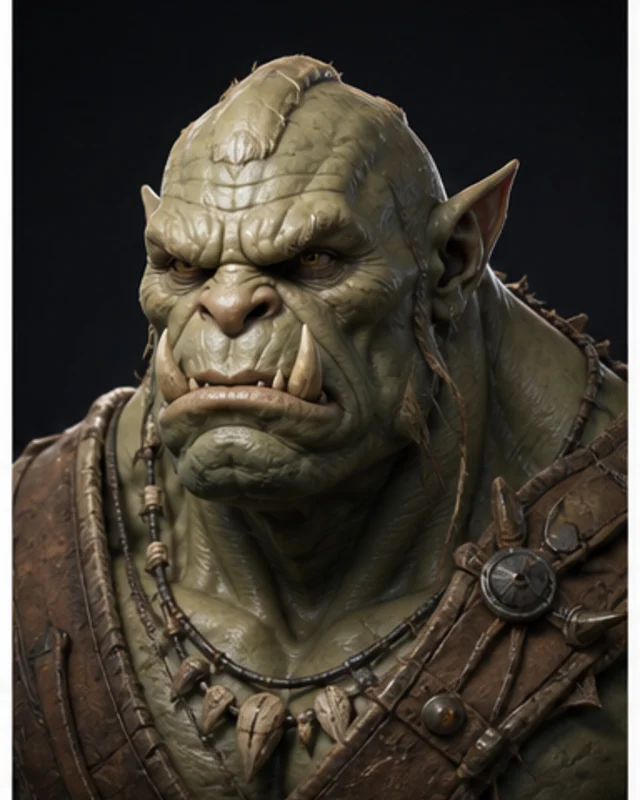
Describe the view, scale cue, and environment where the creature needs to read clearly.
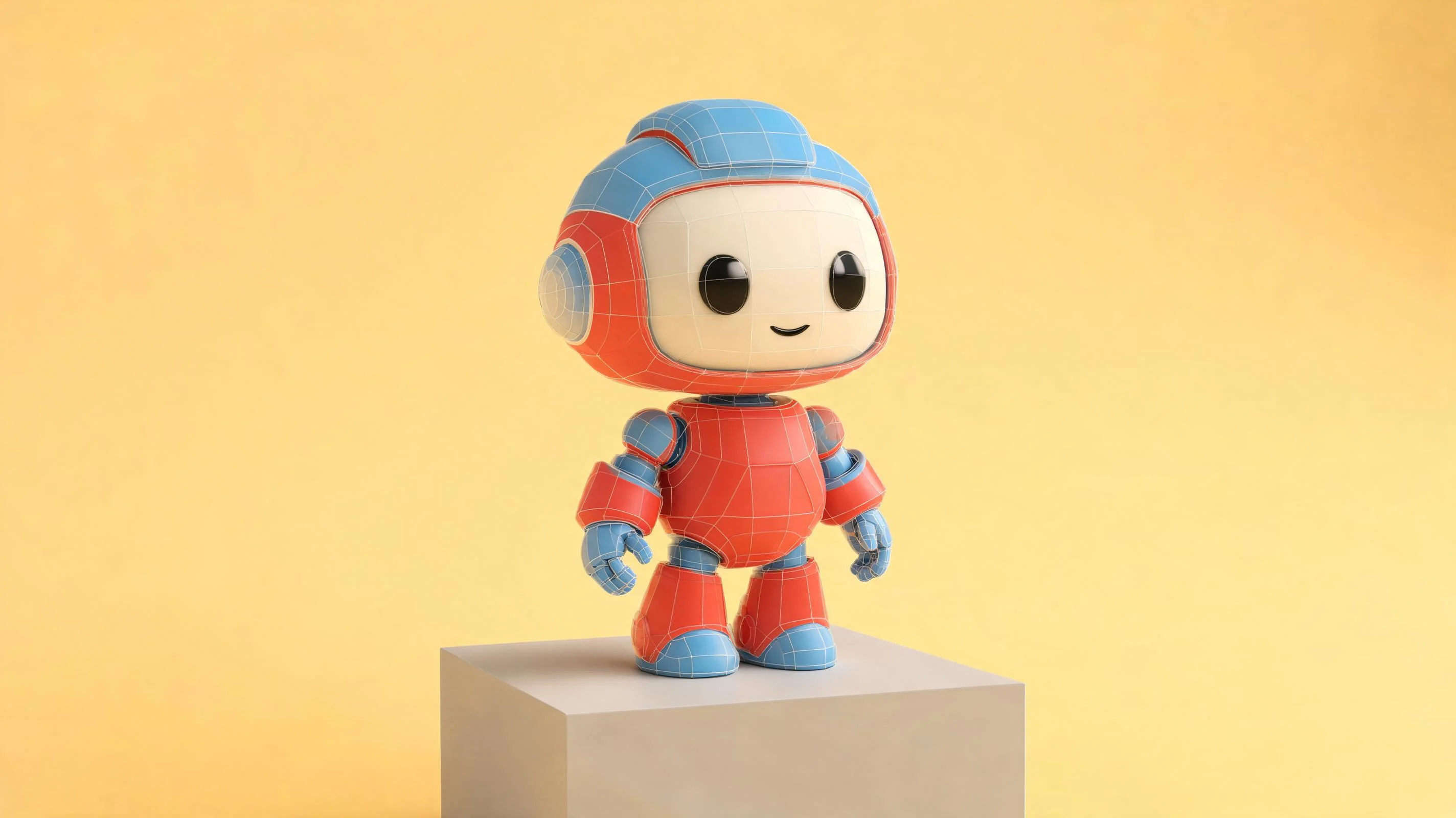
AI 3D Game Generator ↗Compare
A brief makes the reference and review criteria explicit; the asset workflow develops and checks the model.
| Feature | Dinosaur model brief | 3D asset workflow |
|---|---|---|
| Set the reference | Name the species or reference type and separate evidence from interpretation. | Gather the visual references and record which details they support. |
| Describe the shape | Call out proportions and silhouette features that should remain visible. | Block out the form and compare it with the chosen references. |
| Choose pose and scale | Specify the pose, view, and scale cue that fit the intended use. | Set the scene or turntable view used for review. |
| Review the result | Check shape, consistency, and whether interpretive details are clearly labeled. | Inspect the model from the required views and compare it with the brief. |
| Refine the model | Change one proportion or surface detail, then compare the same views again. | Revise the asset and repeat the review in its destination context. |
Reviews
Explore related 3D model pages, asset tools, and visual reference guides.
FAQ
A dinosaur 3D model generator is a tool for exploring a dinosaur model concept from a written description or reference. This page helps define species direction, shape, pose, scale, and intended use.
Name the species or reference type, the silhouette features, pose, camera view, scale cue, and destination. Label visual details as evidence-based or interpretive.
Choose a clear side or three-quarter view and describe the body proportions and features that distinguish the reference. Check the shape at the size where viewers will see it.
Treat color as art direction unless you have a source that supports a specific claim. State the palette and finish as design choices so they are not confused with reference evidence.
Describe the camera distance, pose, scale, and scene where the creature should appear. Check the available output options and usage rights before bringing an asset into a project.
Choose a pose that suits the scene and keeps important features visible. A neutral side view can help review proportions before you settle on an action pose.
Add a familiar object or a clearly labeled comparison figure. State whether the reference is illustrative or measured, and keep the full model visible.
List the details supported by your references, then label choices such as color, texture, or behavior as interpretation when the brief does not cite a source.
Specify the intended style—such as naturalistic, low-poly, or toy-like—along with the features that should stay consistent across views.
A side view helps compare overall proportions, while front and three-quarter views reveal width and depth. Choose the views that match the asset’s intended review.
Do not assume a concept is printable. Check the output format, mesh integrity, scale, and print requirements in the workflow you plan to use.
Rigging and export options depend on the current workflow. Check the editor’s available outputs and confirm that they meet the target project requirements.
Check the silhouette, proportions, pose, consistency across views, intended scale, and fit with the destination. Confirm references, rights, and technical requirements before release.
Access and generation costs can vary by plan and workflow. Review the current balance and displayed cost in the editor before starting.
Set the silhouette, pose, scale, and style. Label interpretive details before reviewing the concept.
Start a dinosaur model brief →