

Choose the right starting point
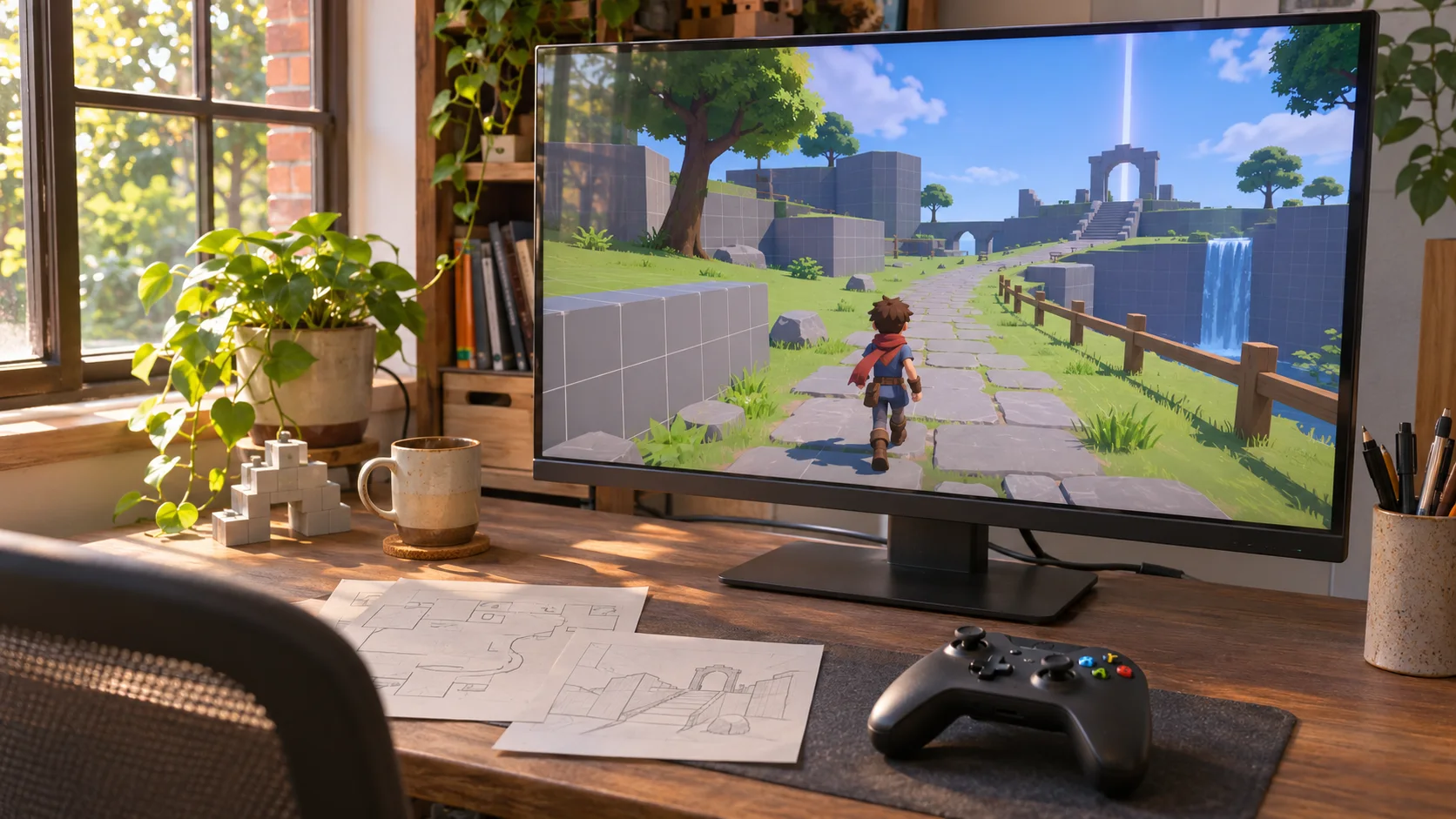
Use a prompt to explore a game concept; choose Unity when you need its editor, project structure, packages, and build tools.

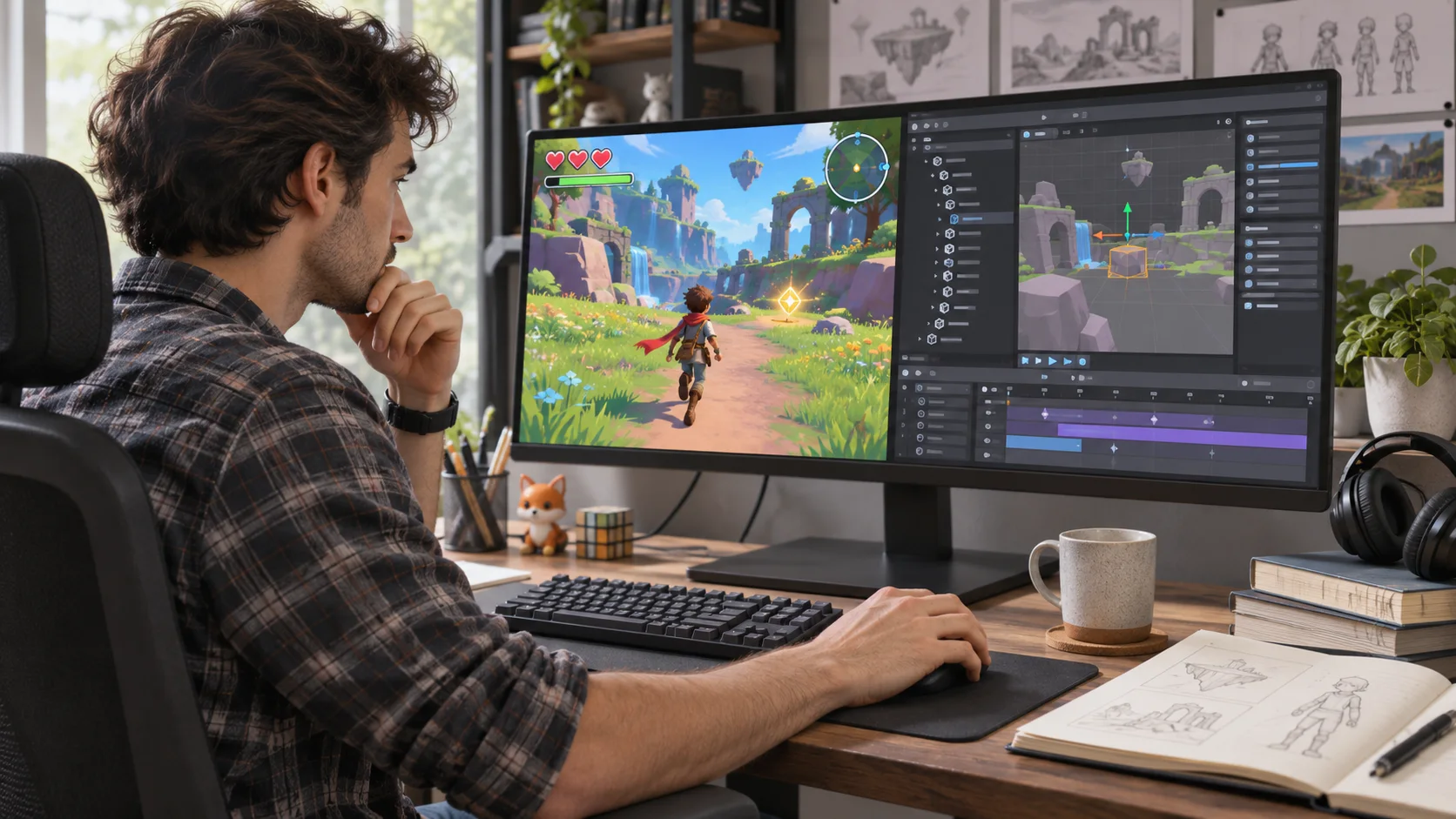
Explore the game idea with a prompt; use Unity when the project needs its engine workflow. Compare the work each approach handles: defining a first playable idea, building inside an existing Unity project, and validating the finished game for its target platform.
Partners and teams

















How it works
Create a fantasy card game with AI. Design your deck, build turn-based combat, and test your strategy in a playable 3D battle.
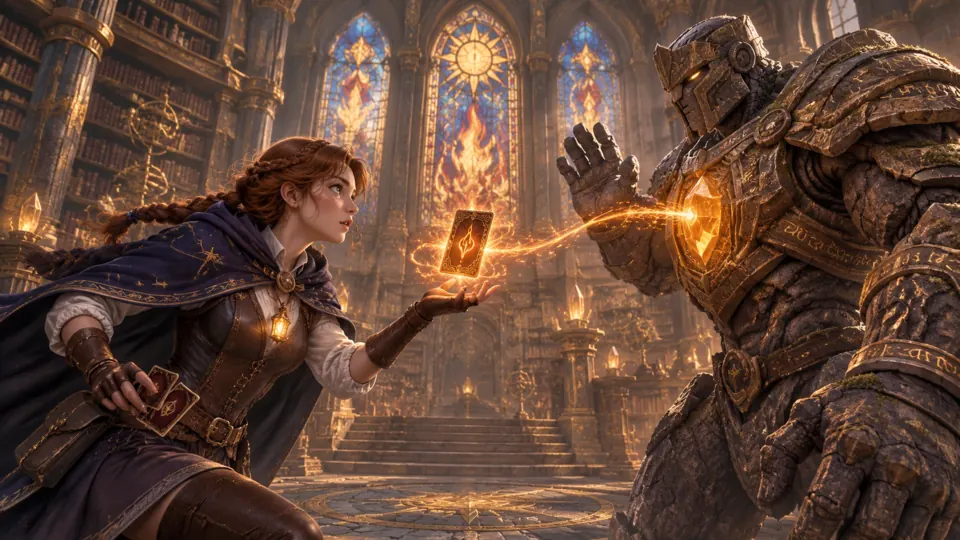
Create a battle between a young mage and a stone guardian, with magic cards that decide the fight.
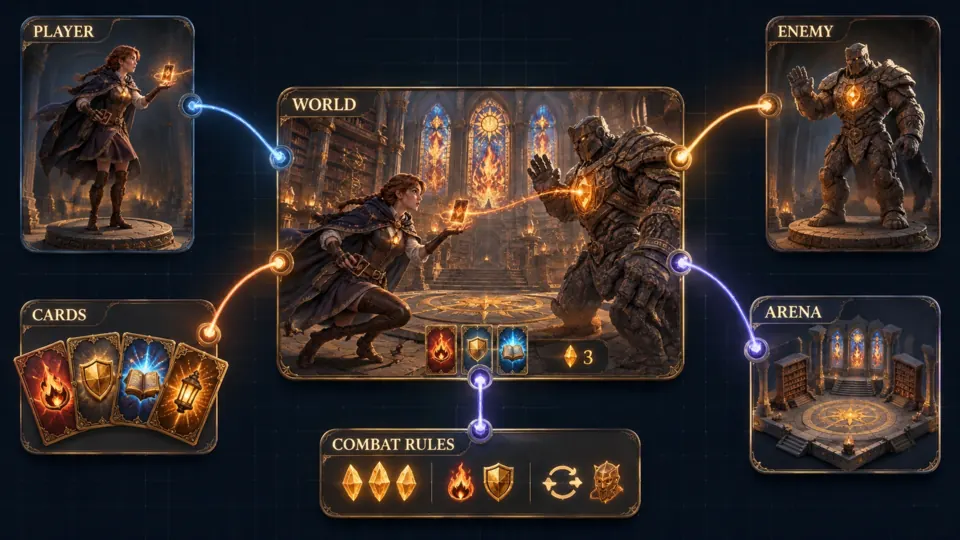
Bring your characters, card deck, battle arena, and turn-based rules together.
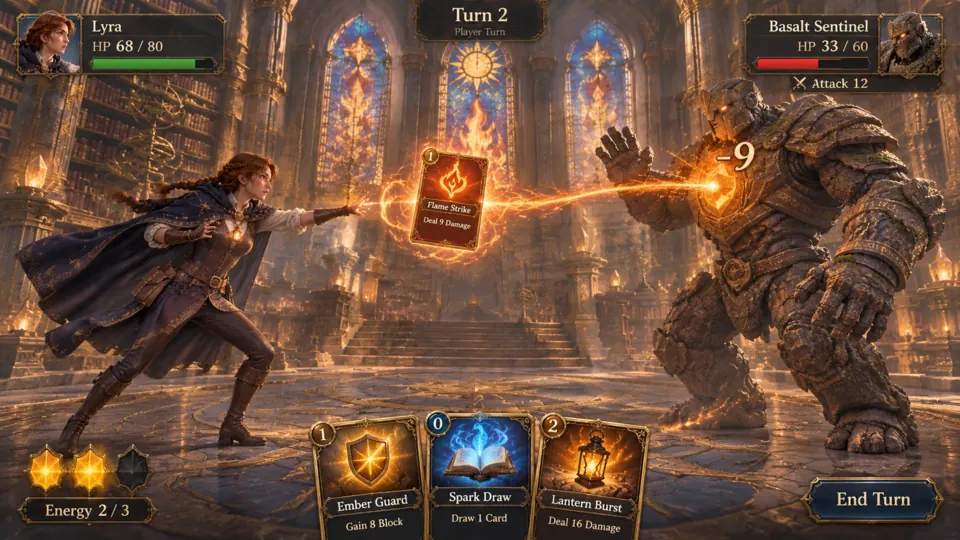
Play Flame Strike, deal damage, and choose your next card before the turn ends.
Make a game for freePick a starting point
Use these scenarios to compare what can be explored in a prompt and what must be checked in Unity.
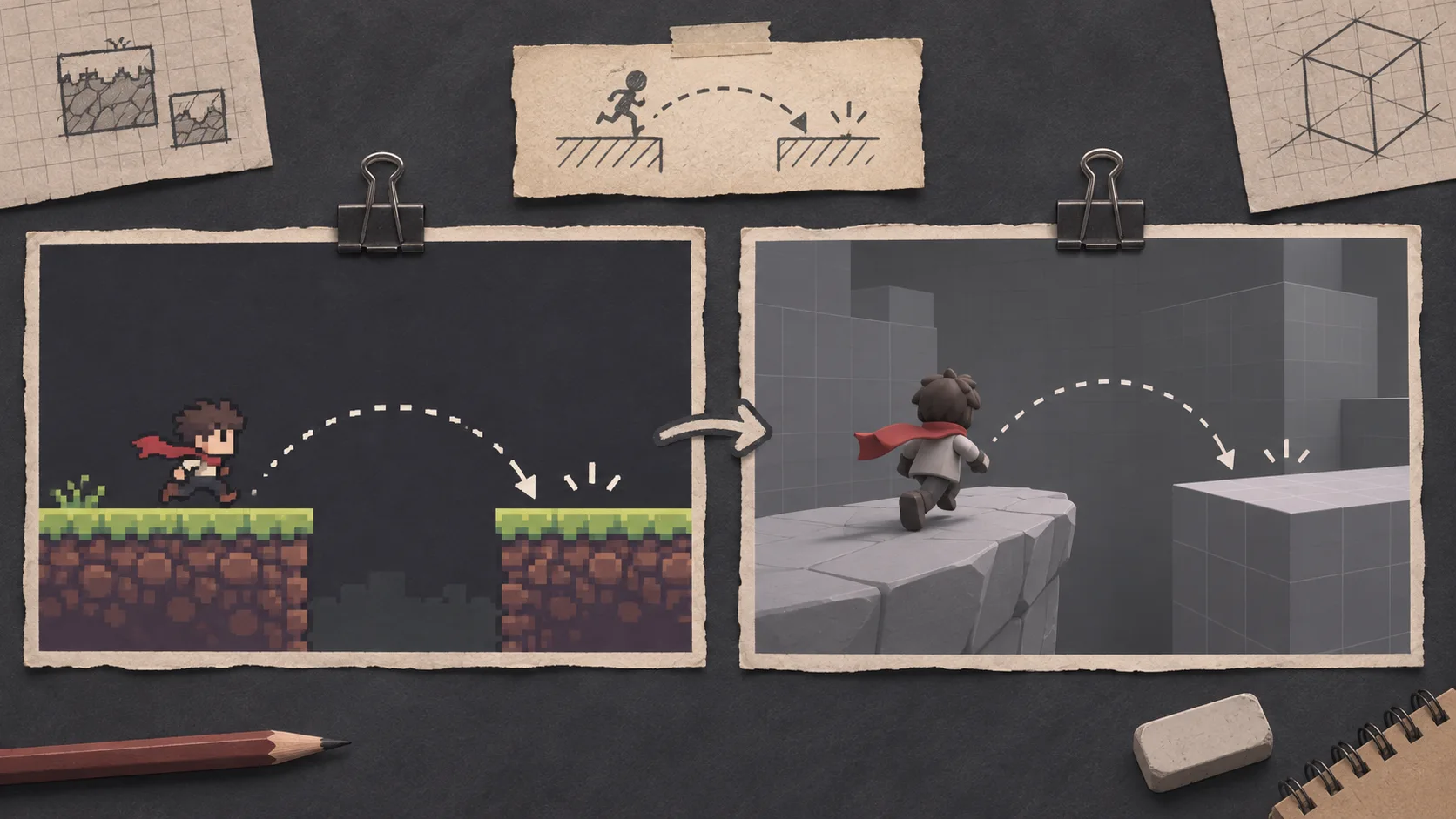
A single room makes it easier to judge a jump, hazard, and landing before planning a longer level.
Plan a one-room 2D platformer to test jump height, landing space, and one moving hazard. State what you need to learn before building the level in Unity, and keep the result to a single short playthrough.
 Test one platforming loop ↗
Why SEELE
Use a prompt to explore a game concept; choose Unity when you need its editor, project structure, packages, and build tools.

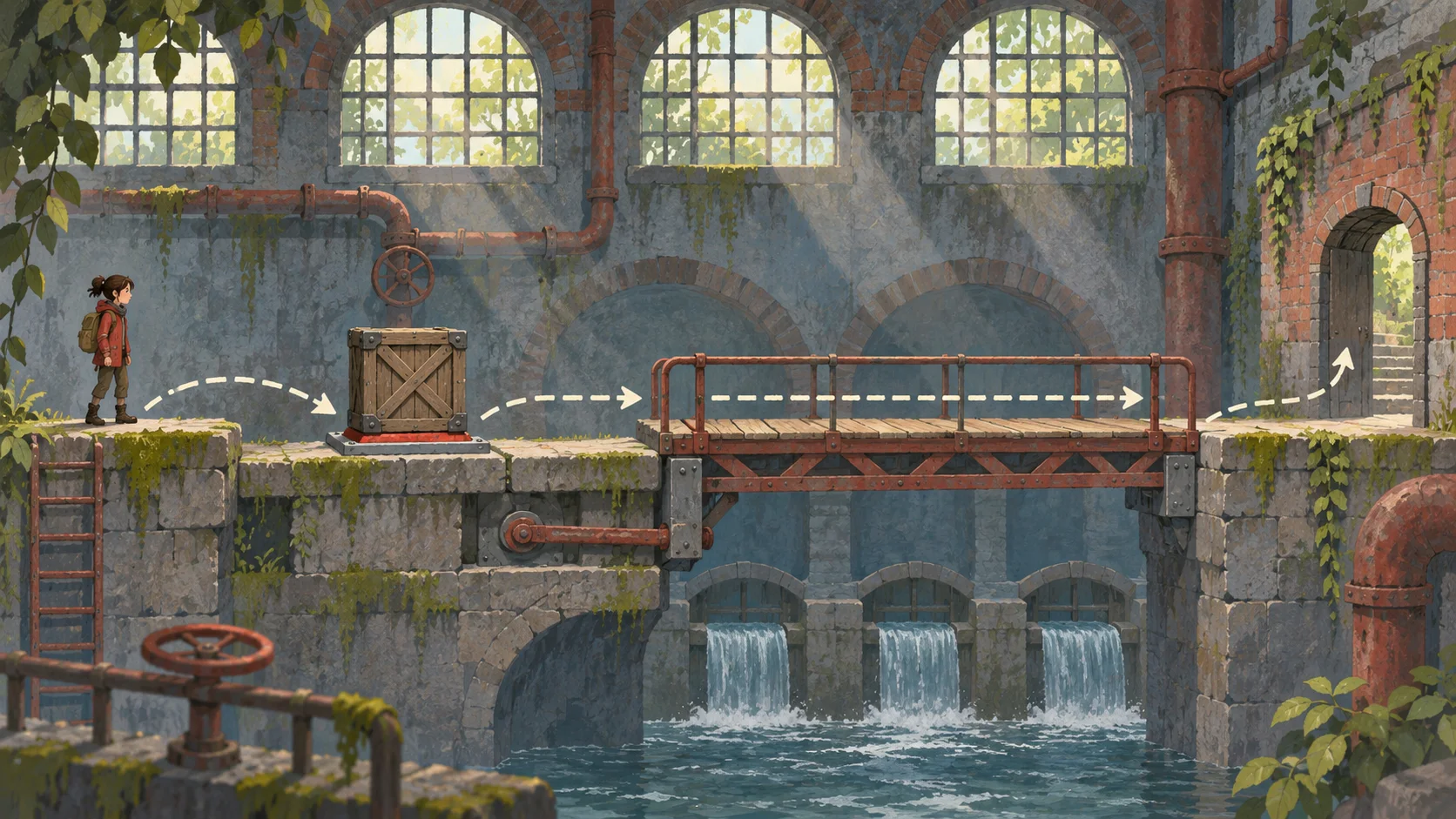
A small level or encounter can help clarify what you need to test, such as a control response or player objective.

Record the existing Unity version, input setup, packages, and target platform before planning a handoff.

A prototype brief describes the intended experience. It does not replace decisions about code, assets, performance, or project architecture.

Check available project formats and integration steps in Workspace, then test the handoff in the target Unity project.

Review the core loop with a player, note what is unclear, and decide whether the next change belongs in the concept or the Unity project.
Made with SEELE
These games are playable. Pick one and give it a try.
 AdventureAdventure GamePlay the example ↗
 ShooterWarcom: Neon BreachPlay the example ↗
 ActionOld Gods RunPlay the example ↗
 CasualCaution! Egg on the Car RoofPlay the example ↗
 RunnerNeon Night Rush: Barrier DashPlay the example ↗
 PuzzleMuseum ExhibitionPlay the example ↗
 SimulationMilky Way Idle 3DPlay the example ↗
 CasualSnowfall & Starry GiftsPlay the example ↗
 RPGCrownfall-The-Three-Realms-CoverPlay the example ↗
 SimulationFLYING CARPlay the example ↗
Who it’s for
Developers, teams, and students can compare concept exploration with engine implementation using the same task.
Use a short scenario to clarify the mechanic you want to test. Move into the Unity project when the question depends on its code, packages, or build setup.
2D + 3D AI Game Maker ↗
Keep version, packages, input, and asset requirements visible when comparing a prompt-led prototype with the current production workflow.
Best 3D Game Creator ↗
Compare a concise game brief with the scene, code, and testing work involved in building the same idea inside Unity.
AI 3D Game Maker with Code ↗Compare
Unity is an engine workflow; a prompt-led prototype is one way to explore an idea. Compare the work each requires.
| Feature | Prompt-led concept exploration | Unity game engine workflow |
|---|---|---|
| Starting point | Describe the player, action, and game goal | Open or create a Unity project |
| Best fit | Explore a bounded idea or first interaction | Implement systems and manage the project |
| Existing project needs | State constraints that a handoff must preserve | Work directly with the project’s code, assets, and packages |
| Validation | Review whether the concept matches the brief | Run and test the implementation in the target build |
| What to verify | Available output and handoff format | Engine version, dependencies, and platform requirements |
Reviews
Continue with related game creation pages, guides, and tools.
FAQ
No. A prompt-led workflow can help you explore a game idea, while Unity is an engine for implementing and managing a project. A prototype brief does not replace Unity development or target-build testing.
Use it when you want to describe and explore a bounded game idea, such as one room, mechanic, or encounter. Review the available result before deciding how it fits your project.
Work in Unity when you need to change an existing project, manage its code and assets, use specific packages, or validate a target build.
Check the available project and handoff options in Workspace for your workflow. Confirm the output format and test it in the target Unity project before planning around it.
Yes. You can explore a concept first, then decide which parts to implement in Unity. Verify that the available handoff fits the project before moving files or code.
Use the same game task and compare setup, required project context, output, review effort, and what still needs implementation. Include the Unity version and dependencies if they matter.
Do not assume compatibility from a concept or preview. Check the format shown in Workspace and validate the project in the Unity version and environment you plan to use.
Do not rely on preservation unless the selected workflow explicitly supports your project handoff. Back up and verify existing code, assets, packages, and settings before integration.
You can describe the game idea in plain language. Implementing, integrating, and debugging a Unity project may still require engine and code knowledge.
Define one player action, one challenge, and one success condition. Keep the scenario small, then use a playtest to decide whether the mechanic is worth implementing further.
There is no single answer. Scope, existing project setup, required output, and integration work all affect time. Compare the same task and include review and testing in the estimate.
Publishing depends on the output format, platform, rights, and testing requirements. Confirm those details for your intended destination before release.
Mention the engine version, current project structure, input scheme, packages, and platform constraints that affect the idea. Do not assume the prompt alone can inspect or preserve them.
Confirm the output format, code and asset ownership, engine compatibility, dependencies, controls, and build behavior. Test the handoff in the actual Unity project.
Choose a game mechanic, define what you need to learn, and verify the available project handoff before using it in Unity.
Try a game prompt →