
Exploration Route
Define the viewpoint, starting room, landmarks, locked paths, hidden spaces, and a readable exit so navigation can be tested from the first pass.
Seele AI · Create
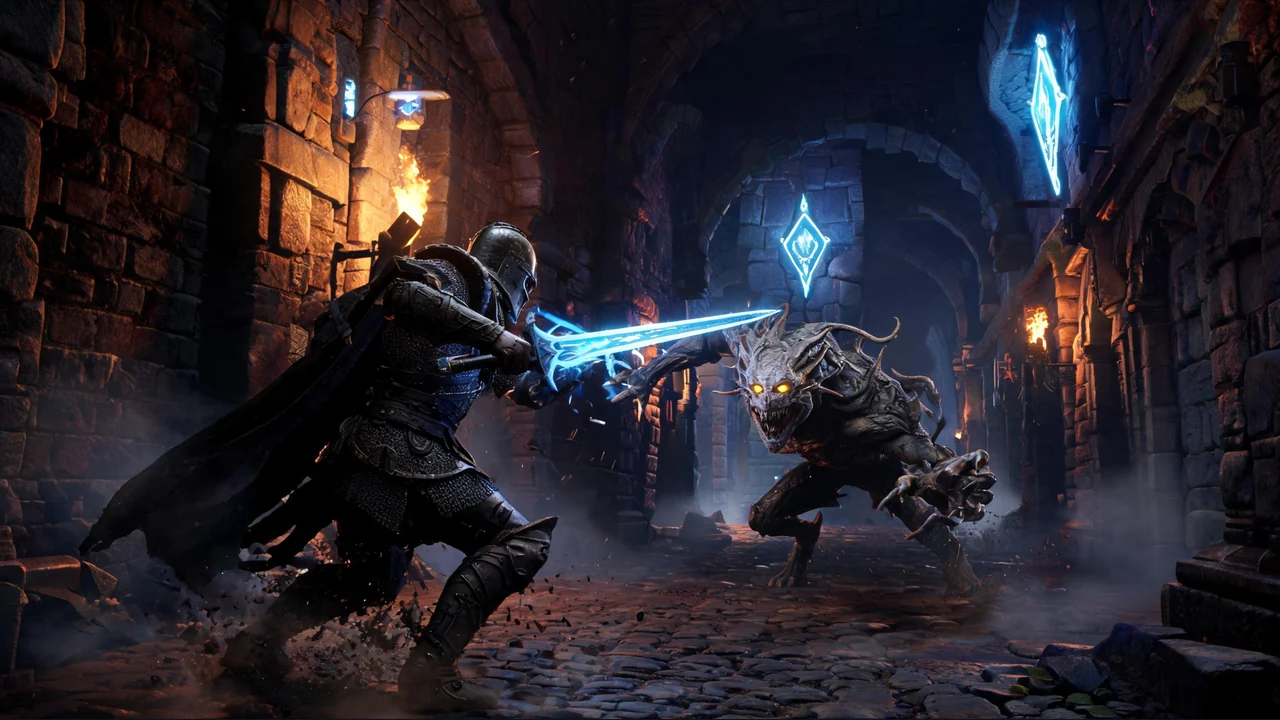
Generate a playable Godot dungeon crawler from a prompt, then refine cave exploration, room layouts, creatures, combat, treasure, and progression.
The Godot Dungeon Crawler Generator turns a focused cave or dungeon prompt into a playable direction with exploration, encounters, rewards, and progression ready to refine in Seele AI.
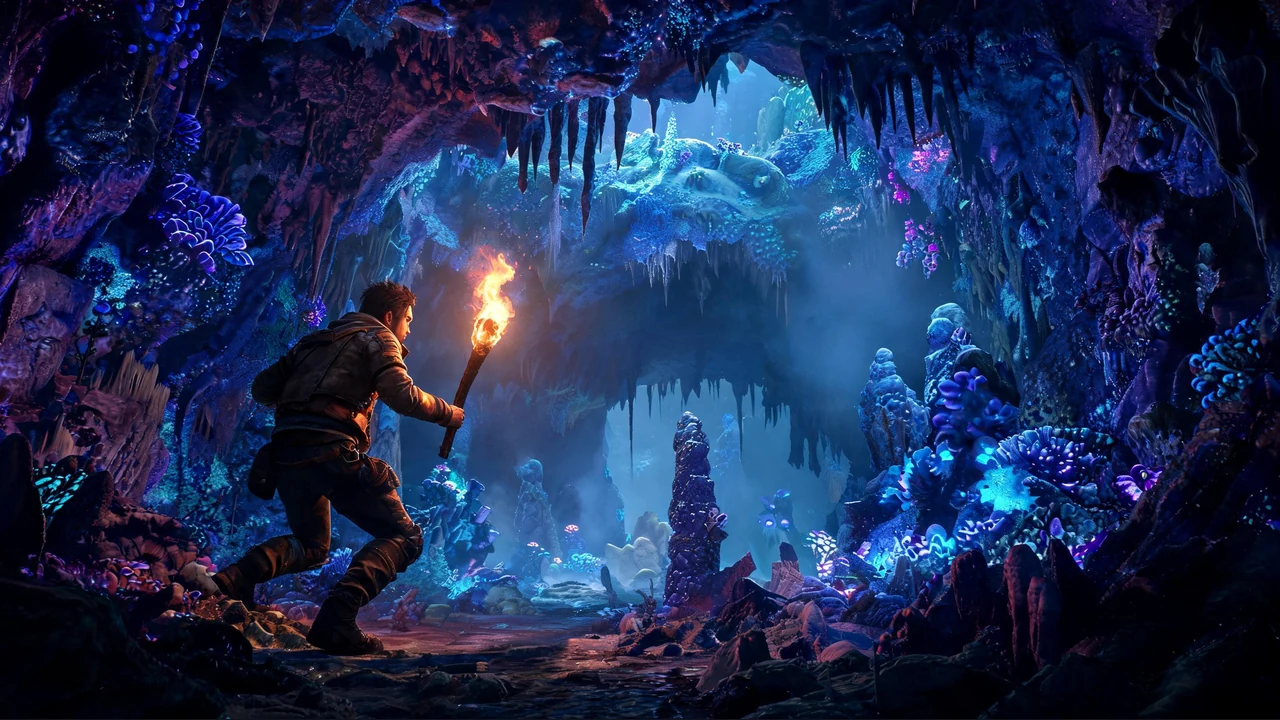
The working loop
Build one readable core loop, test it, and refine the weakest layer.
Name the viewpoint, environment, room or cave structure, player goal, creature behavior, treasure, and visual direction.
Send the selected prompt to the workspace and create an editable dungeon crawler direction with connected exploration and encounter beats.
Test navigation, combat or avoidance, lighting, rewards, checkpoints, and the route to the exit, then request one targeted change at a time.
What leaves the page
Use each artifact to evaluate the core loop before expanding scope.
A reusable prompt covering viewpoint, environment, goals, encounters, rewards, lighting, and progression.
An editable cave or dungeon direction ready for navigation, encounter, and reward-loop playtesting.
Concrete checks for controls, collisions, enemy behavior, readability, difficulty, performance, and exports.
Fit and limits
Before you start
A Godot dungeon crawler generator turns a plain-language game brief into an editable playable direction for a cave or dungeon experience. You can describe exploration, room structure, creatures, combat, treasure, lighting, and progression, then review the generated result in the Seele AI workspace. Treat the first pass as a prototype that still needs playtesting and technical review.
Yes. Start with a natural-language prompt that names the viewpoint, environment, player goal, encounter style, rewards, and visual direction. Seele AI carries that brief into the workspace and produces a first playable direction for iteration. You should still inspect scene structure, scripts, collisions, controls, performance, and exports before extending or releasing the project.
Include the camera perspective, room or cave layout, exploration goal, enemy behavior, combat or avoidance rules, treasure, checkpoints, and lighting. Concrete constraints such as three connected rooms, one locked door, readable torch placement, and a clear exit make the result easier to evaluate. Add one refinement at a time after testing the first pass.
Yes. The exact starters on this page demonstrate two distinct directions: atmospheric cave exploration built around darkness, creatures, and treasure, plus a 3D dungeon crawler built around rooms and monster encounters. You can preserve either loop or combine selected elements, but a focused first prompt usually produces a clearer prototype than requesting every mechanic at once.
Playtest navigation, camera behavior, collision edges, enemy readability, combat timing, damage feedback, treasure placement, checkpoints, lighting, and the route to the exit. Also check whether dark areas remain readable and whether players understand the next goal. Human review remains important for difficulty, accessibility, performance, asset licensing, save behavior, and target-platform exports.
No. Use the generated result as an editable prototype rather than a finished commercial release. A person should verify scripts, imported assets, licenses, input mappings, physics, save states, audio, accessibility, performance, and export settings. Run repeated playtests on the intended devices, fix progression blockers, and complete security and quality checks before publishing a public build.
Next move
Start with one of the exact cave or 3D dungeon prompts, generate a playable direction, and keep refining it in the Seele AI workspace.
Plan before generating
Keep the first run specific enough to test and small enough to revise.
Define the viewpoint, starting room, landmarks, locked paths, hidden spaces, and a readable exit so navigation can be tested from the first pass.
State whether creatures should be avoided or defeated, then specify attack timing, danger cues, health rules, and what ends an encounter.
Name treasure, keys, upgrades, checkpoints, and completion conditions so every room contributes to a clear dungeon-crawl loop.
Keep exploring
Try a side-scrolling direction with the Godot 2D Platformer Generator, explore broader game concepts with the AI Game Maker, or open the Seele AI workspace to continue refining your dungeon brief.