Compare the same game idea
One shared brief makes differences in the first result easier to see.

Try the same small game idea and inspect the workflow yourself. Comparing browser-based game makers? Run the same short brief in each product and review the playable result, follow-up editing, project handoff, and current plan limits. This page is from SEELE AI; check each provider’s current documentation before choosing.
Partners and teams

















How it works
Start with a quest idea, build it in SEELE, and play it through from start to finish.

A miller asks for help. The player heads into the forest, finds a crystal, and brings it back for a reward.
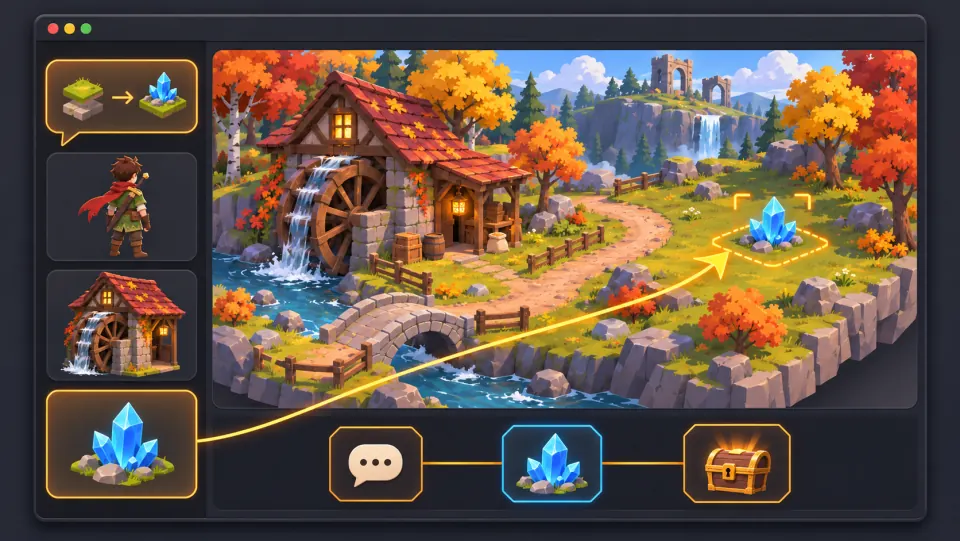
Ask seeleAgent to create the village and forest, add the miller and the crystal, and set up the dialogue, pickup, and reward.
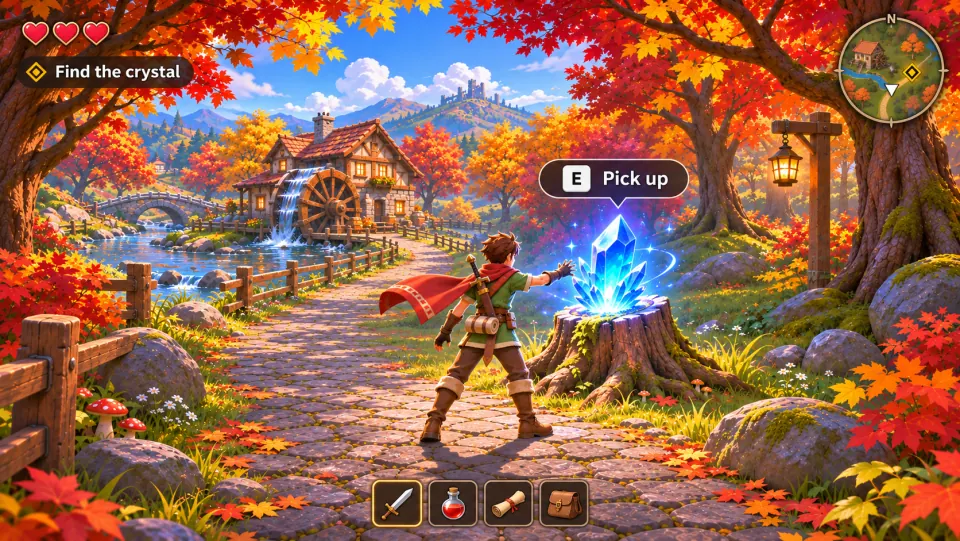
Take the quest, press E to pick up the crystal, and bring it back to the miller to claim your reward.
Make a game for freePick a starting point
Compare the first result, editing, device behavior, and project handoff.
Hold the brief and pass conditions steady for both products.
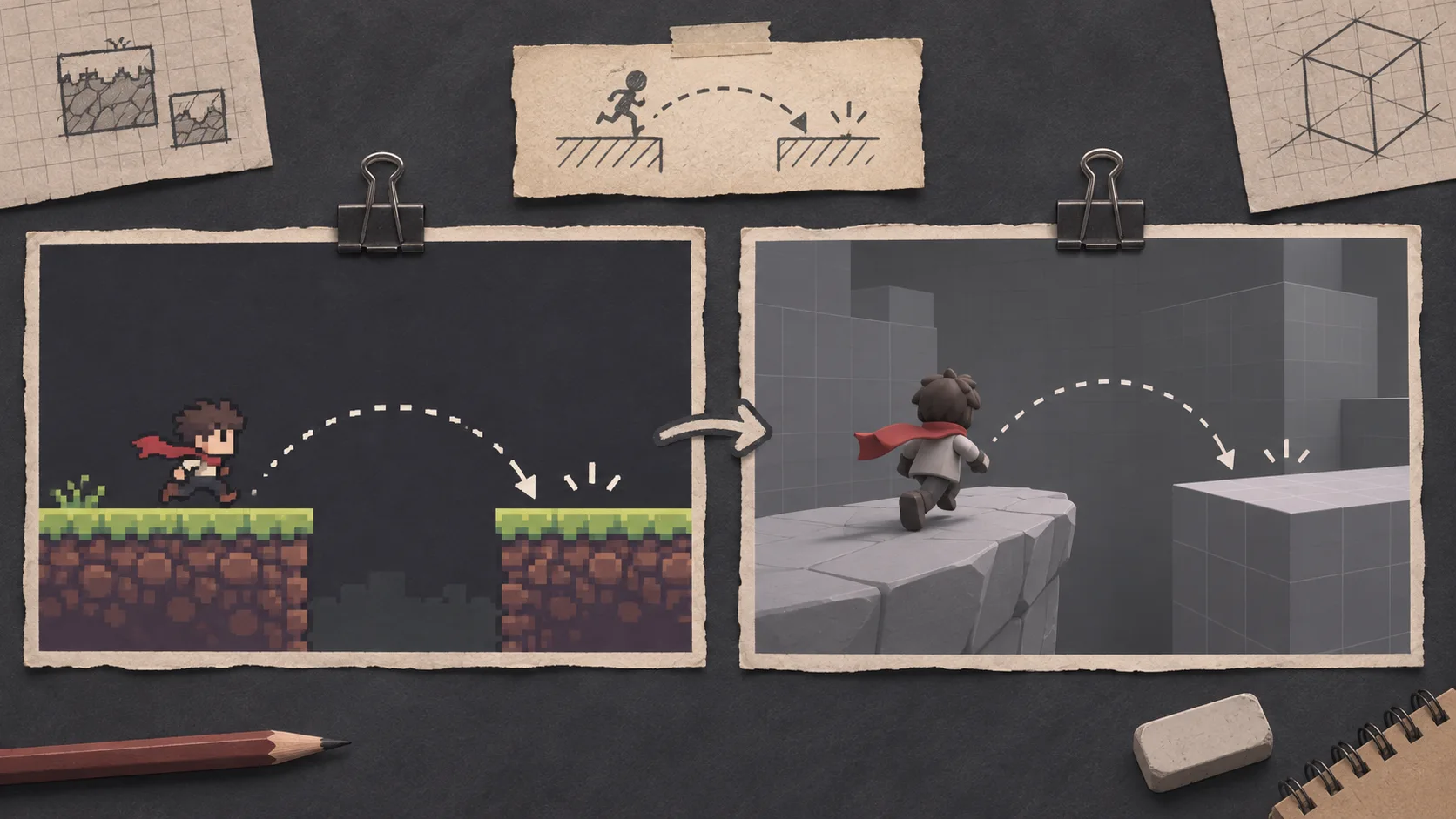
Use the same brief in each browser game maker: a one-screen platform challenge with a jump, three collectibles, and a visible finish. Record whether the controls, objective, and restart behavior match the request. Keep the prompt and acceptance checks identical.
 Use one idea to compare the first result ↗
Why SEELE
One shared brief makes differences in the first result easier to see.

Check whether each workflow can revise a mechanic without breaking the rest.

Try controls, restart behavior, and the finish condition in the browser you use.

A playable link, editable files, and an engine export are different outputs.

Credits, project size, and publishing options can change; verify them on each provider’s site.

Save the prompts, builds, and test notes so another person can compare them.
Made with SEELE
These games are playable. Pick one and give it a try.
 AdventureAdventure GamePlay the example ↗
 ShooterWarcom: Neon BreachPlay the example ↗
 ActionOld Gods RunPlay the example ↗
 CasualCaution! Egg on the Car RoofPlay the example ↗
 RunnerNeon Night Rush: Barrier DashPlay the example ↗
 PuzzleMuseum ExhibitionPlay the example ↗
 SimulationMilky Way Idle 3DPlay the example ↗
 CasualSnowfall & Starry GiftsPlay the example ↗
 RPGCrownfall-The-Three-Realms-CoverPlay the example ↗
 SimulationFLYING CARPlay the example ↗
Who it’s for
A small test gives creators and teams direct evidence for a product decision.
Run the same prompt and one revision in each product.
AI Portfolio Generator ↗
Compare controls, goals, and restart behavior through a short playtest.
Three.js Editor ↗
Verify sharing, source access, export, and plan terms before committing.
Browser 3D Game Maker ↗Compare
Separate the browser preview from source access, export, publishing, and plan terms.
| Feature | A repeatable browser game comparison | A decision based on marketing claims |
|---|---|---|
| First result | Same prompt and pass conditions in both products | Compare unrelated demos or showcase games |
| Iteration | One specific change tested after the first run | Assume a single successful prompt proves editing quality |
| Playtest | Controls and completion checked on intended devices | A screenshot treated as proof of playable behavior |
| Handoff | Share, source, and engine export checked separately | A browser link treated as a downloadable project |
| Decision | Current terms and test notes saved for review | Choose from old pricing or unverified feature claims |
Reviews
Explore related game creation workflows and guides.
FAQ
No. This page is published by SEELE AI. Rosebud AI is a separate product; use each provider’s current site to verify its features and terms.
Use the same short game brief, make one follow-up change, and test both results with the same controls and pass criteria.
This Create page is about game creation. Check current Workspace options for other project types before planning a website workflow.
Check whether the requested player action, goal, controls, and restart behavior are present and understandable.
Ask each product for the same single change. Note what stayed intact, what broke, and how much manual correction was needed.
No. A playable browser preview, downloadable source, and engine export are separate outputs. Check the options available for the specific project.
Export targets depend on the current Workspace workflow and project. Check the model or project options shown before planning a Unity handoff.
The workflow depends on the product and task. Even when you start from a written idea, review the result, test its behavior, and check what files you can edit.
No. Credits, project limits, and publishing options differ and can change. Check each provider’s current pricing and terms.
Examples help you understand the workflow, but they may use different prompts and project conditions. Run your own matched brief before drawing a conclusion.
The best fit depends on the game, editing needs, project handoff, and terms. Compare the same task and verify the output you need.
Use the same device class for each product and check touch controls, screen layout, start, restart, and completion behavior.
Read the current provider terms for sharing, public visibility, commercial use, and project ownership. Save the relevant source before making a decision.
Keep the exact prompt, product and plan, test date, result links, follow-up request, device, observed issues, and verified handoff options.
Use the same brief, test the result, and verify the handoff you need.
Try a browser game workflow →