Choose work for a specific reader
A portfolio for hiring teams may need different context from one aimed at clients or collaborators.

Start with one featured project and the person you want to reach. Set the portfolio’s audience, lead project, and next step. Explore a first visual direction, then check how the work, context, and contact action read before relying on the result.
Partners and teams

















How it works
Create a Roblox-inspired 3D game without coding. Build floating islands, add cute creatures, test gameplay, and expand your world with AI prompts.

Create a colorful floating-island world where players attract cute creatures with fruit.
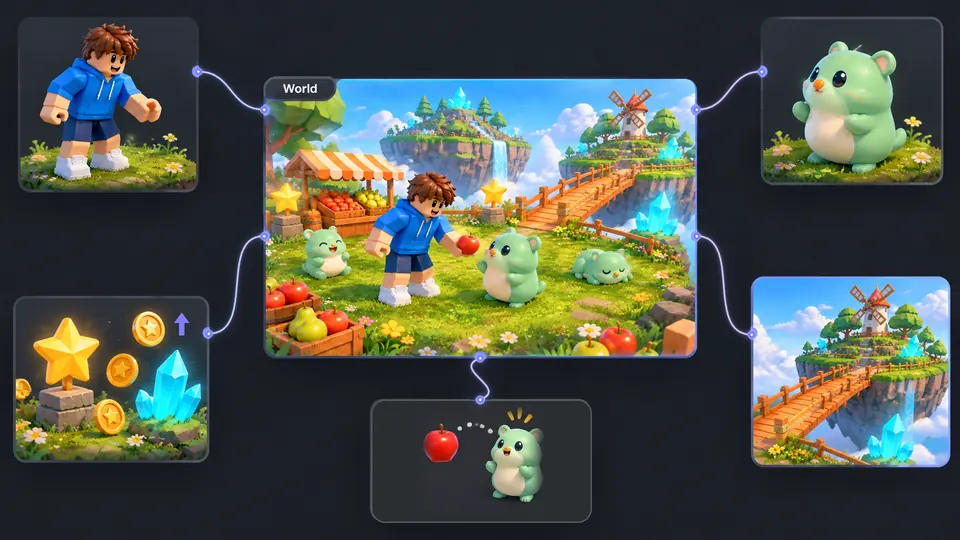
Connect your character, creatures, islands, fruit items, and reward system.
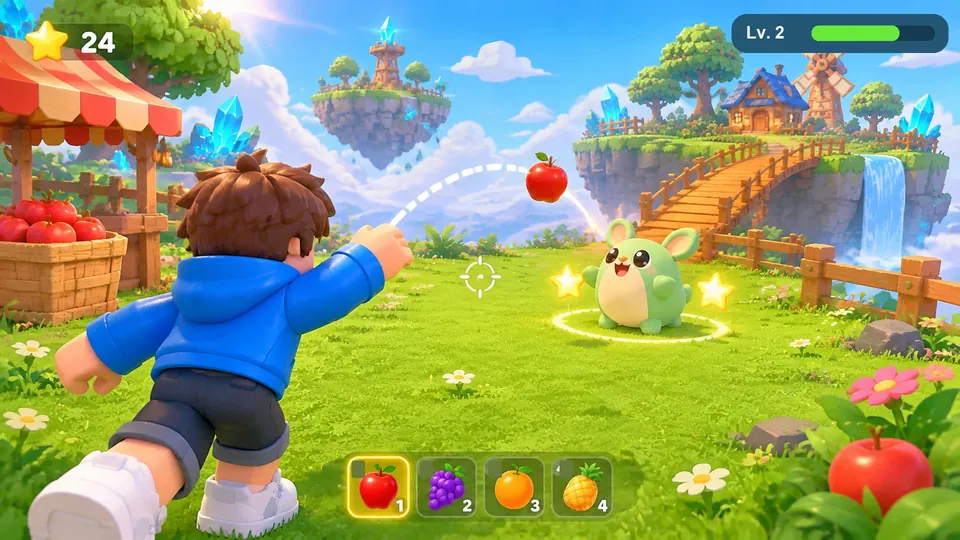
Toss apples to attract creatures, earn stars, and explore your floating island.
Make a game for freePick a starting point
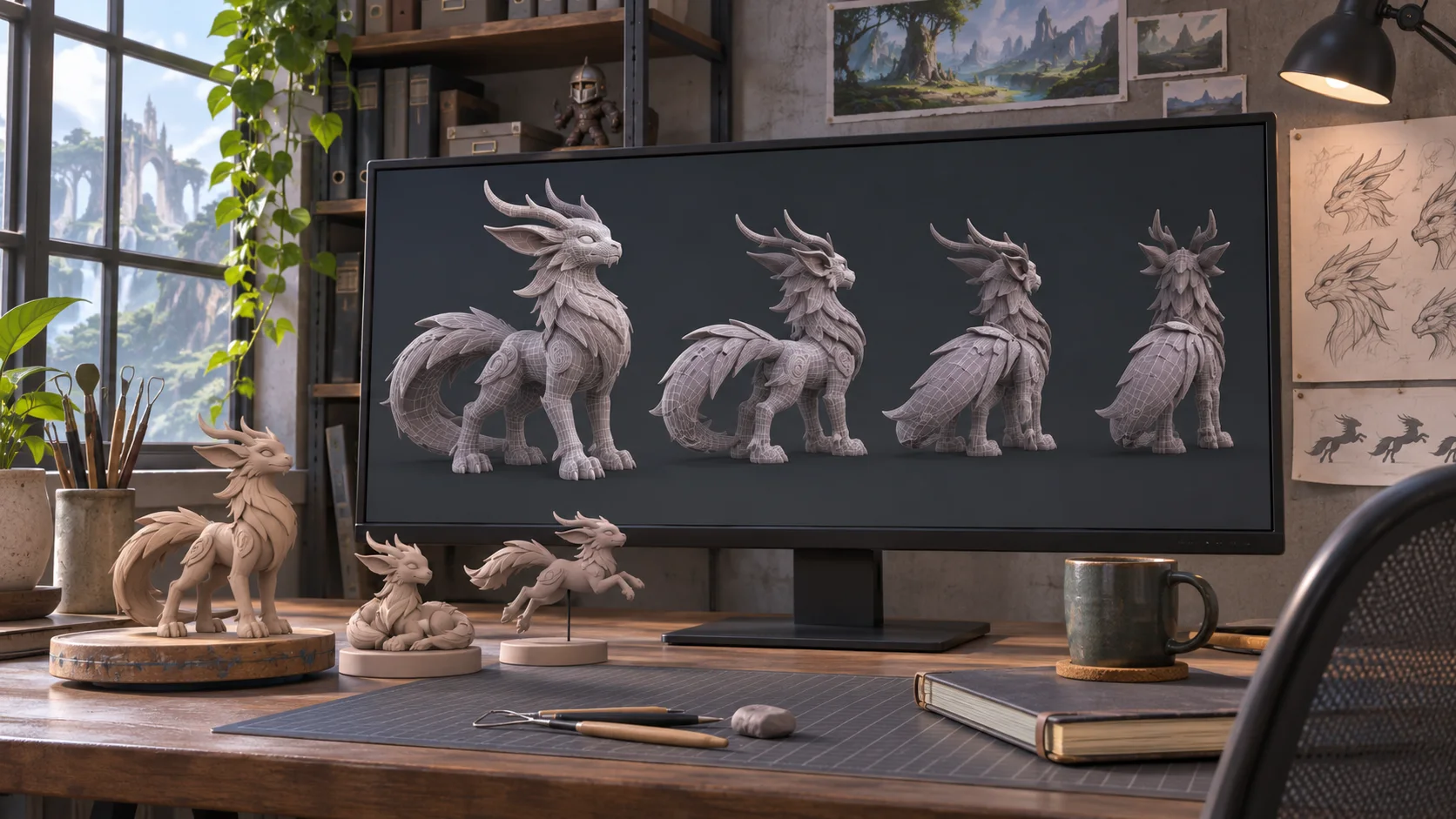
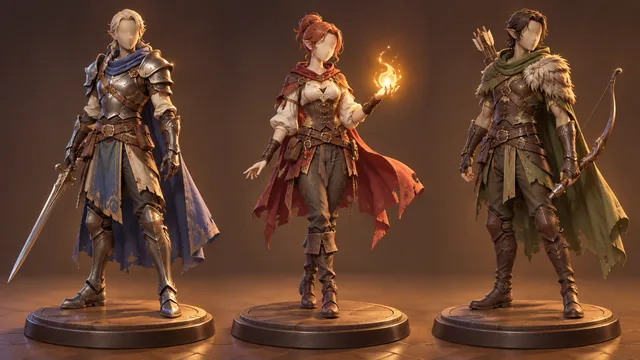
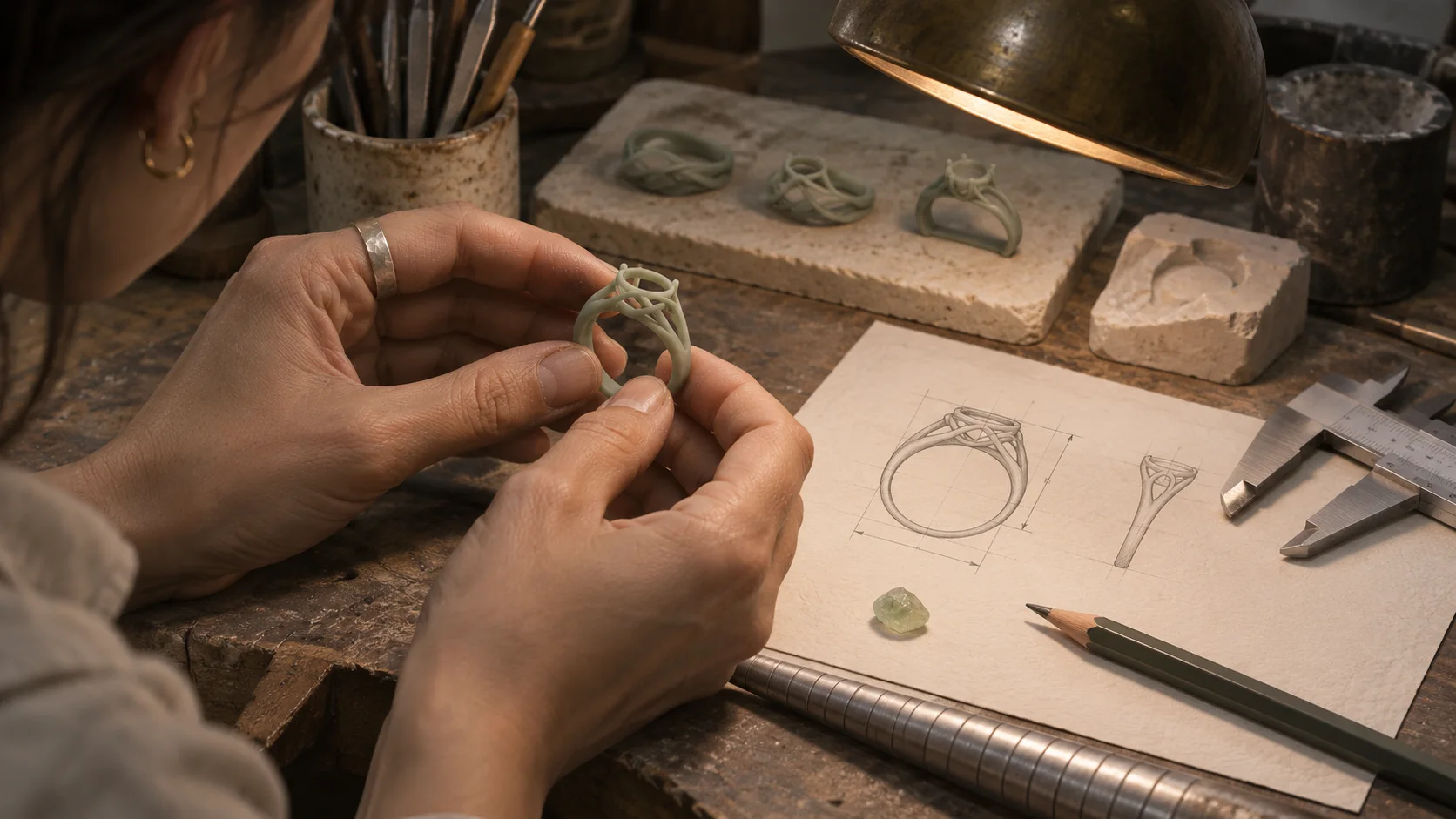
Try a developer page, design case study, photography collection, or 3D art showcase. Each example starts from work a visitor can inspect.
Pair each project with your role, a technical decision, and a result someone can inspect. Keep the first screen focused on the work you want to be hired to do.
Plan a one-page portfolio for a gameplay programmer applying to small studios. Feature two projects. For each, state the programmer’s role, the engine or language used, one technical problem they solved, and a link to a playable build or code sample. Add a short introduction and one contact action. Do not invent employers, metrics, or shipped titles.
 Developer portfolio ↗
Why SEELE
A portfolio for hiring teams may need different context from one aimed at clients or collaborators.

Say what you did, what others did, and which decisions belonged to you.

Lead with relevant work and group the rest so visitors can find the evidence they need.

Decide whether you want a visitor to contact you, view a project, or download a résumé.

Check keyboard access, image descriptions, color contrast, and how the layout reads on a phone.

Verify project details, links, image rights, and any technical or performance statements.
Made with SEELE
These games are playable. Pick one and give it a try.
 AdventureAdventure GamePlay the example ↗
 ShooterWarcom: Neon BreachPlay the example ↗
 ActionOld Gods RunPlay the example ↗
 CasualCaution! Egg on the Car RoofPlay the example ↗
 RunnerNeon Night Rush: Barrier DashPlay the example ↗
 PuzzleMuseum ExhibitionPlay the example ↗
 SimulationMilky Way Idle 3DPlay the example ↗
 CasualSnowfall & Starry GiftsPlay the example ↗
 RPGCrownfall-The-Three-Realms-CoverPlay the example ↗
 SimulationFLYING CARPlay the example ↗
Who it’s for
A focused portfolio makes the work, your role, and the next step easier for a hiring team, client, or collaborator to find.
Show your role, technical choices, and a build or code sample that a hiring team can inspect.
AI Image Generator ↗
Arrange case studies or collections so the work and your contribution are easy to follow.
Model Editor ↗
Curate a few collections, add context to each piece, and check image quality at the sizes visitors will see.
3D Model Generator ↗Compare
A prompt-led concept helps explore a direction; a site template gives you a structure to fill in. Check the actual workflow before choosing.
| Feature | Prompt-led first concept | Website template you customize |
|---|---|---|
| First step | Describe the reader, featured work, and action you want them to take. | Choose a layout and replace its sample sections with your work. |
| Content planning | Use the prompt to explore project order and context. | Arrange sections and write project details as you customize the page. |
| Visual direction | Review the proposed presentation against your portfolio goals. | Select from the template’s available layouts and styling controls. |
| Best use | Explore a first direction before deciding what needs more work. | Start from a known structure when you already have the content ready. |
| Before publishing | Check project facts, links, rights, accessibility, and the actual delivery options. | Check content, responsive behavior, accessibility, and publishing settings. |
Reviews
Explore image and 3D creation pages, plus guides on portfolio structure, design tools, and visual assets.
FAQ
SEELE’s portfolio workflow uses a written brief to explore a website direction. Review the current Workspace output and editing options before planning around a specific result.
Free starter credits are available to try the workflow. Check your current balance and the displayed generation cost in Workspace; credits do not mean unlimited generations or free publishing.
Name the intended reader, the work to feature, your role in each project, the order of sections, and the next action for visitors. Do not ask the generator to invent credentials or results.
Common directions include developer project pages, design case studies, photography collections, and 3D art showcases. Choose one audience and curate the work for that reader.
The page is presented as a no-code starting point. Check the current workflow for any editing or publishing steps that may require technical work.
Check the current Workspace sharing and publishing options before relying on a live URL. Review the output, mobile layout, accessibility, and content before publishing.
The portfolio page discusses 3D website directions. Confirm the current interaction and delivery options in Workspace before promising a specific Three.js or WebGL feature.
Do not assume responsiveness from a generated preview. Test the actual page on a phone, including navigation, image crops, text size, and any interactive elements.
Choose enough work to support your goal without making visitors search for the strongest example. A few well-contextualized projects are easier to review than an uncurated list.
Explain the problem, your role, the key decisions, and the result. Separate your contribution from the rest of the team’s and support factual claims with evidence.
Only show work you have permission to share. Respect confidentiality, credit collaborators, and avoid exposing private data or unreleased material.
Verify project facts, image rights, links, contact details, accessibility, mobile behavior, and the actual publishing settings. Remove claims you cannot substantiate.
Do not assume it does. Review the page title, headings, descriptive image alt text, useful project copy, internal links, and loading behavior, then inspect the published page.
Start from the work and reader. A hiring manager may need project roles and technical context; a photography client may need focused collections and an easy contact route.
Choose the work you want to lead with, then check whether the page gives the right reader enough context to follow up.
Explore a portfolio direction →