
Seele AI · Story Workspace
Create AI Images for Characters, Scenes, and Marketing Concepts
Create AI images for characters, environments, and campaign concepts, then iterate toward a strong visual direction in SEELE AI.
TRY IT FREE
See what works before you build the whole thing.
Start with a rough idea above. Starter credits help you test the direction before you spend time on every detail.
Start with a free ideaStart with free starter credits
Try the first version before deciding whether the idea deserves more time.
No coding required
Describe mechanics, visuals, audience, and constraints in plain English.
Review cost before generating
Review the generation path before committing to a larger run.
Trusted by leaders in
AI, gaming & entertainment




EXAMPLES
Start with a playable direction.
Start with a direction that resembles your project, then change the mechanics, look, or audience before you build further.
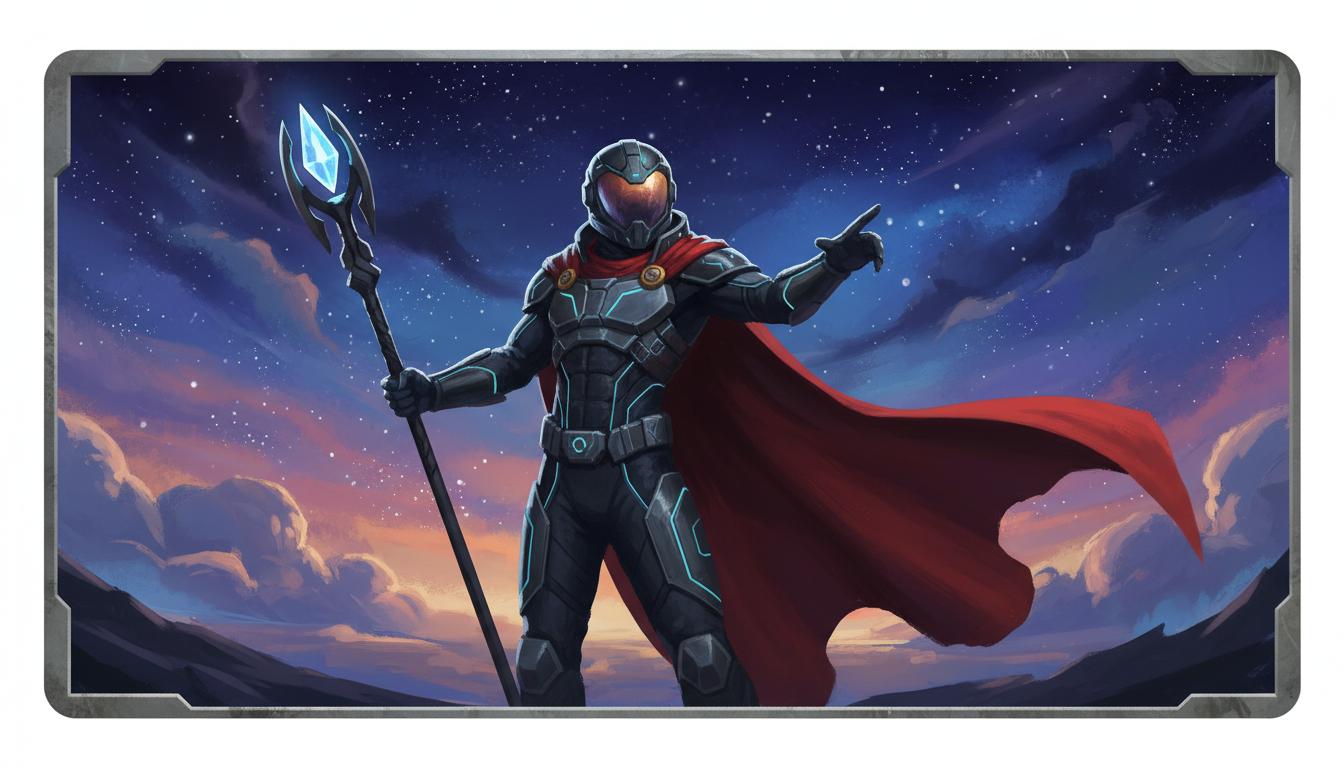
Create A Lead Character Look
A focused Create AI Images for Game Projects direction that gives a Create AI Images for Game Projects a concrete first result to review.
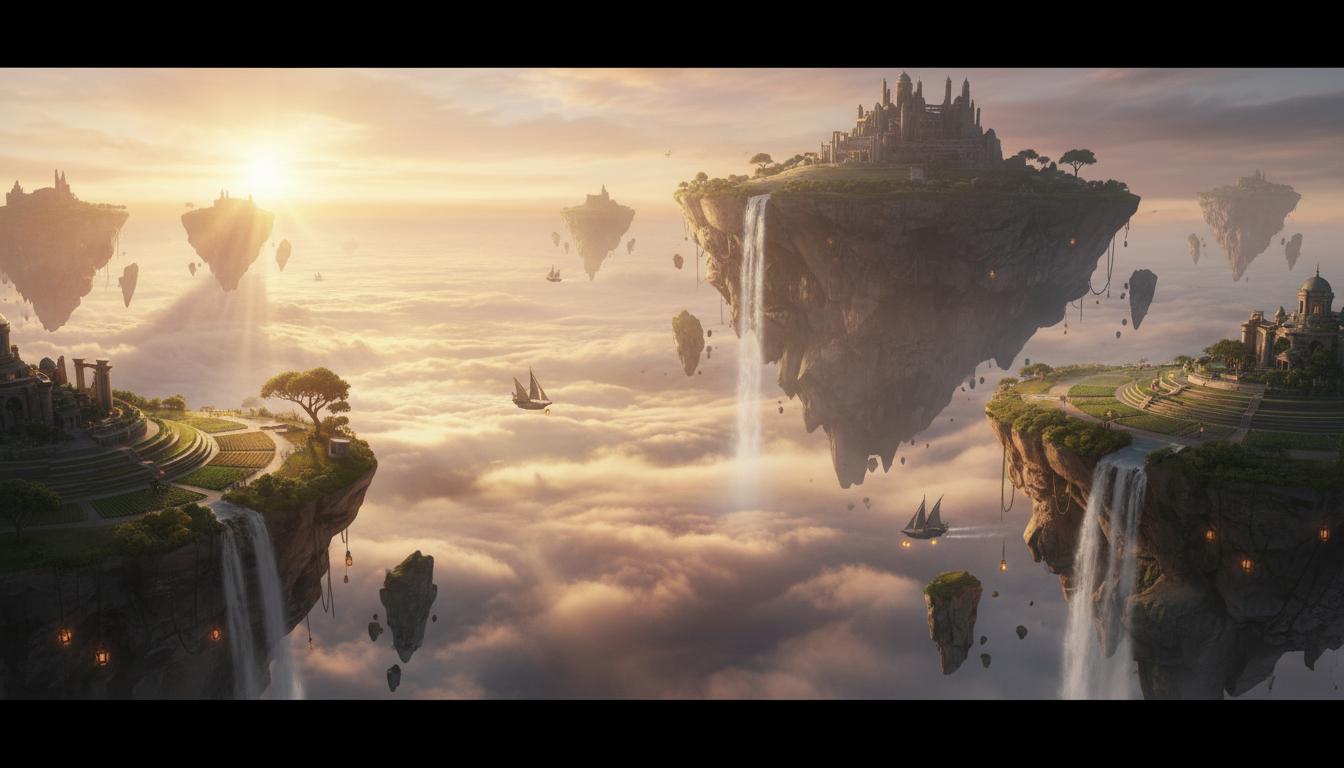
Build A World Mood Frame
A focused Create AI Images for Game Projects direction that gives a Create AI Images for Game Projects a concrete first result to review.
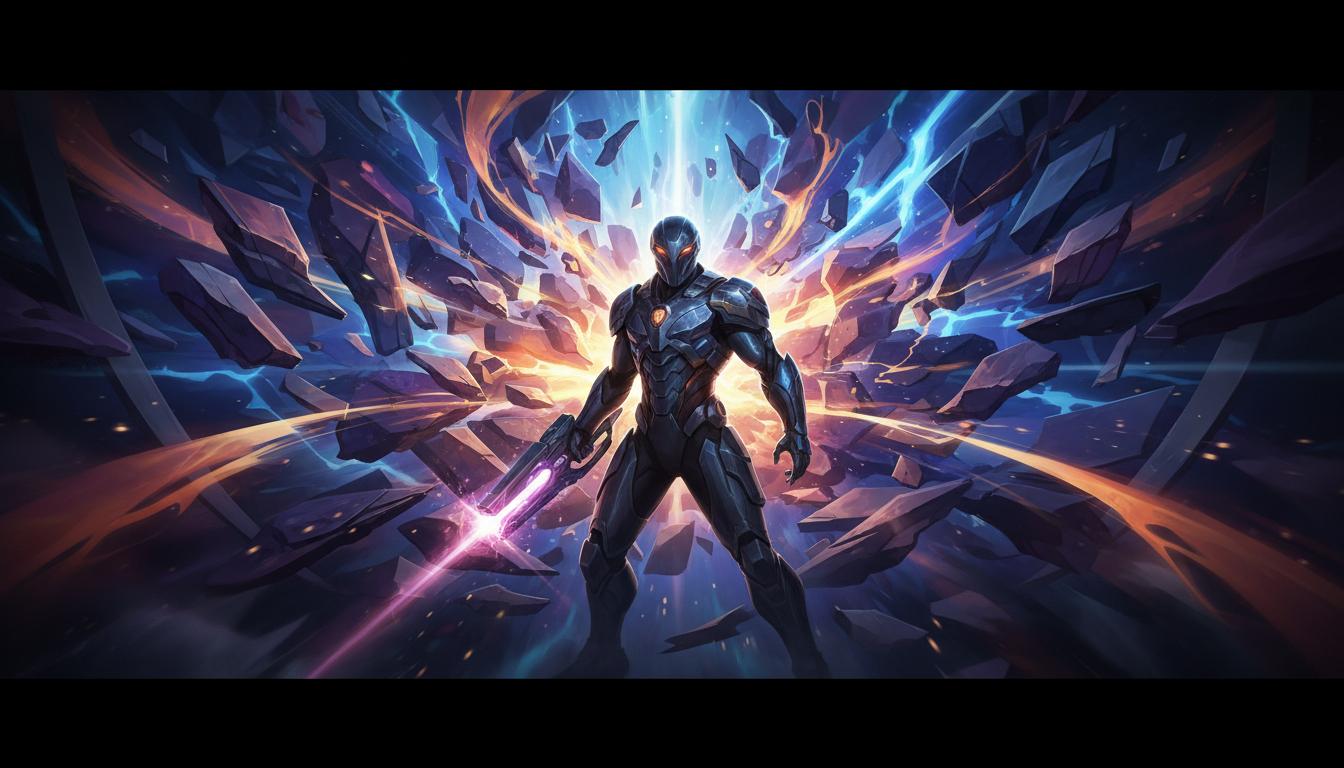
Generate A Campaign Concept
A focused Create AI Images for Game Projects direction that gives a Create AI Images for Game Projects a concrete first result to review.
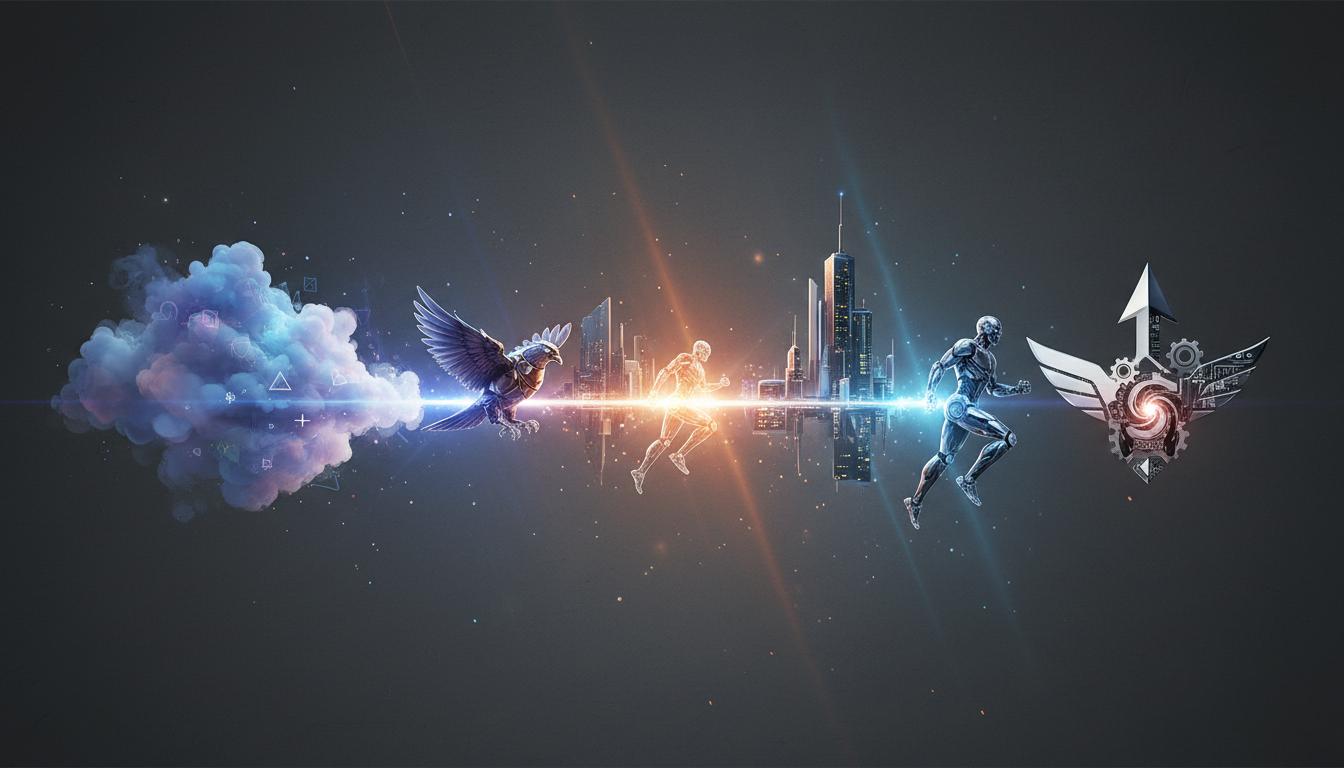
Broad-To-Specific Prompting
A focused Create AI Images for Game Projects direction that gives a Create AI Images for Game Projects a concrete first result to review.
Why use it
Make the next decision with something real.
Focus on the parts of the idea that need a concrete result before the next decision.
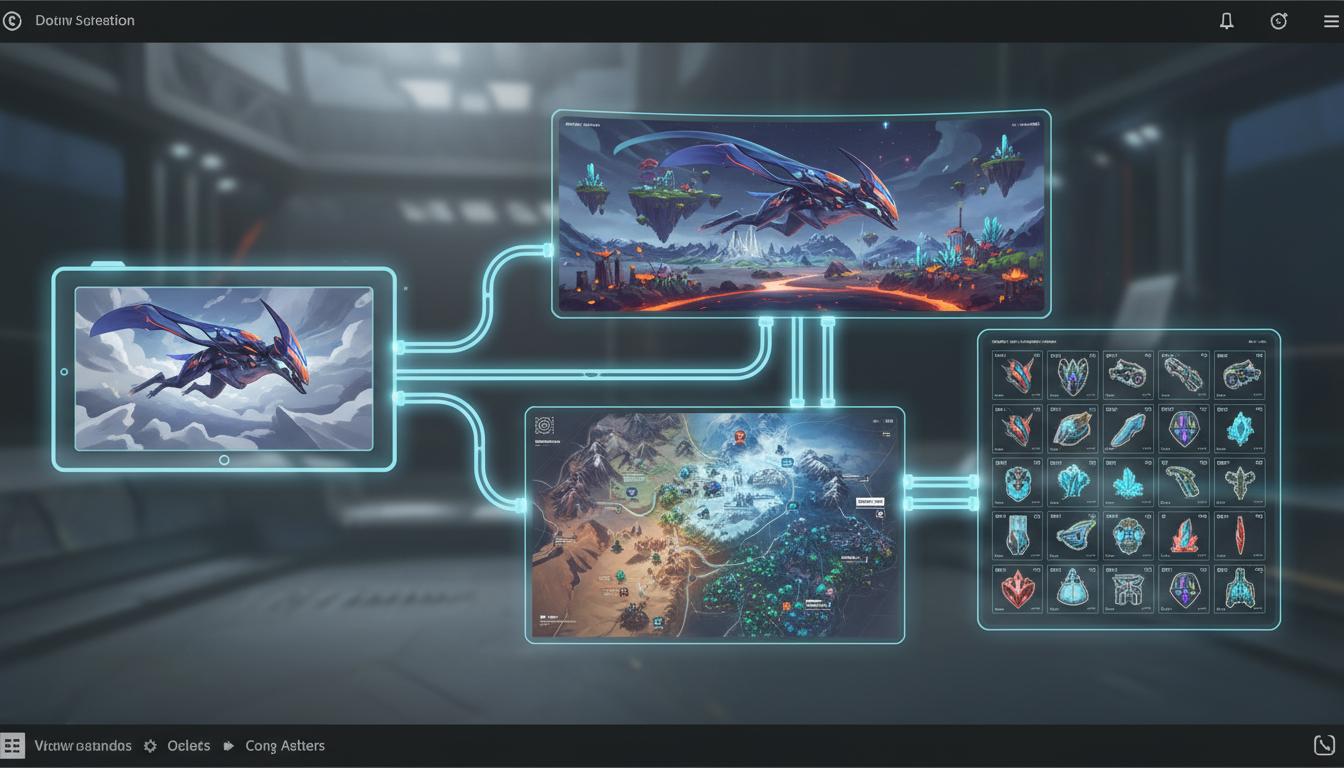
Multi-Modal Expansion Path
SEELE supports image generation inside a broader multimodal platform, so a visual concept can later connect to adjacent game-creation workflows.
Try it now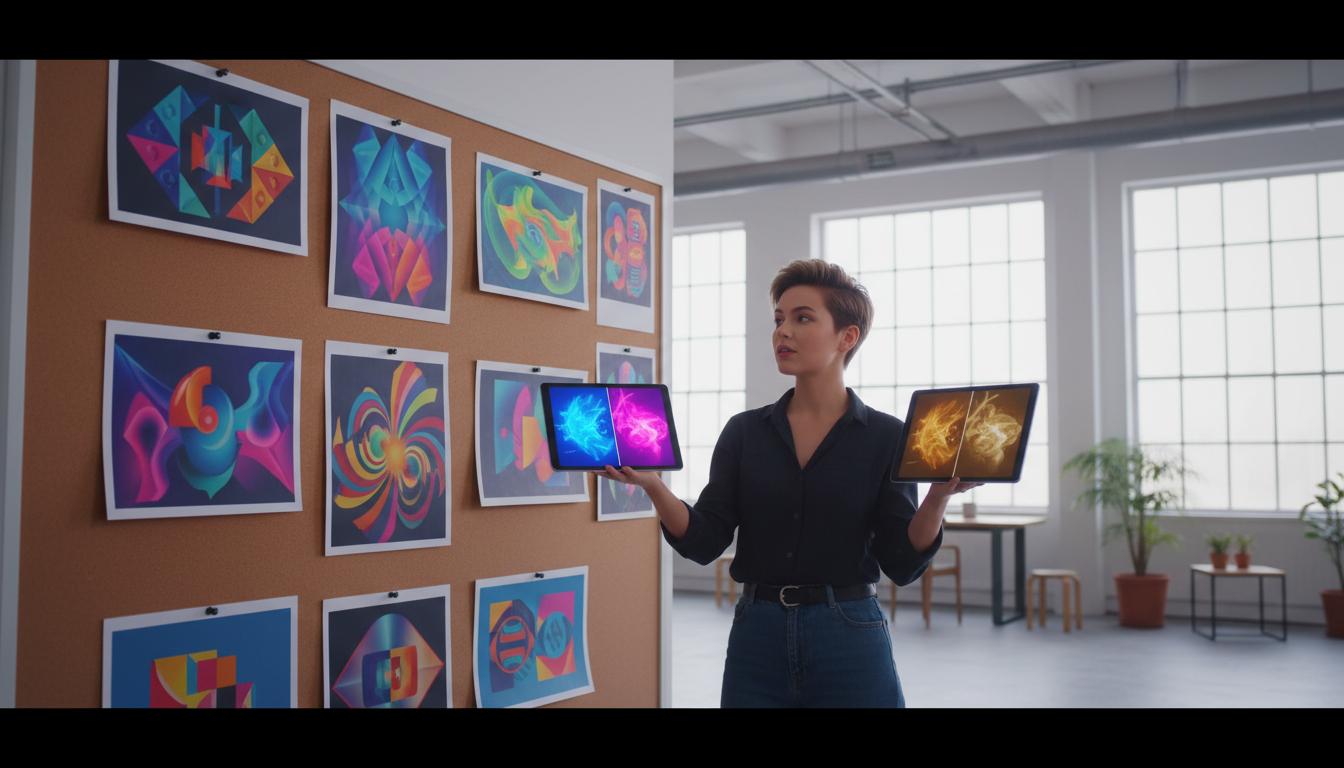
Fast Iteration Without Blank-Page Friction
Starter prompts and structured handoff make it easier to start from a real use case instead of writing every image prompt from scratch.
Try it now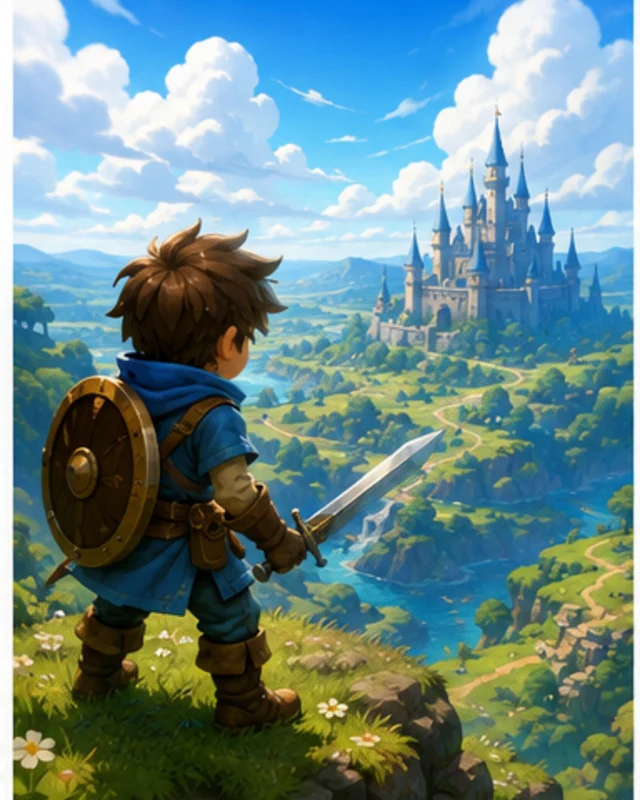
Indie Founders
Get to a clear visual direction before spending heavily on downstream art production.
Try it nowWho it is for
Built For Teams That Need The First Visual Fast
creators, designers, and small teams can use this page to make one project decision easier to test before a larger build or launch.
- Art Leads
Give teams a sharper starting point for review and alignment across character, environment, and campaign needs.
- Marketing Teams
Explore launch visuals, thumbnails, and announcement concepts before final creative production begins.
- Choose The First Visual Goal
Pick the one image that would reduce the most uncertainty for the project, such as a hero, world frame, or launch concept. SEELE frames that goal as a generation-ready starting prompt inside the workspace.
How to use it
How To Create A Usable First Direction
Give a Create AI Images for Game Projects enough context to make the result specific, then test the part that matters to your project.
Choose The First Visual Goal
Pick the one image that would reduce the most uncertainty for the project, such as a hero, world frame, or launch concept. SEELE frames that goal as a generation-ready starting prompt inside the workspace.
Explore Multiple Directions
Generate a few distinct variants instead of trying to perfect the first one. SEELE helps surface differences in style, mood, composition, and readability quickly.
Refine The Selected Direction
Choose one strong default and request specific changes to style, detail, or composition. SEELE uses that feedback to narrow the visual direction without resetting the whole workflow.
A CLEARER FIRST MOVE
Create AI Images for Game Projects compared with a blank first pass
A useful first result gives the next decision something concrete to react to, without hiding the work that still needs human ownership.
What changes
Create AI Images for Game Projects
Starting from scratch
Starting point
A focused Create AI Images for Game Projects prompt
A blank project and an open-ended task
First review
A concrete result to inspect
A plan before there is something to try
Scope
One audience, output, and constraint
Many decisions made at once
FAQ
Questions about Create AI Images for Game Projects
What should I create first with AI images? +
Start with the visual that removes the most uncertainty, such as a lead character, a core environment, or the campaign key visual that the team needs to align on.
Can I use this create flow for multiple styles? +
Yes. The create flow works best when the prompt includes the target style, framing, and use case so SEELE can generate clearer first-pass directions.
How is the create page different from the tool page? +
The create page is broader and more exploratory. It helps users begin with a visual goal and starter prompts, while the tool page is optimized for faster task execution and review boundaries.
Start creating
Try Create AI Images for Game Projects
Describe the job, test one version, and decide what to do next inside SEELE AI.
Start creatingFree