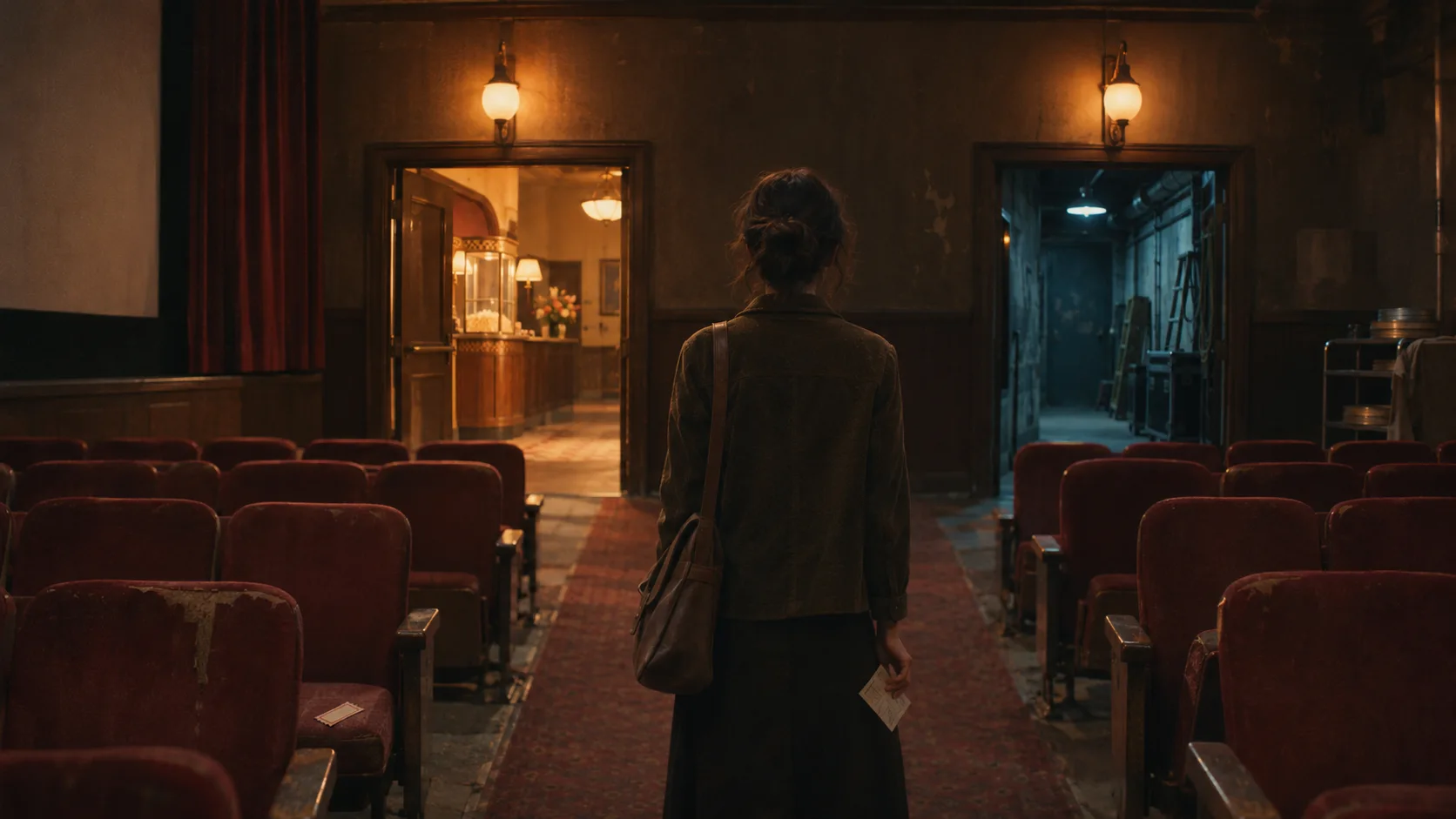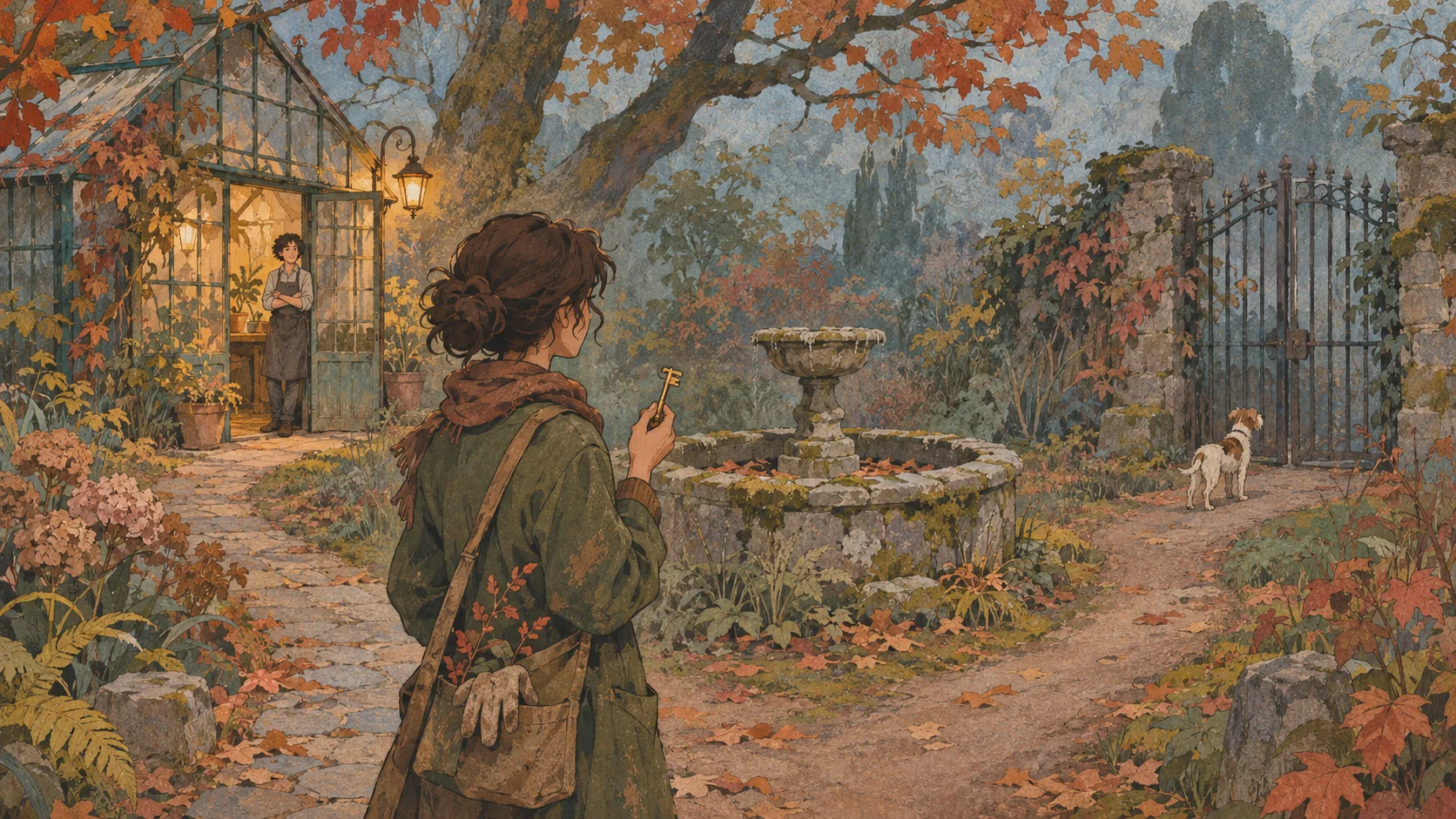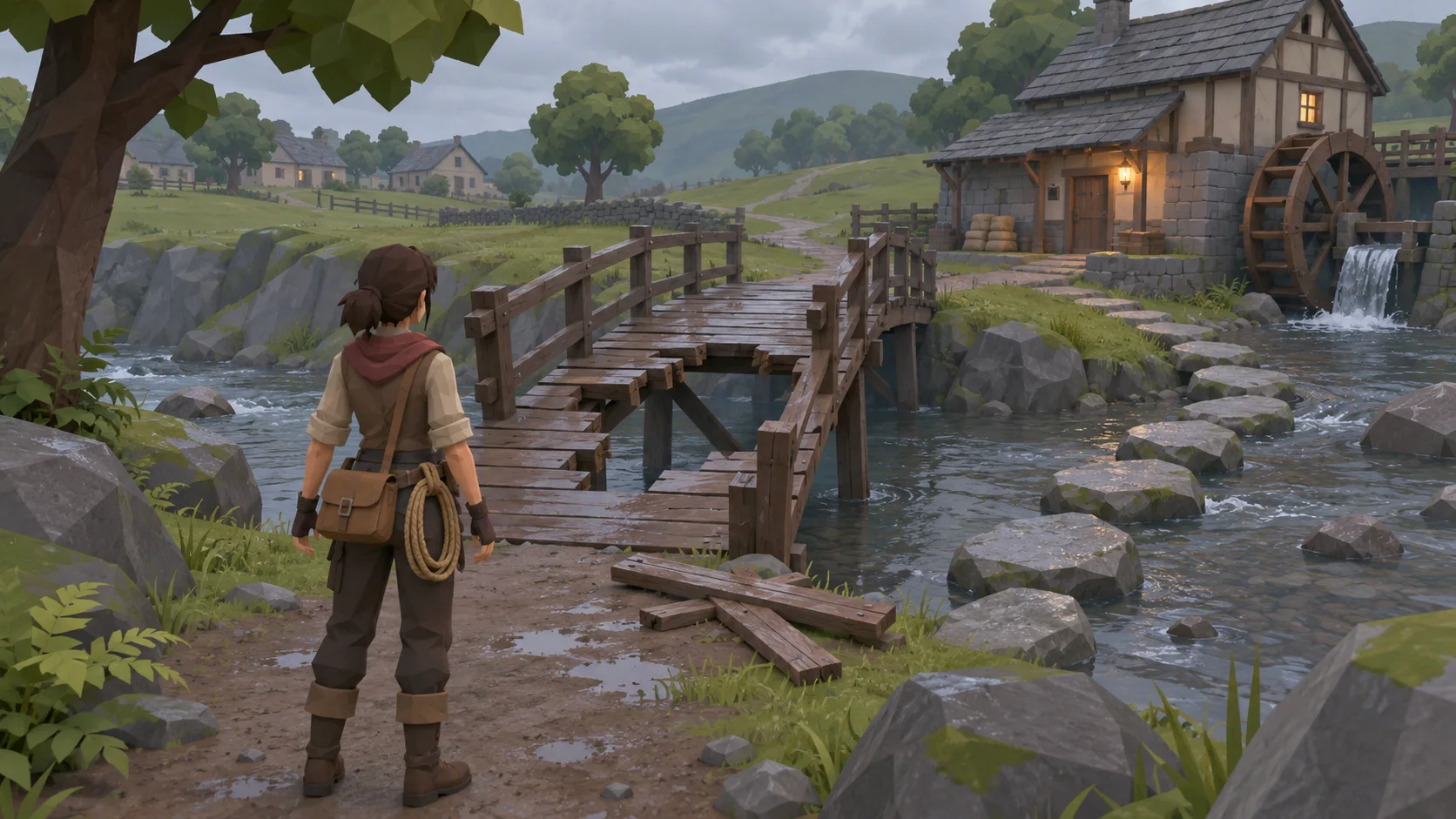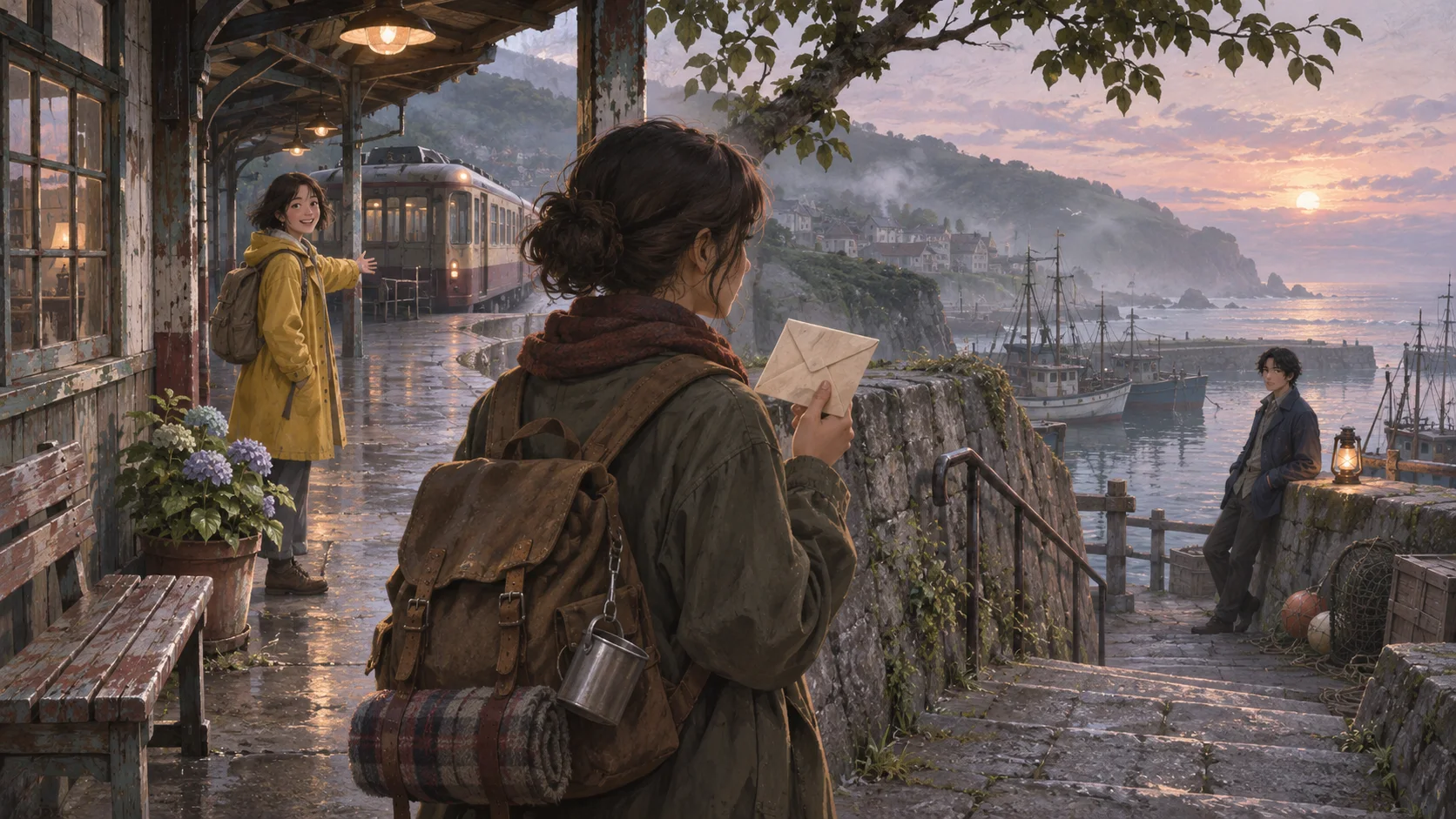


Use a controlled brief
Keep the characters and setup constant across comparisons.

Compare story outputs with the same characters, choice, and continuity checks in every run. Use a repeatable interactive-story brief to inspect how a model handles dialogue, branching, and carried details. Treat each output as a draft and verify model availability and behavior before relying on it.
Partners and teams

















How it works
Sketch a candy-colored coaster, build the track in SEELE, and take it for a spin.
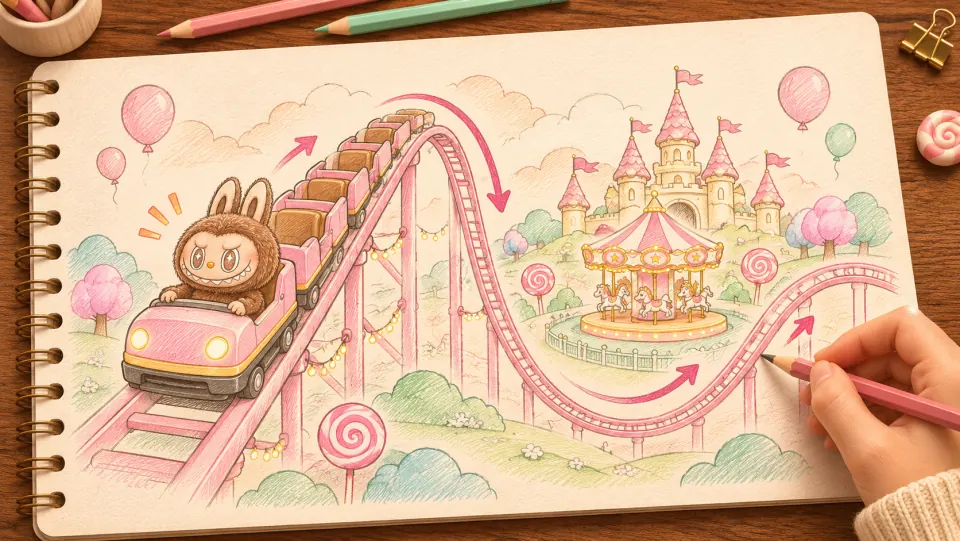
Picture Labubu riding a pink coaster through a candy-colored park. Sketch where the train climbs, drops, and sweeps past the carousel.
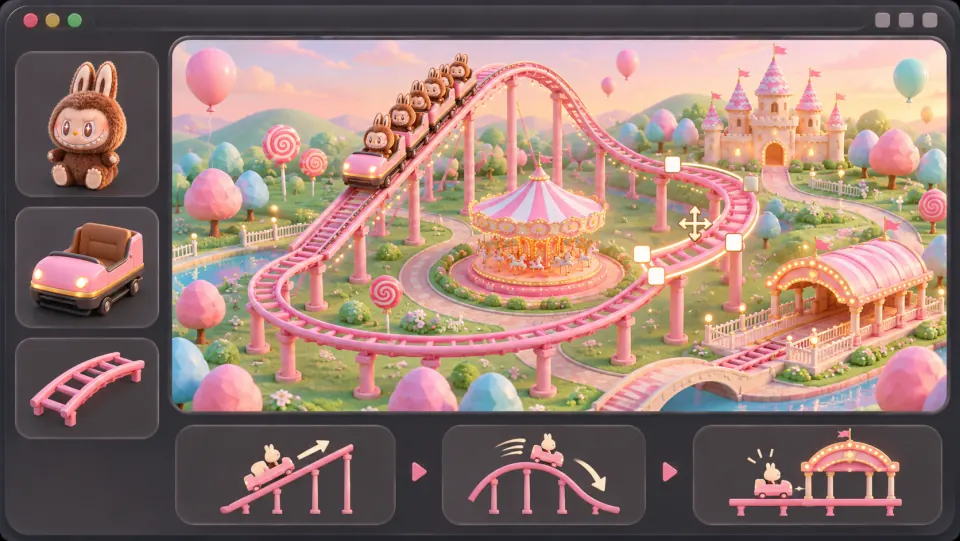
Ask seeleAgent to lay out the track, add the train and riders, and connect the lift hill and banked turns into a loop that returns to the station.
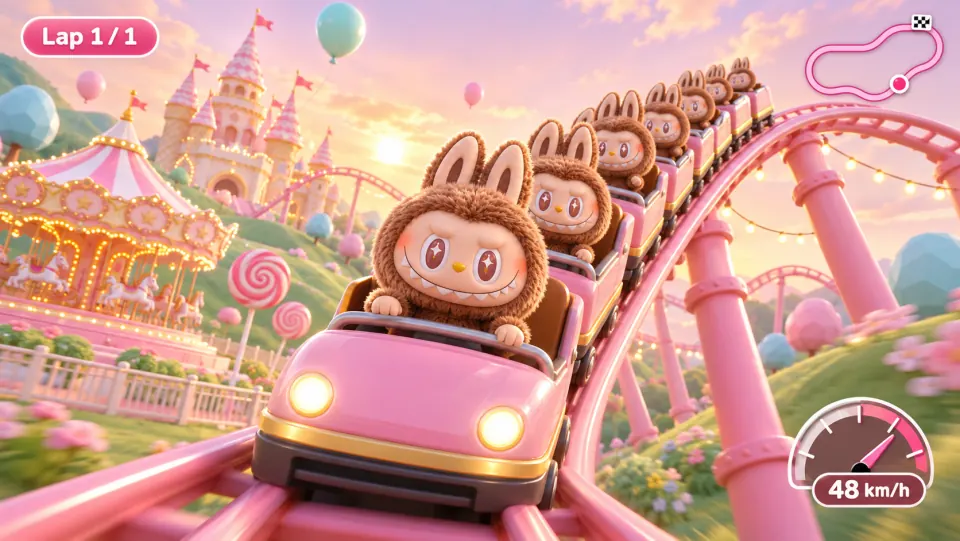
Open the game preview and follow the train through a full lap. Watch how it climbs, picks up speed on the drop, and leans through the turn.
Make a game for freePick a starting point
For an original mystery, two siblings find a key inside a library return slot after closing. Write the opening scene in under 180 words and end before either sibling decides what to do.
Write a short original fable in which a young otter must decide whether to share a found lantern. End the scene with two choices and carry the selected choice into the next scene.
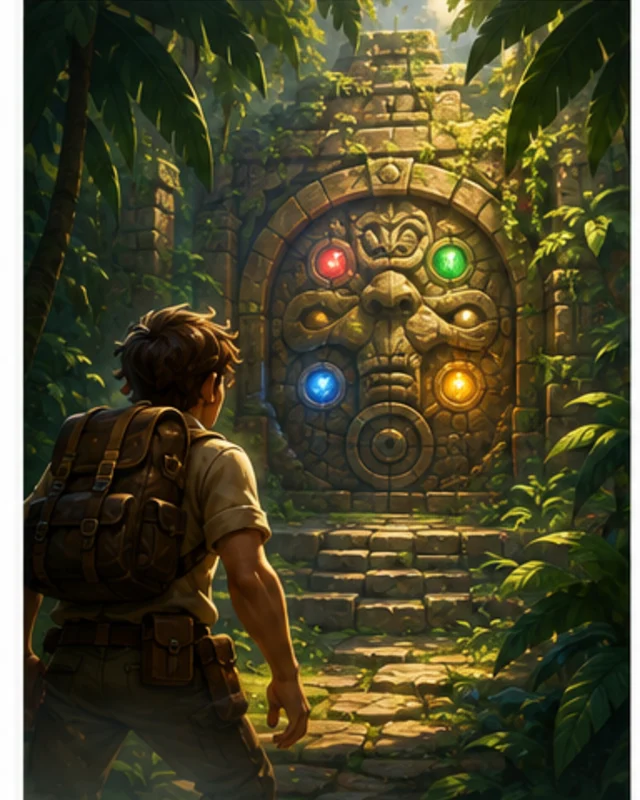 Opening scene ↗
Why SEELE
Keep the characters and setup constant across comparisons.

Review choices, continuity, and character voice separately.

Model names and availability can change over time.

Save the exact prompt and branch selected for each run.

Review facts, rights, and narrative logic before reuse.

A small sample is not a benchmark of general performance.
Made with SEELE
These games are playable. Pick one and give it a try.
 AdventureAdventure GamePlay the example ↗
 ShooterWarcom: Neon BreachPlay the example ↗
 ActionOld Gods RunPlay the example ↗
 CasualCaution! Egg on the Car RoofPlay the example ↗
 RunnerNeon Night Rush: Barrier DashPlay the example ↗
 PuzzleMuseum ExhibitionPlay the example ↗
 SimulationMilky Way Idle 3DPlay the example ↗
 CasualSnowfall & Starry GiftsPlay the example ↗
 RPGCrownfall-The-Three-Realms-CoverPlay the example ↗
 SimulationFLYING CARPlay the example ↗
Who it’s for
Define the player, one core mechanic, and one testable outcome for a first AI Fable Story Game Generator brief. Keep the scope small enough to playtest.
AI Interactive Game Generator for Story Games ↗
Compare AI Fable Story Game Generator directions against the target player and engine workflow before the team commits to a larger build.
AI Cinematic Interactive Story Generator ↗Reviews
FAQ
No. SEELE AI is not affiliated with Anthropic, Claude, or Fable. This page targets creators exploring Claude and Fable-5-style interactive storytelling workflows, and helps them prototype similar branching narrative experiences.
You can start a playable interactive story game prototype with scenes, player choices, character roles, branching outcomes, and multiple endings.
You can bring your own lawful story outline or script idea and use SEELE AI to prototype an interactive game flow. The page does not import, integrate with, or claim compatibility with Claude or Fable 5.
Before a first AI Fable Story Game Generator project, define the task, intended audience, one visible outcome, and a constraint. Use Opening scene as a direction that fits the brief.
To get started with AI Fable Story Game Generator, use Describe the story system as the first step. Set one goal, audience, and constraint; test a small version, then change one thing at a time.
For AI Fable Story Game Generator, name the intended user, one action, and a visible outcome. Use Opening scene as a starting direction and add one requirement from its example prompt.
Ask someone who matches the intended player or viewer for AI Fable Story Game Generator to test its main action. Note where the brief is unclear, then revise once before adding features.
For AI Fable Story Game Generator, try Opening scene first. Define the action, outcome, and one constraint, then compare another direction only if the first misses the brief.
Check the AI Fable Story Game Generator result against the brief, intended behavior, and first workflow step. Record one mismatch and test that change before expanding scope.
Scope a first AI Fable Story Game Generator prototype to Opening scene, one user action, and one visible outcome. Defer secondary features until that path works.
Compare Opening scene and Meaningful choice for AI Fable Story Game Generator using the same user action and visible outcome. Choose the direction that fits the brief with fewer assumptions.
After reviewing AI Fable Story Game Generator, record one gap between the brief and result. Make one focused change, then test the same action against the original outcome.
Match a linked tool's input and output to one need in the AI Fable Story Game Generator brief. If it does not support that step, skip it and keep the test in the main project.