seeles-logo

AI text-to-3D model:
free and no-signup options explained

Direct answer: use this page as a guide to starting from a text brief, not as a promise of permanent free or anonymous generation. Open the workspace to verify current access, sign-in requirements, generation limits, formats, and editing options; then inspect the actual model before use.

Generate 3D Models from Text

⚔️Create a Fantasy Character

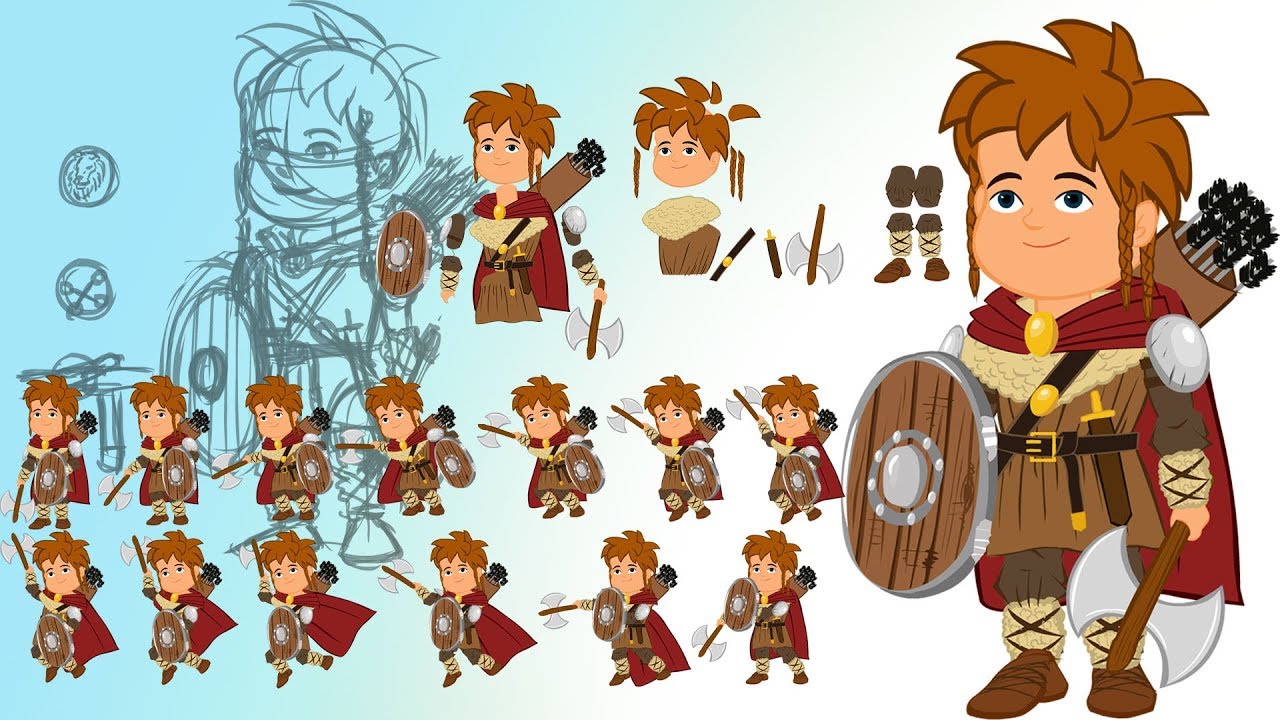
Draft a character model direction, then verify rigging and animation needs

3d character model

Generate 3D Environment

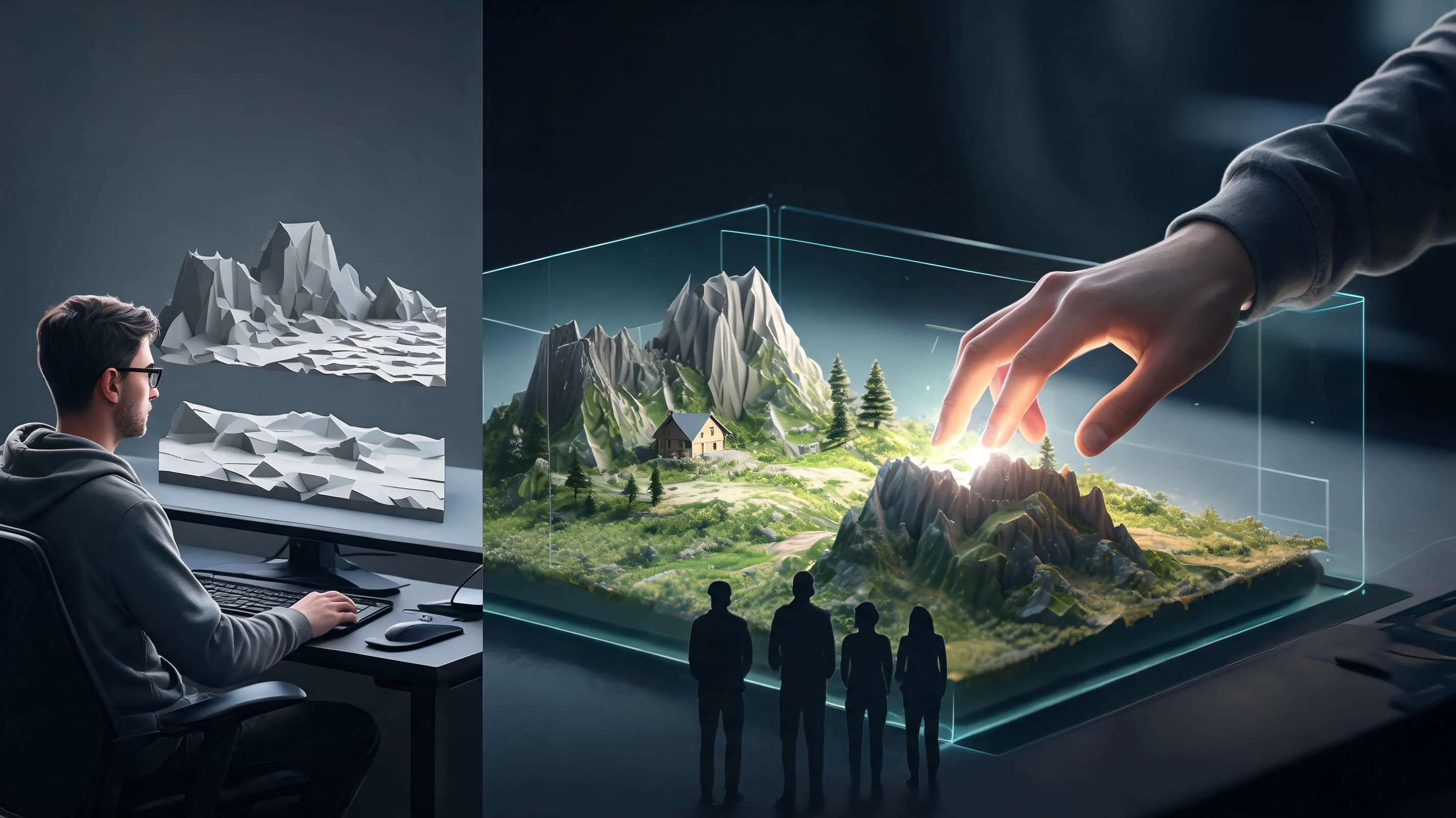
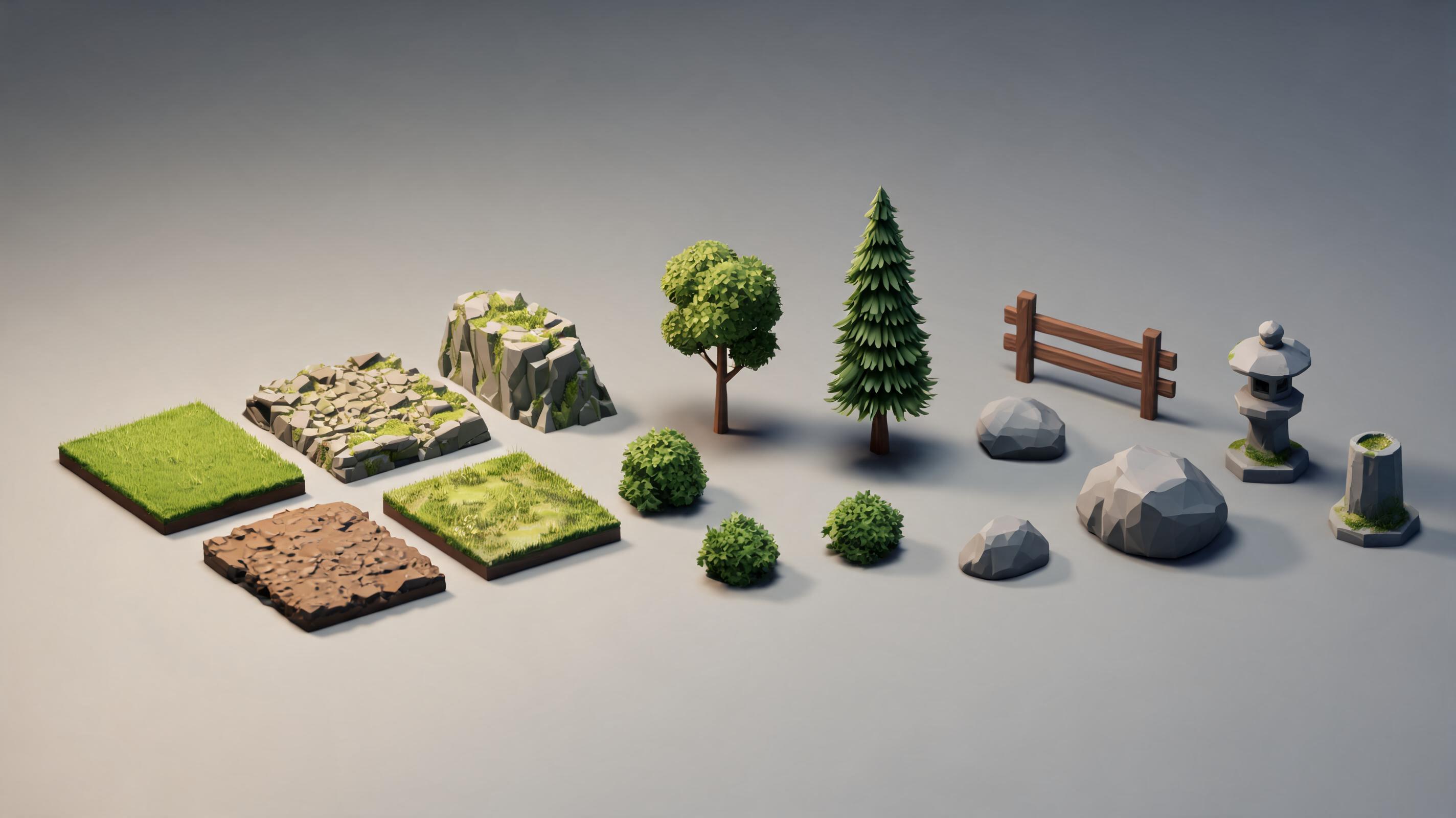
Draft an environment asset, then inspect geometry and material needs

low-poly 3D environment assets

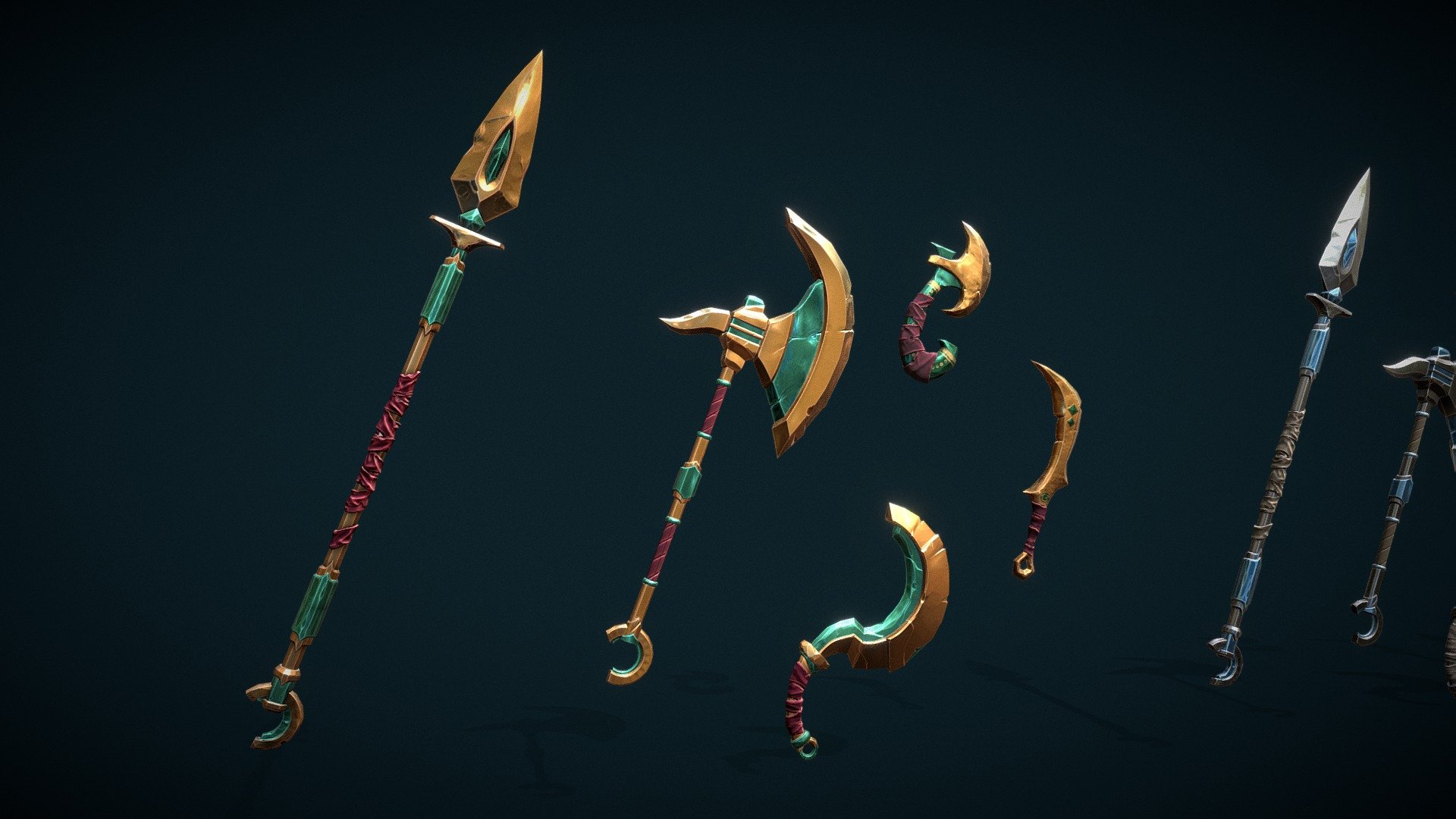
Make 3D Weapon Assets

Draft an original weapon prop, then inspect mesh and material needs

3d weapon asset

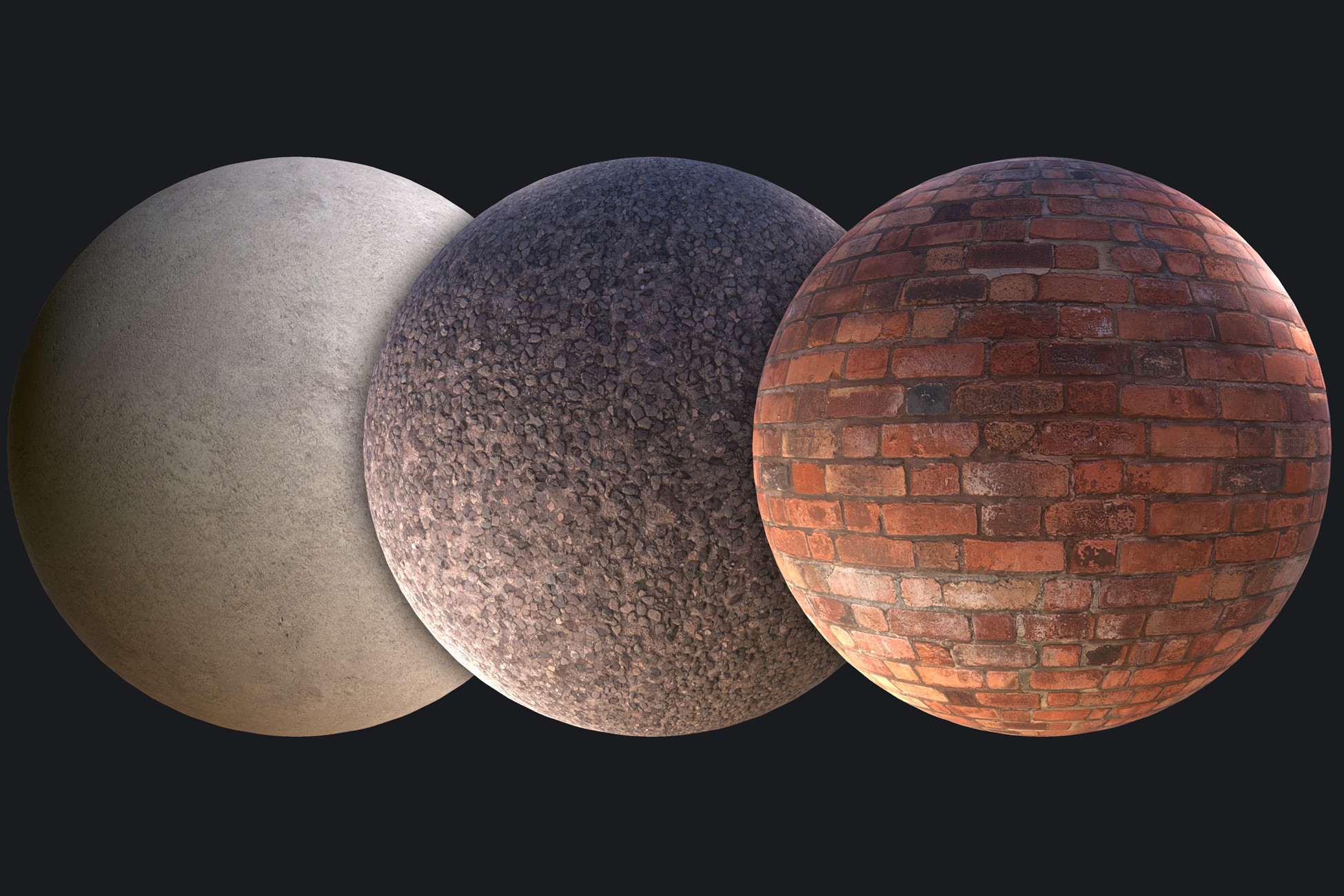
Material and texture review

Describe the material target, then verify maps on the actual result

3D material reference for output review

Suggestion images are illustrative references, not represented as SEELE-generated outputs or third-party integrations.

Complete Text to 3D Model
Generation Workflow

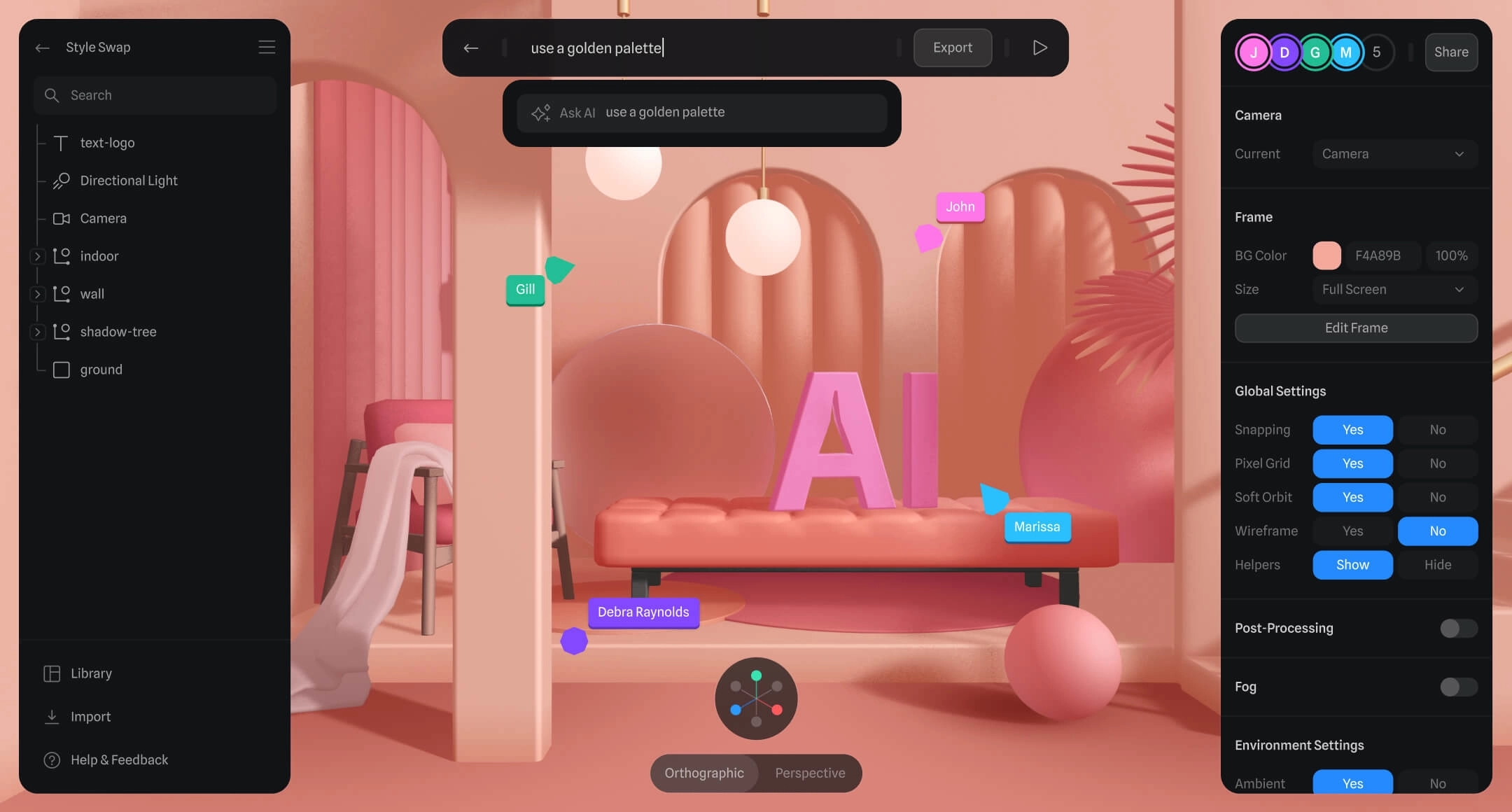
illustrative text-to-3D workflow reference
Reference image — not a SEELE-generated output

Text prompt to candidate 3D model

Describe the object, silhouette, style, scale, and intended use in plain language. The result is a starting model, not a guaranteed production asset; generation time and availability depend on the active service and prompt complexity.

Open the text-to-3D workspace
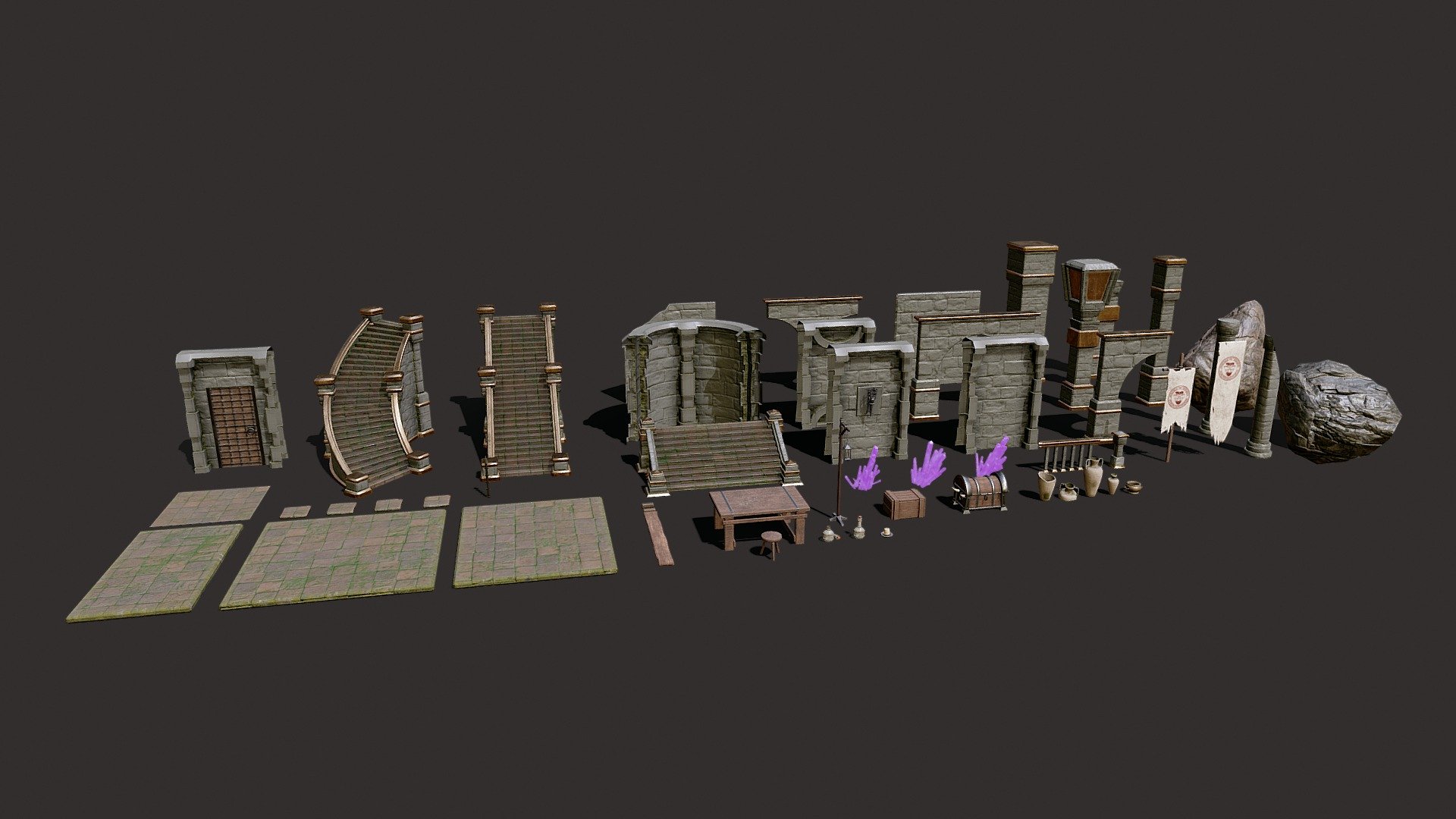
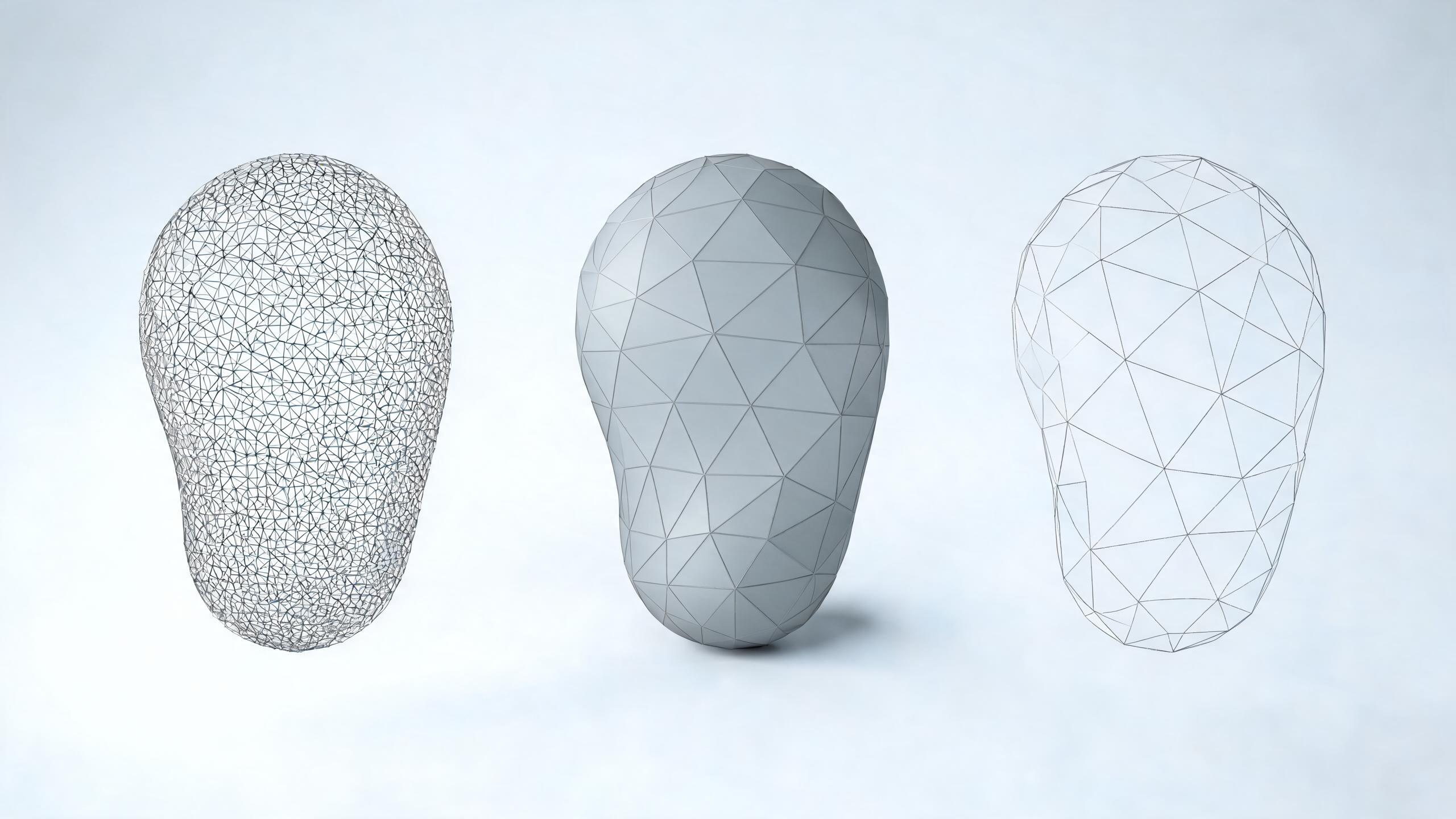
illustrative 3D topology and material review reference
Reference image — not a SEELE-generated output

Review materials, topology, and target use

Generated results can vary in geometry, UVs, materials, texture maps, scale, and file weight. Preview the actual output and use a suitable DCC, engine, or print-preparation tool when topology, rigging, LODs, watertight geometry, or final export needs manual work.

Review the workspace result
illustrative 3D model handoff review reference
Reference image — not a SEELE-generated output

Prepare the candidate model for handoff

Check polygon density, normals, scale, pivot, texture references, and usage rights before handoff. Rigging, animation, retopology, conversion, and export support are not assumed by this page; verify the current workspace and use specialist tools when needed.

Plan the next review step

How to evaluate text-to-3D tools

Compare access, output evidence, editability, formats, rights, and handoff requirements before choosing a workflow.

Free and no-signup access
Why it matters

A search label does not prove anonymous access or a permanent free allowance.

What to verify live

Open the workspace and check sign-in, credits, limits, plan terms, and usage rights.

Starting model quality
Why it matters

A convincing preview can still hide topology, scale, UV, or material issues.

What to verify live

Inspect the actual result at useful angles and note what needs regeneration or manual editing.

Rigging and animation
Why it matters

A static mesh is not automatically a rigged, animation-ready character.

What to verify live

Check skeleton, weights, deformation, clips, and target-engine import on a real output.

Formats and handoff
Why it matters

An available download may not preserve every material, texture, rig, or scene setting.

What to verify live

Check the formats shown for the result, then test import in the intended DCC, engine, or print tool.

Rights and production review
Why it matters

Technical quality and usage permission are separate release checks.

What to verify live

Record source prompts and terms, then obtain art, technical, and rights review when the asset will ship.

Who Uses AI Text to 3D Model Generators?

This guide is for creators comparing text-to-3D starting points and planning the review work needed before a model reaches a game, browser, DCC, or print workflow.

🎮

Indie Game Developers

Generate a candidate prop or character direction, then review scale, topology, materials, file weight, rights, and engine-specific import requirements with an artist or technical reviewer.

📚

Students & Educators

Use text-to-3D to discuss prompts, silhouettes, topology, materials, and production constraints. Confirm account, age, licensing, and classroom-access requirements before assigning the tool.

Rapid Prototypers

Use a generated model to explore silhouette and composition, then budget time for regeneration, cleanup, optimization, import testing, and human review before treating it as a production asset.

After generation

Generated 3D assets still need edit, optimization, and export checks.

Use AI Text to 3D Model Free No Signup as the starting point, then review topology, scale, materials, texture count, file size, target format, and engine constraints before treating the asset as ready.

Generate then edit

Frequently Asked Questions
About AI Text to 3D Model Generators

This page targets free and no-signup search intent, but it does not promise permanent anonymous access. Open the workspace to verify the current free allowance, sign-in requirement, feature limits, and export options before starting.

Generation time varies with service load, prompt complexity, and the active model. Treat the result as a candidate asset and inspect it before editing, conversion, or export; this page makes no fixed speed promise.

Not automatically. Check topology, UVs, materials, scale, pivot, file weight, engine import, and usage rights on the actual output. Some assets need retopology, texture work, rigging, optimization, or manual art review.

The useful distinction is workflow, not a blanket feature claim: define the asset, generate a candidate, preview it, review technical and rights constraints, and then continue in the current workspace or specialist tools. Verify live capabilities before relying on rigging, animation, conversion, or export.

Available download and export formats can vary by workspace flow and plan. Check the live result before assuming GLB, GLTF, FBX, OBJ, Unity package, textures, materials, rigging, or animation data will be available or preserved.

You can start with a plain-language brief, but reviewing the result still benefits from basic knowledge of scale, topology, materials, and the target engine or print process. Complex assets may need a 3D artist or technical reviewer.

Do not assume automatic polygon reduction, LOD generation, topology repair, or UV optimization from this page. Inspect the live workspace and actual output, then use a verified optimizer or DCC workflow when the mesh needs production changes.

Explore more AI game development tools

Related Posts

text to 3d model tutorial

How to Generate 3D Models from Text with AI

SEELE Team • Feb 10, 2026
best ai 3d model generators

Best AI 3D Model Generators for Game Development

Sarah Chen • Feb 8, 2026
3d mesh optimization guide

Complete Guide to 3D Mesh Optimization for Games

Alex Kim • Feb 5, 2026

Start a text-to-3D brief
then verify the result

Start creating now