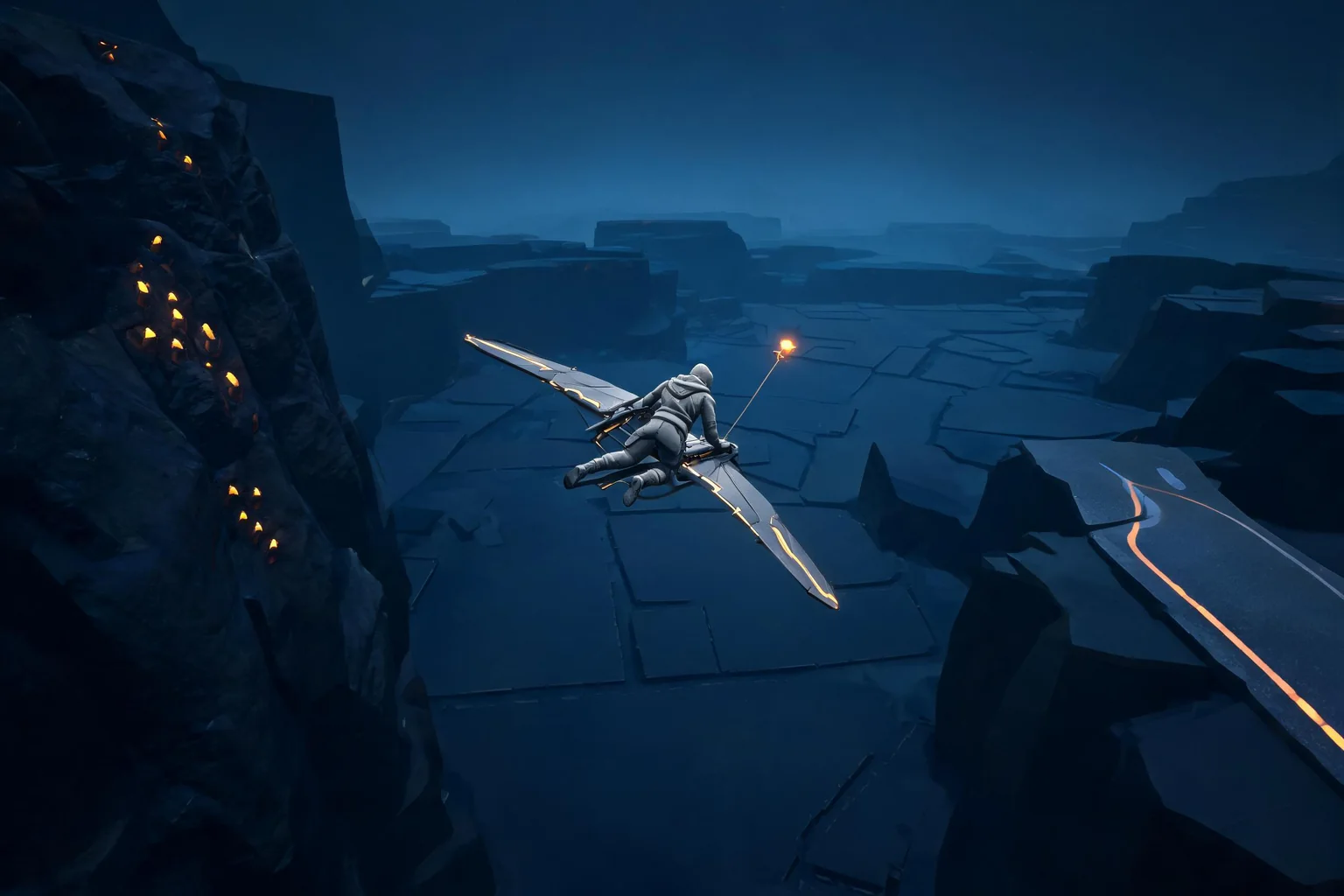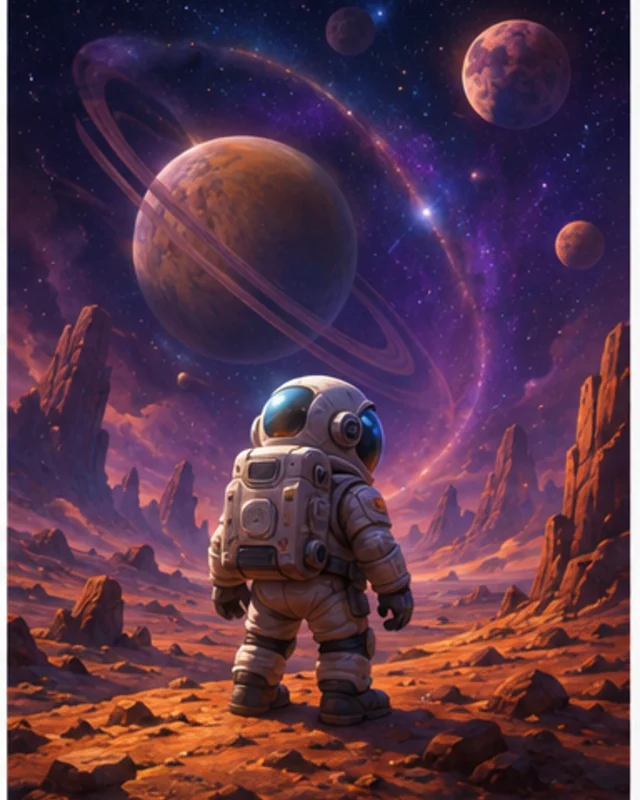

List pack contents
Show tracks, artists, and chart difficulties.

Show what a rhythm content pack adds and how players can preview each track. Plan an optional rhythm-game track pack with clear track listings, previews, difficulty details, and price. Verify music rights and store behavior with the responsible owners before release.
Partners and teams

















How it works
Turn a space hangar into a playable challenge with three holographic targets.
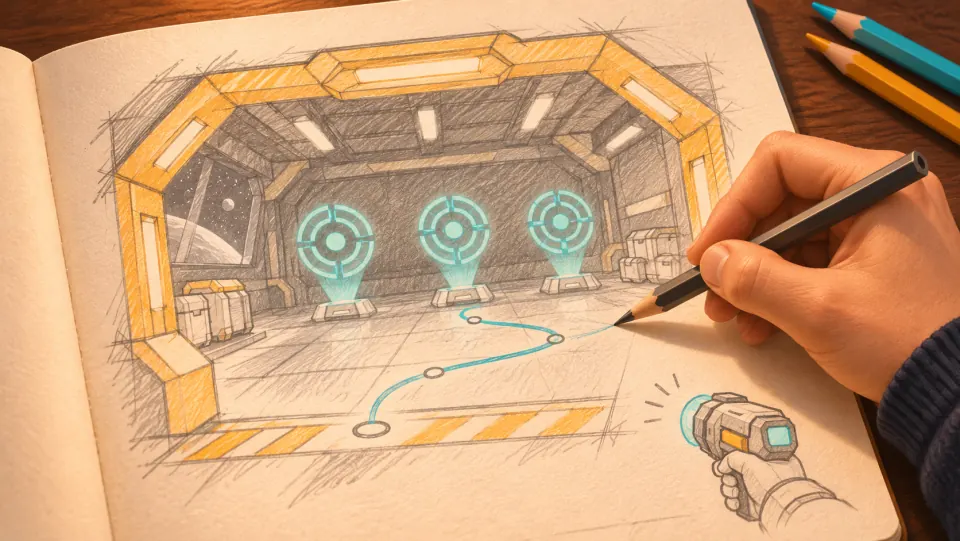
The player enters a space hangar and has to move into position to hit three holographic targets.
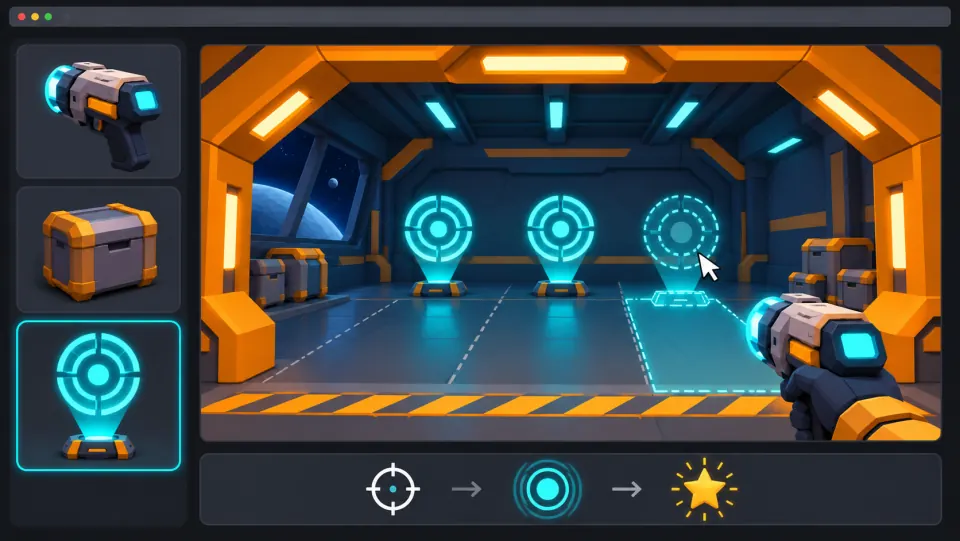
Ask seeleAgent to build the hangar, place the targets, and add first-person controls, hit effects, and scoring.
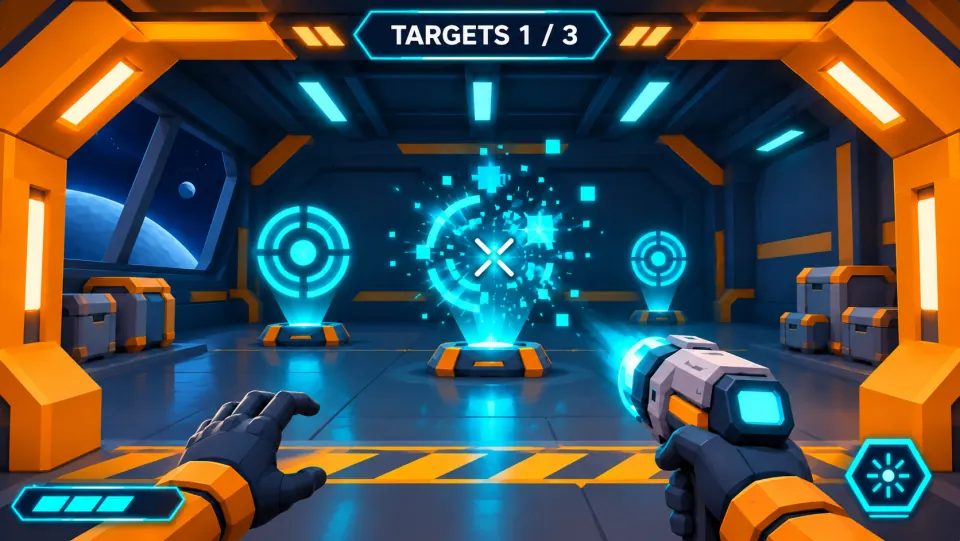
Aim and fire at a target. It should burst into pixels on impact, and the hit counter should go up.
Make a game for freePick a starting point
The pack contents can be checked.
Prepare an original three-track pack. List song title, artist credit, chart difficulties, and whether alternate charts are included.
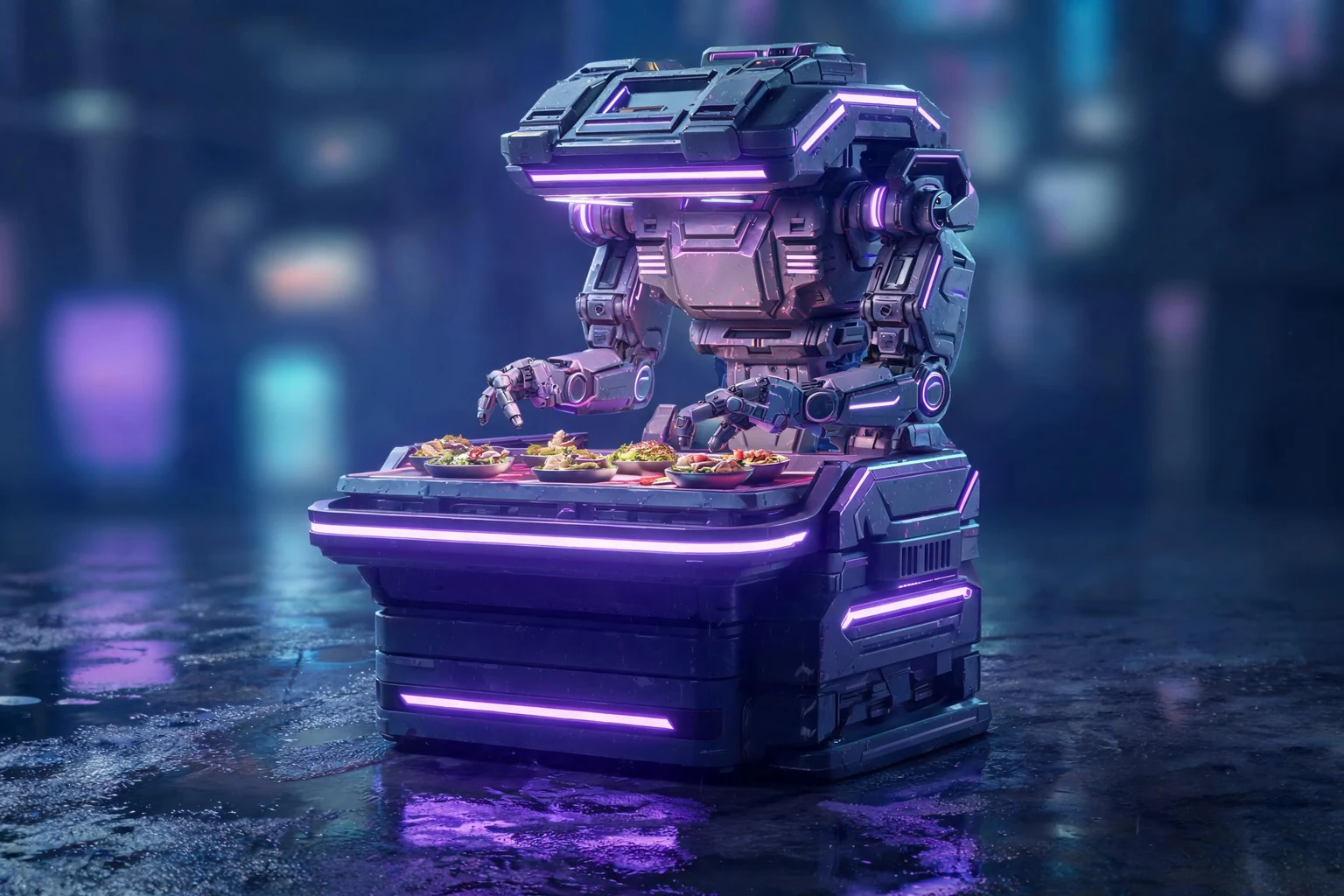 Track listing ↗
Why SEELE
Show tracks, artists, and chart difficulties.

Let players inspect audio and charts before buying.

Test scores and settings after unlock.

Display approved artist and rights information.

Confirm the release scope with rights owners.

Review current platform requirements before launch.
Made with SEELE
These games are playable. Pick one and give it a try.
 AdventureAdventure GamePlay the example ↗
 ShooterWarcom: Neon BreachPlay the example ↗
 ActionOld Gods RunPlay the example ↗
 CasualCaution! Egg on the Car RoofPlay the example ↗
 RunnerNeon Night Rush: Barrier DashPlay the example ↗
 PuzzleMuseum ExhibitionPlay the example ↗
 SimulationMilky Way Idle 3DPlay the example ↗
 CasualSnowfall & Starry GiftsPlay the example ↗
 RPGCrownfall-The-Three-Realms-CoverPlay the example ↗
 SimulationFLYING CARPlay the example ↗
Who it’s for
Describe the player need, offer, and decision point. Validate pricing, consent, and the purchase flow in the actual product before release.
Simulation Game Content Unlock IAP ↗
Check that the offer is understandable, optional where appropriate, and consistent after reload. Confirm that the relevant IAP tool or purchase flow is currently available before treating the concept as implemented.
Fashion Game Convenience Upgrade IAP ↗
Review whether the purchase choice is clear and fair from the player's point of view; confirm current product and platform rules before launch.
Fashion Game Cosmetic Items IAP ↗Reviews
FAQ
State the exact item, included content, permanent access, entry point, and restore state, and the full 75 Koin price before the player confirms.
Use a natural planning, customization, or post-session moment. Do not interrupt active controls or make ordinary progression depend on opening the offer.
After reload, confirm the IAP Rhythm Content Unlock Indie Studio project keeps the intended state and visible progress. Repeat after retry or recovery paths that apply to the design.
Before a first Rhythm Game Content Unlock IAP project, define the task, intended audience, one visible outcome, and a constraint. Use Core game loop as a direction that fits the brief.
To get started with Rhythm Game Content Unlock IAP, use Finish the rhythm loop as the first step. Set one goal, audience, and constraint; test a small version, then change one thing at a time.
For Rhythm Game Content Unlock IAP, name the intended user, one action, and a visible outcome. Use Core game loop as a starting direction and add one requirement from its example prompt.
Ask someone who matches the intended player or viewer for Rhythm Game Content Unlock IAP to test its main action. Note where the brief is unclear, then revise once before adding features.
For Rhythm Game Content Unlock IAP, try Core game loop first. Define the action, outcome, and one constraint, then compare another direction only if the first misses the brief.
Check the Rhythm Game Content Unlock IAP result against the brief, intended behavior, and first workflow step. Record one mismatch and test that change before expanding scope.
Scope a first Rhythm Game Content Unlock IAP prototype to Core game loop, one user action, and one visible outcome. Defer secondary features until that path works.
Compare Core game loop and Player challenge for Rhythm Game Content Unlock IAP using the same user action and visible outcome. Choose the direction that fits the brief with fewer assumptions.
After reviewing Rhythm Game Content Unlock IAP, record one gap between the brief and result. Make one focused change, then test the same action against the original outcome.
Match a linked tool's input and output to one need in the Rhythm Game Content Unlock IAP brief. If it does not support that step, skip it and keep the test in the main project.