
Seele AI · Create
Godot Escape Game Generator
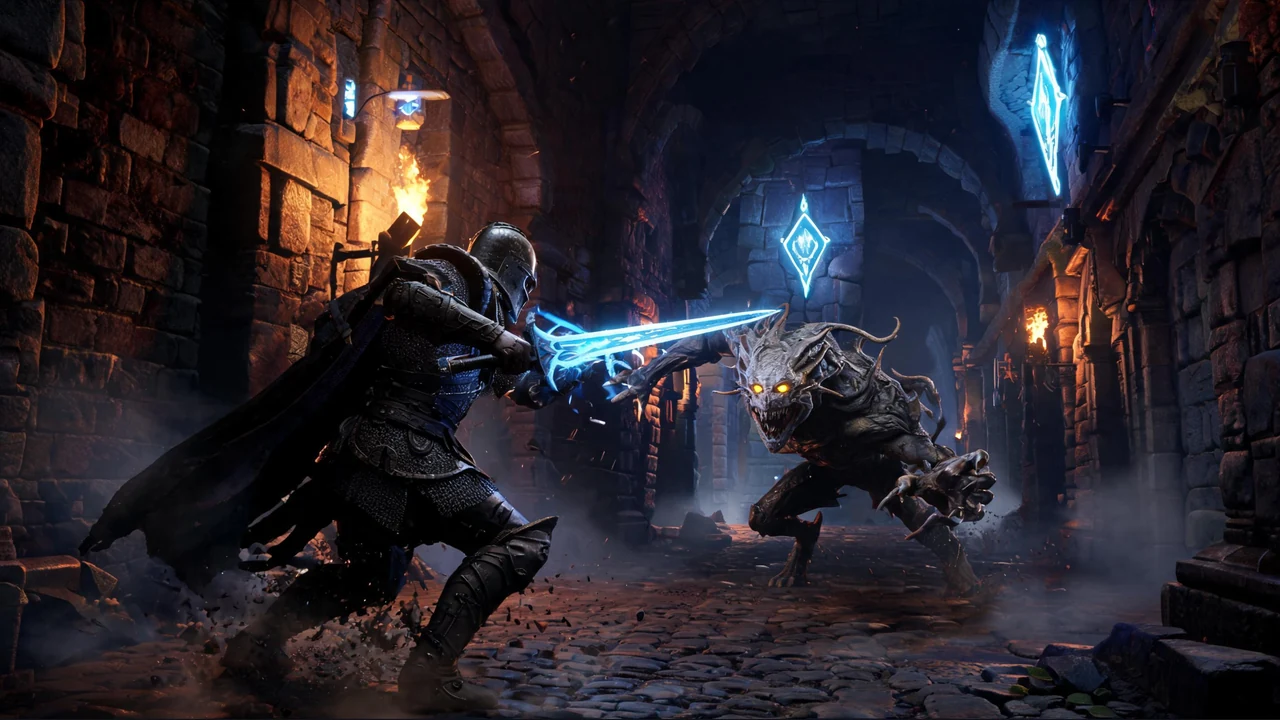
Move from a broad creation goal to a clearer playable direction faster in Seele AI.
Use the Godot escape game generator to turn a focused escape-room or cursed-tomb brief into an editable playable direction in Seele AI. Describe the player goal, puzzle logic, traps, clues, rooms, and exit, then test and refine the result in the workspace.
The working loop
From Escape Premise To Playable Godot Prototype
Define The Escape Loop
Describe the setting, player goal, rooms, clues, hazards, and the exact exit condition. Seele AI turns the brief into a structured game direction.
Generate A Focused First Pass
Run one starter prompt or your own constrained prompt in the workspace. Seele AI produces an editable playable direction for iteration.
Playtest And Refine
Test clue readability, controls, trap timing, puzzle solvability, and failure recovery. Seele AI applies focused revision requests.
What leaves the page
What You Get
Escape-Loop Brief
A reusable prompt that connects the setting, objective, puzzle gates, hazards, and exit.
Editable Playable Direction
A Godot-oriented first pass for testing rooms, clues, traps, and progression.
Playtest Review List
Checks for puzzle logic, collisions, controls, readability, resets, performance, and exports.
Fit and limits
Best For And What Still Needs Review
Best for
- Prototyping a focused Godot tomb escape or escape-room loop.
- Exploring puzzle chains built around clues, keys, switches, traps, and exits.
- Iterating from specific playtest feedback in an editable workspace.
Still needs human review
- Puzzle solvability, clue readability, controls, collision behavior, trap timing, and soft-lock recovery.
- Godot scenes, scripts, save behavior, performance, accessibility, and target-platform exports.
- Asset and audio licensing, final art quality, security, distribution requirements, and release readiness.
Before you start
FAQ
What is a Godot escape game generator?
A Godot escape game generator turns a plain-language escape premise into an editable playable direction. Describe rooms, clues, puzzle rules, traps, keys, and the exit condition, then test the result in the Seele AI workspace. The first pass is a prototype that still needs playtesting and technical review.
What should I include in a Godot escape game prompt?
Name the viewpoint, setting, player objective, room sequence, interactable objects, puzzle dependencies, hazards, failure behavior, checkpoint rules, and exact success condition. A constrained loop such as find a key, solve one symbol puzzle, avoid one trap, and reach one exit is easier to verify than an unfocused request.
Can I make a cursed tomb adventure with this generator?
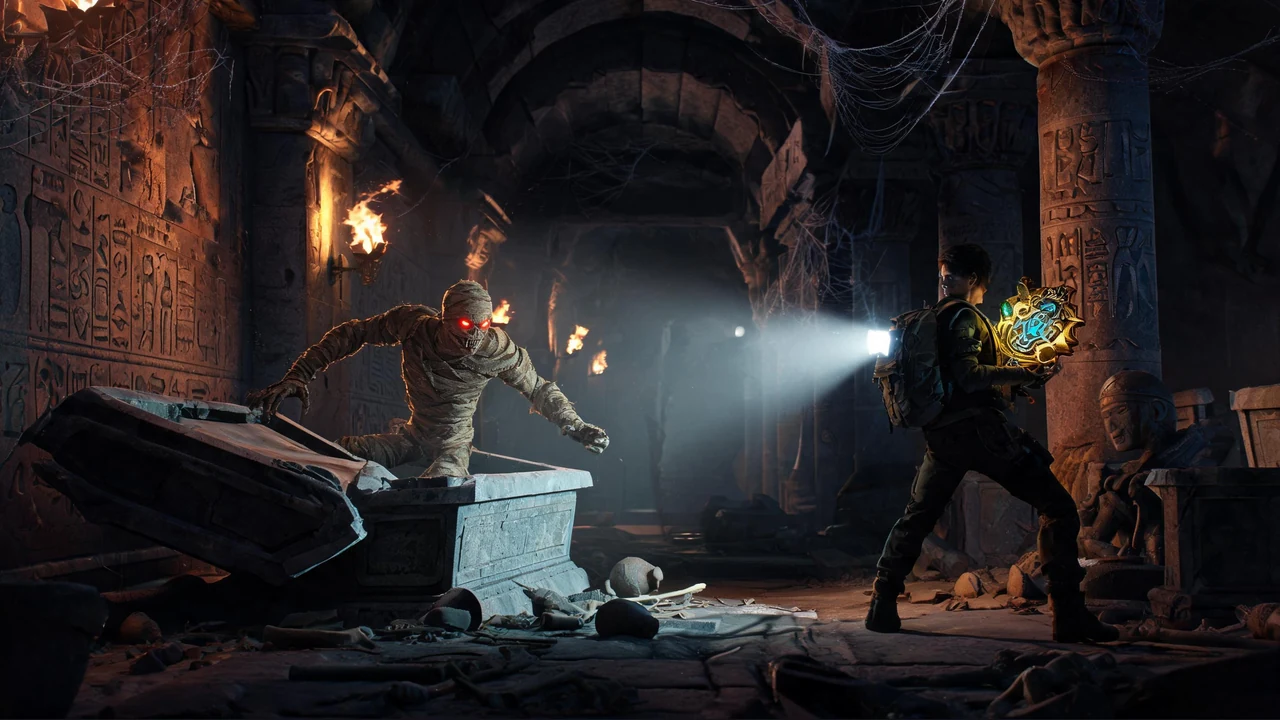
Yes. Start with a tomb setting, an ancient curse or relic objective, torch-lit rooms, readable wall clues, traps, puzzle gates, and a final escape route. Then playtest whether each clue is visible, each puzzle has a valid solution, and the player can recover from mistakes without a soft lock.
How do I test an escape-room prototype?
Test the full route without hints, then repeat with a fresh player perspective. Check controls, collision behavior, clue visibility, interaction feedback, puzzle dependencies, trap timing, reset paths, checkpoints, performance, and target-platform behavior. Revise one failure point at a time.
Next move
Build Godot Escape Game Generator faster in Seele AI
Turn a rough creation goal into a clearer prompt, direction, and next step inside Seele AI.