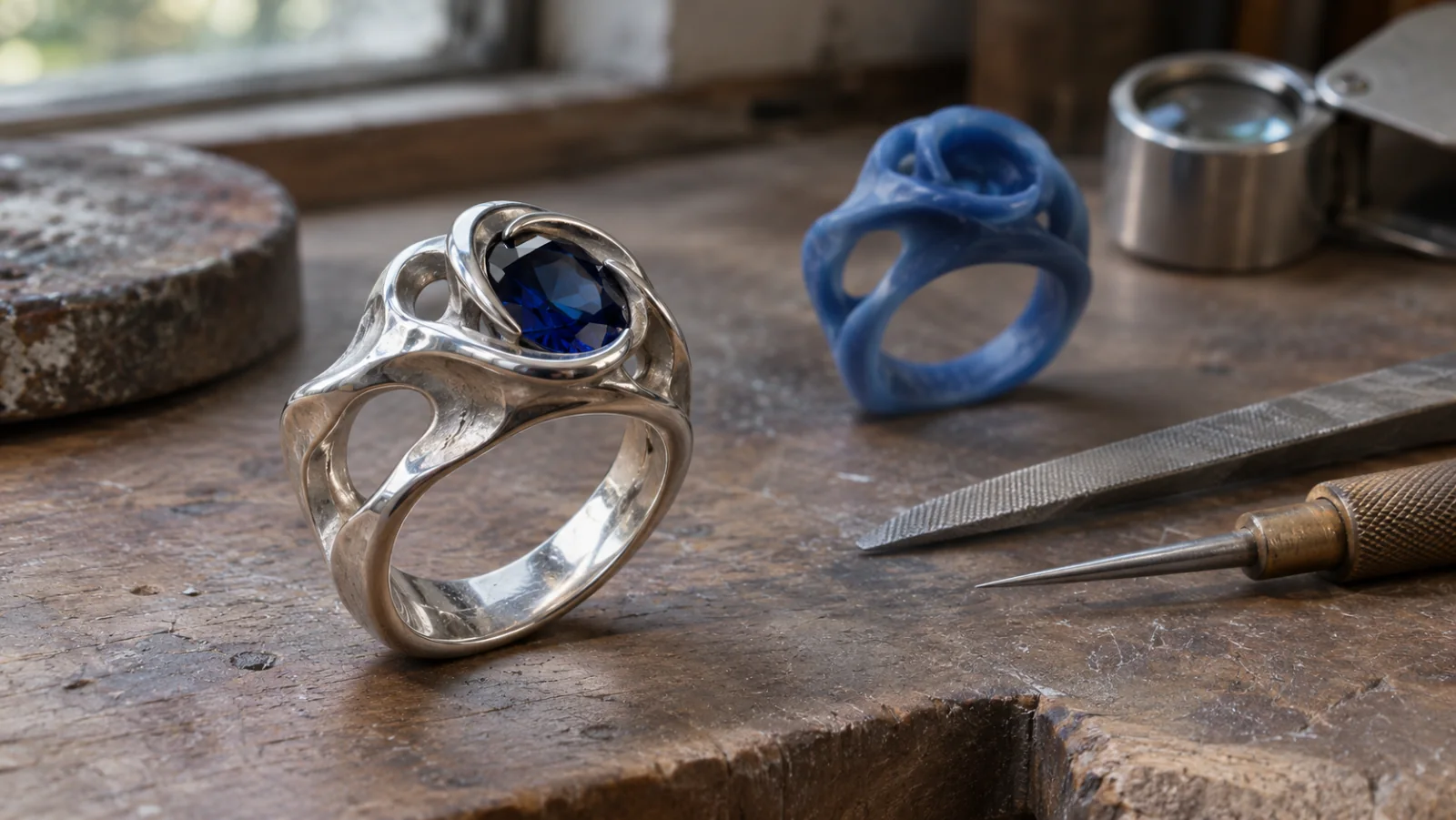

Start from a shape, not a material claim
Define the outline and proportions before comparing metal or stone finishes.

Shape the form, material direction, and fit before production planning. Develop a digital jewelry concept by describing its silhouette, scale, surface, and intended wearer. Use the result to discuss design direction, then verify dimensions, fit, and manufacturing requirements in dedicated CAD and production workflows.
Partners and teams

















How it works
Sketch a candy-colored coaster, build the track in SEELE, and take it for a spin.
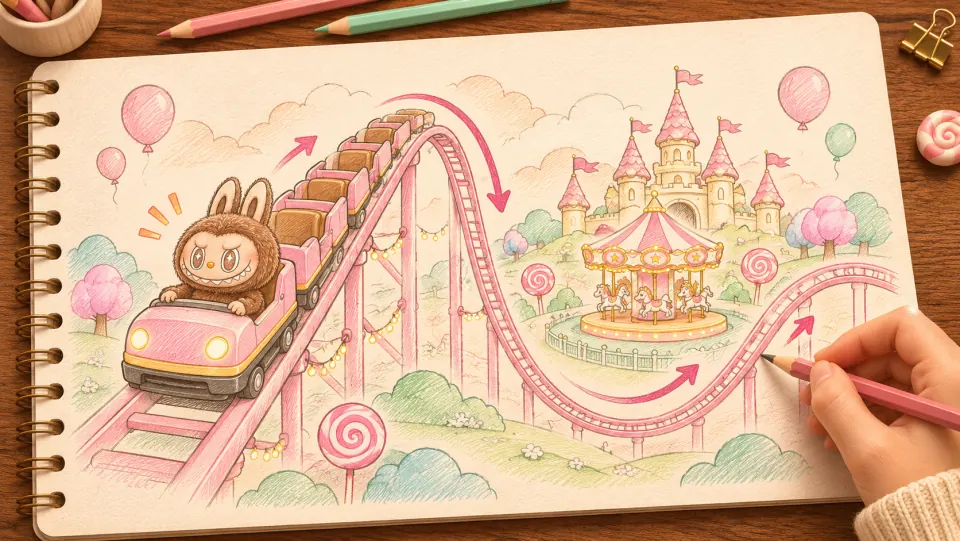
Picture Labubu riding a pink coaster through a candy-colored park. Sketch where the train climbs, drops, and sweeps past the carousel.
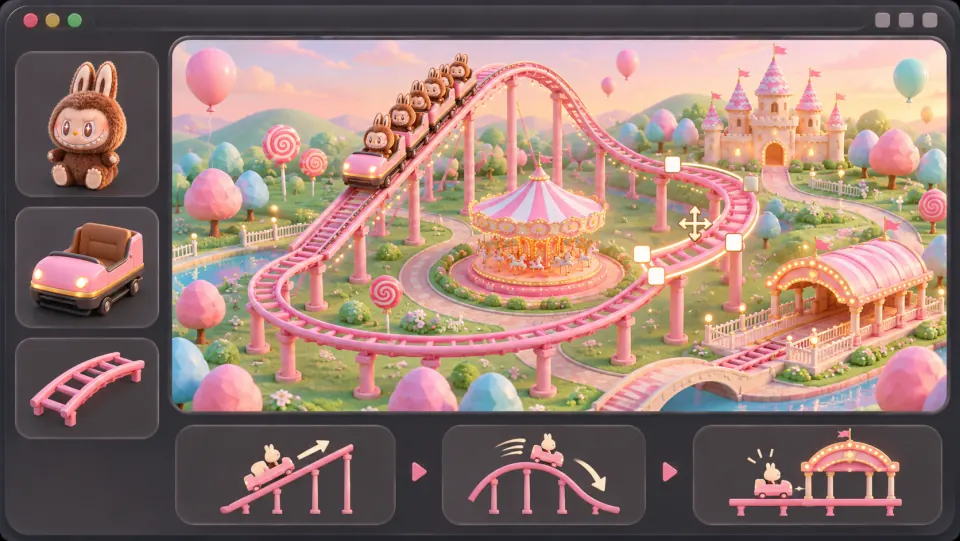
Ask seeleAgent to lay out the track, add the train and riders, and connect the lift hill and banked turns into a loop that returns to the station.

Open the game preview and follow the train through a full lap. Watch how it climbs, picks up speed on the drop, and leans through the turn.
Make a game for freePick a starting point
Explore silhouette, finish, wearability, and the production handoff.
Choose a central shape and proportions, then check how the piece reads in a front and side view.
Create a digital concept for an open crescent pendant with a small recessed stone at its center. Keep the crescent broad enough to read at 20 mm tall, soften the inner tips, and leave a clear attachment point at the top. Show the form from front and side views. Treat dimensions as a design direction to verify in CAD.
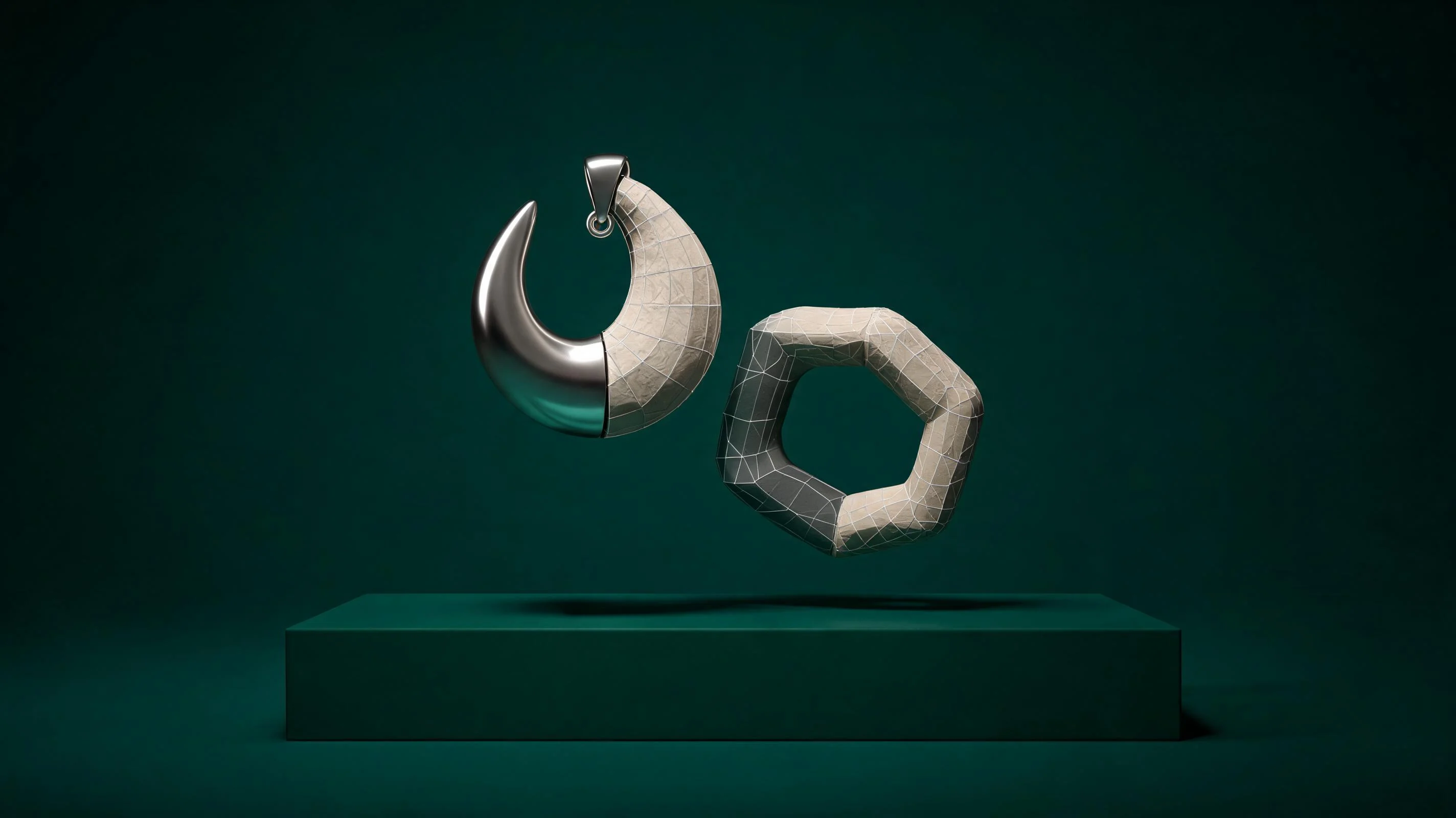 Develop a distinctive jewelry outline ↗
Why SEELE
Define the outline and proportions before comparing metal or stone finishes.

Front, side, and worn views reveal details a single render can hide.

A rendered material is a reference; alloy, color, and gemstone details need verification.

Think about attachment points, contact edges, weight distribution, and intended wearer.

List dimensions, tolerances, settings, and open questions for a jewelry professional.

Hold the form constant while comparing one proportion, setting, or finish change.
Made with SEELE
These games are playable. Pick one and give it a try.
 AdventureAdventure GamePlay the example ↗
 ShooterWarcom: Neon BreachPlay the example ↗
 ActionOld Gods RunPlay the example ↗
 CasualCaution! Egg on the Car RoofPlay the example ↗
 RunnerNeon Night Rush: Barrier DashPlay the example ↗
 PuzzleMuseum ExhibitionPlay the example ↗
 SimulationMilky Way Idle 3DPlay the example ↗
 CasualSnowfall & Starry GiftsPlay the example ↗
 RPGCrownfall-The-Three-Realms-CoverPlay the example ↗
 SimulationFLYING CARPlay the example ↗
Who it’s for
A clear visual brief helps designers and jewelers discuss the form before production decisions.
Compare silhouettes and material directions before detailing a piece.
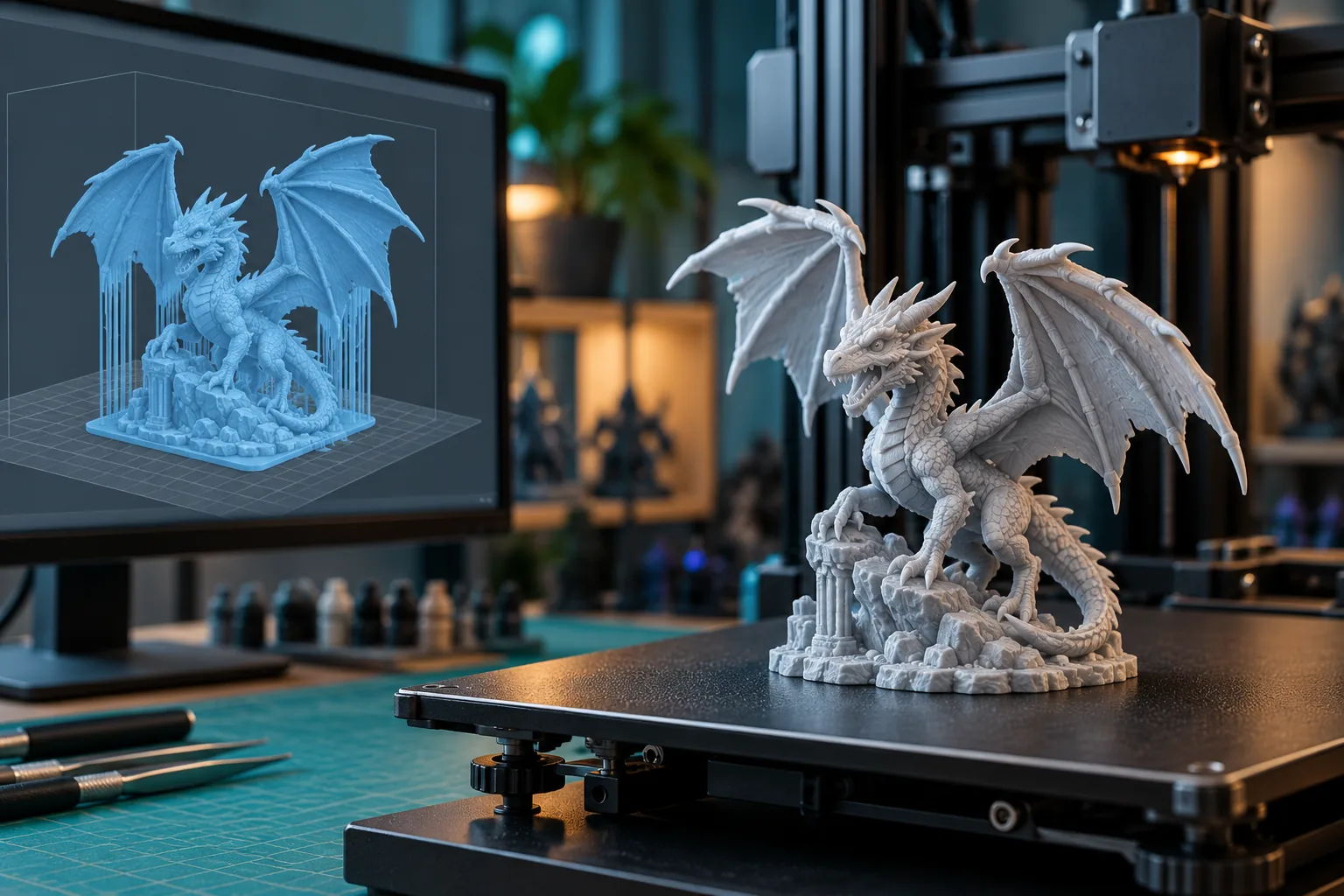
AI 3D Print Preparation ↗
Create a visual reference for proportion, setting, and attachment discussions.
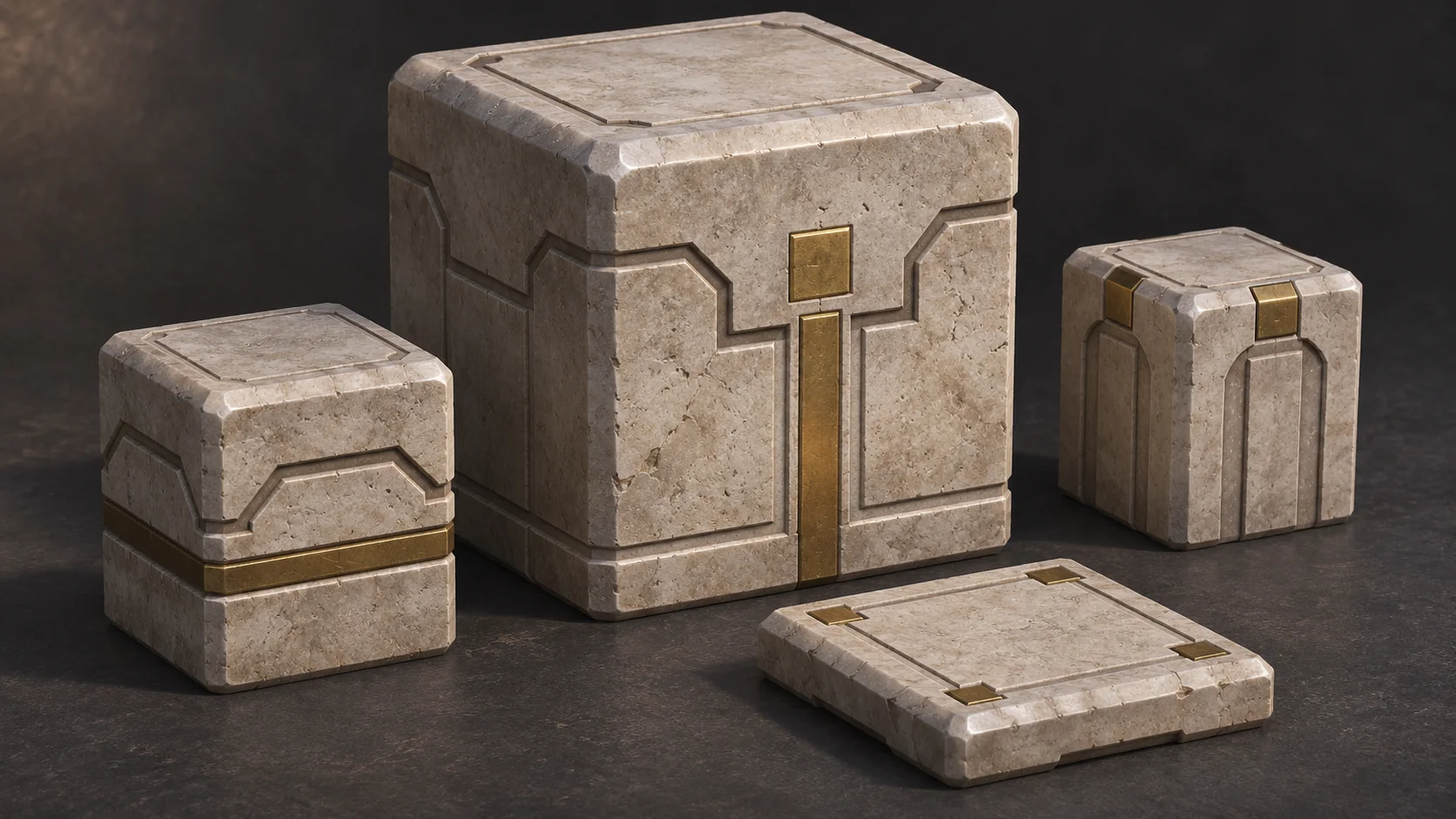
AI 3D Cube Model Generator for Modular Assets ↗
Organize the dimensions and manufacturing questions a jeweler needs to resolve.
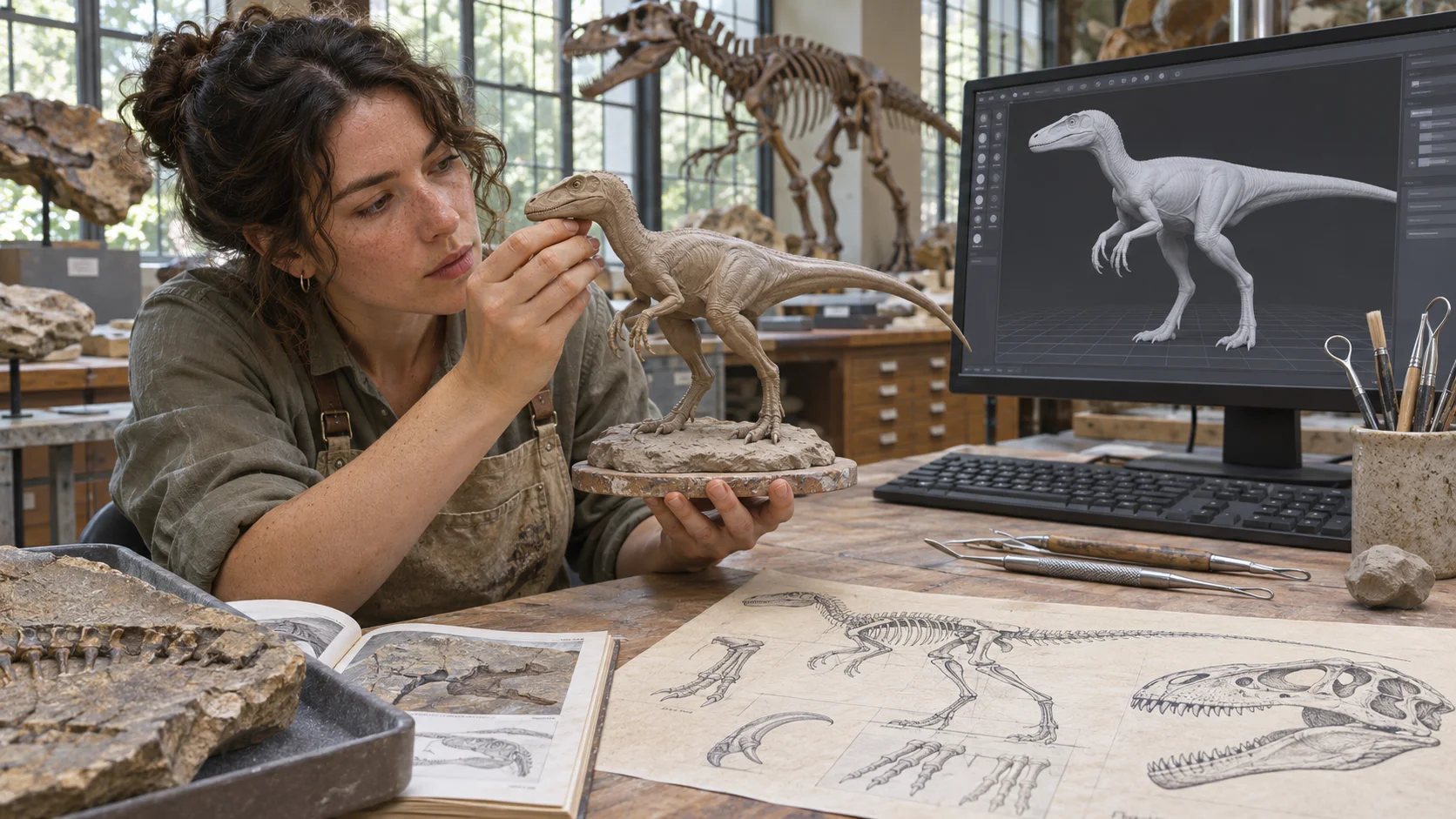
AI Dinosaur 3D Model Generator by Species & Style ↗Compare
A generated concept can support design discussion; it does not establish print, casting, or fit readiness.
| Feature | A digital jewelry concept | A CAD-ready production design |
|---|---|---|
| Starting point | A silhouette, intended wearer, and design constraint | A finish render before proportions are agreed |
| Material | Visual material direction clearly labeled as conceptual | Assume a render verifies alloy or gemstone properties |
| Wearability | Review edges, attachment, scale, and contact points | Treat a digital view as proof of fit or comfort |
| Production | List dimensions, tolerances, and open CAD questions | Treat a concept image as a manufacturable model |
| Next step | Verify the design with CAD and production specialists | Assume printing or casting will work without a review |
Reviews
Explore related model and print-preparation pages for additional workflow steps.
FAQ
It helps explore digital jewelry concepts, such as a pendant or ring shape, material direction, and visual proportions. Use the result as a design reference and verify production requirements separately.
No. A concept or generated model is not proof that a piece will print, fit, or cast successfully. Review it in CAD and with the appropriate manufacturing specialist.
Those printer-preparation and control tasks are not guaranteed by this page. Confirm the available workflow and use suitable slicing and production software for the chosen machine.
Describe the piece, intended wearer, approximate size, silhouette, material direction, stone or attachment details, and one constraint. Identify values that still need a jeweler or CAD designer to decide.
You can describe different forms, including rings, pendants, earrings, and charms. Check each concept for scale, attachment, and wearability in the intended use.
A render does not confirm dimensions, tolerances, material properties, or structural strength. Have the design rebuilt or checked in CAD for the intended production method.
A visual concept cannot establish ring size or comfort. Confirm measurements with a reliable sizing method and review the final dimensions with a jeweler.
You can describe a setting concept, but the seat, prongs, tolerances, and stone compatibility require specialist review before production.
Check the printer and material requirements, minimum wall thickness, support strategy, shrinkage, and finishing steps. Confirm these details in the specific print workflow.
Casting suitability depends on geometry, material, sprues, shrinkage, and the foundry process. A jeweler or casting specialist must review the CAD model.
Treat rendered colors as visual references. They do not verify a metal alloy, plating, gemstone identity, or how the finish will look under different lighting.
Review edges, weight, balance, attachment points, and contact with skin or clothing. Confirm comfort and strength with a physical sample and professional review.
Available exports depend on the current Workspace workflow. Check the formats provided and verify the file in the CAD or print-preparation software you plan to use.
Review originality and rights, dimensions, material descriptions, manufacturing quality, safety, and any product or marketplace requirements that apply.
Describe the piece, the intended wearer, and the form you want to explore.
Start a jewelry concept →