

Give every clue a source
Let players find the information needed to solve the room.

Set the escape room, the clues, and the rule connecting each clue to a way out. Plan a puzzle escape game for a Godot project using observable clues and fair dependencies. Keep the solution path explicit enough to test in the target project.
Partners and teams

















How it works
Create a fantasy card game with AI. Design your deck, build turn-based combat, and test your strategy in a playable 3D battle.

Create a battle between a young mage and a stone guardian, with magic cards that decide the fight.
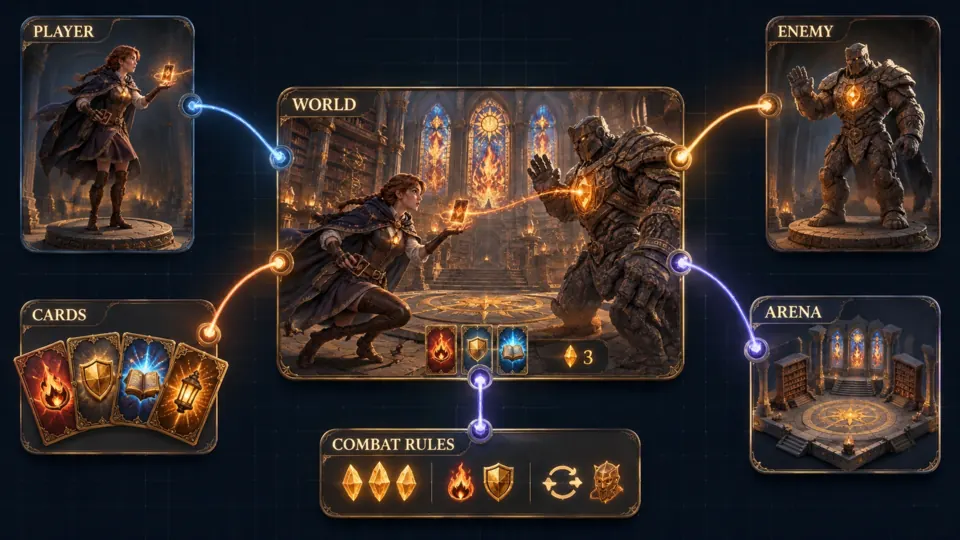
Bring your characters, card deck, battle arena, and turn-based rules together.
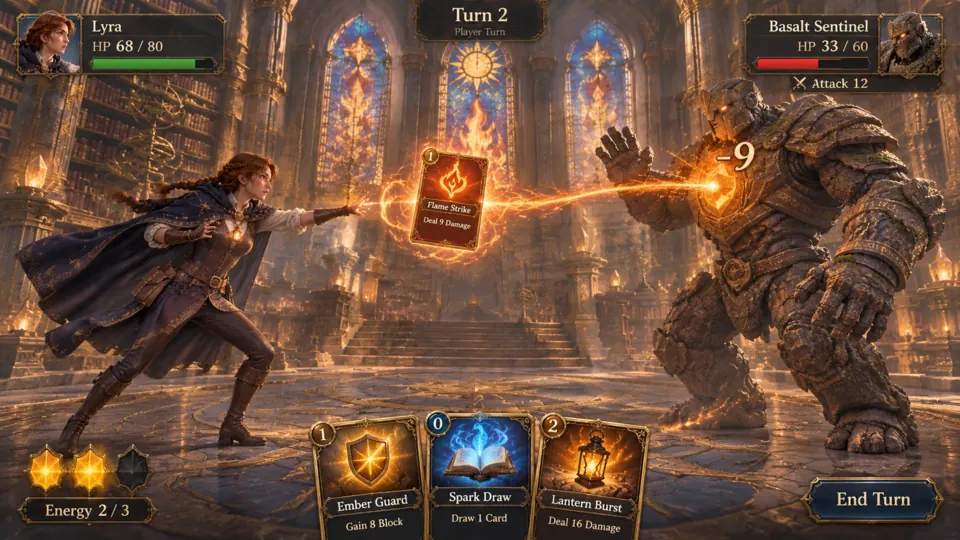
Play Flame Strike, deal damage, and choose your next card before the turn ends.
Make a game for freePick a starting point
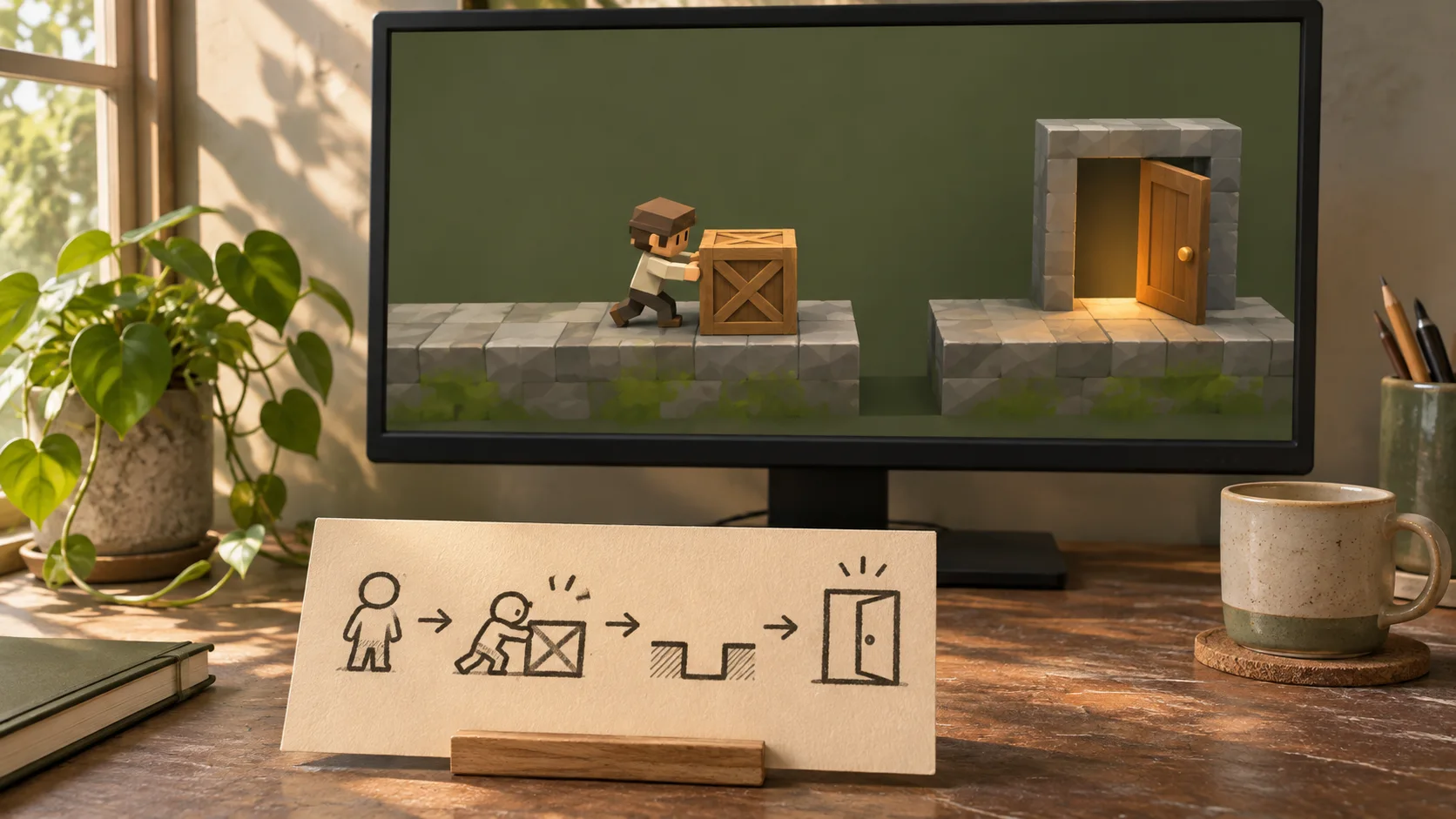
The player wakes in a weather station with a locked cabinet and a wall clock stopped at 8:20. Let them set the clock to that time to open a drawer containing a key.
Design a compact escape room where a stopped clock points to a hidden time clue, which reveals a code for a locked drawer. Make each clue discoverable and the dependency clear.
 Core game loop ↗
Why SEELE
Let players find the information needed to solve the room.

Know which object or answer unlocks each next step.

Respond to an incorrect attempt without hiding the rule.

Use clues that support a reasoned solution.

Remind players what opening the next door accomplishes.

Play from the first clue to the exit without author explanation.
Made with SEELE
These games are playable. Pick one and give it a try.
 AdventureAdventure GamePlay the example ↗
 ShooterWarcom: Neon BreachPlay the example ↗
 ActionOld Gods RunPlay the example ↗
 CasualCaution! Egg on the Car RoofPlay the example ↗
 RunnerNeon Night Rush: Barrier DashPlay the example ↗
 PuzzleMuseum ExhibitionPlay the example ↗
 SimulationMilky Way Idle 3DPlay the example ↗
 CasualSnowfall & Starry GiftsPlay the example ↗
 RPGCrownfall-The-Three-Realms-CoverPlay the example ↗
 SimulationFLYING CARPlay the example ↗
Who it’s for
Define the player, one core mechanic, and one testable outcome for a first Godot Escape Game Generator brief. Keep the scope small enough to playtest.
AI Game Generator from Prompt ↗
Compare Godot Escape Game Generator directions against the target player and engine workflow before the team commits to a larger build.
UEFN IAP Delivery for Game Designers ↗Compare
| Feature | Godot Escape Game Generator | Starting from scratch |
|---|---|---|
| Starting point | Describe the audience, core loop, and first playable outcome for Godot Escape Game Generator. | Define the project, engine, and first milestone before implementation. |
| First review | Set review criteria for the controls, content, and visual direction of Godot Escape Game Generator. | Review the project setup, scene structure, and implementation plan before playtesting. |
| Scope | Begin with one audience, one core mechanic, and one playable outcome for Godot Escape Game Generator. | Set the engine, asset needs, and implementation scope before building. |
| Prompt detail | State the audience, desired result, format, and main constraint for Godot Escape Game Generator. | Decide those inputs separately before testing a focused direction. |
| Review boundary | Check the first Godot Escape Game Generator result against quality, rights, continuity, and intended audience. | Write the review checks separately before expanding the project. |
Reviews
FAQ
A Godot Escape Game Generator turns a plain-language escape premise into an editable playable direction. Describe rooms, clues, puzzle rules, traps, keys, and the exit condition, then test the result in the SEELE AI workspace. The first pass is a prototype that still needs playtesting and technical review.
Name the viewpoint, setting, player objective, room sequence, interactable objects, puzzle dependencies, hazards, failure behavior, checkpoint rules, and exact success condition. A constrained loop such as find a key, solve one symbol puzzle, avoid one trap, and reach one exit is easier to verify than an unfocused request.
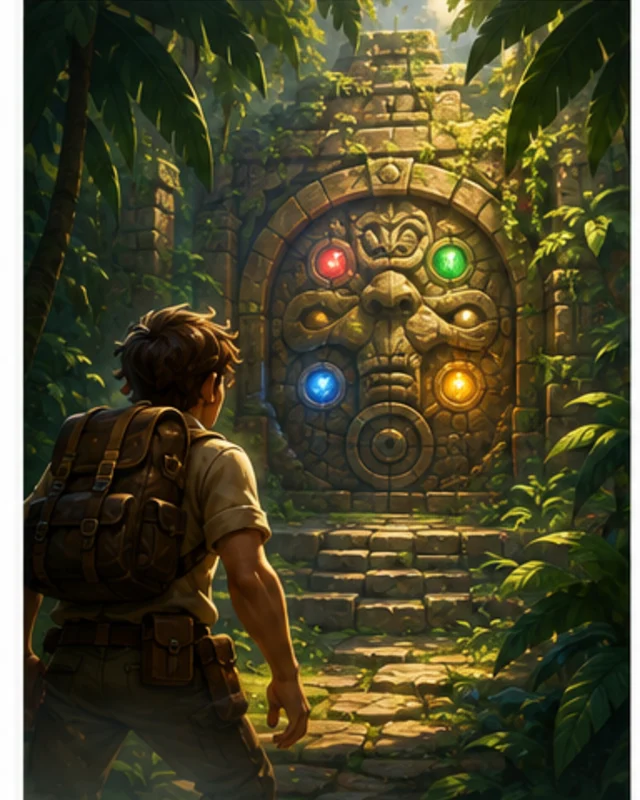
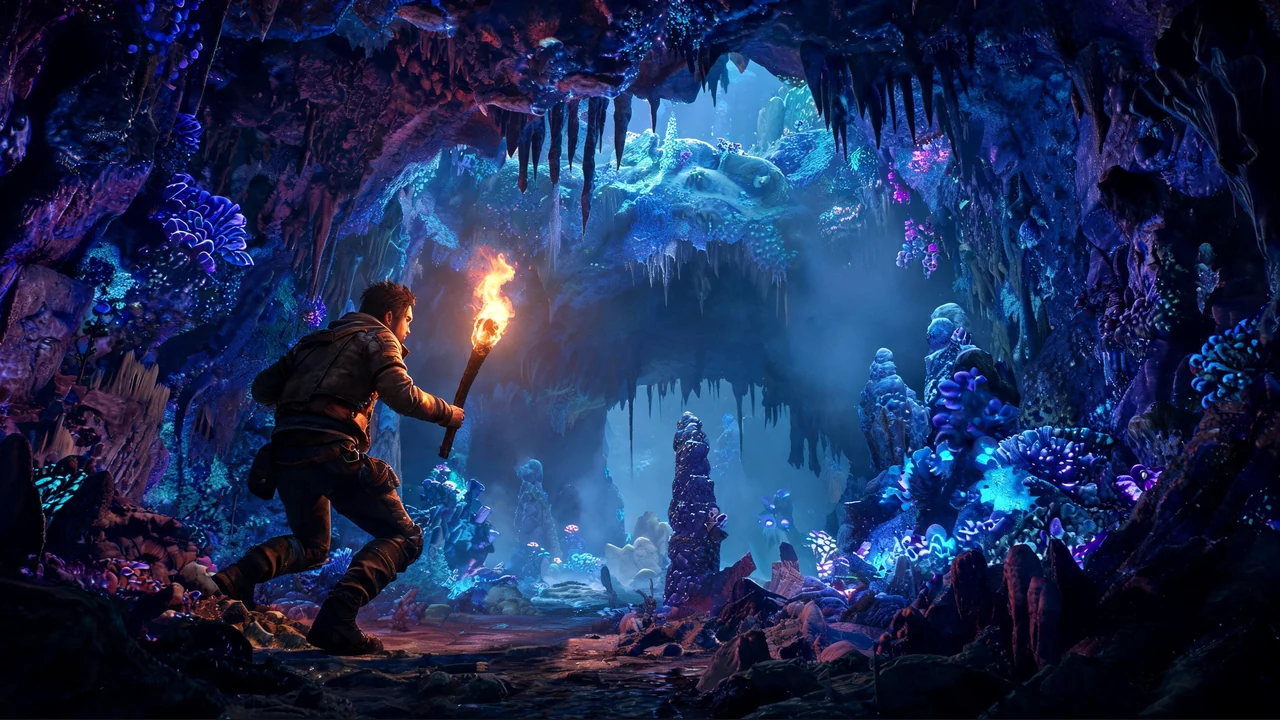
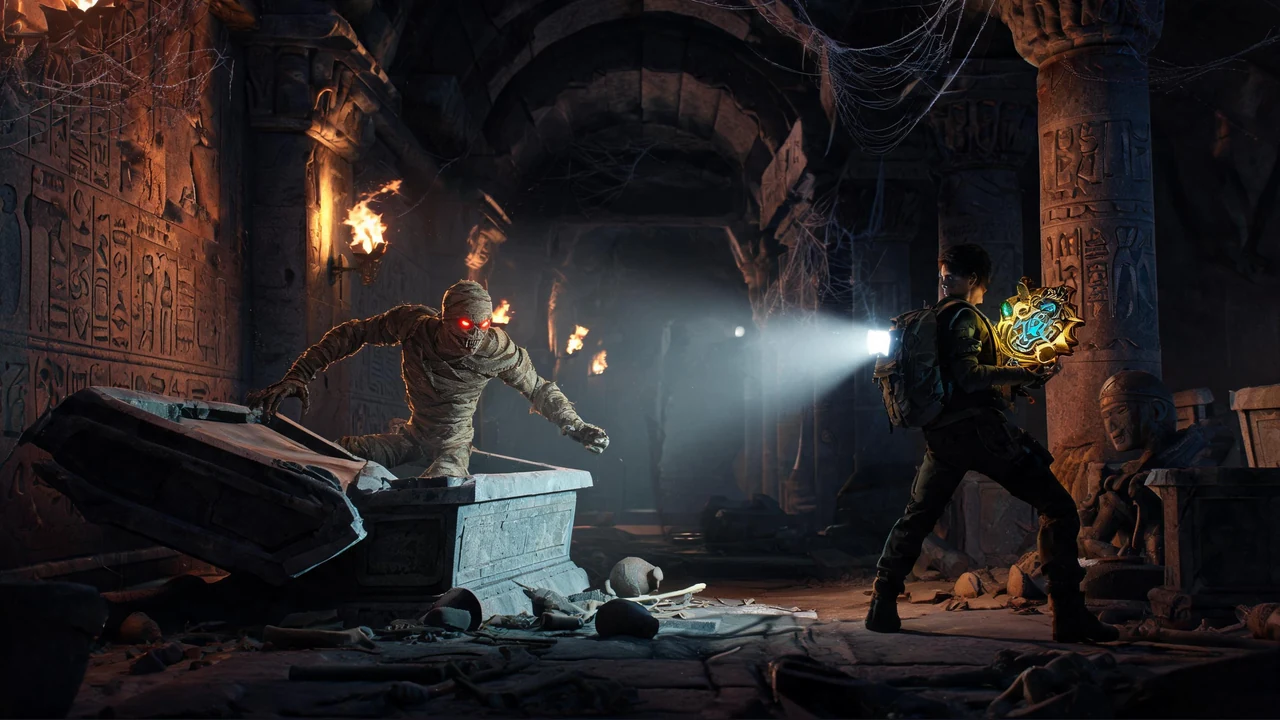
Yes. Start with a tomb setting, an ancient curse or relic objective, torch-lit rooms, readable wall clues, traps, puzzle gates, and a final escape route. Then playtest whether each clue is visible, each puzzle has a valid solution, and the player can recover from mistakes without a soft lock.
Before a first Godot Escape Game Generator project, define the task, intended audience, one visible outcome, and a constraint. Use Core game loop as a direction that fits the brief.
Build the escape around the clock clue opening a new search area. Give the player a concrete next place to inspect so the clue advances the room sequence.
For Godot Escape Game Generator, name the intended user, one action, and a visible outcome. Use Core game loop as a starting direction and add one requirement from its example prompt.
Ask a player to explain how the clock clue changes where they search. A second reviewer should check whether the note supports a deduction the player can make from evidence already shown.
Choose Core game loop to test the clock clue and newly opened area. Choose Player challenge to test the note-based deduction; keep each clue connected to something the player has seen.
Check that solving the clock clue opens the intended area once, and that the note points to a fair deduction rather than a guess. Make the next search target visible after either step.
Scope a first Godot Escape Game Generator prototype to Core game loop, one user action, and one visible outcome. Defer secondary features until that path works.
Choose Core game loop to test the clock clue and newly opened area. Choose Player challenge to test the note-based deduction; keep each clue connected to something the player has seen.
If players guess the answer, add an earlier clue that supports the deduction. If the new area opens without a clear trigger, make the clock interaction and its response more explicit.
Match a linked tool's input and output to one need in the Godot Escape Game Generator brief. If it does not support that step, skip it and keep the test in the main project.