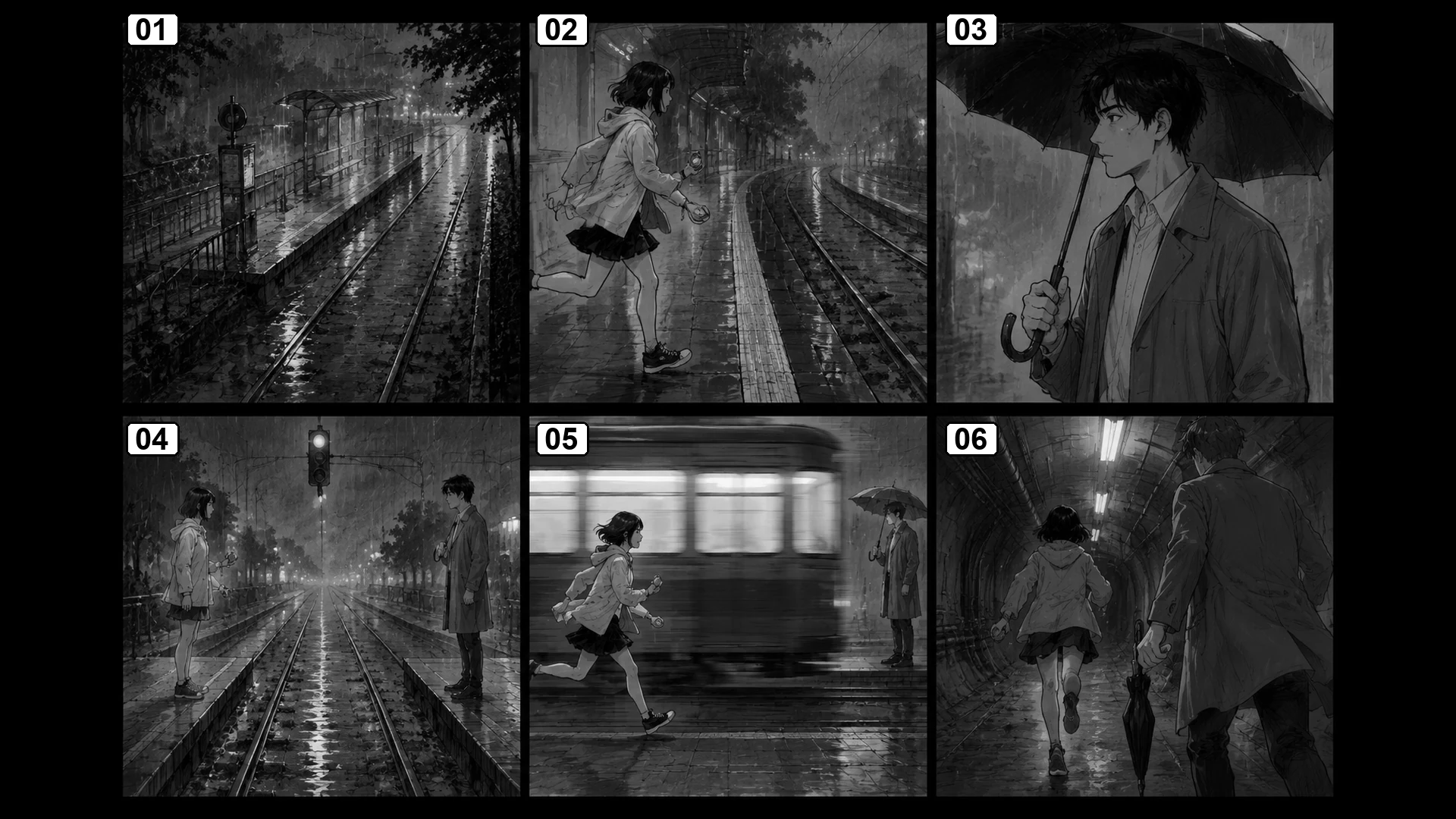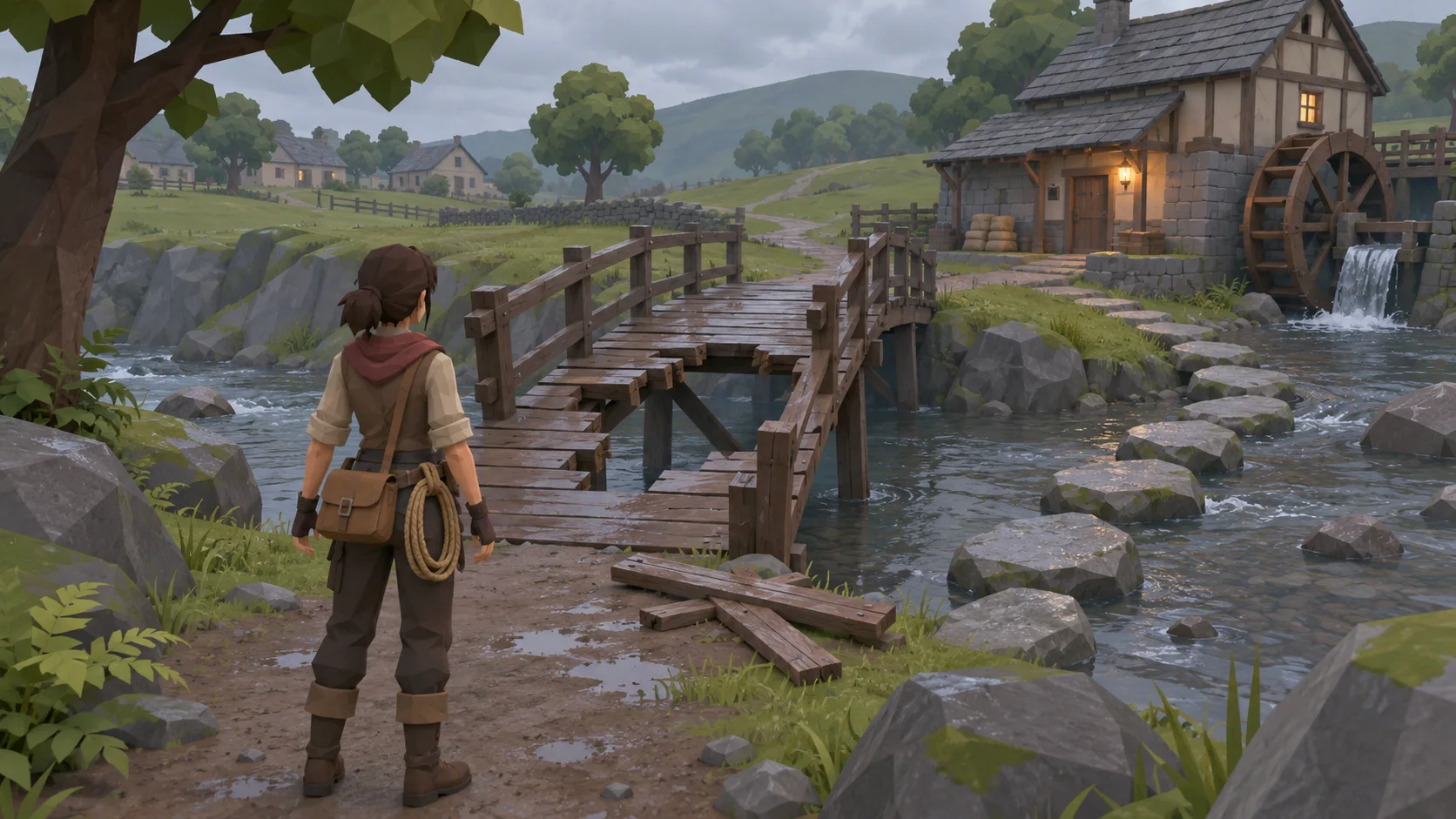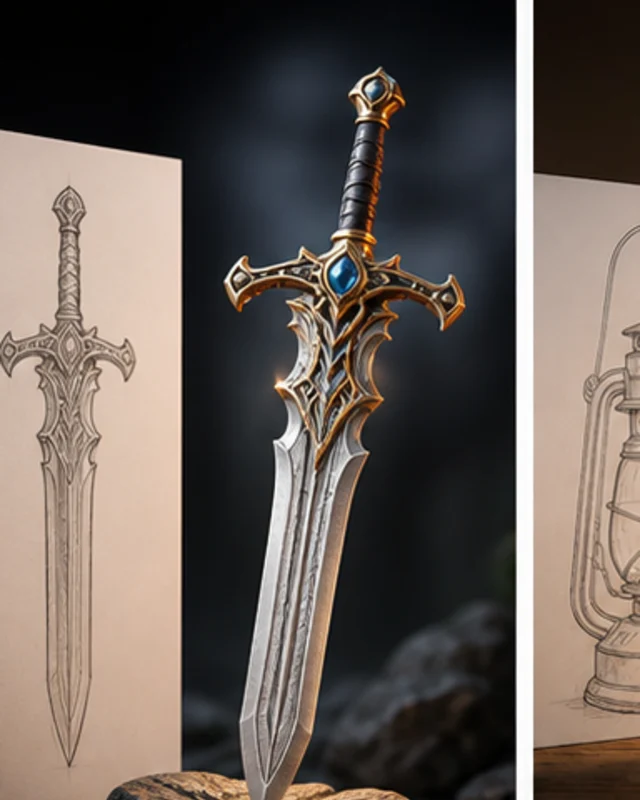

Plan the turn first
Make the shot sequence build toward a clear moment.

Turn a short script into an 18-shot storyboard with timing and continuity checks. Break a short scene into eighteen black-and-white storyboard panels. Track screen direction, character positions, key props, and timing so the sequence can be reviewed before illustration.
Partners and teams

















How it works
Create a 3D first-person shooter with AI. Build a battlefield, add enemy waves, test your weapons, and refine the action with prompts.
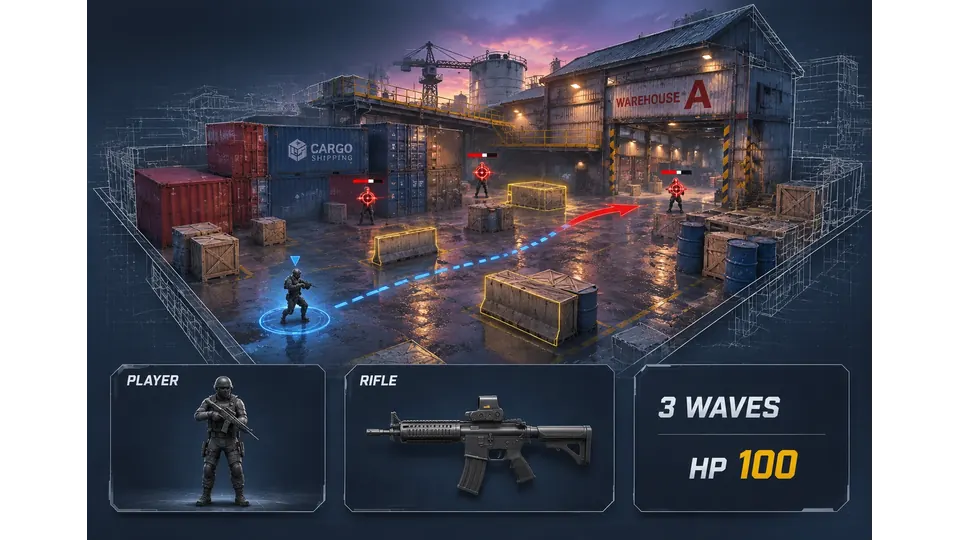
Plan a warehouse battlefield with a rifle, cover, and three waves of enemies.
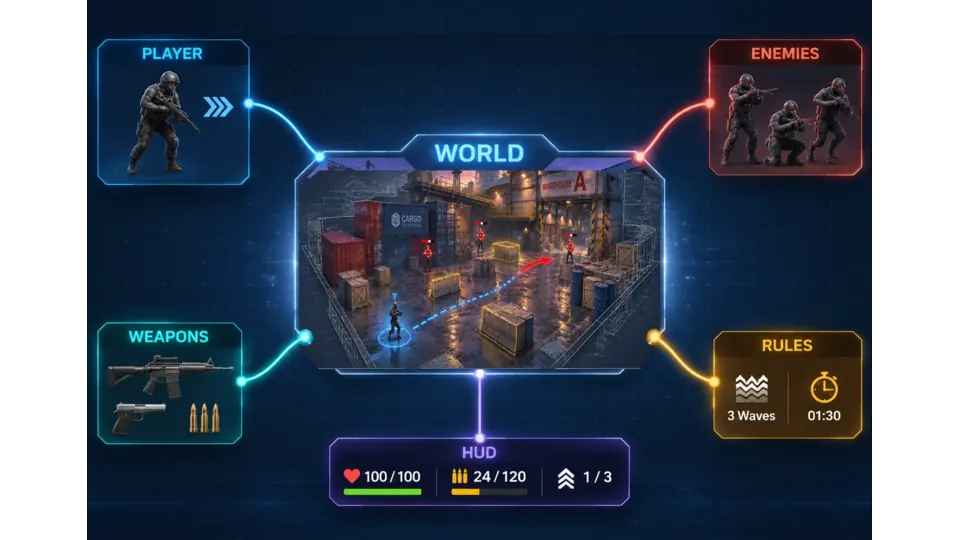
Combine the warehouse map, weapons, enemies, combat rules, and game HUD.
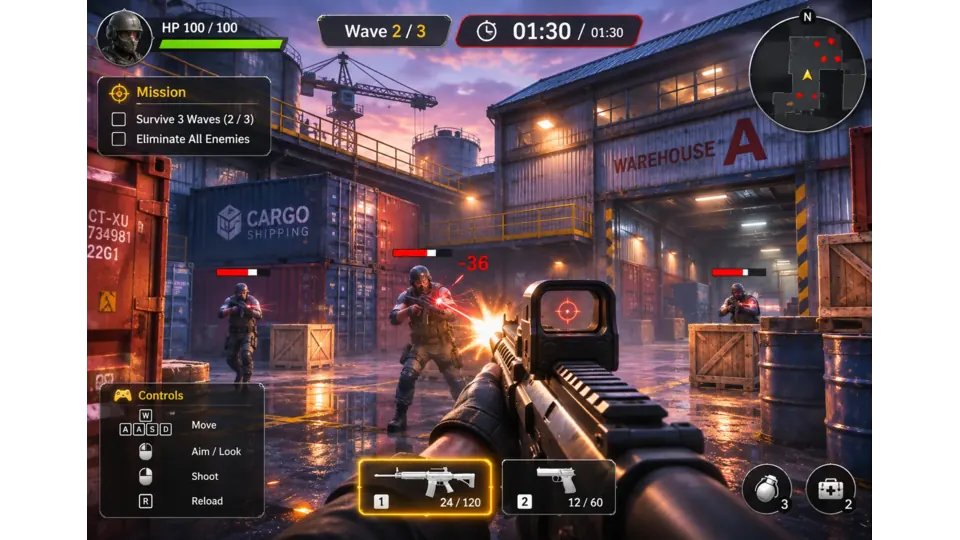
Fight through enemy waves, reload your rifle, and manage your health and ammo.
Make a game for freePick a starting point
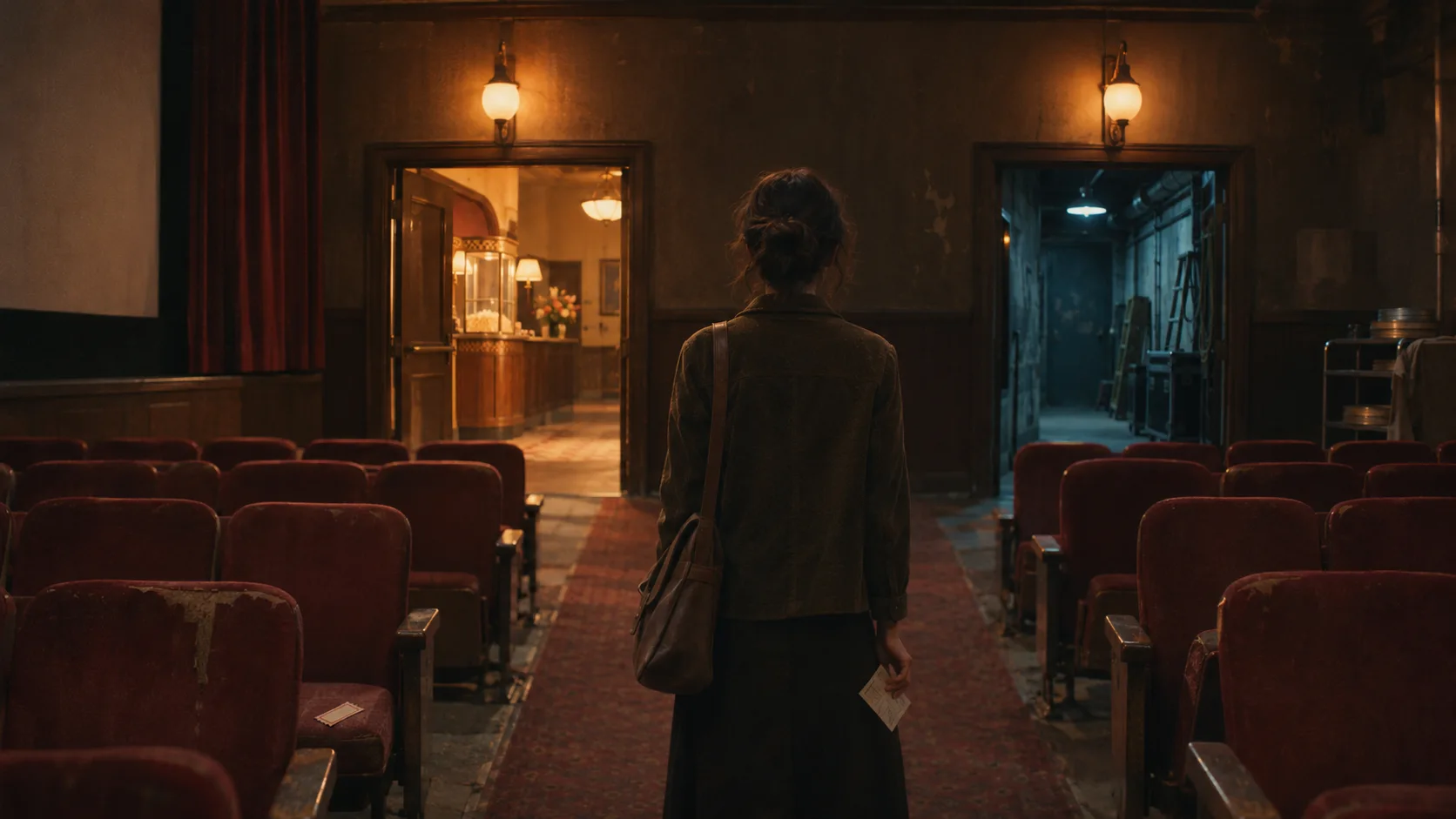
The turning point uses an established object.
For a quiet mystery, make the scene turn when a character notices a second cup on an empty desk. Use the cup as a recurring prop rather than adding a new reveal.
 First outcome ↗
Why SEELE
Make the shot sequence build toward a clear moment.

Keep drawing and review focused.

Compare holds and cuts before final art.

Keep hands, objects, and geography consistent.

Catch pacing gaps before production.

Use labels and contrast that remain clear in a PDF or printout.
Made with SEELE
These games are playable. Pick one and give it a try.
 AdventureAdventure GamePlay the example ↗
 ShooterWarcom: Neon BreachPlay the example ↗
 ActionOld Gods RunPlay the example ↗
 CasualCaution! Egg on the Car RoofPlay the example ↗
 RunnerNeon Night Rush: Barrier DashPlay the example ↗
 PuzzleMuseum ExhibitionPlay the example ↗
 SimulationMilky Way Idle 3DPlay the example ↗
 CasualSnowfall & Starry GiftsPlay the example ↗
 RPGCrownfall-The-Three-Realms-CoverPlay the example ↗
 SimulationFLYING CARPlay the example ↗
Who it’s for
Set the audience, message, and destination for an idea in the Script to Comic Storyboard — 18 Timed Shots workflow. Check current model options, clip limits, exports, and cost before production.
AI Interactive Game Generator for Story Games ↗
Write a short brief for the intended channel and viewer, then verify the current workflow and output limits before scheduling a release.
Comic Storyboard Generator ↗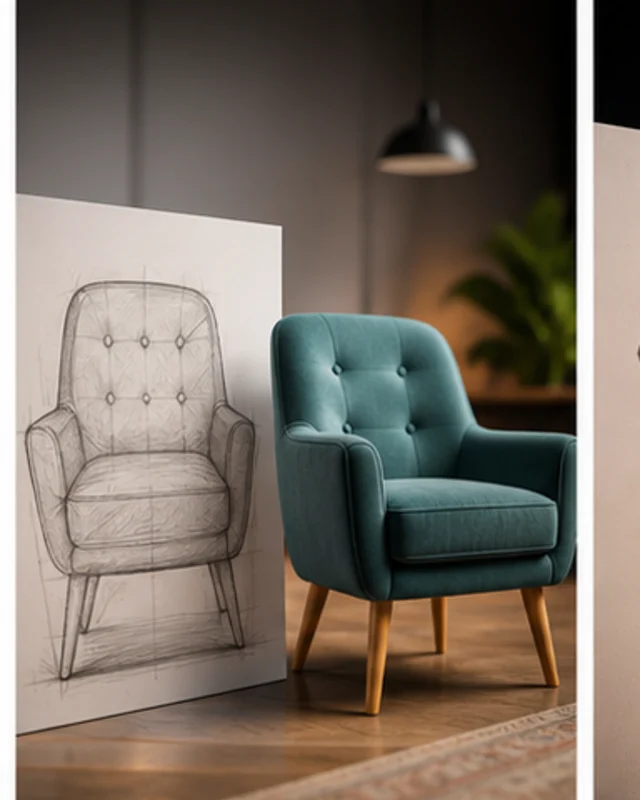
Compare a draft with the project brief and rights requirements; confirm available editing and delivery steps in the current product.
AI Cinematic Interactive Story Generator ↗Reviews
FAQ
It turns a screenplay or story idea into a production-ready plan of exactly 18 black-and-white comic storyboard shots. Each shot includes timing and camera/action direction, and the sequence includes explicit assumptions and continuity checks rather than only producing a single comic image.
This Script to Comic Storyboard — 18 Timed Shots page does not verify the requested behavior: “Can I start with a story idea instead of a screenplay.” Check the current Workspace options and validate a small example against the target requirements.
For Script to Comic Storyboard — 18 Timed Shots, specify first outcome, the intended audience, one result, and one constraint. Keep the first prompt narrow enough to review against those details.
Before a first Script to Comic Storyboard — 18 Timed project, define the task, intended audience, one visible outcome, and a constraint. Use First outcome as a direction that fits the brief.
To get started with Script to Comic Storyboard — 18 Timed, use Approve The 60–90 Second Screenplay as the first step. Set one goal, audience, and constraint; test a small version, then change one thing at a time.
For Script to Comic Storyboard — 18 Timed, name the intended user, one action, and a visible outcome. Use First outcome as a starting direction and add one requirement from its example prompt.
Ask someone who matches the intended player or viewer for Script to Comic Storyboard — 18 Timed to test its main action. Note where the brief is unclear, then revise once before adding features.
For Script to Comic Storyboard — 18 Timed, try First outcome first. Define the action, outcome, and one constraint, then compare another direction only if the first misses the brief.
Check the Script to Comic Storyboard — 18 Timed result against the brief, intended behavior, and first workflow step. Record one mismatch and test that change before expanding scope.
Scope a first Script to Comic Storyboard — 18 Timed prototype to First outcome, one user action, and one visible outcome. Defer secondary features until that path works.
Compare First outcome and Main interaction for Script to Comic Storyboard — 18 Timed using the same user action and visible outcome. Choose the direction that fits the brief with fewer assumptions.
After reviewing Script to Comic Storyboard — 18 Timed, record one gap between the brief and result. Make one focused change, then test the same action against the original outcome.
Match a linked tool's input and output to one need in the Script to Comic Storyboard — 18 Timed brief. If it does not support that step, skip it and keep the test in the main project.