

Create 3D Modelswith AI



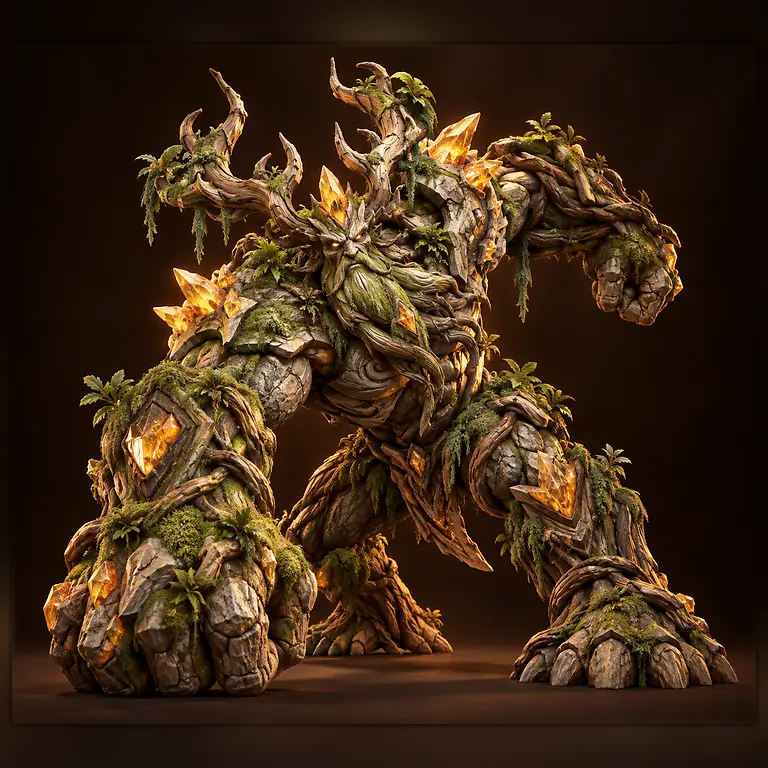

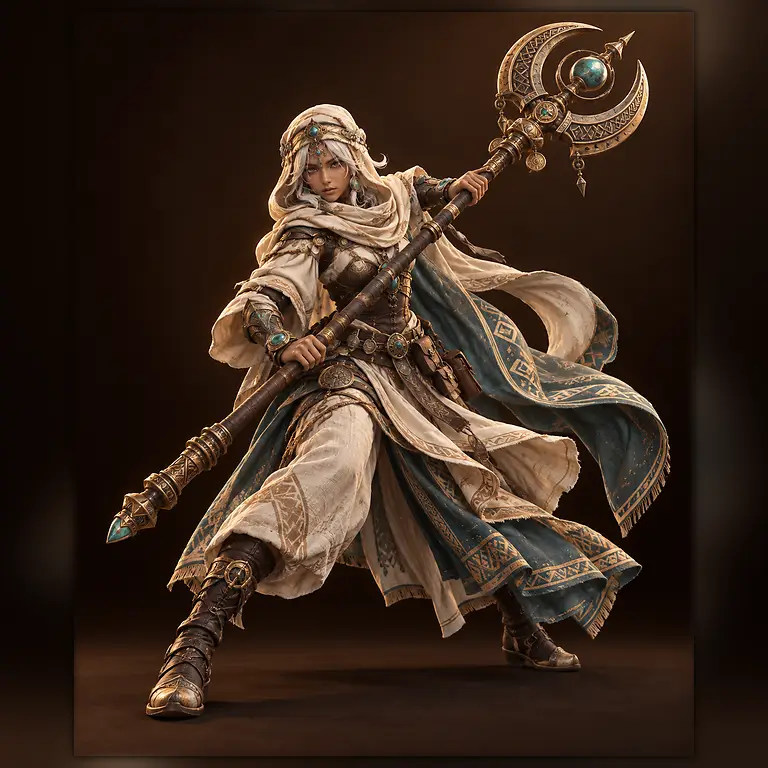
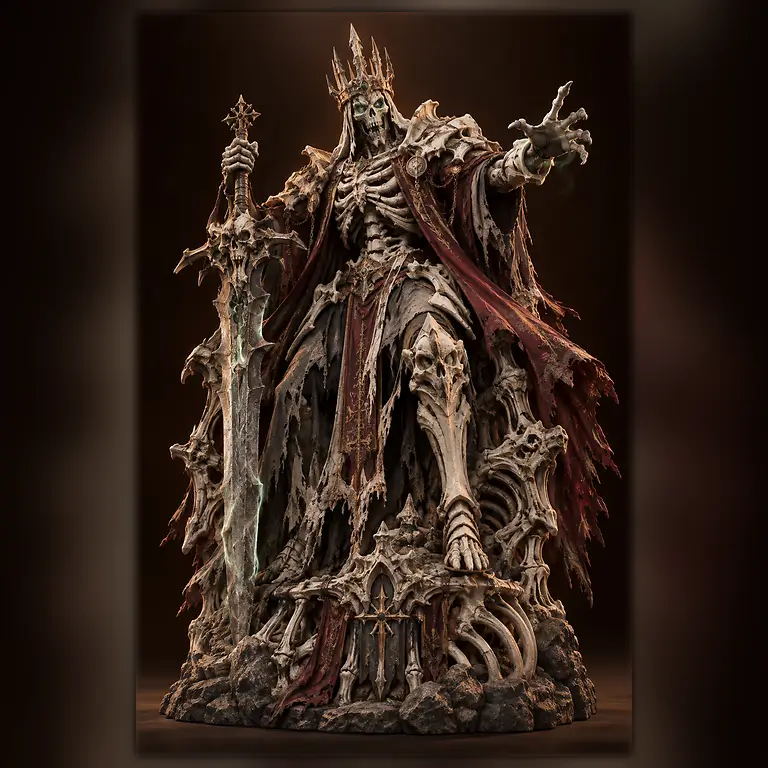

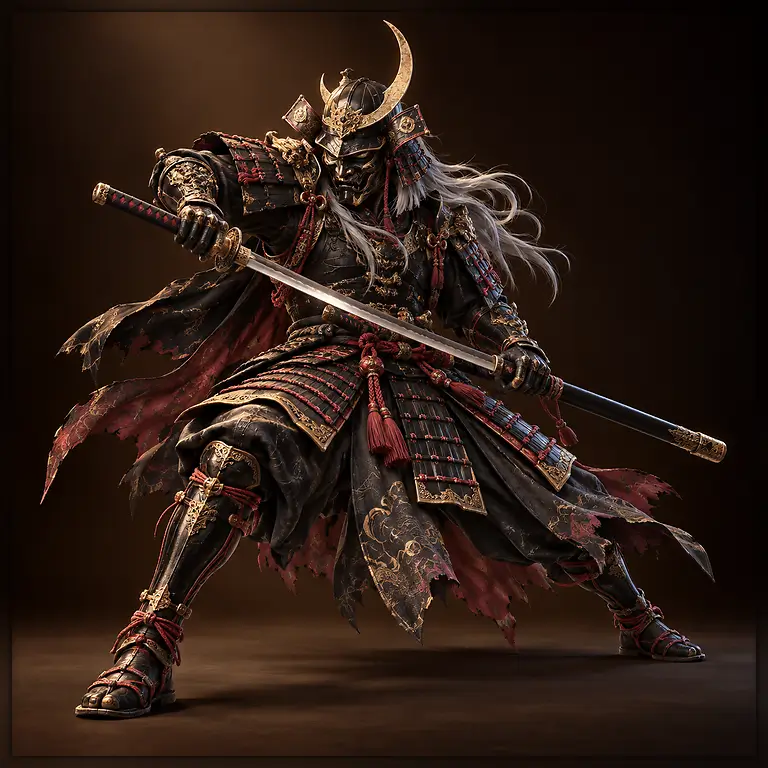
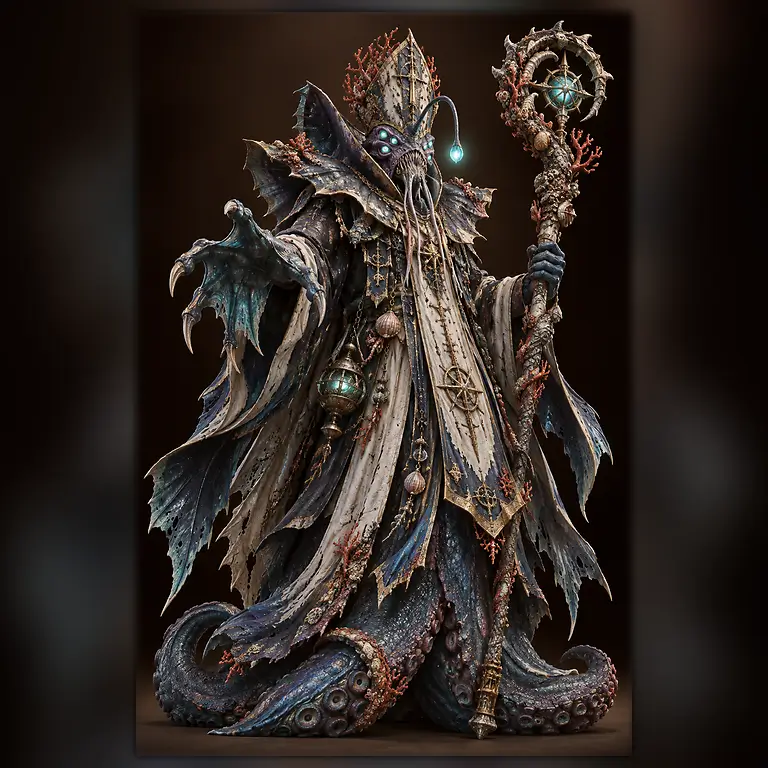
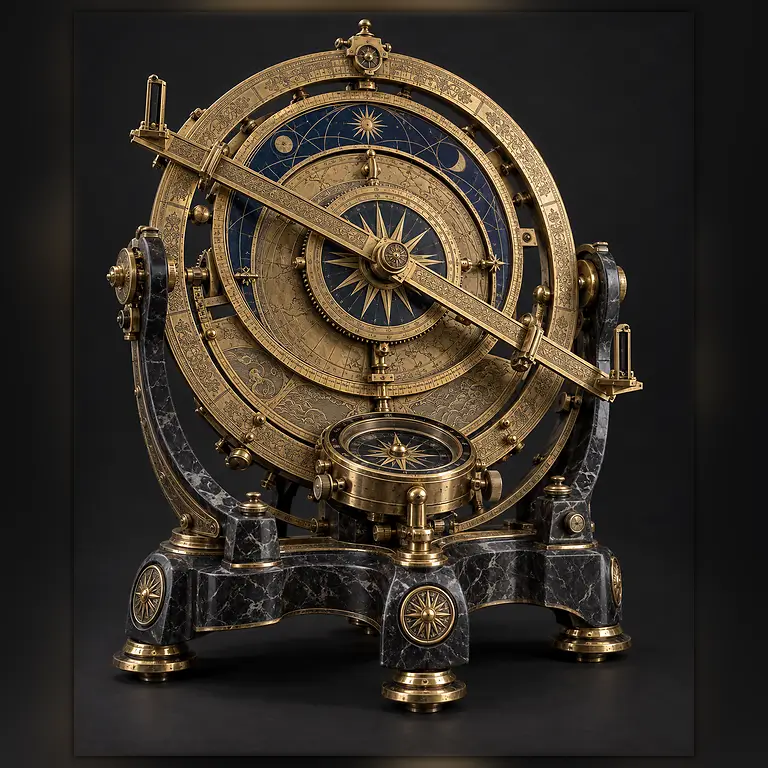
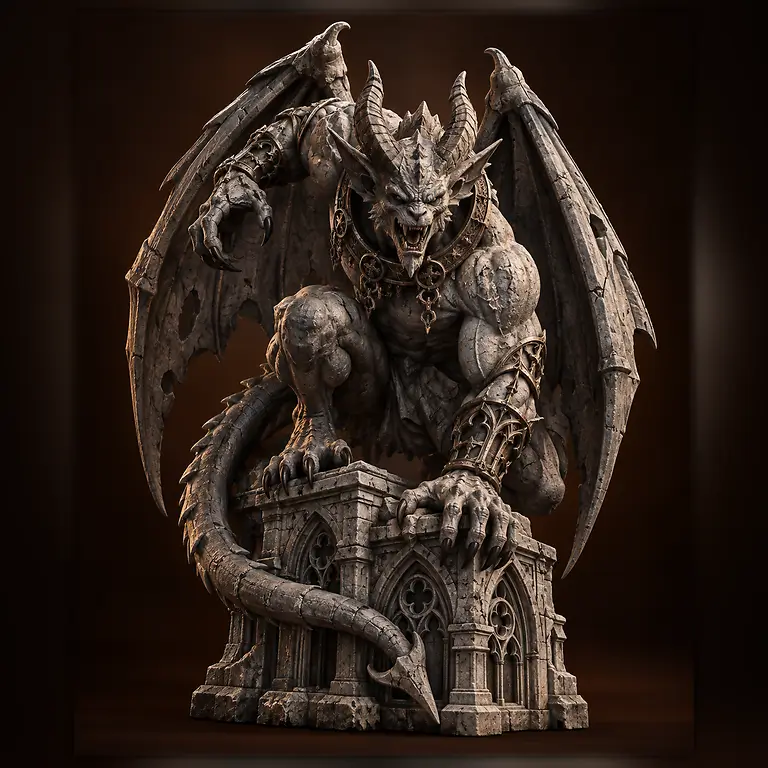
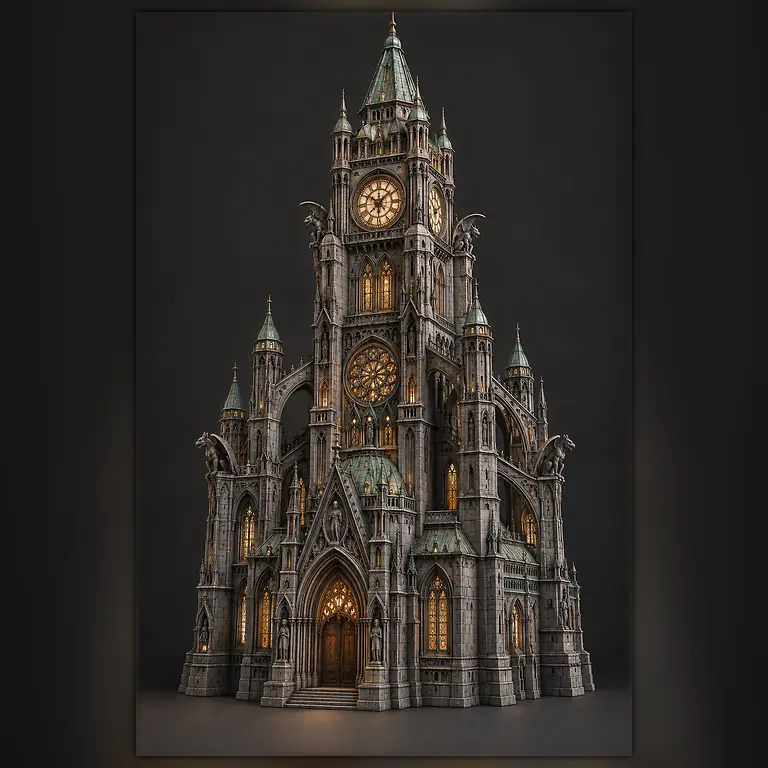


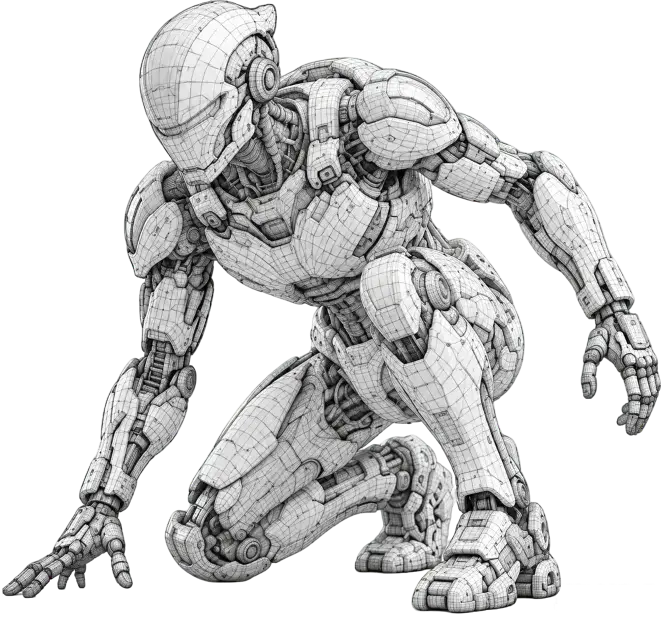
GenerationCreate 3D models from
text or images.3D


Agent builderConvert reference images into spatial block models rapidly3D

World ModelOne Image, Unlock an Immersive Explorable 3D SpaceModel


EditingRefine geometry,
materials, and details
with AI.Auto

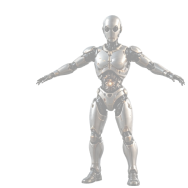
RiggingAutomatically rig
characters and objects.Model


PreviewReal-time previews with
lighting and materials.DCC

BridgeSeamless workflow with
your favorite DCC tools.3D

PrintingPrepare, optimise, and
export for 3D printing.
workflow
Create 3D models in three steps.
Go from text or reference images to a 3D model ready to preview and export.
- STEP 01
Add your idea
Describe your model or upload references to define its shape, style, and details.
Text / image / multi-view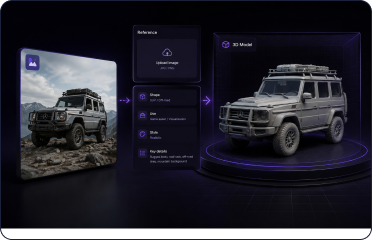
- STEP 02
Tune the quality
Set materials, texture quality, and polygon count for your intended use.
Quality check preview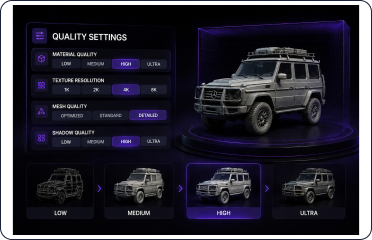
- STEP 03
Preview and export
Check proportions and details, then choose a format and export your 3D model.
GLB / FBX / OBJ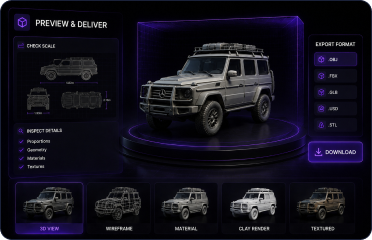
Capabilities
Explore the full3D workflow.
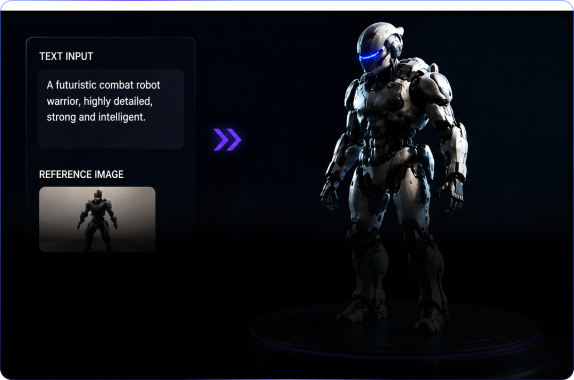
Model Generation
Create 3D assets from text or reference images.
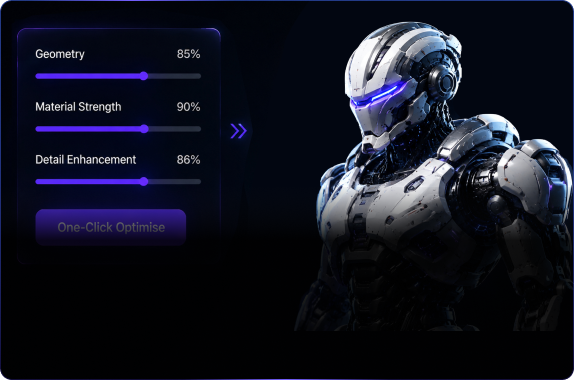
Model Editing
Adjust geometry, materials, and model details.
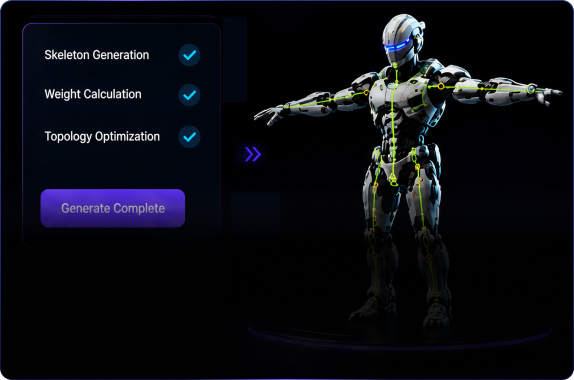
Auto Rigging
Add a skeleton to prepare characters for animation.
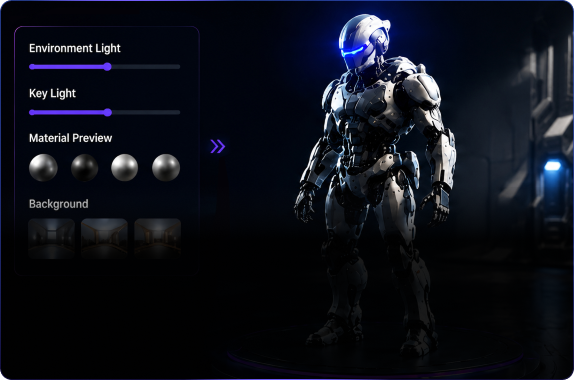
Model Preview
Inspect lighting, materials, and model details in real time.
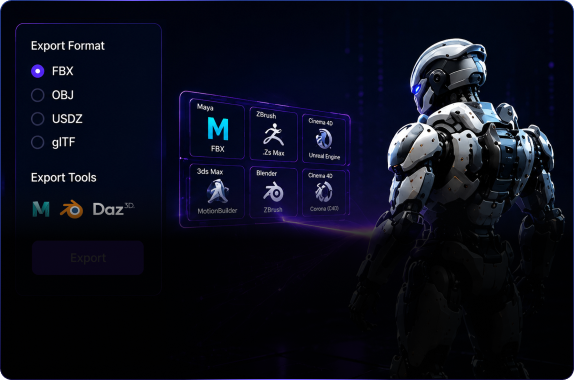
DCC Bridge
Export to your DCC tools and continue production.
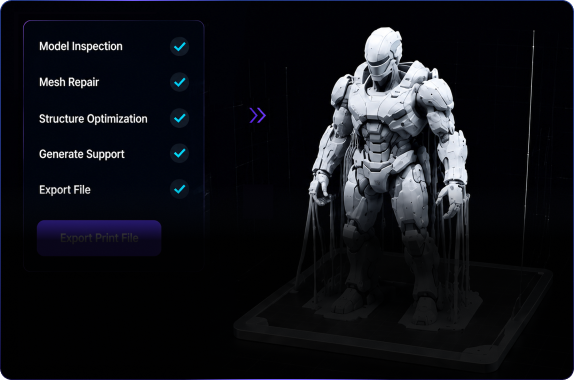
3D Printing
Check and export models for 3D printing.
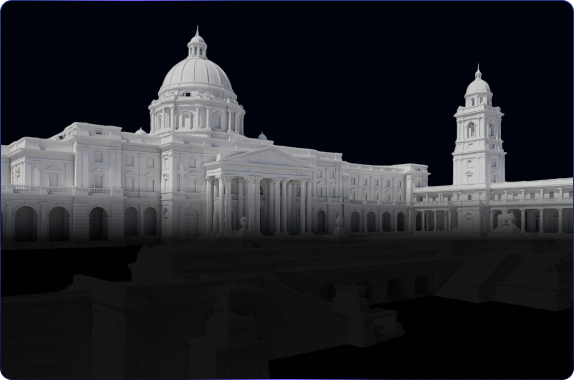
3D Agent builder
Build a spatial blockout from a reference image.
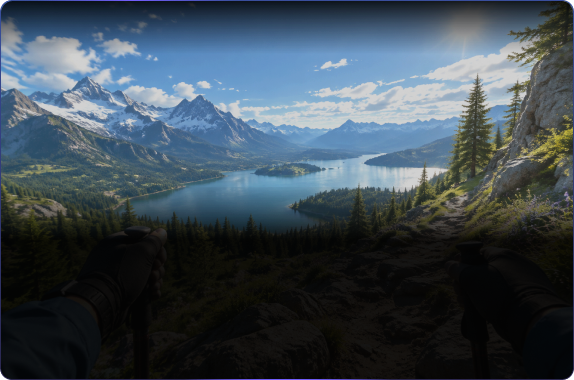
World Model
Create an explorable 3D world from one image.
3D workflow
Take your asset from first idea to final delivery.
Choose the tools you need for your 3D asset; not every step is required.
- 01 · GenerateOpen generation settings →
Set up 3D generation
Choose references, materials, and topology before generating.
- 02 · PreviewOpen 3D asset viewer →
Inspect your 3D model
Review materials, lighting, and animation in your browser.
- 03 · EditOpen model editor →
Edit and optimize
Refine geometry, proportions, and surface details.
- 04 · RigOpen rigging workbench →
Rig 3D characters
Check skeletons and skinning before retargeting motion.
- 05 · PrepareOpen 3D print tools →
Prepare for 3D printing
Inspect your model before sending it to print.
- 06 · ExportOpen DCC bridge →
Export to DCC tools and engines
Continue production in Blender, Maya, Unity, or Unreal Engine.
Create your next 3D model.
Open the 3D creation workspace and turn your idea into a model.
Start creating