
Make the AU easy to explain
State the one world rule that changes the characters’ situation.

Set the alternate-universe premise, character dynamic, opening beat, and boundaries first. Create an original AU roleplay setup with a clear change from the familiar world, a reason for the characters to meet, and room for the player to steer the scene.
Partners and teams

















How it works
Build your own single-player racing game. Design a coastal track, add nitro boosts and checkpoints, then race against the clock.
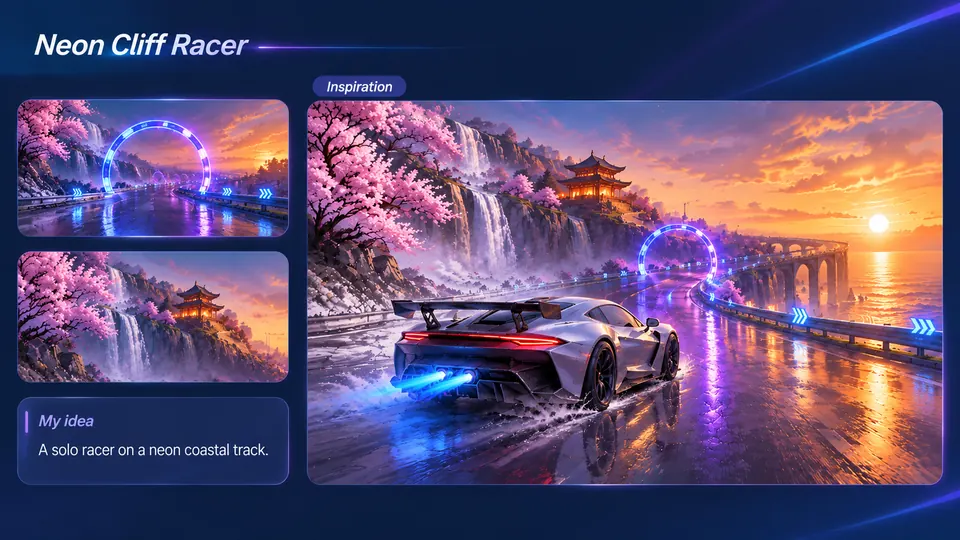
Imagine a silver sports car racing past waterfalls, cherry blossoms, and neon gates.
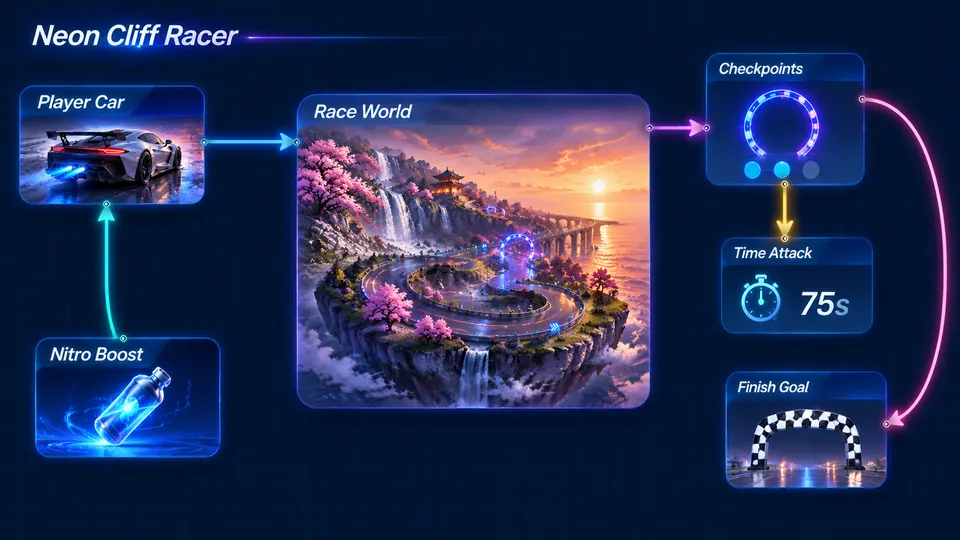
Connect your sports car, coastal track, checkpoints, nitro boost, and finish line.
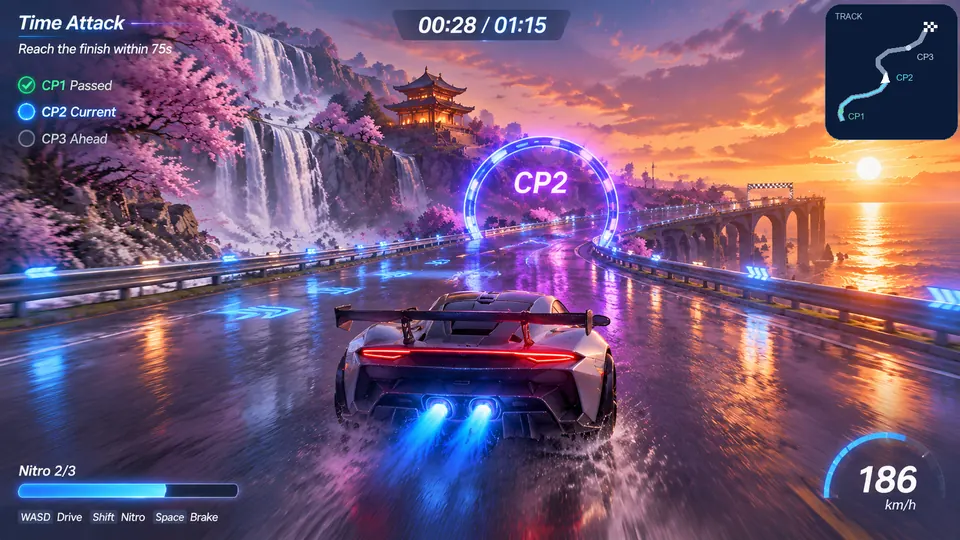
Drive through three neon gates, activate nitro, and finish within 75 seconds.
Make a game for freePick a starting point
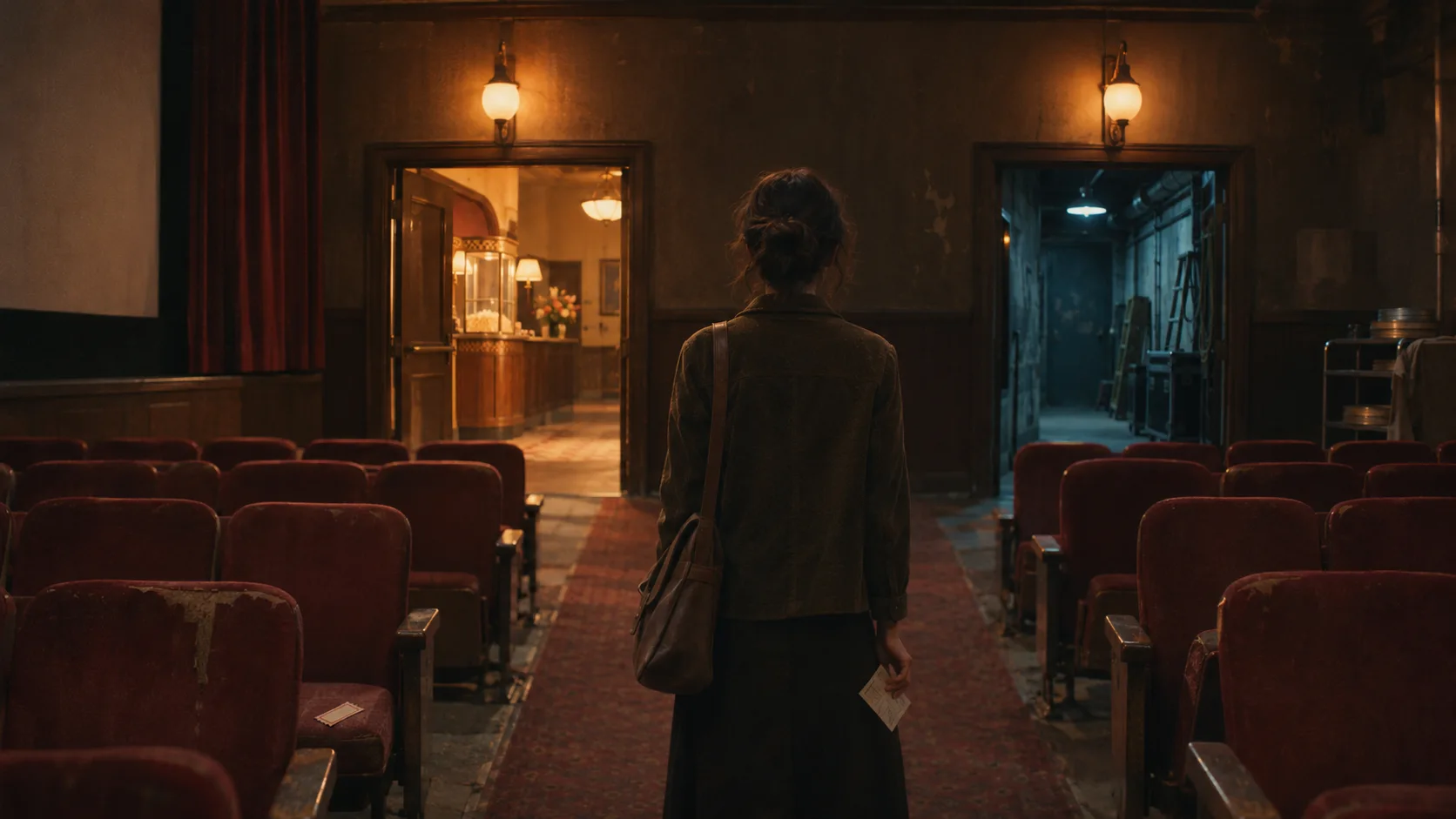
Write an original alternate-universe opening where two rival radio hosts discover they are broadcasting from the same abandoned station. Keep the changed world rule clear in the scene.
Write an original alternate-universe opening where two rival radio hosts discover they are broadcasting from the same abandoned station. Establish what changed in this world and leave the player one way to respond.
 AU premise ↗
Why SEELE
State the one world rule that changes the characters’ situation.

A clear want gives the player something to respond to.

Start with a message, interruption, or discovery that invites a reply.

Record tone and topics the roleplay should avoid.

End turns with a choice or question instead of deciding their response.

Use your own cast and check rights before adapting protected characters.
Made with SEELE
These games are playable. Pick one and give it a try.
 AdventureAdventure GamePlay the example ↗
 ShooterWarcom: Neon BreachPlay the example ↗
 ActionOld Gods RunPlay the example ↗
 CasualCaution! Egg on the Car RoofPlay the example ↗
 RunnerNeon Night Rush: Barrier DashPlay the example ↗
 PuzzleMuseum ExhibitionPlay the example ↗
 SimulationMilky Way Idle 3DPlay the example ↗
 CasualSnowfall & Starry GiftsPlay the example ↗
 RPGCrownfall-The-Three-Realms-CoverPlay the example ↗
 SimulationFLYING CARPlay the example ↗
Who it’s for
Set the character, relationship, and intended story tone for the AI AU Roleplay Generator scenario. Treat the first result as a draft to review.
AI Fandom Roleplay Scene Maker ↗
Choose the next story decision and character motivation; check the result for continuity and audience suitability.
AI Interactive Game Generator for Story Games ↗
Keep the scenario focused on original characters and a clear scene goal, then review the generated material before sharing.
AI Cinematic Interactive Story Generator ↗Reviews
FAQ
This page is for writers and roleplay creators who want to outline a private AU scene with clear canon, headcanon, and setting rules.
The first output should include an AU rules card, canon/headcanon split, relationship tension map, and a first private scene draft you can refine in Seele Workspace.
This AI AU Roleplay Generator page does not verify the requested behavior: “Is this a finished product generator.” Check the current Workspace options and validate a small example against the target requirements.
Before a first AI AU Roleplay Generator project, define the task, intended audience, one visible outcome, and a constraint. Use Opening scene as a direction that fits the brief.
To get started with AI AU Roleplay Generator, use Define the AU premise, trope, relationship dynamic, and what must stay private as the first step. Set one goal, audience, and constraint; test a small version, then change one thing at a time.
For AI AU Roleplay Generator, name the intended user, one action, and a visible outcome. Use Opening scene as a starting direction and add one requirement from its example prompt.
Ask someone who matches the intended player or viewer for AI AU Roleplay Generator to test its main action. Note where the brief is unclear, then revise once before adding features.
For AI AU Roleplay Generator, try Opening scene first. Define the action, outcome, and one constraint, then compare another direction only if the first misses the brief.
Check the AI AU Roleplay Generator result against the brief, intended behavior, and first workflow step. Record one mismatch and test that change before expanding scope.
Scope a first AI AU Roleplay Generator prototype to Opening scene, one user action, and one visible outcome. Defer secondary features until that path works.
Compare Opening scene and Meaningful choice for AI AU Roleplay Generator using the same user action and visible outcome. Choose the direction that fits the brief with fewer assumptions.
After reviewing AI AU Roleplay Generator, record one gap between the brief and result. Make one focused change, then test the same action against the original outcome.
Match a linked tool's input and output to one need in the AI AU Roleplay Generator brief. If it does not support that step, skip it and keep the test in the main project.