Comparison intent · matched evidence, no universal winner

MiniMax H3 vs Seedance 2.5 for Unreal Projects

Compare MiniMax H3 and Seedance 2.5 on matched game-video tasks, then move the winning idea into a native Unreal 5 project in SEELE.

Direct answer

There is no defensible universal winner for Unreal work. Compare MiniMax H3 and Seedance 2.5 on the same rights-cleared shot packet, output target, duration, references, attempts, budget, and acceptance rubric. Score instruction adherence, subject and motion consistency, camera control, text, audio, editability, artifact rate, latency, price, and reviewer effort. Then ask a separate question: can the approved idea become a playable Unreal system? Use SEELE to generate that native vertical slice and let project evidence decide.

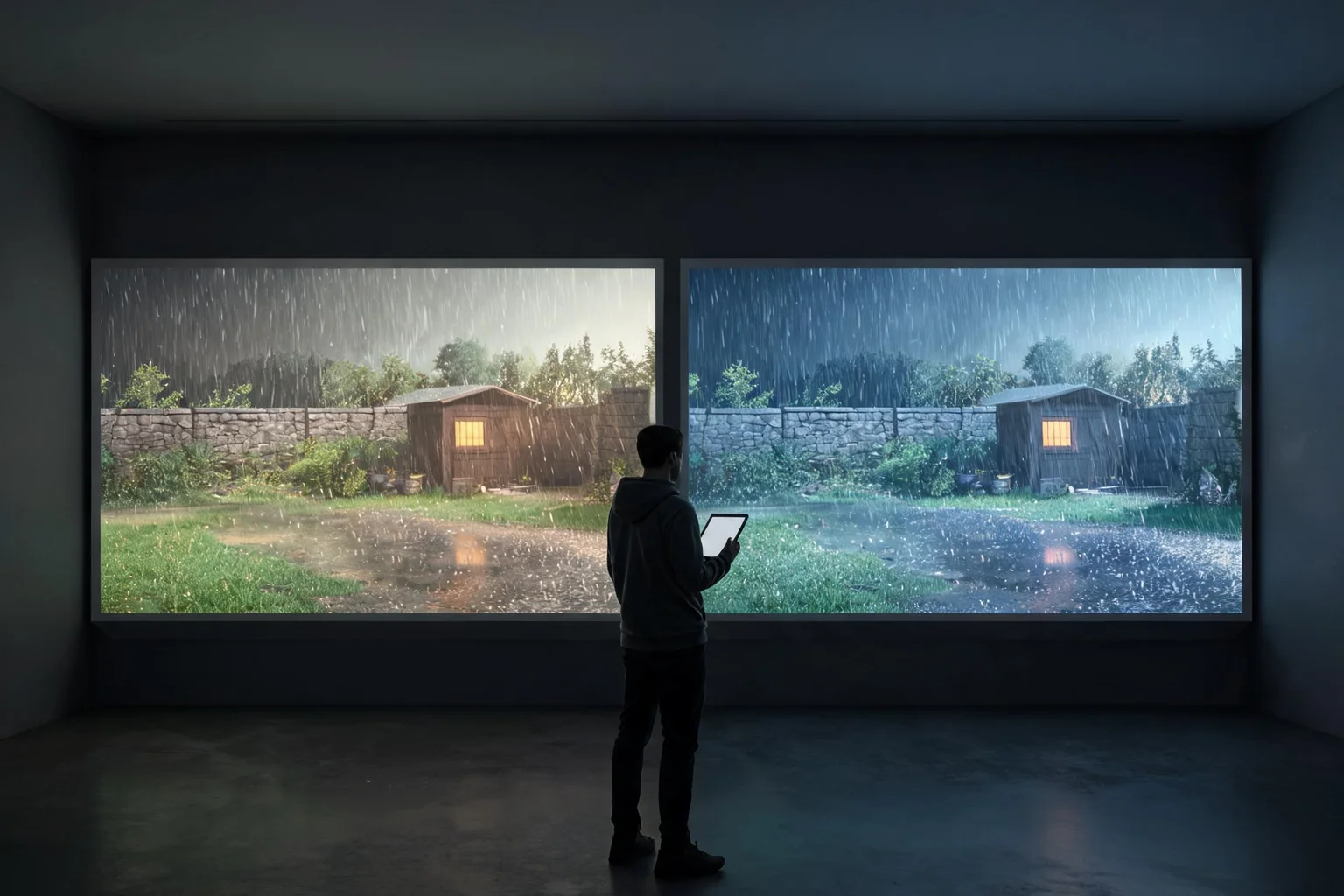
Editorial comparison concept showing two matched AI-video interpretations of the same stealth-game scene before Unreal validation
Original SEELE editorial concept generated with Seedream. It is not MiniMax or Epic media, not an Unreal Editor screenshot, not gameplay, and not proof of an official H3 integration.

Move from H3 interest to a playable Unreal result

Choose the prompt closest to the user job, review the prefilled scope, and generate the native project. Each prompt converts a video-model intent into input, state, objective, failure, restart, and an inspectable SEELE handoff.

Turn the winning shot into play

Create a native Unreal 5 third-person stealth slice in an original rain-lit logistics yard. The player crosses two cover zones, disables one camera, steals one access key, reaches extraction, can be detected and fail, and can restart immediately. Include browser preview and downloadable project output.

Use this Unreal prompt

Validate motion with gameplay

Generate an Unreal 5 traversal test with one original character, run, jump, slide, three obstacle types, clear input feedback, fall recovery, completion, restart, stable camera, browser preview, and native project download.

Use this Unreal prompt

Test the chosen UI direction

Build an Unreal 5 objective flow with a functional diegetic panel, three choices, one error state, controller and keyboard input, world-state response, completion, failure recovery, restart, browser preview, and local project output.

Use this Unreal prompt

Create a capture-ready native slice

Create a compact Unreal 5 arena with one signature ability, one enemy behavior, a short entrance sequence, reliable control handoff, victory, defeat, restart, stable frame pacing, browser preview, and downloadable project for truthful gameplay capture.

Use this Unreal prompt

What the SEELE handoff gives you

Native Unreal 5 project

An inspectable Unreal project rather than a rendered clip, prompt answer, or unsupported provider-integration claim.

Browser-previewable game

A fast playable check for camera, controls, objective clarity, feedback, success, failure, and restart before local continuation.

Optimization and packaging path

A workflow for performance review and package preparation before external distribution or platform submission.

Downloadable project or package

A local handoff for source, Blueprints, assets, plugins, rights, build settings, target-device checks, and continued production.

What is verified—and what it means for this Unreal job

H3’s documented position

MiniMax documents unified text, image, video, and audio context, 4–15 second 2K output, native stereo audio, reference generation, editing, V2V motion transfer, and official pay-as-you-go pricing.

Keep the competitor record current

Seedance capabilities, availability, pricing, limits, and version names can change. Capture the exact provider, model identifier, region, date, settings, and official documentation used for the test instead of relying on launch summaries.

Match the real task

A trailer hook, character-motion reference, UI transition, cinematic previs, product text shot, and edit task stress different capabilities. One winner label hides the routing decision a studio actually needs.

Unreal remains a separate gate

Neither video result proves native gameplay, Blueprint or C++ correctness, collision, state, performance, save behavior, networking, or packaging. The winning clip still needs a playable translation.

A five-stage choose a video model for a bounded game-production task workflow

Freeze the test packet

Use the same original prompt, images, video, audio, duration, aspect ratio, resolution target, negative constraints, seed controls where available, attempt ceiling, and rights boundary for both models.

Define task-specific scoring

Weight the dimensions that matter for this shot: instruction adherence, identity and object consistency, motion, physics, contacts, camera, text, stereo audio, edit fidelity, artifact rate, latency, cost, and human repair.

Run blind review

Hide model identity from reviewers, retain all failed attempts, and score the first accepted result plus total effort. Do not select only the best viral example from one model and an ordinary output from the other.

Translate the winner into a game brief

Extract approved player-facing decisions and discard generated artifacts. Specify controls, mechanic, world boundary, objective, feedback, success, failure, restart, and acceptance checks.

Generate native proof in SEELE

Create the Unreal 5 project, play the browser preview, compare the build with the approved intent, then inspect the downloaded project, assets, plugins, performance, cook, package, and target behavior.

Where this workflow fits—and where review remains mandatory

Best for

  • Studios routing different video tasks between H3 and Seedance rather than declaring a brand winner.
  • Teams that need cost and reviewer-effort evidence alongside visual quality.
  • Creators who will convert the approved video idea into a playable Unreal slice.

Still needs human review

  • Exact current model version, access surface, regional availability, pricing, retention, and commercial terms for both providers.
  • Matched rights and consent for every input and a blind rubric that includes all attempts and repair work.
  • Native Unreal implementation, asset provenance, performance, accessibility, packaging, and final marketing claims.

Failure modes to block

Risk 1

Comparing different prompts, settings, resolutions, durations, references, or attempt counts.

Risk 2

Using provider-selected examples or benchmark headlines as proof for a specific studio task.

Risk 3

Ignoring failed generations, review time, repair, rights, storage, and implementation cost.

Risk 4

Letting a video-model choice delay the native prototype that would answer the real game question.

Decision scorecard

DimensionWhat good looks likeEvidence to keep
Instruction fitThe accepted output follows the exact shot and exclusionsBlind score plus failed attempts
Temporal qualitySubject, object, motion, camera, text, and audio remain coherentFrame and audio review notes
Production costPrice, latency, retries, repair, and review are visibleFull task cost ledger
Playable conversionApproved intent survives in a native Unreal sliceSEELE project and acceptance run

Unreal implementation notes

Use multiple task classes

A fair routing decision needs several representative tasks: a camera reveal, motion reference, UI transition, dialogue or audio beat, and edit. Do not average away a critical failure mode.

Review all outputs

Keep rejected takes and reasons. Selection bias makes a model look cheaper and more reliable than the production queue will experience.

Normalize cost

Compare cost per accepted shot and per accepted decision, including retries and human time. Per-second list price is only one input.

End with the game

Once a visual direction wins, stop model comparison and build the smallest native slice. A real player interaction may overturn a visually appealing choice.

Official evidence and capability boundary

Snapshot date: August 4, 2026. MiniMax’s July 31, 2026 release and current API documentation identify the API model as MiniMax-H3 and support H3’s video modes, duration, resolution, frame rate, multimodal references, audio, and dated pricing. They do not establish an Epic-supported Unreal integration or native game output. Epic documentation and the tested project remain authoritative for engine behavior.

MiniMax release

First-party release positioning, H3 technologies, multimodal context, video and audio claims, editing, motion transfer, and target industries.

Open official announcement

API guide and model table

Model name, supported generation modes, 4–15 second duration, resolution, frame rate, aspect ratios, and reference inputs.

Video guide · Model table · API overview

Pricing and Unreal authority

Re-check current output and reference-material pricing before spending. Use Epic documentation and the actual project for engine, asset, animation, UI, cinematic, build, and package decisions.

MiniMax pricing · Epic documentation

Continue through the MiniMax H3 × Unreal cluster

MiniMax H3 for Unreal Engine

Use MiniMax H3 for game-video reference, then turn the approved mechanic and visual brief into a native Unreal 5 project with SEELE AI.

Open this workflow

MiniMax H3 Game Trailers for Unreal Projects

Plan a MiniMax H3 game trailer, separate concept footage from gameplay, and build the promised Unreal vertical slice in SEELE AI.

Open this workflow

MiniMax H3 Motion Reference for Unreal Characters

Use MiniMax H3 V2V motion transfer as character reference, then validate rigs, animation graphs, root motion, collision, and gameplay in Unreal.

Open this workflow

Frequently asked questions

Is MiniMax H3 better than Seedance 2.5 for Unreal?

There is no universal answer. Unreal workflows contain different video tasks, and the result depends on exact model versions, prompts, references, duration, resolution, attempts, budget, and rubric. Run matched blind tests, then separately validate the approved idea in a native Unreal project. Confirm the current provider documentation before you lock a production decision.

What should I compare for a game-trailer shot?

Score instruction adherence, character and object consistency, motion, physics, contacts, camera, text, audio, editability, artifacts, latency, price, retries, and reviewer repair. Also record whether the shot implies gameplay that the actual build supports, because visual quality alone cannot make that claim true. Treat the tested Unreal build, not the reference clip, as acceptance evidence.

Should I use vendor benchmarks to choose?

Vendor and independent benchmarks can help form a shortlist, but they rarely match your characters, camera, references, rights constraints, shot grammar, acceptance threshold, or Unreal handoff. Use a dated source record and replay representative tasks before routing production work. Keep prompts, outputs, project versions, and review notes in the same decision log.

How do I compare price fairly?

Use cost per accepted shot and accepted production decision. Include output charges, reference material, regeneration, failed attempts, latency, storage, review, edit, rights work, and downstream recreation. A lower list price can cost more if it needs many retries or manual repair. Recheck rights, runtime behavior, performance, and packaging before any external release.

Why is SEELE part of a video-model comparison?

The business goal is not to win a model debate; it is to help a creator make the game. SEELE tests whether the selected visual idea can become a controllable native Unreal 5 experience with objectives, feedback, failure, restart, browser preview, and a project handoff. Use the browser preview to reject weak interaction before deeper production work.

Can I use both models in one workflow?

Yes, if each has a named task and provenance record. For example, one may win motion reference while another wins editing. Keep model, provider, settings, inputs, rights, and output roles explicit, and do not let mixed video sources become an unsupported gameplay claim. Record the source clip separately from the native project and package evidence.

Turn the approved idea into a native Unreal 5 game

Use H3 to answer the video question. Use SEELE to generate the playable system: native Unreal project, browser preview, optimization and packaging path, and a downloadable handoff. Keep concept media and native evidence clearly separated.